
Always visible mouse PC
OK soft
Download Always visible mouse on PC With GameLoop Emulator
Always visible mouse sa PC
Ang Always visible mouse, na nagmumula sa developer na OK soft, ay tumatakbo sa Android systerm sa nakaraan.
Ngayon, maaari mong laruin ang Always visible mouse sa PC gamit ang GameLoop nang maayos.
I-download ito sa GameLoop library o mga resulta ng paghahanap. Hindi na tumitingin sa baterya o nakakadismaya na mga tawag sa maling oras.
I-enjoy lang ang Always visible mouse PC sa malaking screen nang libre!
Always visible mouse Panimula
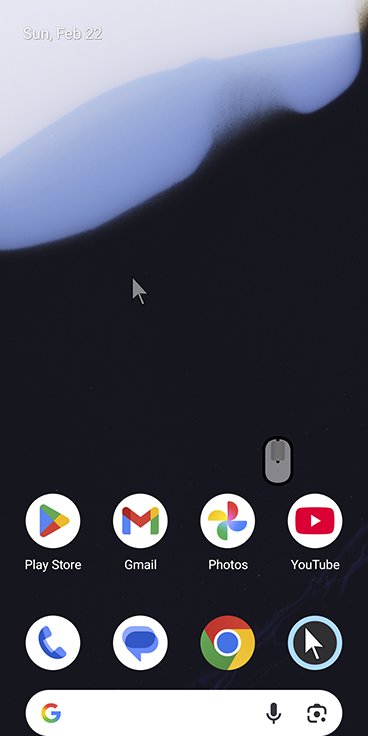
Take full control of your device with a highly customizable floating mouse. Click, drag, or draw. With Mouse Keys, you can move the cursor precisely, even when your hands are shaking, allowing you to accurately click small buttons.
Key Features:
Always-visible floating cursor: Reach any corner of the screen with one hand.
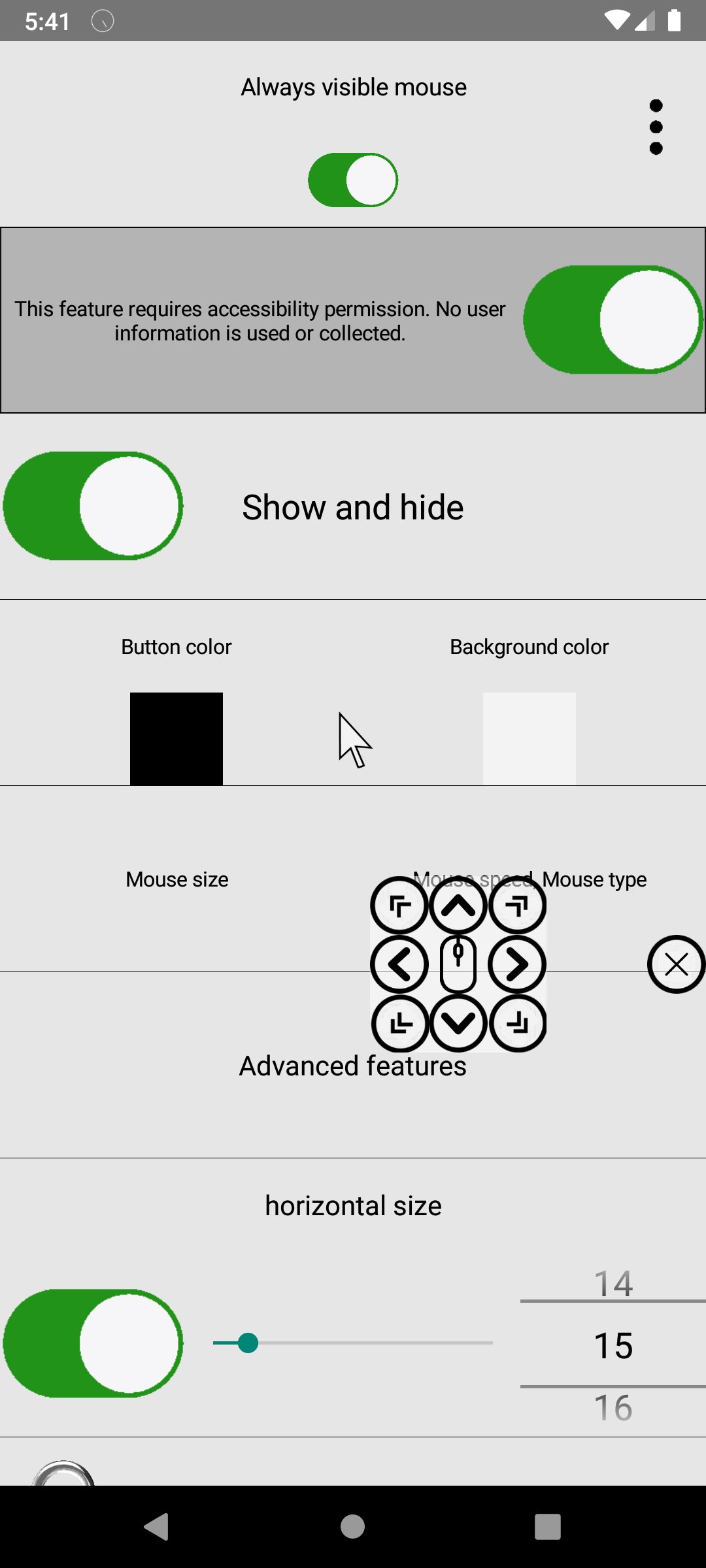
Multiple control modes: Default, Voice Click, Gliding Cursor, or Mouse Keys.
Cursor customization: Adjust speed, delay, sensitivity, size, and color.
Drawing mode: Long press to draw with customizable pen thickness and color.
Drag & scroll: Long-press to drag or use the middle wheel click to scroll.
Fun animations & sounds: Add particles, shapes, custom icons, and click sounds.
Image support: Load images as mouse icons or for drawing.
Remote input support: Control Windows (requires EXE) or other Android devices over Wi-Fi.
Advanced accessibility:
Face recognition cursor movement
Smile detection for clicking
Voice or blowing gestures for clicks
Auto-click after 3 seconds or in screen corners
Multiple sequential clicks
Magnifier: Zoom in on your cursor position for precision.
This floating mouse combines creativity, accessibility, and efficiency—perfect for anyone seeking more control and fun while using their device.
Preview
Tags
ToolsInformation
Developer
OK soft
Latest Version
3.55
Last Updated
2026-03-14
Category
Tools
Available on
Google Play
Show More
How to play Always visible mouse with GameLoop on PC
1. Download GameLoop from the official website, then run the exe file to install GameLoop
2. Open GameLoop and search for “Always visible mouse” , find Always visible mouse in the search results and click “Install”
3. Enjoy playing Always visible mouse on GameLoop
Minimum requirements
OS
Windows 8.1 64-bit or Windows 10 64-bit
GPU
GTX 1050
CPU
i3-8300
Memory
8GB RAM
Storage
1GB available space
Recommended requirements
OS
Windows 8.1 64-bit or Windows 10 64-bit
GPU
GTX 1050
CPU
i3-9320
Memory
16GB RAM
Storage
1GB available space