
My Diary: Journal Notes & Mood PC
MS International
Download My Diary: Journal Notes & Mood on PC With GameLoop Emulator
My Diary: Journal Notes & Mood sa PC
Ang My Diary: Journal Notes & Mood, na nagmumula sa developer na MS International, ay tumatakbo sa Android systerm sa nakaraan.
Ngayon, maaari mong laruin ang My Diary: Journal Notes & Mood sa PC gamit ang GameLoop nang maayos.
I-download ito sa GameLoop library o mga resulta ng paghahanap. Hindi na tumitingin sa baterya o nakakadismaya na mga tawag sa maling oras.
I-enjoy lang ang My Diary: Journal Notes & Mood PC sa malaking screen nang libre!
My Diary: Journal Notes & Mood Panimula
My Diary: Journal, Notes & Mood Tracker
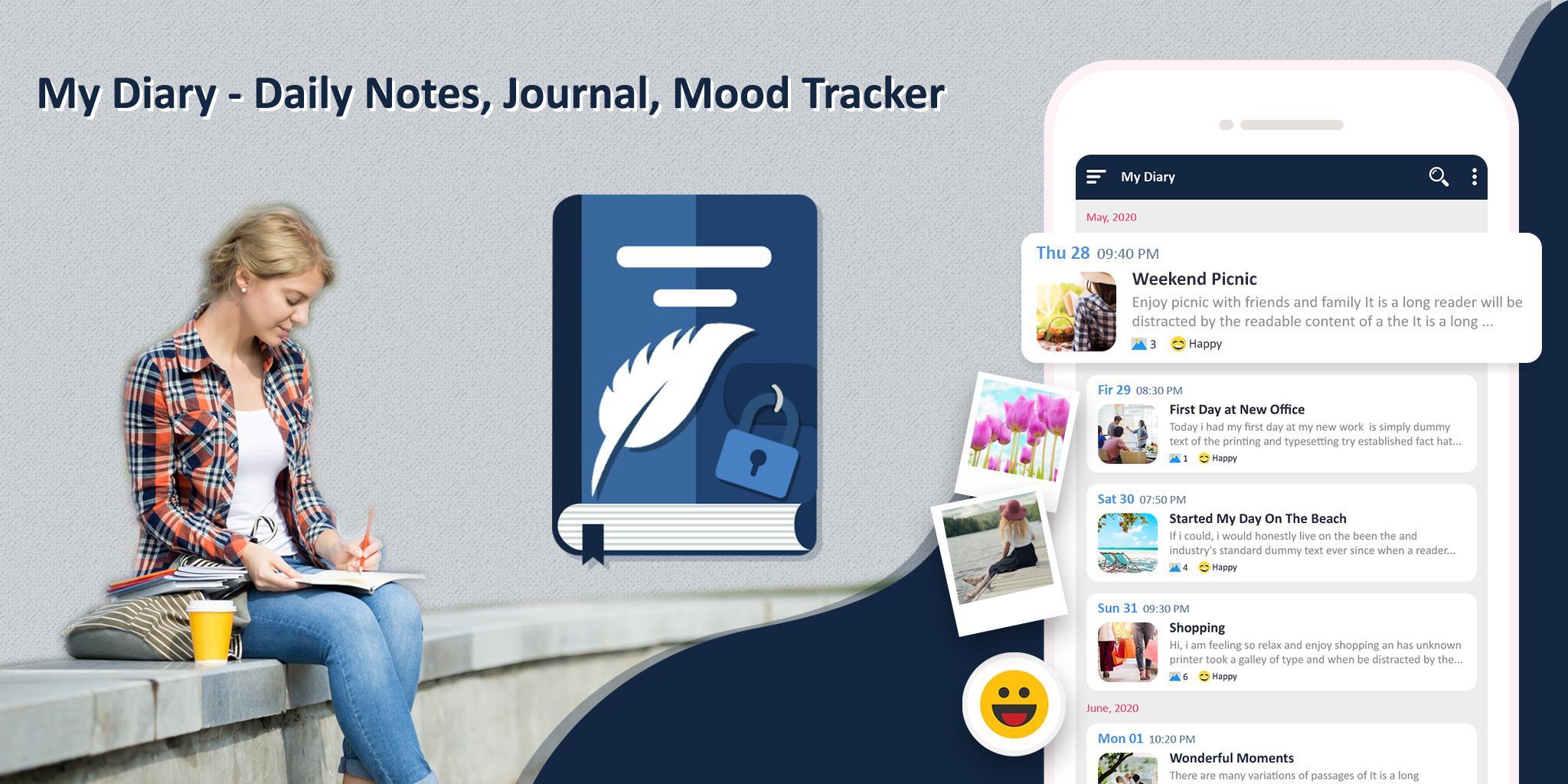
Best Free Diary App for writing personal journal entries, tracking your mood, taking daily notes, and storing memories — all in one secure and private diary.
✨ My Diary is a beautifully designed digital journal and daily mood tracker app where you can easily write diary entries, save thoughts, track emotions, and protect your private life with a PIN lock and data encryption. Use it as a gratitude journal, daily planner, note-taking app, or simply as your personal safe space.
🔐 Top Features – My Diary App
📝 Daily Journal & Note Taking App
• Quickly write and organize personal notes
• Use as a travel diary, dream journal, food journal, or mental health tracker
🎭 Mood Tracker with Emojis
• Track your emotional journey with mood icons
• Add how you feel to each entry to reflect your mental wellness
🖼️ Attach Photos & Customize Your Entries
• Add unlimited photos to your diary pages
• Personalize your notes with tags, emojis, themes, and more
🔍 Powerful Search & Smart Filters
• Search entries by keyword, title, or content
• Filter diary notes by date, mood, or tags
🎨 Custom Themes & Colorful UI
• Customize your diary app with beautiful themes
• Dark mode, minimalist mode & pastel colors included
🔒 Private & Secure Diary Lock
• Protect your private diary with PIN code
• All data is encrypted for 100% privacy
☁️ Backup & Sync to Google Drive
• Local backups on your device
• Optional cloud backup to your own Google Drive
📅 Daily Reminder Notifications
• Build your journaling habit
• Set a custom reminder time to write every day
📤 Export & Share Your Journal
• Share favorite memories or export your journal as text
📌 Use My Diary For:
Private diary writing
Mood tracking for self-care
Mental health journaling
Daily thoughts and ideas
Self-reflection and affirmations
Dream journal or gratitude log
Secret diary with lock & backup
Organizing your life events & emotions
Download My Diary: Journal, Notes & Mood Tracker now — your safe space to write, reflect, and grow every day. Secure. Beautiful. Free.
Preview

Tags
ProductivityInformation
Developer
MS International
Latest Version
1.39
Last Updated
2025-10-15
Category
Productivity
Available on
Google Play
Show More
How to play My Diary: Journal Notes & Mood with GameLoop on PC
1. Download GameLoop from the official website, then run the exe file to install GameLoop
2. Open GameLoop and search for “My Diary: Journal Notes & Mood” , find My Diary: Journal Notes & Mood in the search results and click “Install”
3. Enjoy playing My Diary: Journal Notes & Mood on GameLoop
Minimum requirements
OS
Windows 8.1 64-bit or Windows 10 64-bit
GPU
GTX 1050
CPU
i3-8300
Memory
8GB RAM
Storage
1GB available space
Recommended requirements
OS
Windows 8.1 64-bit or Windows 10 64-bit
GPU
GTX 1050
CPU
i3-9320
Memory
16GB RAM
Storage
1GB available space