Photo Widget: Screen Gallery PC
MS International
Download Photo Widget: Screen Gallery on PC With GameLoop Emulator
Photo Widget: Screen Gallery sa PC
Ang Photo Widget: Screen Gallery, na nagmumula sa developer na MS International, ay tumatakbo sa Android systerm sa nakaraan.
Ngayon, maaari mong laruin ang Photo Widget: Screen Gallery sa PC gamit ang GameLoop nang maayos.
I-download ito sa GameLoop library o mga resulta ng paghahanap. Hindi na tumitingin sa baterya o nakakadismaya na mga tawag sa maling oras.
I-enjoy lang ang Photo Widget: Screen Gallery PC sa malaking screen nang libre!
Photo Widget: Screen Gallery Panimula
Photo Widget: Screen Gallery – Aesthetic Home Screen Widgets
Create a personalized and aesthetic home screen with Photo Widget: Screen Gallery, the ultimate photo widget app for Android. Easily add your favorite photos to your home screen and turn it into a live gallery of memories, inspiration, or your daily vision board.
✨ Whether you want to display family memories, travel photos, motivational quotes, or your dream goals — this app helps you create a beautiful and functional photo widget that updates automatically.
🎨 Top Features:
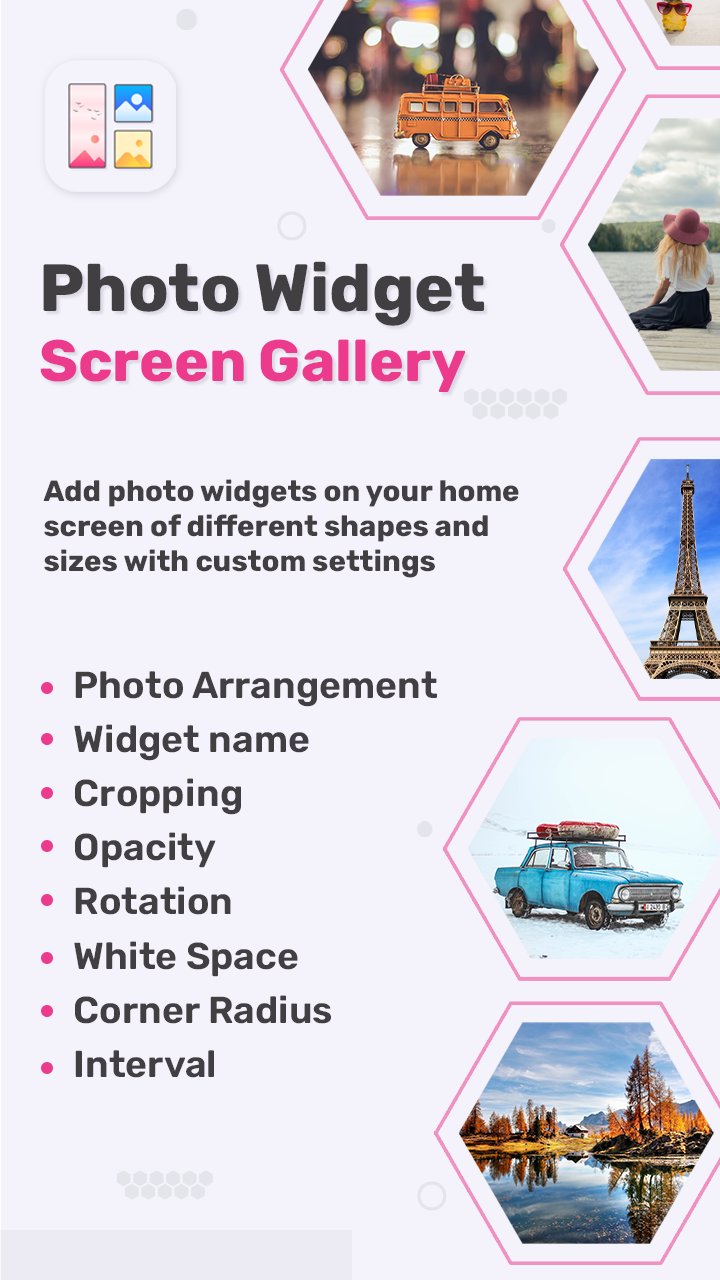
⭐ Add multiple photos to one widget
Display one or more images in a single widget. Rotate or auto-change images at custom intervals.
⭐ Multiple photo display styles
Choose from:
Single view – highlight one image
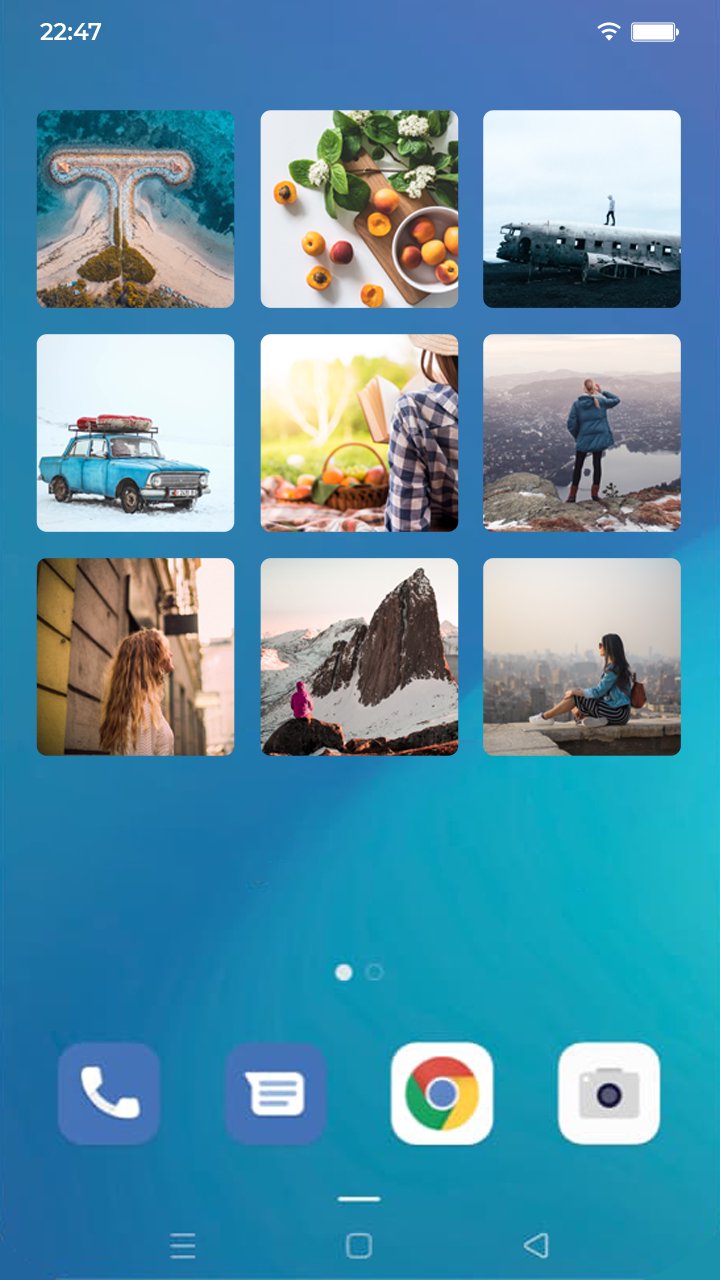
Grid view – arrange photos in rows and columns
Stack view – scroll or auto-flip through your gallery
⭐ Custom widget shapes & crop styles
Show photos in rectangle, circle, or hexagon shapes. Use center crop or fit to screen to adjust how images appear.
⭐ Vision board widget support
Perfect for displaying your goals or inspirations on your home screen using the grid layout and custom photo arrangements.
⭐ Widget customization options
Set widget name/title
Control image rotation & cropping
Adjust opacity, rounded corners, and photo spacing
Set manual or automatic photo paging
Choose update interval time
📷 Why Choose Photo Widget: Screen Gallery?
✔️ Lightweight & easy-to-use UI
✔️ Minimal battery & memory usage
✔️ Stylish design with full customization
✔️ Works great for aesthetic home screen setups, family photo widgets, and daily inspiration boards
✔️ Frequently updated with new features & improvements
📌 Popular Use Cases:
Daily photo memory widget
Aesthetic vision board widget
Inspirational quote slideshow
Display favorite moments with pets, family, or travel
Create custom themed widgets for holidays or seasons
💡 Personalize your Android home screen today with Photo Widget: Screen Gallery – the easiest way to keep your memories, dreams, and style in front of you every day!
🔽 Download now and make your home screen more YOU!
Preview
Tags
PersonalizationInformation
Developer
MS International
Latest Version
1.9
Last Updated
2025-12-08
Category
Personalization
Available on
Google Play
Show More
How to play Photo Widget: Screen Gallery with GameLoop on PC
1. Download GameLoop from the official website, then run the exe file to install GameLoop
2. Open GameLoop and search for “Photo Widget: Screen Gallery” , find Photo Widget: Screen Gallery in the search results and click “Install”
3. Enjoy playing Photo Widget: Screen Gallery on GameLoop
Minimum requirements
OS
Windows 8.1 64-bit or Windows 10 64-bit
GPU
GTX 1050
CPU
i3-8300
Memory
8GB RAM
Storage
1GB available space
Recommended requirements
OS
Windows 8.1 64-bit or Windows 10 64-bit
GPU
GTX 1050
CPU
i3-9320
Memory
16GB RAM
Storage
1GB available space