Multi Stopwatch & Timer PC
L.droid
Download Multi Stopwatch & Timer on PC With GameLoop Emulator
Multi Stopwatch & Timer sa PC
Ang Multi Stopwatch & Timer, na nagmumula sa developer na L.droid, ay tumatakbo sa Android systerm sa nakaraan.
Ngayon, maaari mong laruin ang Multi Stopwatch & Timer sa PC gamit ang GameLoop nang maayos.
I-download ito sa GameLoop library o mga resulta ng paghahanap. Hindi na tumitingin sa baterya o nakakadismaya na mga tawag sa maling oras.
I-enjoy lang ang Multi Stopwatch & Timer PC sa malaking screen nang libre!
Multi Stopwatch & Timer Panimula
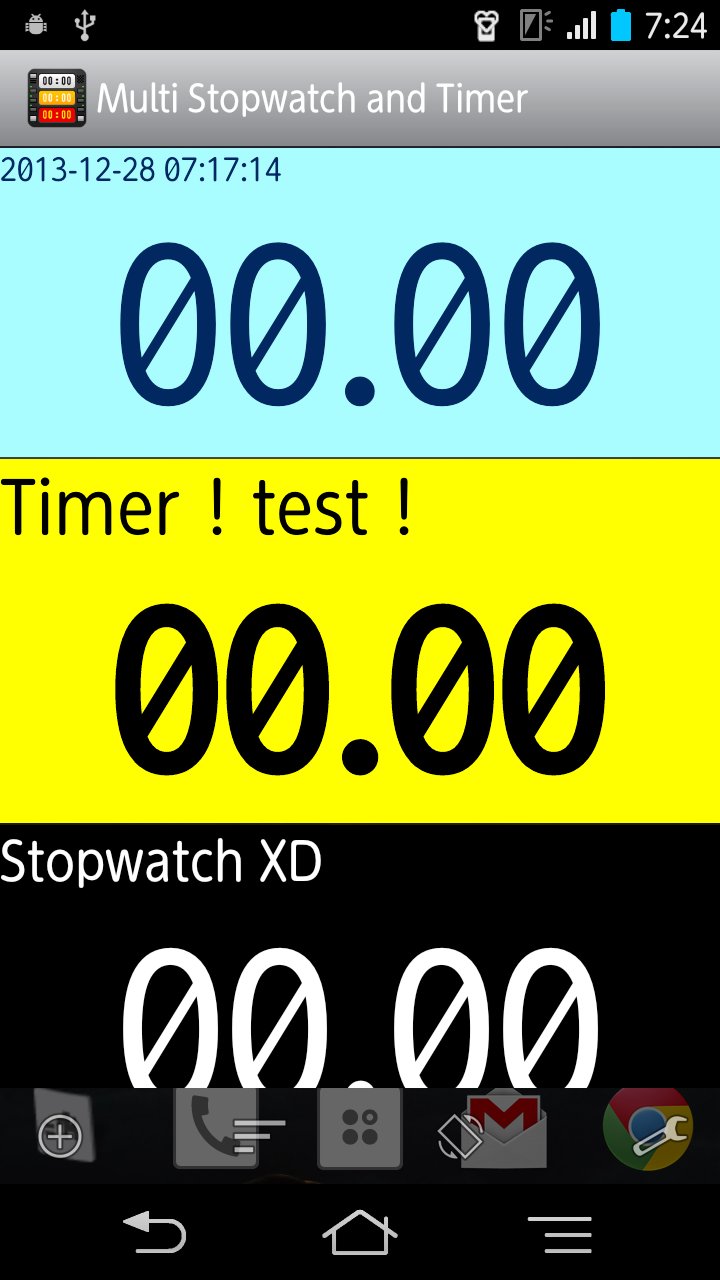
"Multi Stopwatch and Timer" is multi functional stopwatch & timer application which allows you to launch multiple stopwatches and timers at the same time.
Characteristic
●Easy to use.
●User friendly and simple and intuitive interface.
●Customize the app as you wish.(You can Customize the UI to match the feeling of you.)
●Timers of all kinds. Multiple Stopwatch & Timer. Perfect Control of them can.
●Energy-saving design.
●Perfect for every timing situation.(sport, game, cooking, work, wake up alarm, etc...so on.)
Features
★Multiple stopwatches.
★Multiple timers.(Alarms.)
★Count up timer.
★Count down timer.
★Interval timer. ( Repeat timer. )
★Lap time. Split time.
★Custom function. (The Customize the design of the application.)
★Select alarm sound.
★Settings for sleep. (Keep awake.)
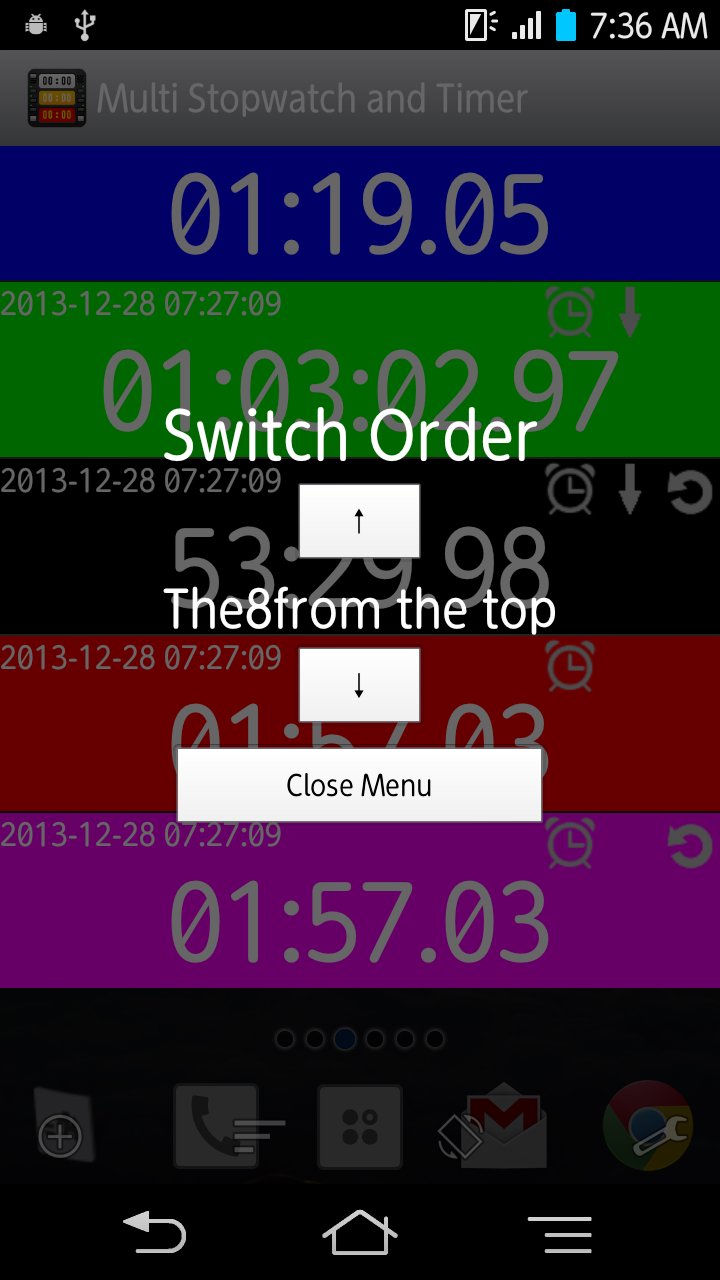
★changing switch order.
★Full screen.
Custom function (The Customize the design.)
★Adjust color.
★Change size.
★Select font.
★Set title name.(naming)
★And more available.
Preview
Tags
ProductivityBoardInformation
Developer
L.droid
Latest Version
2.9.5
Last Updated
2023-07-23
Category
Productivity
Available on
Google Play
Show More
How to play Multi Stopwatch & Timer with GameLoop on PC
1. Download GameLoop from the official website, then run the exe file to install GameLoop
2. Open GameLoop and search for “Multi Stopwatch & Timer” , find Multi Stopwatch & Timer in the search results and click “Install”
3. Enjoy playing Multi Stopwatch & Timer on GameLoop
Minimum requirements
OS
Windows 8.1 64-bit or Windows 10 64-bit
GPU
GTX 1050
CPU
i3-8300
Memory
8GB RAM
Storage
1GB available space
Recommended requirements
OS
Windows 8.1 64-bit or Windows 10 64-bit
GPU
GTX 1050
CPU
i3-9320
Memory
16GB RAM
Storage
1GB available space