Smart Tally Counter + Widget PC
L.droid
Download Smart Tally Counter + Widget on PC With GameLoop Emulator
Smart Tally Counter + Widget sa PC
Ang Smart Tally Counter + Widget, na nagmumula sa developer na L.droid, ay tumatakbo sa Android systerm sa nakaraan.
Ngayon, maaari mong laruin ang Smart Tally Counter + Widget sa PC gamit ang GameLoop nang maayos.
I-download ito sa GameLoop library o mga resulta ng paghahanap. Hindi na tumitingin sa baterya o nakakadismaya na mga tawag sa maling oras.
I-enjoy lang ang Smart Tally Counter + Widget PC sa malaking screen nang libre!
Smart Tally Counter + Widget Panimula
Count anything, effortlessly.
Smart Tally Counter + Widget is a powerful multi-counter app that makes tracking and tallying simple, intuitive, and efficient. Whether you’re managing inventory, counting fitness reps, logging daily habits, or keeping score in a game, this app is designed to help you count anything—anywhere, anytime—with ease.
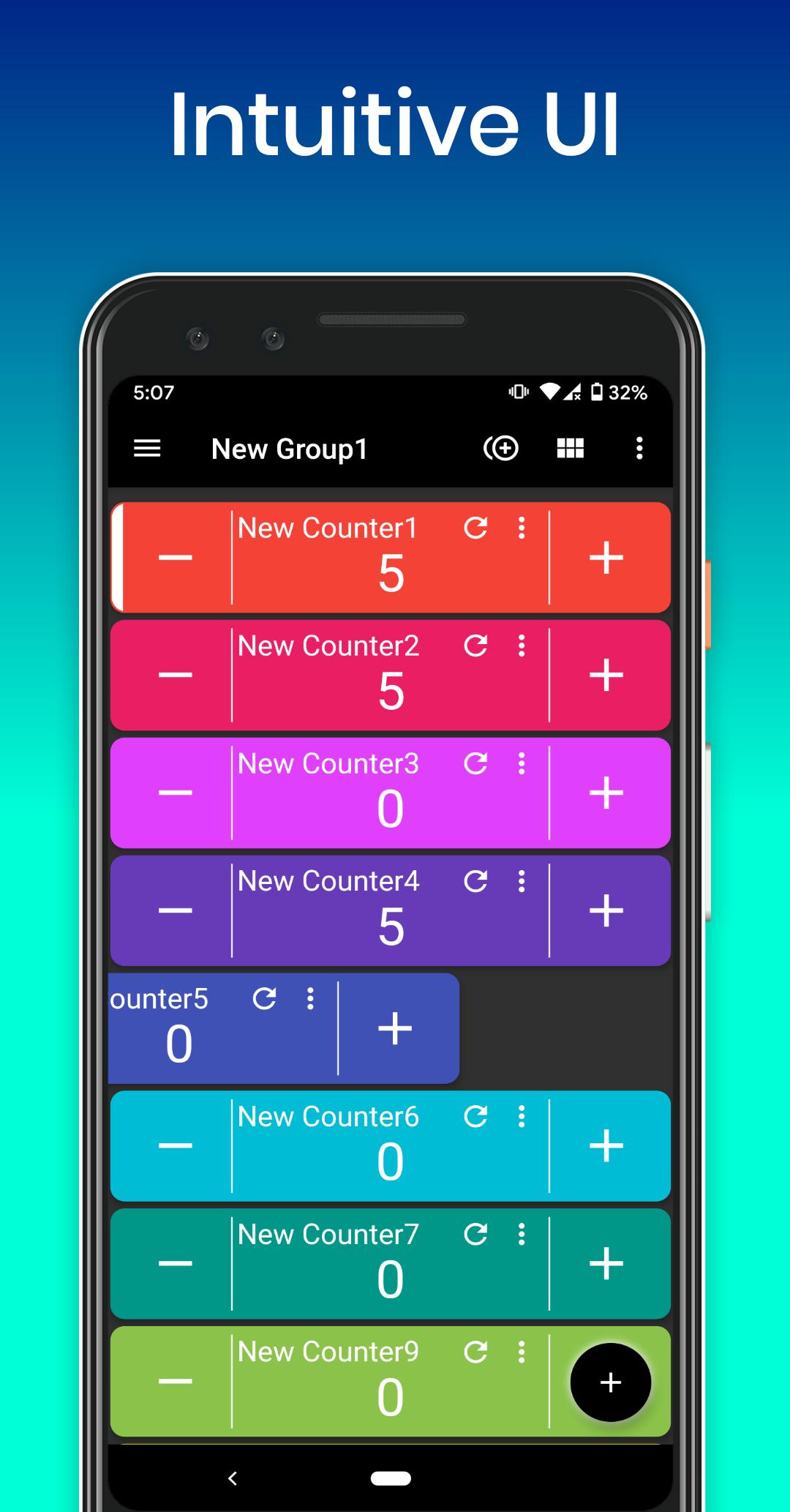
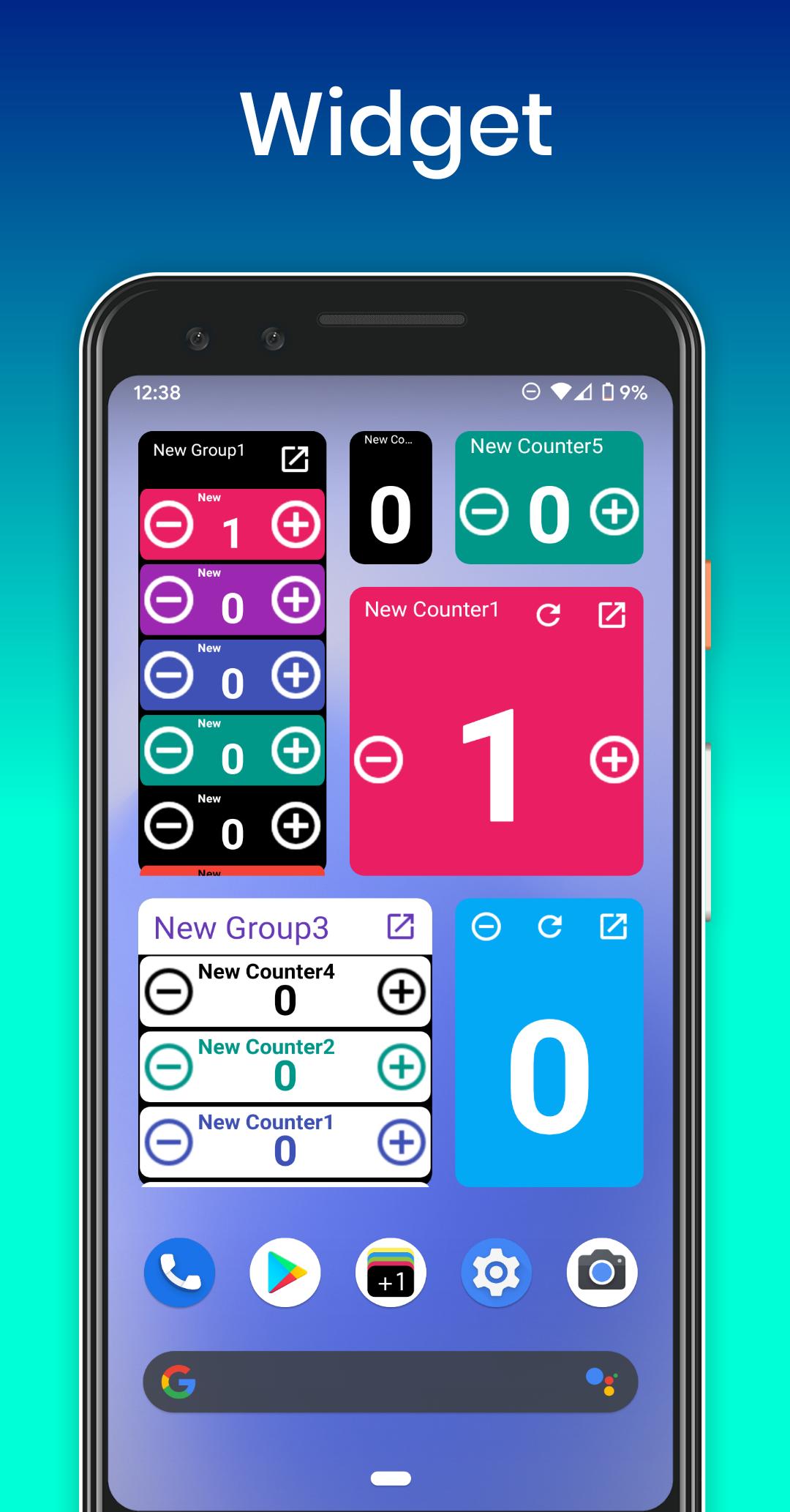
Create unlimited tally counters, organize them into custom groups, and customize each with its own name, color, increment/decrement values, and more. Use widgets to count directly from your home screen without opening the app. With features like history tracking, pie/bar charts, and bulk counting, Smart Tally Counter is more than just a clicker—it’s your complete counting assistant.
Key Features:
• Unlimited counters and groups
• 3 types of widgets (List / Button / Simple)
• Sort counters with drag & drop
• Grid or list view toggle
• Multi-select and bulk count
• Custom increment/decrement and start values
• Min/max limit alerts
• Pie and bar chart visualizations
• Detailed count history with timestamps
• Total count and percentage displays
• Sound, vibration, and TTS (voice count) feedback
• Count using volume buttons
• Light & dark themes
• Portrait, landscape, and fullscreen support
• Offline use—no account required
• Easy data sharing via clipboard, email, or other apps
Perfect for:
Inventory tracking, fitness logging, game scores, survey tallies, classroom attendance, habit tracking, event counting, traffic observations, and anything else you want to count or organize.
Smart Tally Counter + Widget helps you count smarter—not harder.
Download now and take control of your counts with speed and simplicity!
Preview
Tags
ToolsInformation
Developer
L.droid
Latest Version
1.4.3
Last Updated
2025-10-07
Category
Tools
Available on
Google Play
Show More
How to play Smart Tally Counter + Widget with GameLoop on PC
1. Download GameLoop from the official website, then run the exe file to install GameLoop
2. Open GameLoop and search for “Smart Tally Counter + Widget” , find Smart Tally Counter + Widget in the search results and click “Install”
3. Enjoy playing Smart Tally Counter + Widget on GameLoop
Minimum requirements
OS
Windows 8.1 64-bit or Windows 10 64-bit
GPU
GTX 1050
CPU
i3-8300
Memory
8GB RAM
Storage
1GB available space
Recommended requirements
OS
Windows 8.1 64-bit or Windows 10 64-bit
GPU
GTX 1050
CPU
i3-9320
Memory
16GB RAM
Storage
1GB available space