Long: Full Screenshot Capture PC
apptech_Infotech
Download Long: Full Screenshot Capture on PC With GameLoop Emulator
Long: Full Screenshot Capture sa PC
Ang Long: Full Screenshot Capture, na nagmumula sa developer na apptech_Infotech, ay tumatakbo sa Android systerm sa nakaraan.
Ngayon, maaari mong laruin ang Long: Full Screenshot Capture sa PC gamit ang GameLoop nang maayos.
I-download ito sa GameLoop library o mga resulta ng paghahanap. Hindi na tumitingin sa baterya o nakakadismaya na mga tawag sa maling oras.
I-enjoy lang ang Long: Full Screenshot Capture PC sa malaking screen nang libre!
Long: Full Screenshot Capture Panimula
Long: Full Screenshot Capture – Screen Recorder & Scrolling Screenshot Tool
Capture everything on your screen with Long: Full Screenshot Capture – the ultimate app for scrolling screenshots, full-page captures, and easy image editing. Whether you're saving web pages, chats, documents, or social feeds, our app makes it fast, clean, and customizable.
📸 Key Features:
✅ One-Tap Screenshot Tool
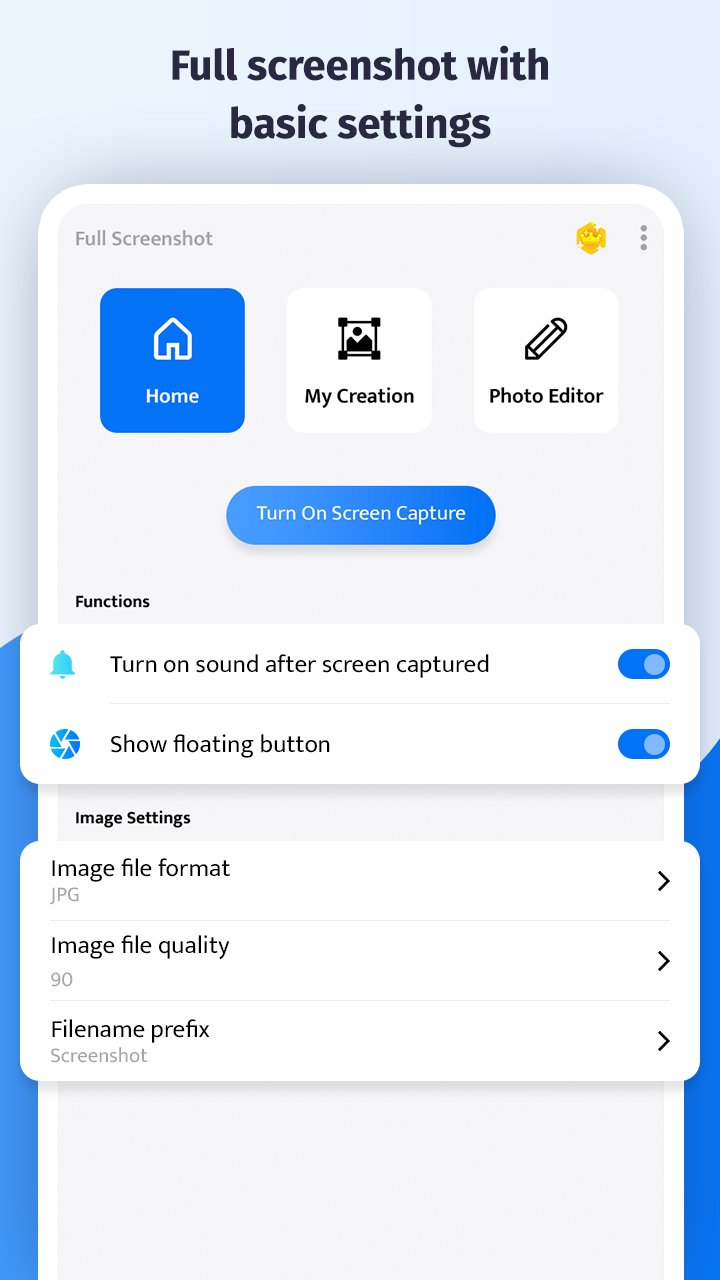
Easily capture full-screen content with just a tap. Use our floating button overlay to take instant screenshots at any time – even while gaming or browsing.
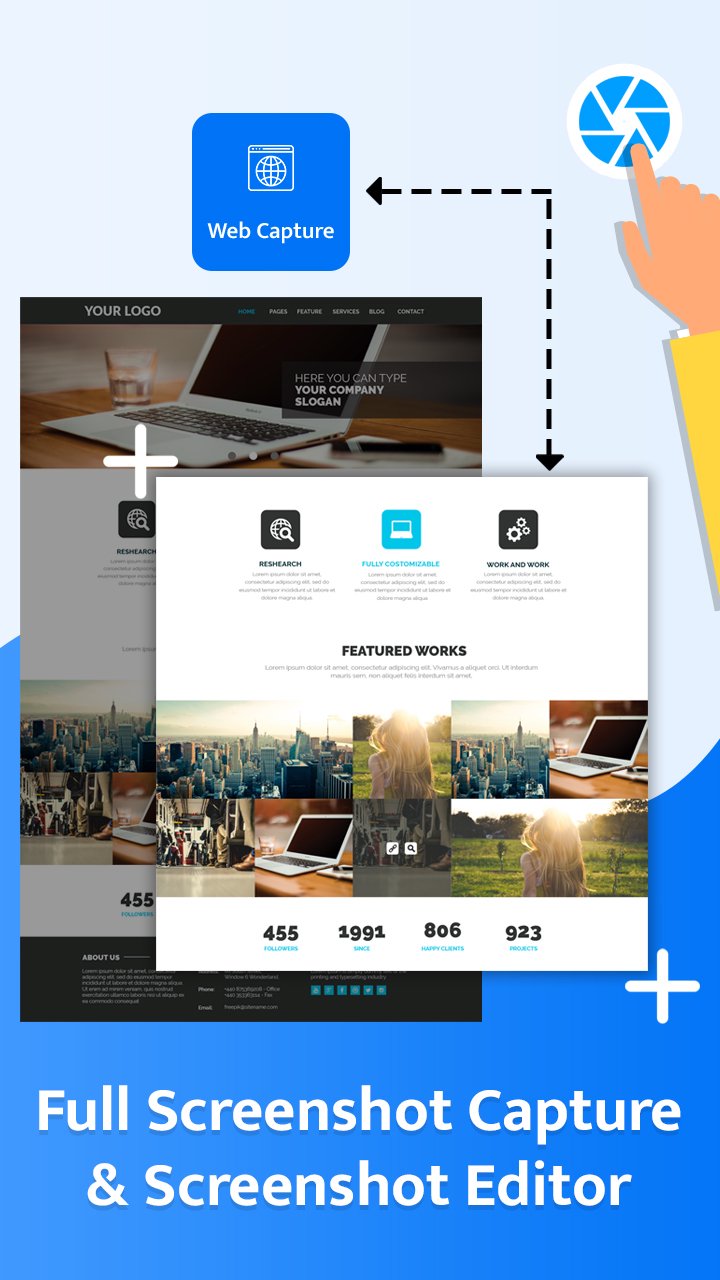
✅ Scrolling Screenshot & Full Page Capture
Snap long-form content in one shot! Perfect for capturing entire webpages, conversations, or social media threads without stitching images manually.
✅ Floating Widget – Always Accessible
Our smart floating gadget stays on top of every screen, so you’re always one tap away from capturing what matters.
✅ Edit Screenshots with Powerful Tools
✏️ Draw on screenshots
📝 Add text or emojis
🎨 Apply filters: Brightness, Smooth, White Skin & more
🔁 Rotate, crop, or resize with precision
✅ Multiple Format Support
Save in JPG or PNG format. Customize image quality and size based on your needs.
✅ Built-In Gallery
Manage your screenshots effortlessly. Browse, delete, or share from one place.
✅ Smart Sharing
Instantly share your screenshots to WhatsApp, Instagram, email, or cloud storage directly from the app.
🚀 Why Choose Long: Full Screenshot Capture?
This screenshot app is optimized for productivity and speed. Whether you’re a student, digital creator, marketer, or casual user – you’ll love how fast and simple it is to document and share anything on your screen.
🔎 Optimized for:
Full screen capture
Scrolling screenshot app
Screen recorder alternative
Screenshot editor
Annotate screenshots
Long screenshot for WhatsApp, Instagram, Chrome
Lightweight and fast screenshot capture
📥 Download Long: Full Screenshot Capture today and take control of your screen content with one tap!
Preview
Tags
ProductivityInformation
Developer
apptech_Infotech
Latest Version
1.18
Last Updated
2025-12-25
Category
Productivity
Available on
Google Play
Show More
How to play Long: Full Screenshot Capture with GameLoop on PC
1. Download GameLoop from the official website, then run the exe file to install GameLoop
2. Open GameLoop and search for “Long: Full Screenshot Capture” , find Long: Full Screenshot Capture in the search results and click “Install”
3. Enjoy playing Long: Full Screenshot Capture on GameLoop
Minimum requirements
OS
Windows 8.1 64-bit or Windows 10 64-bit
GPU
GTX 1050
CPU
i3-8300
Memory
8GB RAM
Storage
1GB available space
Recommended requirements
OS
Windows 8.1 64-bit or Windows 10 64-bit
GPU
GTX 1050
CPU
i3-9320
Memory
16GB RAM
Storage
1GB available space