
Router Admin Setup - IP Tools PC
apptech_Infotech
Download Router Admin Setup - IP Tools on PC With GameLoop Emulator
Router Admin Setup - IP Tools sa PC
Ang Router Admin Setup - IP Tools, na nagmumula sa developer na apptech_Infotech, ay tumatakbo sa Android systerm sa nakaraan.
Ngayon, maaari mong laruin ang Router Admin Setup - IP Tools sa PC gamit ang GameLoop nang maayos.
I-download ito sa GameLoop library o mga resulta ng paghahanap. Hindi na tumitingin sa baterya o nakakadismaya na mga tawag sa maling oras.
I-enjoy lang ang Router Admin Setup - IP Tools PC sa malaking screen nang libre!
Router Admin Setup - IP Tools Panimula
Router Admin Setup - IP Tools
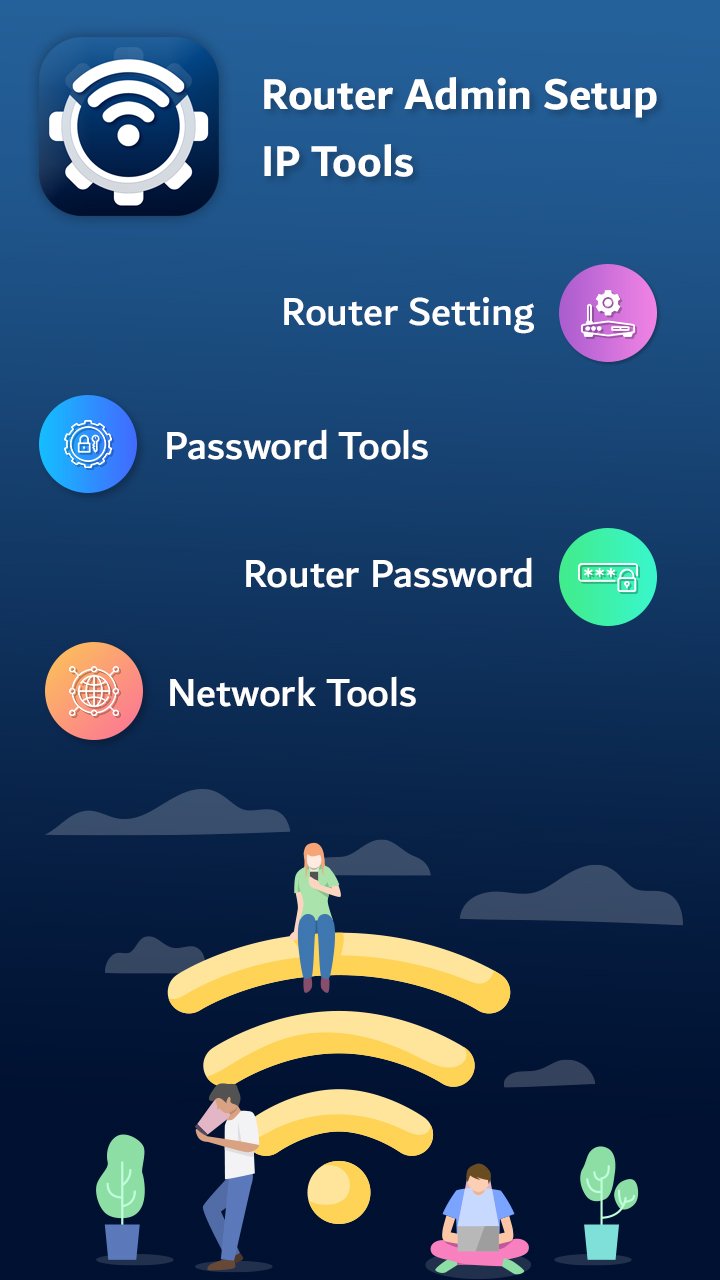
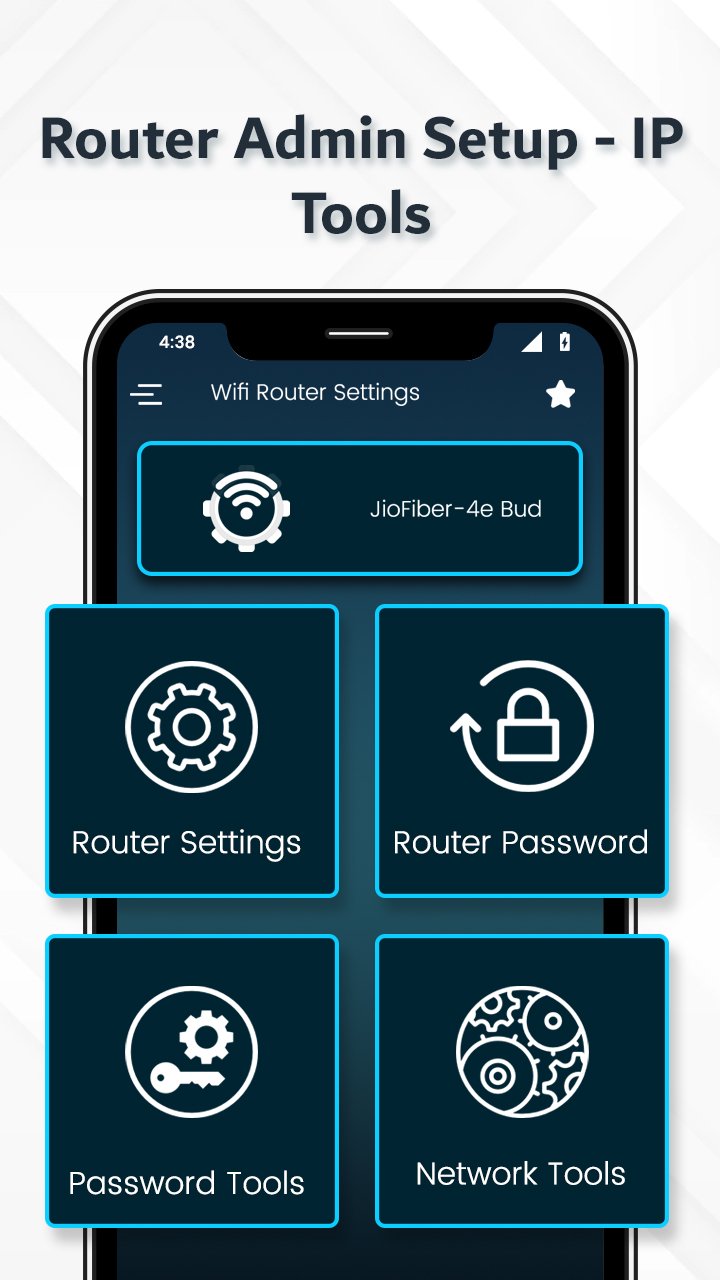
Take full control of your WiFi network with Router Admin Setup - IP Tools, the ultimate all-in-one toolkit for managing your router, boosting network performance, and securing your internet connection. Whether you're a tech expert or a beginner, this easy-to-use app makes it effortless to access the 192.168.1.1 admin login page, change WiFi settings, view device info, and perform advanced diagnostics.
🚀 Key Features:
🔐 Quick Router Login & Setup
Easily access your router admin panel using your default gateway IP (like 192.168.1.1 or 192.168.0.1). No need to remember complex commands—just tap to open your router’s configuration page and manage everything from SSID names to connected devices.
📶 WiFi Tools & Analyzer
Monitor your WiFi strength, discover connected devices, and analyze key metrics like signal frequency, encryption type, and channel interference. Great for optimizing performance and troubleshooting connectivity issues.
🛠️ Network Info Scanner
Instantly view detailed network and device information including:
• IP Address (Local & External)
• MAC Address
• Gateway & DNS Details
• Netmask, Uptime, IMEI, Manufacturer, Model Info
• WiFi State (Hidden/Visible), Signal Strength & More
🔧 Change Router Login & WiFi Passwords
Easily update your router's username and password, or generate strong, secure WiFi passwords to enhance your network security.
📚 Offline Router Credentials Database
Search offline for your router’s default admin username and password based on brand and model—perfect if you’ve never changed it or need quick access.
⚙️ Advanced IP Tools
Includes powerful tools for IT admins, like ping, traceroute, port scanner, DNS lookup, IP locator, and more—everything you need to optimize, secure, and analyze your network in one app.
🔎 Auto Detect Default Gateway IP
The app intelligently detects your network’s default IP address to ensure seamless router login access—even if you’re not sure what your gateway is.
📱 Perfect For:
• Users needing quick access to router settings
• IT professionals managing multiple networks
• Anyone wanting to boost WiFi speed, security & performance
• Those seeking a reliable WiFi admin tool or router setup app
💡 Why Choose Router Admin Setup - IP Tools?
• Lightweight, fast & user-friendly design
• Supports a wide range of routers globally
• Works offline for saved router credentials
• Designed with 2025 network security & ASO trends in mind
• 100% free with essential tools for everyday and professional use
⭐ Your feedback helps us improve!
Love the app? Take a second to rate and review it on the Play Store. Have a suggestion or feature request? Drop us a message—we're constantly working to enhance your experience.
Download Router Admin Setup - IP Tools now and take charge of your home or office network like a pro!
Preview
Tags
ToolsBoardInformation
Developer
apptech_Infotech
Latest Version
1.25
Last Updated
2025-12-23
Category
Tools
Available on
Google Play
Show More
How to play Router Admin Setup - IP Tools with GameLoop on PC
1. Download GameLoop from the official website, then run the exe file to install GameLoop
2. Open GameLoop and search for “Router Admin Setup - IP Tools” , find Router Admin Setup - IP Tools in the search results and click “Install”
3. Enjoy playing Router Admin Setup - IP Tools on GameLoop
Minimum requirements
OS
Windows 8.1 64-bit or Windows 10 64-bit
GPU
GTX 1050
CPU
i3-8300
Memory
8GB RAM
Storage
1GB available space
Recommended requirements
OS
Windows 8.1 64-bit or Windows 10 64-bit
GPU
GTX 1050
CPU
i3-9320
Memory
16GB RAM
Storage
1GB available space