
Date Status Bar 2 PC
Wagwan Apps
Download Date Status Bar 2 on PC With GameLoop Emulator
Date Status Bar 2 sa PC
Ang Date Status Bar 2, na nagmumula sa developer na Wagwan Apps, ay tumatakbo sa Android systerm sa nakaraan.
Ngayon, maaari mong laruin ang Date Status Bar 2 sa PC gamit ang GameLoop nang maayos.
I-download ito sa GameLoop library o mga resulta ng paghahanap. Hindi na tumitingin sa baterya o nakakadismaya na mga tawag sa maling oras.
I-enjoy lang ang Date Status Bar 2 PC sa malaking screen nang libre!
Date Status Bar 2 Panimula
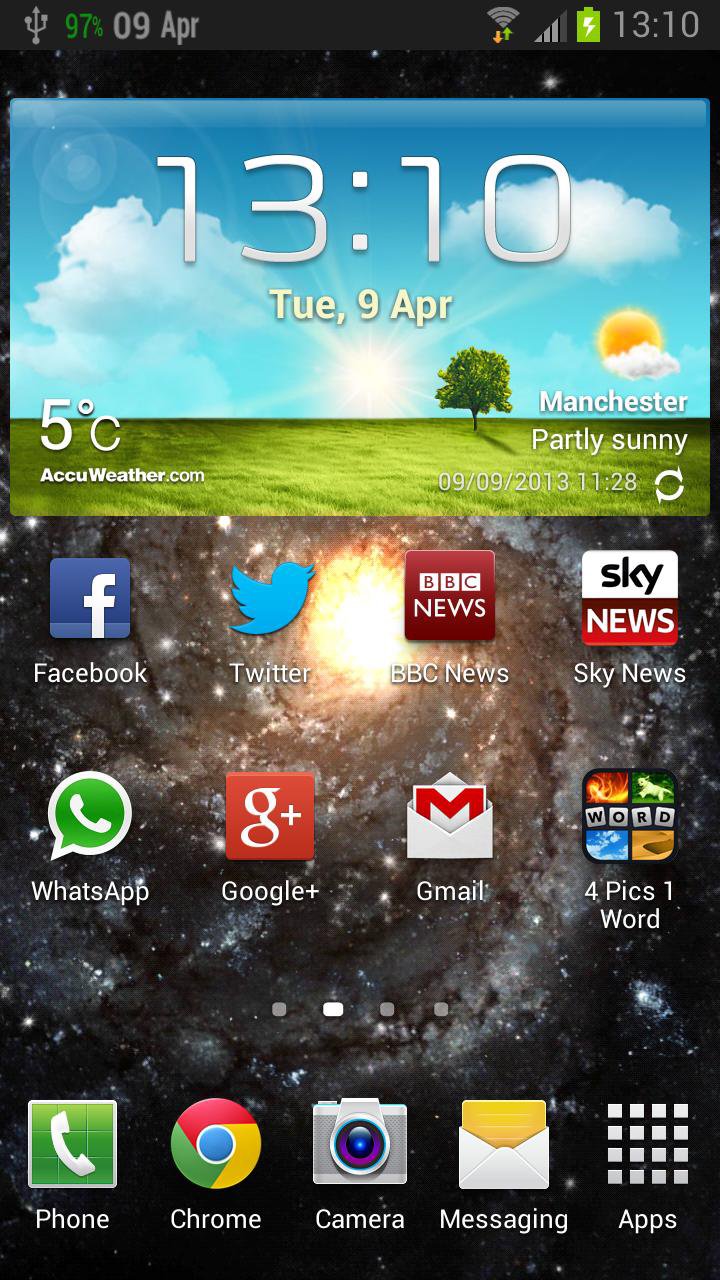
Displays the day of the week and month side by side in your status bar.
Date Status Bar 2 shows the current day and month in the top status bar. The date fits right in and appears as if its part of the Android OS unlike some apps.
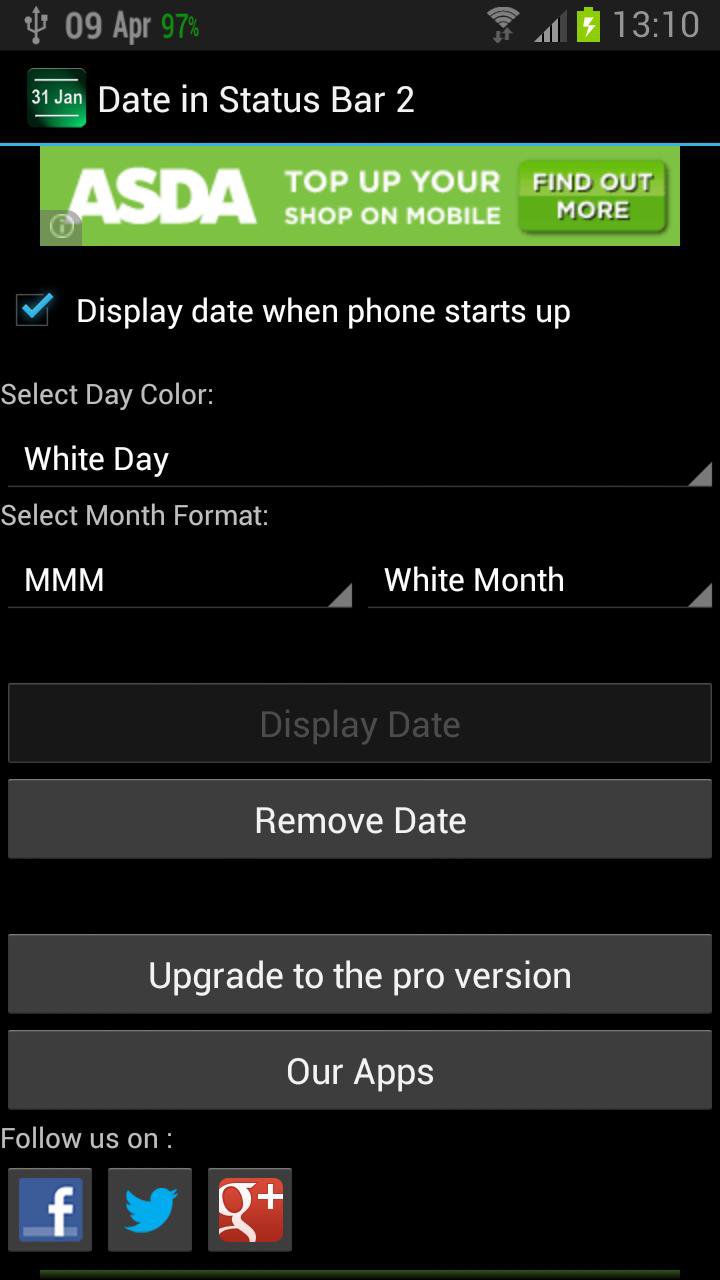
The month can be displayed in 2 formats.
1. As a number i,e 03 for March
2. As English 3 characters i.e Mar for March
To display the day and month in a more compact form please see our other apps.
PLEASE CONTACT US IF YOU HAVE ANY PROBLEMS OR QUESTIONS
wagwanapps@gmail.com
Facebook - https://www.facebook.com/WagwanApps
Twitter - https://twitter.com/WagwanApps
Google - http://gplus.to/WagwanApps
YouTube : https://www.youtube.com/user/WagwanApps
Features:
- Simple UI with easy to understand options. Remember Less is More.
- App auto start when phone is rebooted.
- Choose from a white or green colors. All options will work on any device but for better blending with different colors upgrade to the full version.
For More color options or if you like this app please upgrade to the full version.
Try them out.
- Display the full date, day of the year and week of the year in the notification drop down
- Very small app with a small footprint. Virtually no battery drain
- Support Android tablets.
If you have a request please email us and we will do what we can to help
Extensive testing on the following devices/Versions:
Samsung Galaxy S3
Samsung Galaxy Y
Android 2.2.x
Android 2.3.x
Android 3.2
Android 4.x
Limitations:
- In Android 3.0 or above, and Android 4.0 or above, the Android OS has "automatic shrinking and dimming" for status bar notifications to focus on the main activity. The
icons do remain at thier full size and at full intensity in the notification area when selected,
Please contact us to report any issues or to request a feature.
Preview
Tags
ProductivityInformation
Developer
Wagwan Apps
Latest Version
3.0.6
Last Updated
2025-12-05
Category
Productivity
Available on
Google Play
Show More
How to play Date Status Bar 2 with GameLoop on PC
1. Download GameLoop from the official website, then run the exe file to install GameLoop
2. Open GameLoop and search for “Date Status Bar 2” , find Date Status Bar 2 in the search results and click “Install”
3. Enjoy playing Date Status Bar 2 on GameLoop
Minimum requirements
OS
Windows 8.1 64-bit or Windows 10 64-bit
GPU
GTX 1050
CPU
i3-8300
Memory
8GB RAM
Storage
1GB available space
Recommended requirements
OS
Windows 8.1 64-bit or Windows 10 64-bit
GPU
GTX 1050
CPU
i3-9320
Memory
16GB RAM
Storage
1GB available space