Show Battery Percentage PC
Wagwan Apps
Download Show Battery Percentage on PC With GameLoop Emulator
Show Battery Percentage sa PC
Ang Show Battery Percentage, na nagmumula sa developer na Wagwan Apps, ay tumatakbo sa Android systerm sa nakaraan.
Ngayon, maaari mong laruin ang Show Battery Percentage sa PC gamit ang GameLoop nang maayos.
I-download ito sa GameLoop library o mga resulta ng paghahanap. Hindi na tumitingin sa baterya o nakakadismaya na mga tawag sa maling oras.
I-enjoy lang ang Show Battery Percentage PC sa malaking screen nang libre!
Show Battery Percentage Panimula
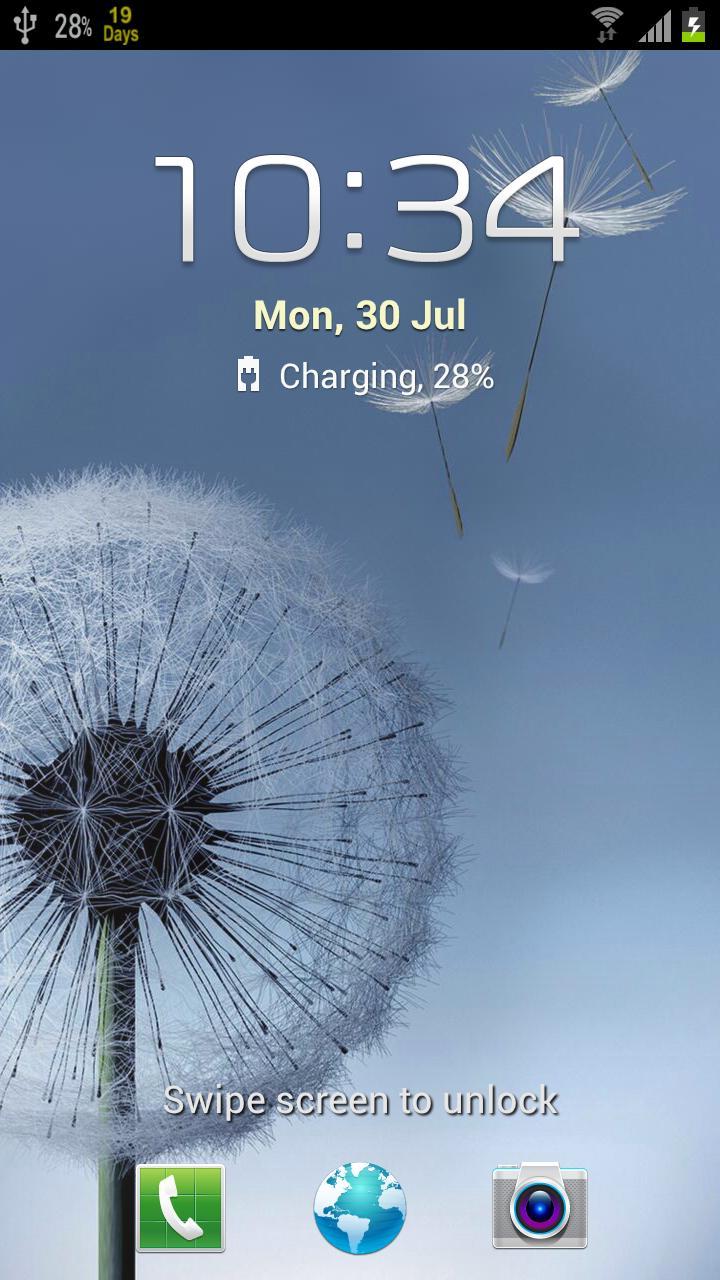
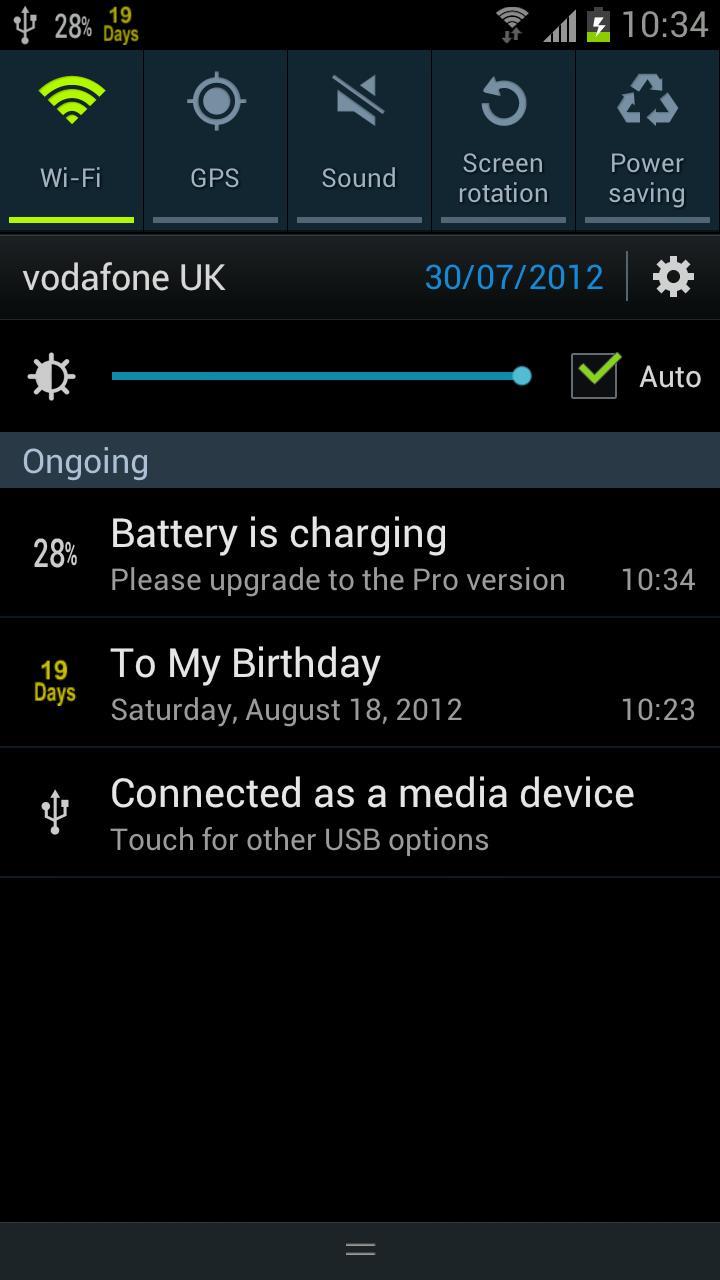
Displays your phone's Battery Percentage Live in your status bar.
Battery Percentage shows how much battery power your phone has left in the Android status bar.
Features
- Increments are shown by 1%.
- Different colours available.
- Simple and Easy UI with 1 button to activate.
- Supports Multiple Screen Sizes.
Supports all versions of Android and Android One
PLEASE CONTACT US IF YOU HAVE ANY PROBLEMS OR QUESTIONS
wagwanapps@gmail.com
Facebook - https://www.facebook.com/WagwanApps
Twitter - https://twitter.com/WagwanAppsn
YOUTUBE Subscribe: https://www.youtube.com/user/WagwanApps
- Very small app with a small footprint. Background service is idle until a change in the battery state occurs so minimal battery drain.
- Support Android tablets. No pop up every percentage change as with some similar apps.
To remove ads, Support the Dev and for more colour options PLEASE UPGRADE TO THE PRO VERSION.
The Pro version version has more icons: including larger icons for tablets and multi colour icons depending on battery level. i.e 100-50% in green, 49 -20% in yellow and less that 20% in red. Please upgrade to the Pro version for the extra features or donate for your appreciation and hopefully we can keep the updates rolling.
If you have a request please email us and we will do what we can to help
Please contact us to report any issues or to request feature.
Preview
Tags
ToolsInformation
Developer
Wagwan Apps
Latest Version
2.0.0
Last Updated
2023-08-13
Category
Tools
Available on
Google Play
Show More
How to play Show Battery Percentage with GameLoop on PC
1. Download GameLoop from the official website, then run the exe file to install GameLoop
2. Open GameLoop and search for “Show Battery Percentage” , find Show Battery Percentage in the search results and click “Install”
3. Enjoy playing Show Battery Percentage on GameLoop
Minimum requirements
OS
Windows 8.1 64-bit or Windows 10 64-bit
GPU
GTX 1050
CPU
i3-8300
Memory
8GB RAM
Storage
1GB available space
Recommended requirements
OS
Windows 8.1 64-bit or Windows 10 64-bit
GPU
GTX 1050
CPU
i3-9320
Memory
16GB RAM
Storage
1GB available space