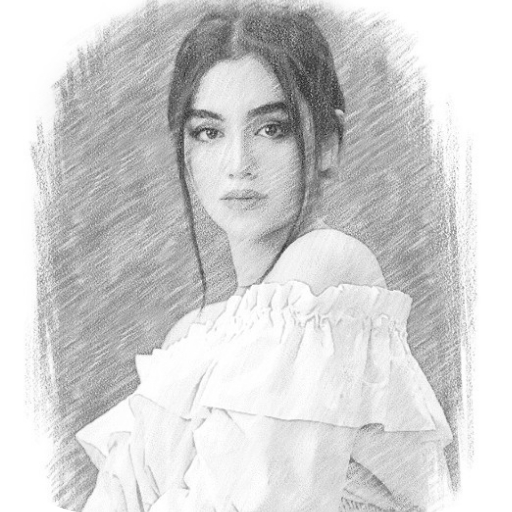
Sketch Picsart - Photo Editor PC
Better Apps & Games
Download Sketch Picsart - Photo Editor on PC With GameLoop Emulator
Sketch Picsart - Photo Editor sa PC
Ang Sketch Picsart - Photo Editor, na nagmumula sa developer na Better Apps & Games, ay tumatakbo sa Android systerm sa nakaraan.
Ngayon, maaari mong laruin ang Sketch Picsart - Photo Editor sa PC gamit ang GameLoop nang maayos.
I-download ito sa GameLoop library o mga resulta ng paghahanap. Hindi na tumitingin sa baterya o nakakadismaya na mga tawag sa maling oras.
I-enjoy lang ang Sketch Picsart - Photo Editor PC sa malaking screen nang libre!
Sketch Picsart - Photo Editor Panimula
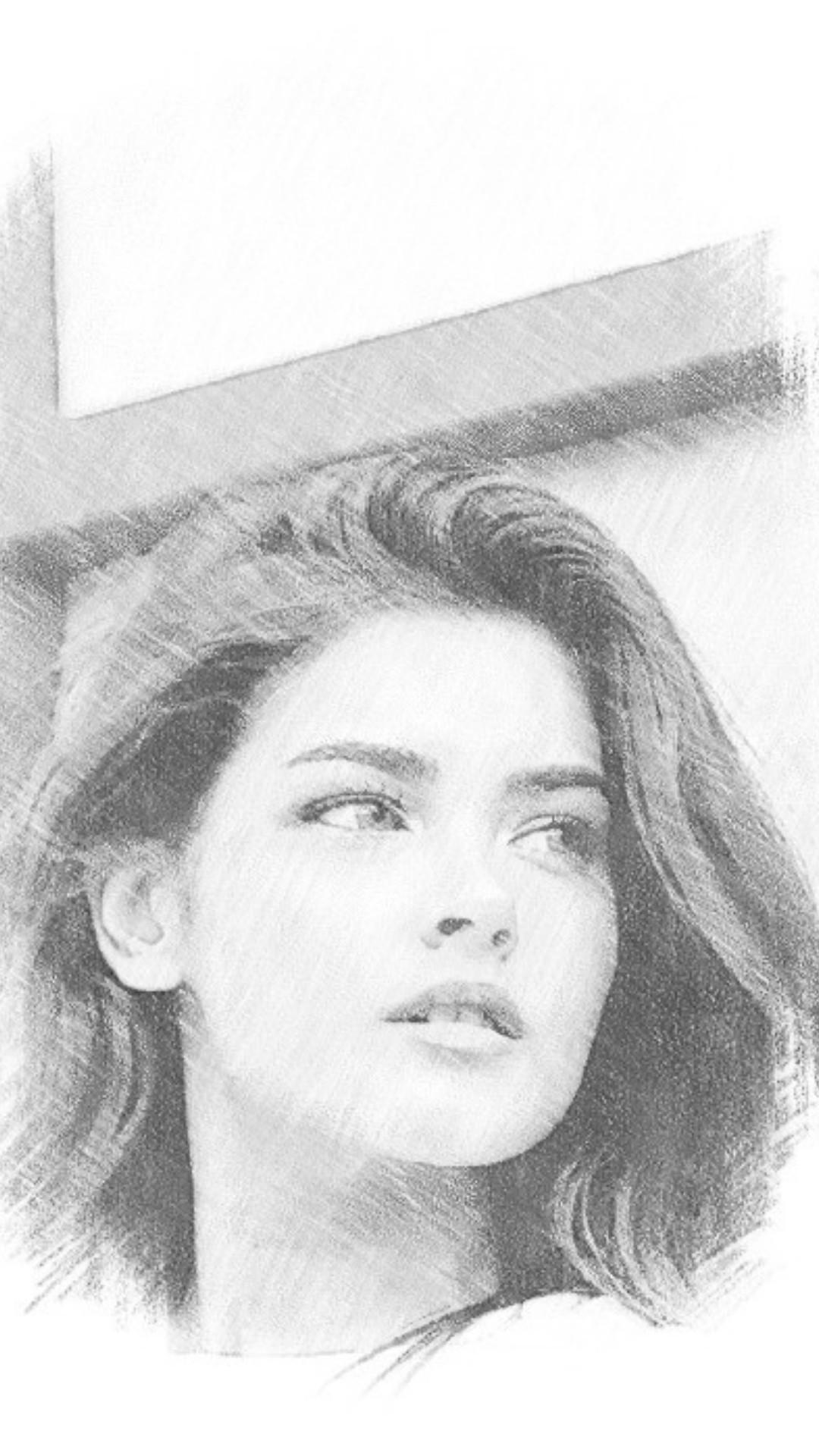
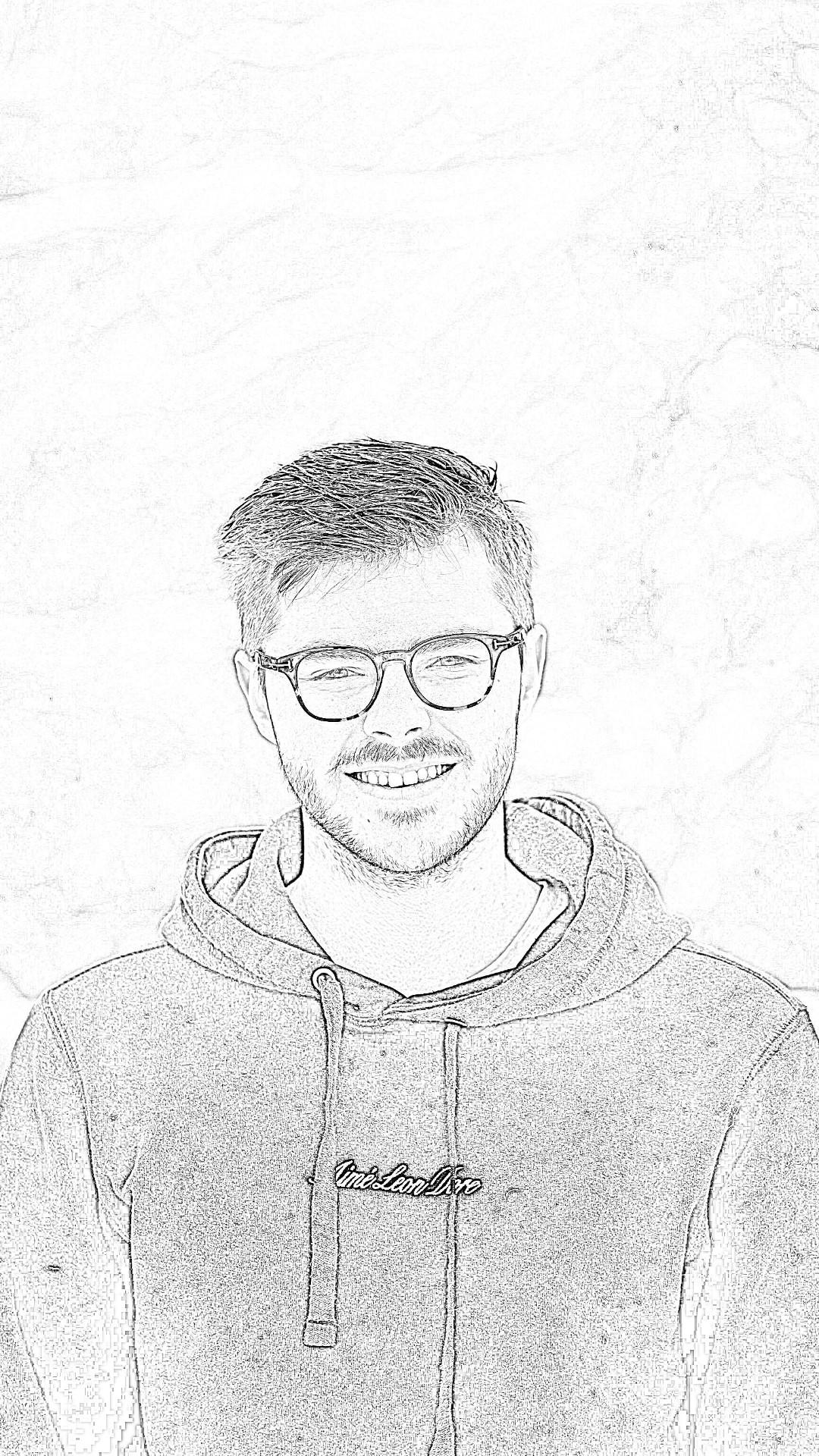
Sketch Picsart - Photo Editor is a auto drawing app for auto creating pencil sketch image. It also is a nice photo editor tool for converting your photos to pencil sketch. With Sketch Picsart - Photo Editor, both color pencil sketch and pencil sketch are supported. You can keep creating sketches and cartoon pictures like an artist by With Sketch Picsart - Photo Editor.
Main Features of Sketch Picsart - Photo Editor:
# Powerful Pencil sketch editor
# Cutting pictures and rotating options
# Lots of designs in picture sketch
# Support Photo editor ,easily crop and rotate your photos.
# Filtering tool for adjusting background-color
# Versatile pixel effects styles
# One tap to share to Instagram,Facebook and other social media platforms.
# Users can raise and reduce the effects of pixels in shattering effects
More Drawing Sketch Effect of Sketch Picsart - Photo Editor:
1. Pencil Sketch Effect
2. Light Sketch Effect
3. Color Sketch Effect
4. Cartoon Art Effect
5. Color Drawing Effect
6. Crayon Effect and many more.
How to use Sketch Picsart - Photo Editor:
Step1:
Add photos what you want to convert to pencil sketch. You can take a picture from your camera, or choose a photo from the gallery. You will then led to the photo editor after choosing an image. You can crop your selected picture into the next frame.
Step2:
Here, many size ratios are available, such as 3:4, 4:3, 9:16, 16:9, 5:7, square etc. You can choose any of the ratios or use a "Free" ratio. There are photo rotation options placed at the top, use them if needed. Then click on next. And, in the next frame, you'll see different styles.
Step3:
Here, more sketch effects for you, you can choose any sketch effect of your like. Then click save button, the result photo of pencil sketch will be saved automatically.
Sketch Picsart - Photo Editor is the great sketching and drawing app. Now, please enjoy this pencil sketch app!
Preview
Tags
PhotographyInformation
Developer
Better Apps & Games
Latest Version
1.0.4
Last Updated
2022-08-10
Category
Photography
Available on
Google Play
Show More
How to play Sketch Picsart - Photo Editor with GameLoop on PC
1. Download GameLoop from the official website, then run the exe file to install GameLoop
2. Open GameLoop and search for “Sketch Picsart - Photo Editor” , find Sketch Picsart - Photo Editor in the search results and click “Install”
3. Enjoy playing Sketch Picsart - Photo Editor on GameLoop
Minimum requirements
OS
Windows 8.1 64-bit or Windows 10 64-bit
GPU
GTX 1050
CPU
i3-8300
Memory
8GB RAM
Storage
1GB available space
Recommended requirements
OS
Windows 8.1 64-bit or Windows 10 64-bit
GPU
GTX 1050
CPU
i3-9320
Memory
16GB RAM
Storage
1GB available space