Stylish Glasses Photo Editor PC
Future Tech Solutions
Download Stylish Glasses Photo Editor on PC With GameLoop Emulator
Stylish Glasses Photo Editor sa PC
Ang Stylish Glasses Photo Editor, na nagmumula sa developer na Future Tech Solutions, ay tumatakbo sa Android systerm sa nakaraan.
Ngayon, maaari mong laruin ang Stylish Glasses Photo Editor sa PC gamit ang GameLoop nang maayos.
I-download ito sa GameLoop library o mga resulta ng paghahanap. Hindi na tumitingin sa baterya o nakakadismaya na mga tawag sa maling oras.
I-enjoy lang ang Stylish Glasses Photo Editor PC sa malaking screen nang libre!
Stylish Glasses Photo Editor Panimula
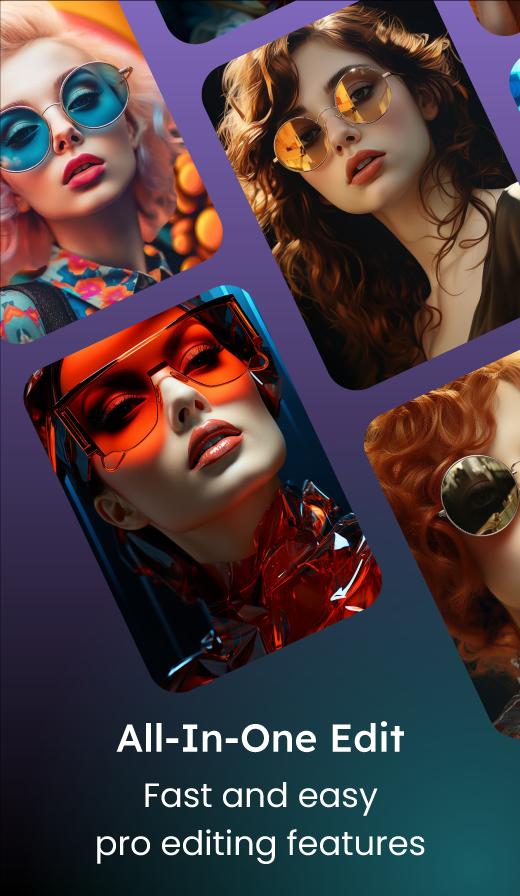
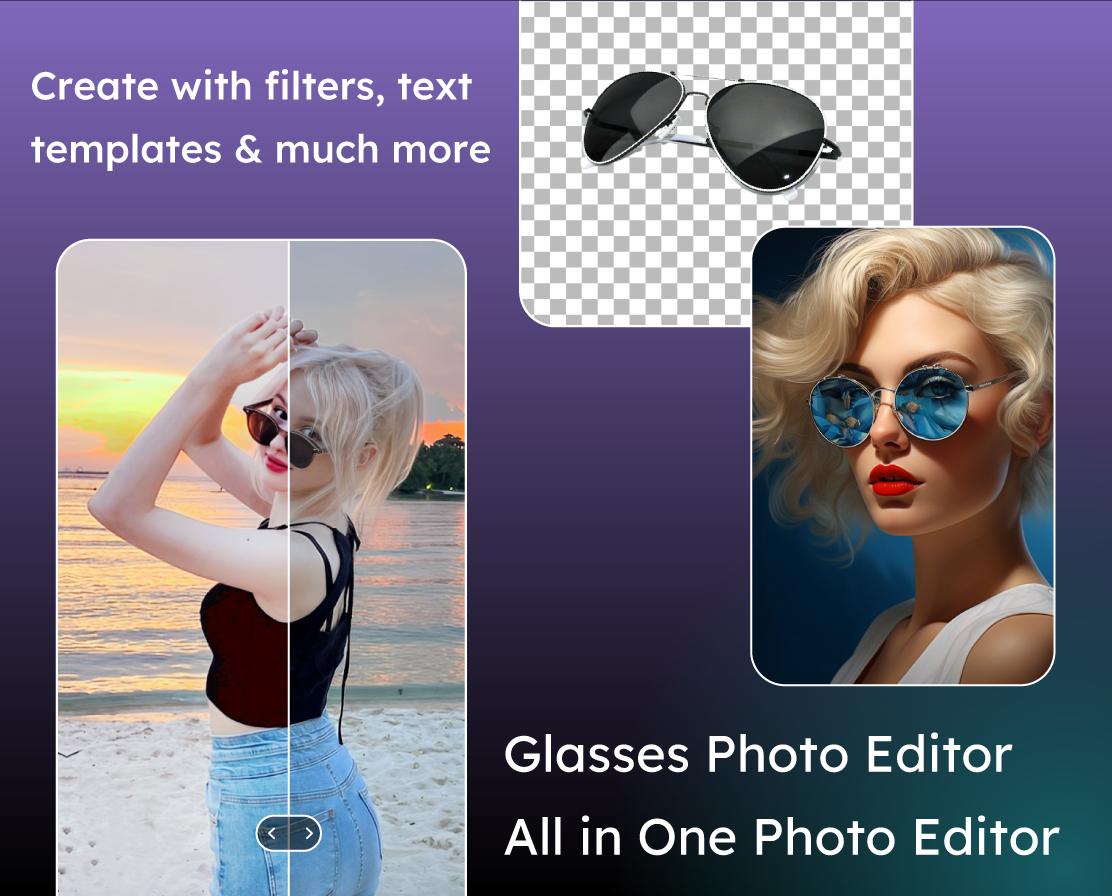
✨ Add a trendy twist to your selfies with fashionable frames. Welcome to Stylish Glasses Photo Editor the ultimate all in one photo editor app that lets you add trendy glasses and sunglasses to your photos, perform professional photo editing, and create beautiful photo collages effortlessly! Whether you want to try on stylish glasses virtually, enhance your selfies, or craft creative photo collages, this app has everything you need right at your fingertips.
❓ Why choose Stylish Glasses Photo Editor ❓
🕶 Add Stylish Glasses Frame
Instantly try on a wide variety of glasses and stylish sunglasses frames on your photos. From classic to modern, funky to professional styles, experiment with different glasses and find the perfect look. No need to buy glasses just see how you’ll look in seconds! Try our Stylish Glasses Photo Editor.
🛠 Powerful Photo Editing Tools
Take your photos to the next level with our photo editor. Adjust brightness, contrast, and saturation, and apply stunning filters to your photo. Crop, rotate, and fine-tune your images. Our easy-to-use editing tools make photo enhancement simple and fun.
🖼 Create Stunning Photo Collages
Combine multiple photos into beautiful collages with various customizable layouts. Arrange, resize, and add borders to create unique compositions that tell your story. Perfect for sharing memories, events, or your creative ideas.
👌 User-Friendly Interface
Designed for everyone beginners and pros alike. Intuitive controls and a clean layout let you focus on creativity without any hassle.
💾 Save & Share
Save your edited photos and collages in high quality directly to your device. Share instantly on social media platforms like Instagram, Facebook, WhatsApp, and more to impress your friends and followers.
✨ Key Features
✔ Virtual glasses try-on with multiple frame styles 🕶👓
🛠 Complete photo editing toolkit: filters, brightness, contrast, crop, rotate 🎨✨
🖼 Multiple collage templates and customizable layouts 🔲📐
🔍 Real-time preview of glasses and edits ⏱📸
↩ Undo/redo functionality for easy editing 🔄🧩
📸 High-resolution photo saving 🖼💾
🎞 100+ pro filters: vintage, beauty, cinematic & more 🎬🌈
🌟 Add frames, text, stickers, and overlays ✍📎🎀
⚡ One-tap auto-enhance & color correction 🎛📷
📷 HD camera with real-time filters 🌟🎥
🎯 Perfect for
📸 Selfie lovers who want to add a stylish twist 😎✨
👗 Fashion enthusiasts experimenting with glasses look 🕶👠
🖼 Anyone looking to create eye-catching photo collages 🎨📐📷
🎉 Users who want a simple, effective photo editor with extra fun features 🛠😊🎀
🚀 Unleash your creativity, stand out on social media, and enjoy the ultimate photo editing experience! 🌈💫
📥 Download Glasses Photo Editor & Collage now and transform your photos with trendy glasses and amazing editing tools all in one fun app: Stylish Glasses Photo Editor! 🎉📸
Preview
Tags
PhotographyInformation
Developer
Future Tech Solutions
Latest Version
3.0.0
Last Updated
2025-06-03
Category
Photography
Available on
Google Play
Show More
How to play Stylish Glasses Photo Editor with GameLoop on PC
1. Download GameLoop from the official website, then run the exe file to install GameLoop
2. Open GameLoop and search for “Stylish Glasses Photo Editor” , find Stylish Glasses Photo Editor in the search results and click “Install”
3. Enjoy playing Stylish Glasses Photo Editor on GameLoop
Minimum requirements
OS
Windows 8.1 64-bit or Windows 10 64-bit
GPU
GTX 1050
CPU
i3-8300
Memory
8GB RAM
Storage
1GB available space
Recommended requirements
OS
Windows 8.1 64-bit or Windows 10 64-bit
GPU
GTX 1050
CPU
i3-9320
Memory
16GB RAM
Storage
1GB available space