Touch Eraser PC
Roxanne Crete
Download Touch Eraser on PC With GameLoop Emulator
Touch Eraser sa PC
Ang Touch Eraser, na nagmumula sa developer na Roxanne Crete, ay tumatakbo sa Android systerm sa nakaraan.
Ngayon, maaari mong laruin ang Touch Eraser sa PC gamit ang GameLoop nang maayos.
I-download ito sa GameLoop library o mga resulta ng paghahanap. Hindi na tumitingin sa baterya o nakakadismaya na mga tawag sa maling oras.
I-enjoy lang ang Touch Eraser PC sa malaking screen nang libre!
Touch Eraser Panimula
Use Touch Eraser App to remove all unwanted items from photos. Start drawing over an objects, and it will be replace automatically with our auto content aware mechanism.
With Touch Eraser App you can:
- Remove telephone wires and posts, power lines
- Remove surface breaks and scratches—both straight and curved
- Remove photo bombers
- Remove pimples and skin blemishes
- Remove human-made objects like stop lights, street signs, trash cans
- Remove whatever you feel is spoiling your photos
Features:
=> Quick Repair - Remove just by marking
=> Removing Objects with Content-Aware Fill
=> Removing small objects quickly
=> Remove Useless Content for Touch and Retouch Photo Eraser
=> Easy erasing tool with Cursor Offset size and Erasing size adjusting tool
=> Easy and convenient to use
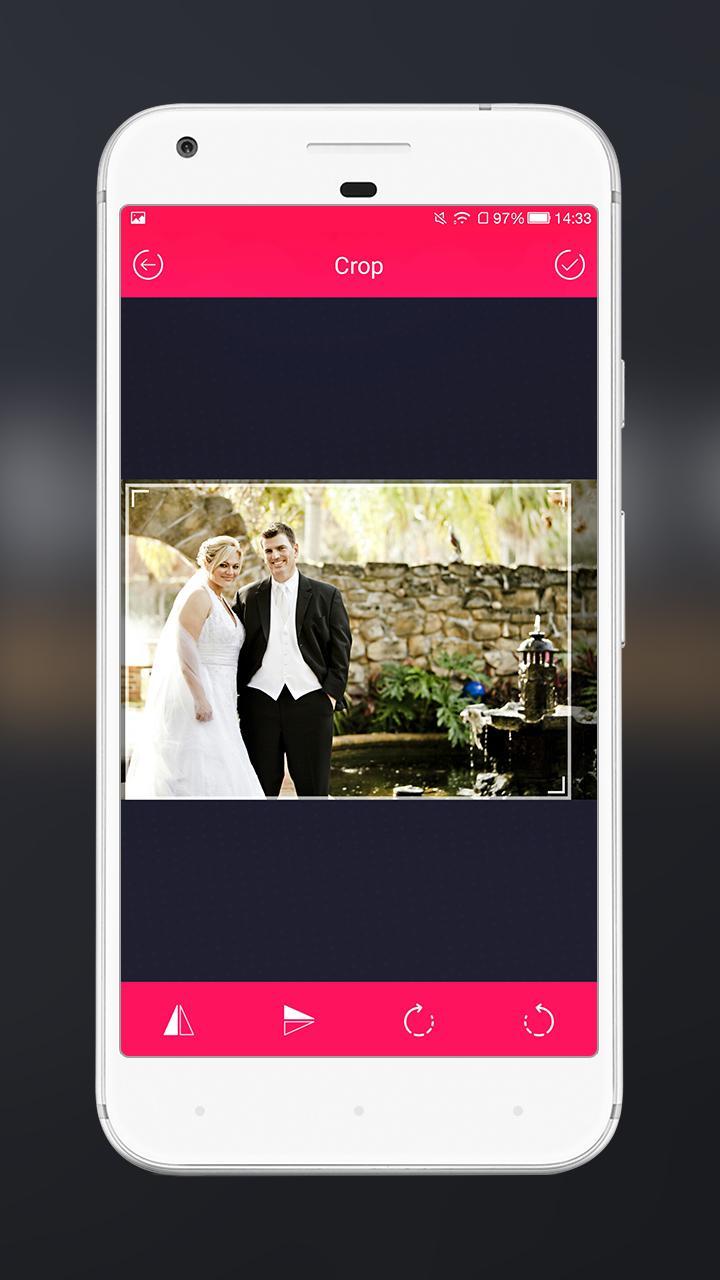
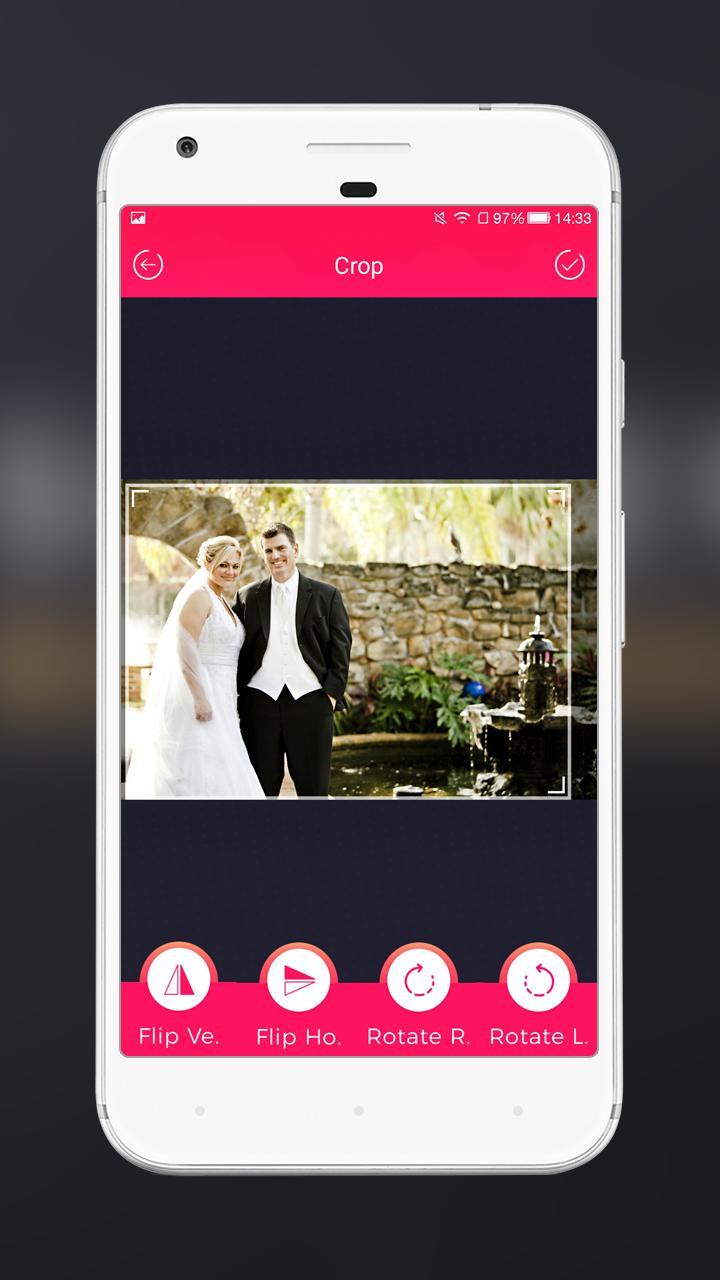
=> Cropping library gives you more accurate cutting
=> No need of internet connection and free to use for unlimited times
=> Use photos from your gallery or take a new one using your camera
=> Save your photos directly in gallery
=> Touch gestures to resize, rotate
=> One Tap to Share on Instagram, Facebook, Twitter and other social networks
Preview
Tags
PhotographyInformation
Developer
Roxanne Crete
Latest Version
1.0
Last Updated
2018-04-30
Category
Photography
Available on
Google Play
Show More
How to play Touch Eraser with GameLoop on PC
1. Download GameLoop from the official website, then run the exe file to install GameLoop
2. Open GameLoop and search for “Touch Eraser” , find Touch Eraser in the search results and click “Install”
3. Enjoy playing Touch Eraser on GameLoop
Minimum requirements
OS
Windows 8.1 64-bit or Windows 10 64-bit
GPU
GTX 1050
CPU
i3-8300
Memory
8GB RAM
Storage
1GB available space
Recommended requirements
OS
Windows 8.1 64-bit or Windows 10 64-bit
GPU
GTX 1050
CPU
i3-9320
Memory
16GB RAM
Storage
1GB available space