
Collage Maker - CollageKit PC
Sarafan Mobile Limited
Download Collage Maker - CollageKit on PC With GameLoop Emulator
Collage Maker - CollageKit sa PC
Ang Collage Maker - CollageKit, na nagmumula sa developer na Sarafan Mobile Limited, ay tumatakbo sa Android systerm sa nakaraan.
Ngayon, maaari mong laruin ang Collage Maker - CollageKit sa PC gamit ang GameLoop nang maayos.
I-download ito sa GameLoop library o mga resulta ng paghahanap. Hindi na tumitingin sa baterya o nakakadismaya na mga tawag sa maling oras.
I-enjoy lang ang Collage Maker - CollageKit PC sa malaking screen nang libre!
Collage Maker - CollageKit Panimula
CollageKit: Creative Collage Maker
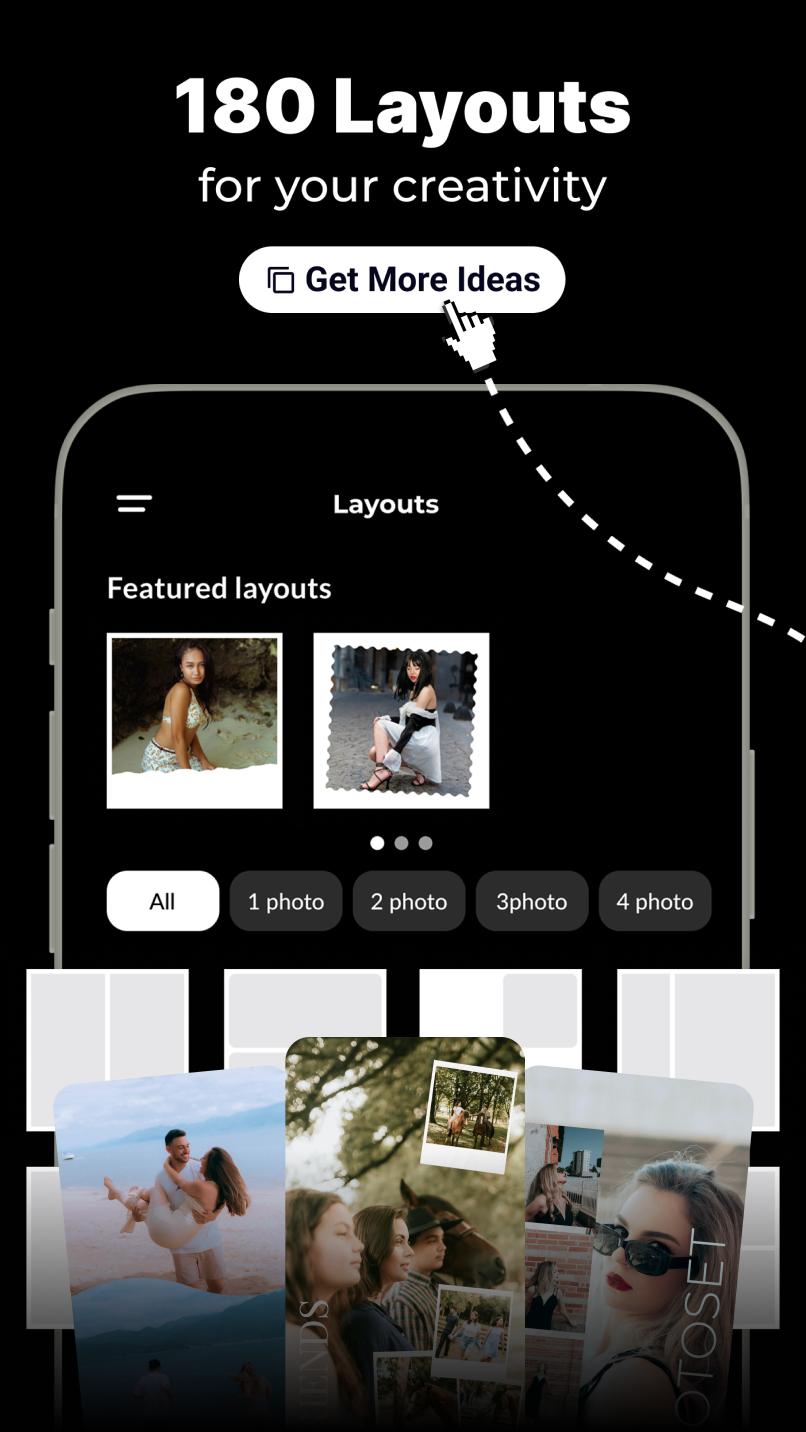
CollageKit is the easiest way to turn your photos and videos into eye-catching collages. With a wide range of templates, stylish layouts, and creative tools, it's designed for anyone who wants to tell a visual story — beautifully and effortlessly.
Features:
– Hundreds of ready-made templates
Choose from a growing collection of professionally designed layouts for any occasion.
– Support for both photos and videos
Mix and match media to create dynamic, engaging collages.
– Built-in access to Unsplash and Pexels
Search and use high-quality stock images directly from the app.
– Fonts and stickers
Add a personal touch with customizable text and fun design elements.
– Full creative control
Adjust spacing, backgrounds, borders, and more to make each collage truly yours.
– Optimized for sharing
Export your collages in high quality, ready for social media.
Whether you're creating content, capturing memories, or just experimenting with ideas, CollageKit helps you do it with style.
Disclaimer: CollageKit is an independent application and is not affiliated with, endorsed by, or associated with Instagram or Reels. Instagram and Reels are trademarks of Meta Platforms, Inc.
Support address: psarafanmobile@gmail.com
Preview

Tags
PhotographyInformation
Developer
Sarafan Mobile Limited
Latest Version
sb.0.115
Last Updated
2025-09-29
Category
Photography
Available on
Google Play
Show More
How to play Collage Maker - CollageKit with GameLoop on PC
1. Download GameLoop from the official website, then run the exe file to install GameLoop
2. Open GameLoop and search for “Collage Maker - CollageKit” , find Collage Maker - CollageKit in the search results and click “Install”
3. Enjoy playing Collage Maker - CollageKit on GameLoop
Minimum requirements
OS
Windows 8.1 64-bit or Windows 10 64-bit
GPU
GTX 1050
CPU
i3-8300
Memory
8GB RAM
Storage
1GB available space
Recommended requirements
OS
Windows 8.1 64-bit or Windows 10 64-bit
GPU
GTX 1050
CPU
i3-9320
Memory
16GB RAM
Storage
1GB available space