Photo Tips: Learn Photography PC
Ioannis Ioannou
Download Photo Tips: Learn Photography on PC With GameLoop Emulator
Photo Tips: Learn Photography sa PC
Ang Photo Tips: Learn Photography, na nagmumula sa developer na Ioannis Ioannou, ay tumatakbo sa Android systerm sa nakaraan.
Ngayon, maaari mong laruin ang Photo Tips: Learn Photography sa PC gamit ang GameLoop nang maayos.
I-download ito sa GameLoop library o mga resulta ng paghahanap. Hindi na tumitingin sa baterya o nakakadismaya na mga tawag sa maling oras.
I-enjoy lang ang Photo Tips: Learn Photography PC sa malaking screen nang libre!
Photo Tips: Learn Photography Panimula
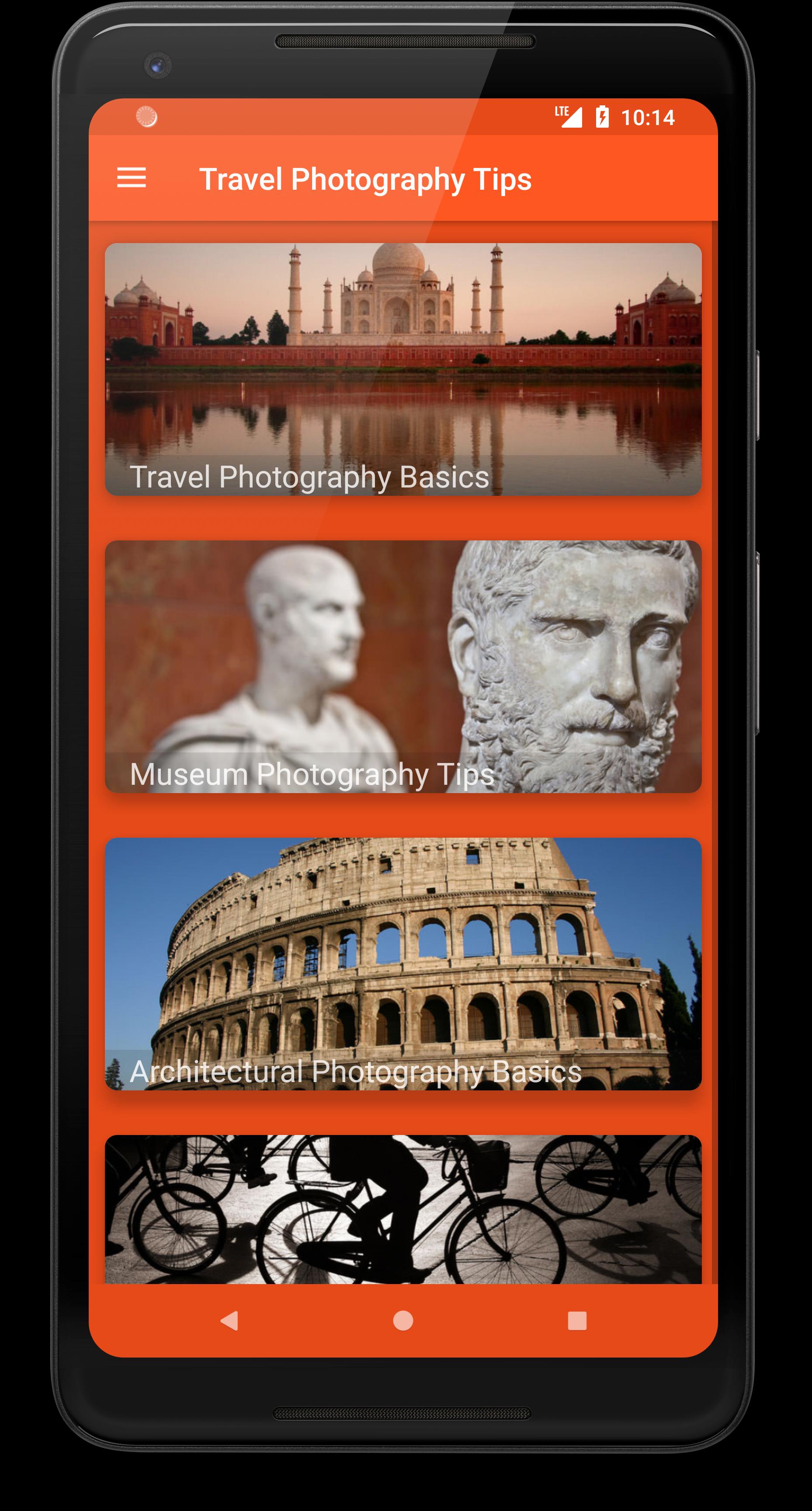
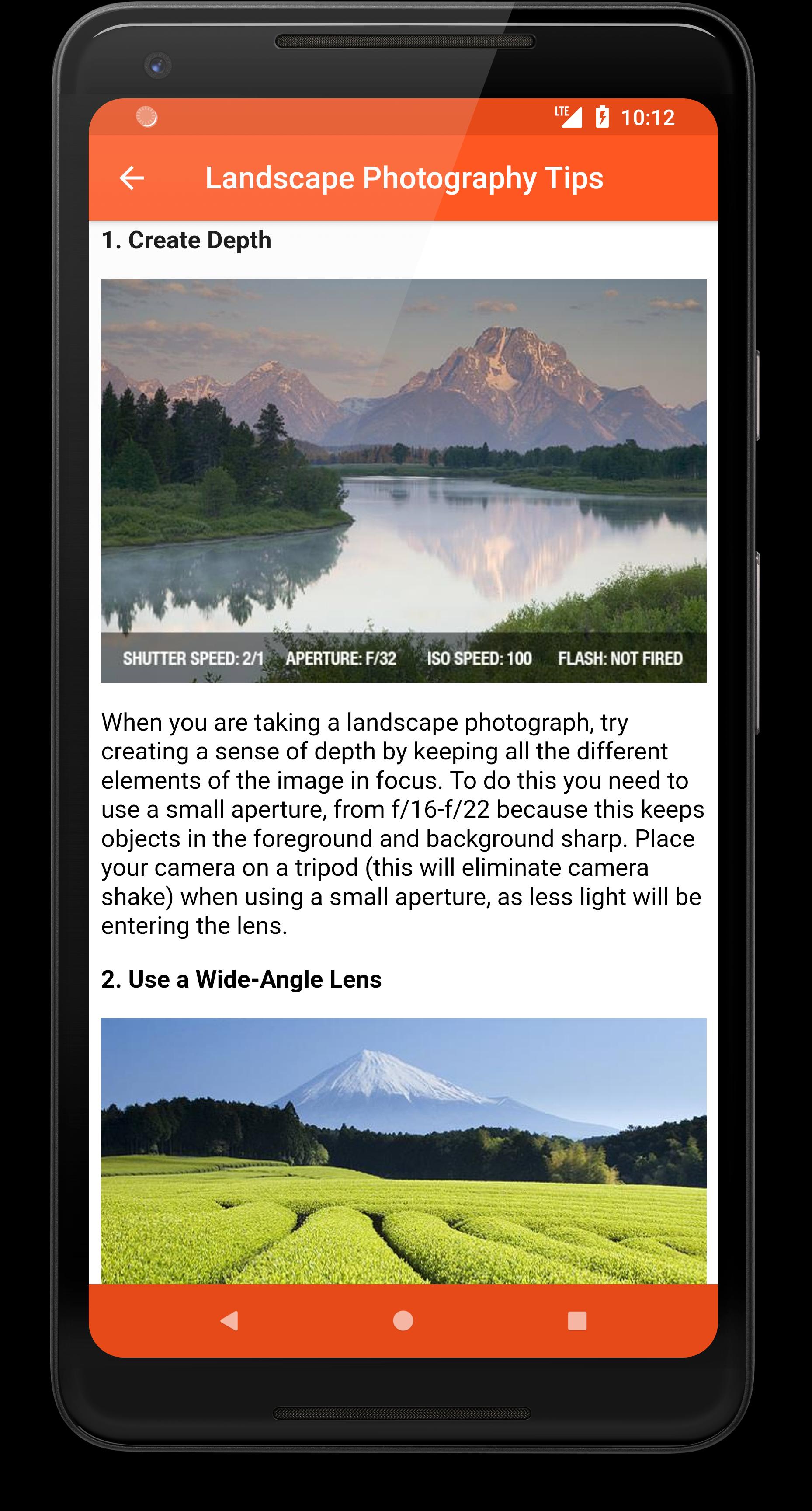
Learn how to take stunning photos with your camera or phone!
Whether you're just starting out or want to sharpen your photography skills, Photo Tips: Learn Photography gives you clear, practical advice to improve every shot.
📸 Perfect for beginners and enthusiasts alike, this app helps you understand camera settings, lenses, light, and composition — step-by-step.
🔍 Key Features:
🧠 Photography Basics
• Understand camera modes, ISO, exposure & white balance
• Learn about metering, resolution, and file formats
🔎 Lens & Focus Tips
• Types of lenses and when to use them
• Focusing modes, filters, and accessories
💡 Flash & Lighting Techniques
• TTL metering, high-speed sync, and slow sync
• Using external flashes and reflectors
🔧 Camera Gear Explained
• Light meters, diffusers, tripods & more
• How to clean sensors and prevent lens fungus
📷 Practical Photo Tips
• Portraits, landscapes, macro, night & action photography
• Creative ideas for travel, holidays, and everyday shots
✨ Why Choose Photo Tips: Learn Photography?
✔ Easy to follow for all skill levels
✔ Great for DSLR, mirrorless & phone cameras
✔ Learn photography offline – anytime, anywhere
✔ Ad-supported with free, quality content
📌 Note: All images and trademarks belong to their respective owners.
Preview
Tags
PhotographyInformation
Developer
Ioannis Ioannou
Latest Version
5.20250701
Last Updated
2025-07-01
Category
Photography
Available on
Google Play
Show More
How to play Photo Tips: Learn Photography with GameLoop on PC
1. Download GameLoop from the official website, then run the exe file to install GameLoop
2. Open GameLoop and search for “Photo Tips: Learn Photography” , find Photo Tips: Learn Photography in the search results and click “Install”
3. Enjoy playing Photo Tips: Learn Photography on GameLoop
Minimum requirements
OS
Windows 8.1 64-bit or Windows 10 64-bit
GPU
GTX 1050
CPU
i3-8300
Memory
8GB RAM
Storage
1GB available space
Recommended requirements
OS
Windows 8.1 64-bit or Windows 10 64-bit
GPU
GTX 1050
CPU
i3-9320
Memory
16GB RAM
Storage
1GB available space