
Live Photo Animator Motion App PC
SA Technologies Ltd
Download Live Photo Animator Motion App on PC With GameLoop Emulator
Live Photo Animator Motion App sa PC
Ang Live Photo Animator Motion App, na nagmumula sa developer na SA Technologies Ltd, ay tumatakbo sa Android systerm sa nakaraan.
Ngayon, maaari mong laruin ang Live Photo Animator Motion App sa PC gamit ang GameLoop nang maayos.
I-download ito sa GameLoop library o mga resulta ng paghahanap. Hindi na tumitingin sa baterya o nakakadismaya na mga tawag sa maling oras.
I-enjoy lang ang Live Photo Animator Motion App PC sa malaking screen nang libre!
Live Photo Animator Motion App Panimula
Make fabulous live wallpapers, live photos, moving Backgrounds & themes with animation effects using PicFlow - Photo Motion & photo animator. Add amazing effects, including live 3d stickers, as well as most popular filters and overlays. Particle dispersion, glitch arts and more are waiting for you!
▶️ Download PicFlow - Photo Motion & photo animator, Transform your memories in mindblowing animations that will blow your friends head’s off! 🤯
▶️ Your memories will now be more realistic. make awesome motion graphics and show your own created motion picture with your friends & family now.
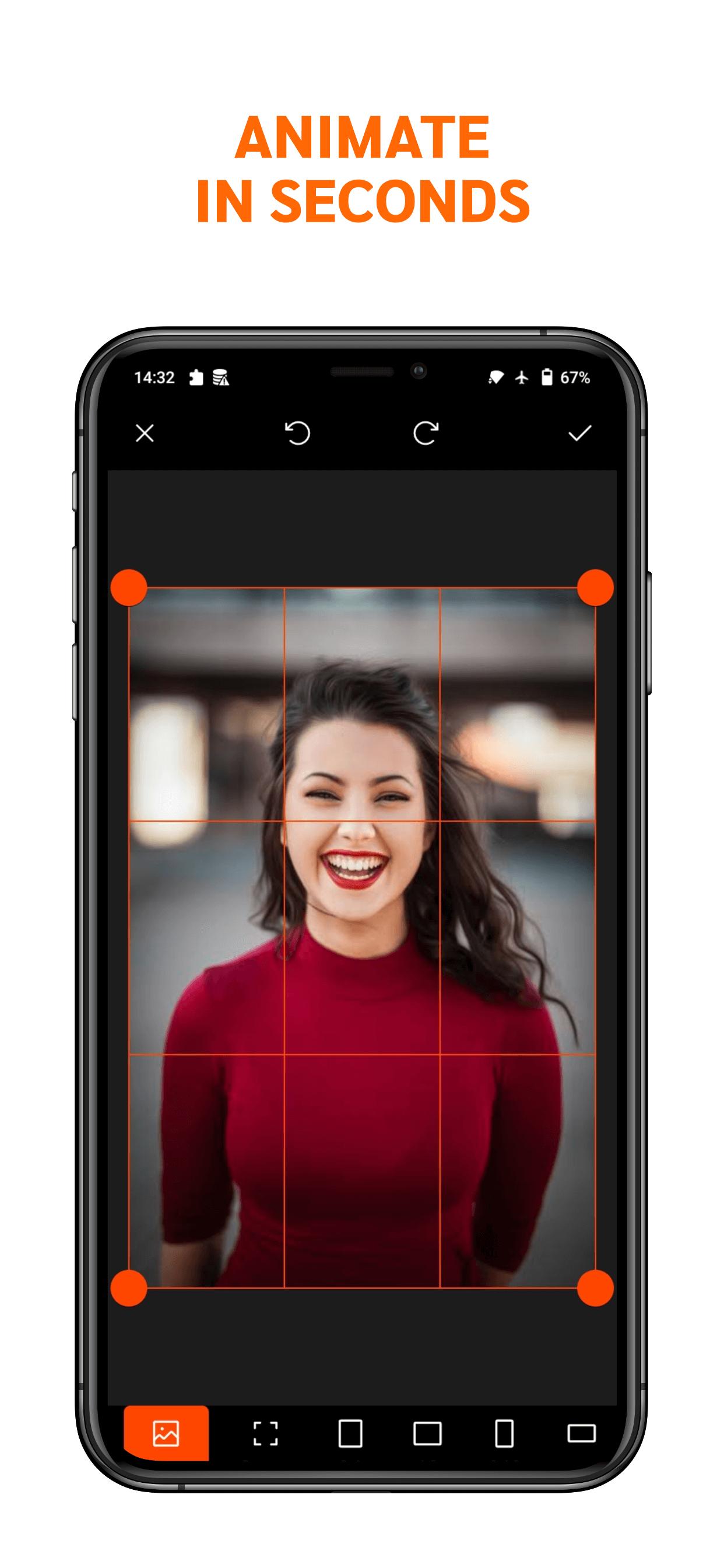
Bring your own photos to life with animation. Easily create amazing short videos with PicFlow - Photo Motion & photo animator App.
- Bring photo to life.
- Apply perfect effects to photos.
- Add fun animated stickers.
- The eye-catching animation makes interactive and incredible backgrounds.
- Save live photos and share them with your friends & family on social media.
___________IMAGINE___________
🎨 Along with the motion, there’s also a bunch of exclusive overlays in image and video. They will turn your pictures into real masterpieces.
🎼 Besides that, there’s a huge Audio Library full of soundtracks that will fits in every situation.
If you subscribe you will have access to all tools without limits and, drum roll...🥁
WEEKLY CONTENT UPDATES!
___________ MOVE___________
Awesome, but how can I do that? It’s easy:💥
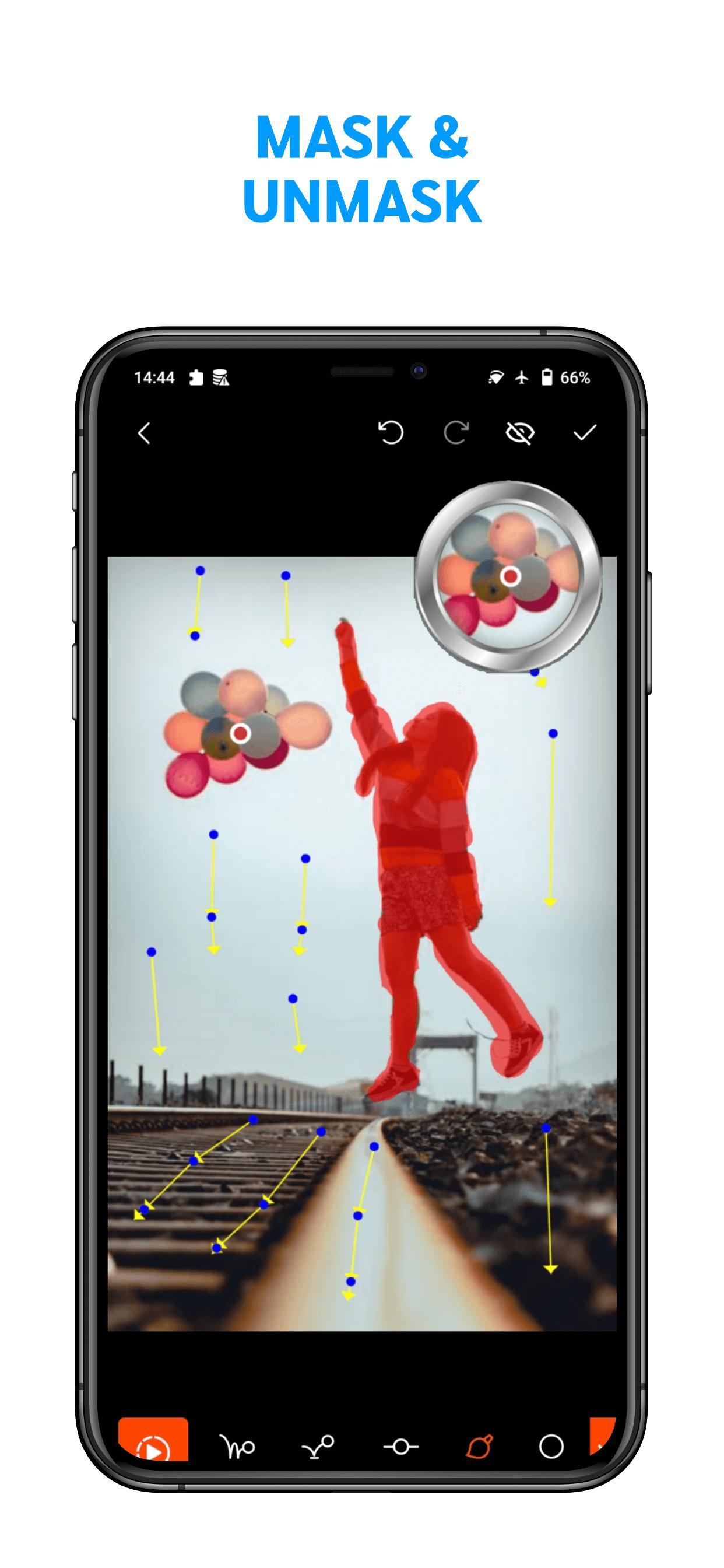
1 - Set the motion points [Animate anything in PicFlow simply by drawing a path]
2 - Mask or Stabilize the areas you wish to keep still
3 - Customize your motions with Overlays and Live Stickers
4 - Adjust the speed of the loops photo animation
You can draw the path for clouds to float , add vivid current to the river. Become an excellent live photo editor & 3d pic’s art animator, and create amazing short videos with cinemagraph pixa effects.
___________PLAY___________
What are you waiting for? Time to make your pictures move! 😉
___________LIVE STICKERS___________
Try our latest magic Live stickers. Add dynamic rotating sun wearing sun Glasses, animated heart, running bicycle , animated Skeleton , melting IceCream , moving Butterfly, smoke to the coffee, animated rainbow. use dynamic stickers to make everything still more vivid and enlight. Share your fun results. More realistic and amazing movie effects are coming soon.
Adding multiple texts and stickers is supported.
___________3D EFFECTS___________
Add real camera moving effects and dope photo transitions to your pics and videos. Create visual imagery with this photo anmiator. Let ordinary photos follow the 3D effects in motion
___________MOTION OVERLAYS___________
Add fun Overlays to bring mood and emotion to your still photos and preset alight motion. Get cinemagraph motion graphics effects to make your stories come alive: weather overlays including ranning, sparkles and nostalgia, butterfly flying, spring flowers shower. Share your creative visual stories on social media and set moving backgrounds and live wallpapers to personalize your home screen.
___________PARALLAX 3D PHOTO EFFECTS___________
Make your 3d parallax effect video and set live wallpaper with moving photo fox animation. Download PicFlow, create parallax 3D zoom animation.
Hope you love this application. Please do share your feedback for any issues, we value your suggestions to serve you more Better.🤭
Thanks!
Preview
Tags
PhotographyInformation
Developer
SA Technologies Ltd
Latest Version
1.0.0.2
Last Updated
2022-06-08
Category
Photography
Available on
Google Play
Show More
How to play Live Photo Animator Motion App with GameLoop on PC
1. Download GameLoop from the official website, then run the exe file to install GameLoop
2. Open GameLoop and search for “Live Photo Animator Motion App” , find Live Photo Animator Motion App in the search results and click “Install”
3. Enjoy playing Live Photo Animator Motion App on GameLoop
Minimum requirements
OS
Windows 8.1 64-bit or Windows 10 64-bit
GPU
GTX 1050
CPU
i3-8300
Memory
8GB RAM
Storage
1GB available space
Recommended requirements
OS
Windows 8.1 64-bit or Windows 10 64-bit
GPU
GTX 1050
CPU
i3-9320
Memory
16GB RAM
Storage
1GB available space