
Photo Frame – Collage Maker PC
highsecure
Download Photo Frame – Collage Maker on PC With GameLoop Emulator
Photo Frame – Collage Maker sa PC
Ang Photo Frame – Collage Maker, na nagmumula sa developer na highsecure, ay tumatakbo sa Android systerm sa nakaraan.
Ngayon, maaari mong laruin ang Photo Frame – Collage Maker sa PC gamit ang GameLoop nang maayos.
I-download ito sa GameLoop library o mga resulta ng paghahanap. Hindi na tumitingin sa baterya o nakakadismaya na mga tawag sa maling oras.
I-enjoy lang ang Photo Frame – Collage Maker PC sa malaking screen nang libre!
Photo Frame – Collage Maker Panimula
Looking for the best photo frame app and collage maker?
👉 Try Photo Frame – Collage Maker & Editor, the ultimate photo editor to create beautiful collages, decorate pictures with stylish frames, and share your memories in seconds.
With over 300+ photo frames, professional editing tools, trendy stickers, and creative collage layouts, this app is designed for everyone who loves photo editing.
✨ Key Features
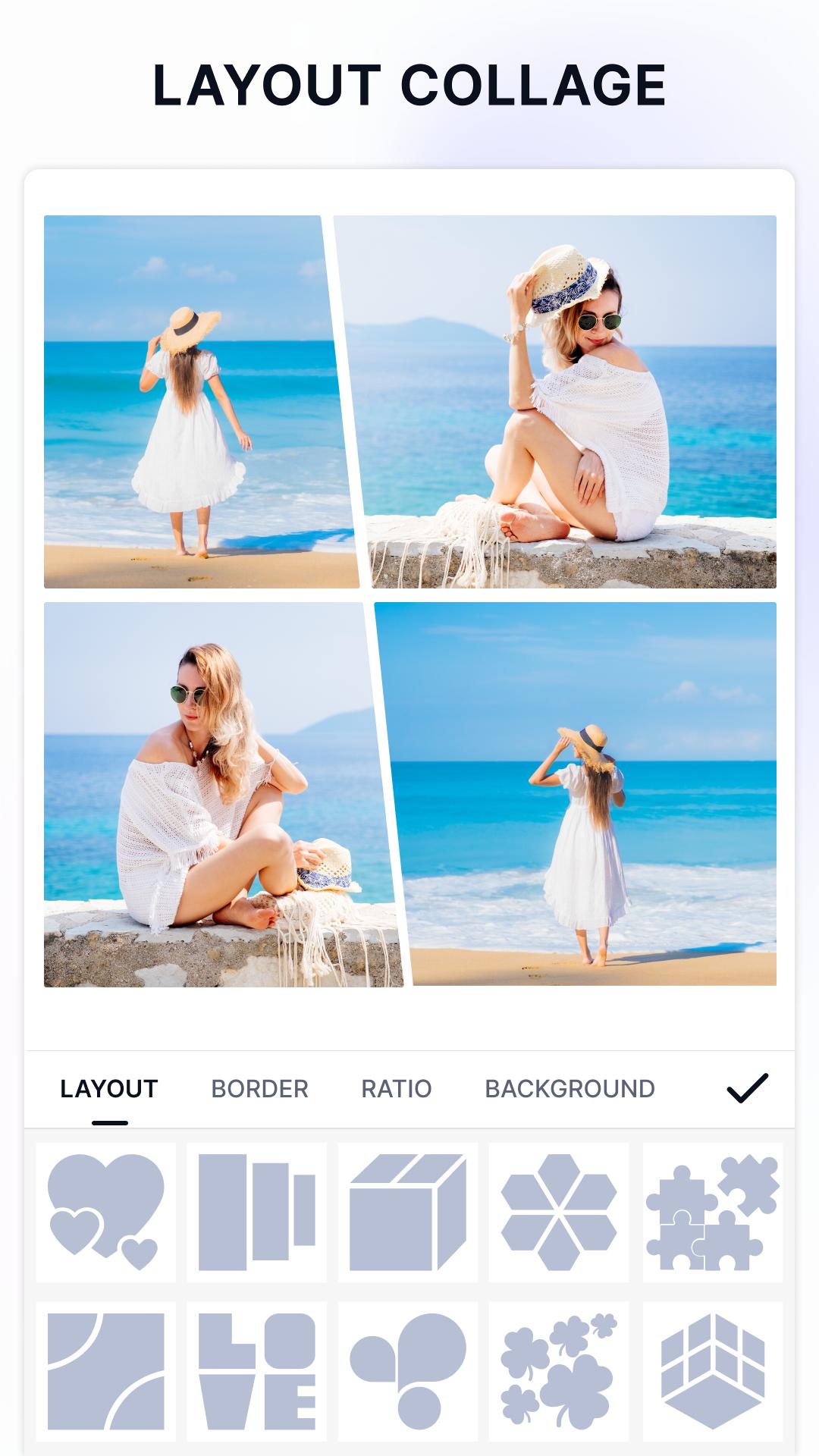
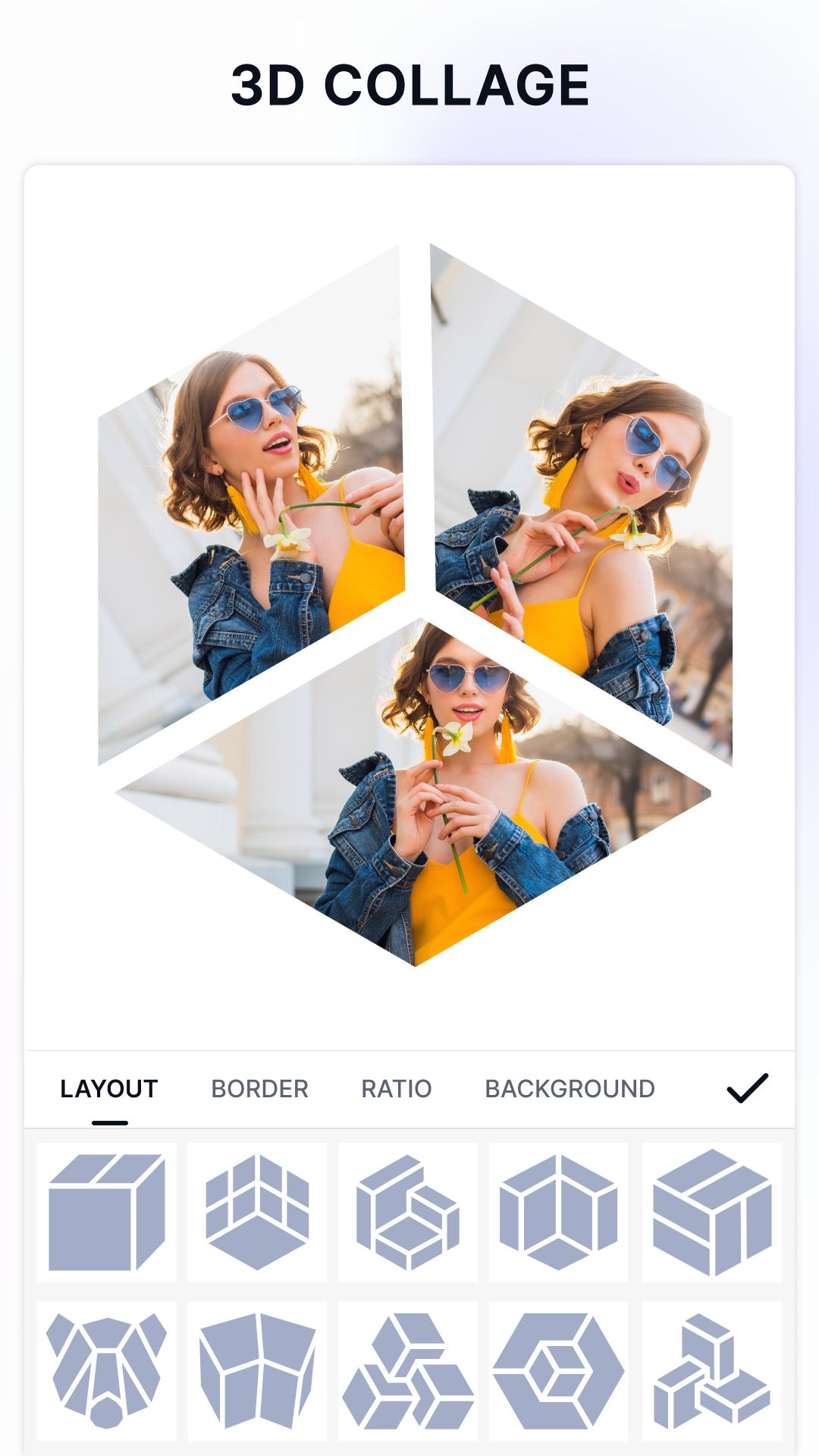
📸 Photo Frames & Collage Maker: choose from 300+ unique frames and layouts for birthdays, love, family, holidays, travel, and more.
🎨 Photo Editor Tools: crop, rotate, adjust brightness, contrast, saturation, and add filters to enhance your pictures.
🖼️ Collage Editor & Freestyle Layouts: combine multiple photos with grids or freestyle mode.
💌 Stickers & Text on Photos: customize with emojis, fun stickers, and stylish fonts.
🔄 Easy Save & Share: export in high quality and share instantly on Instagram, Facebook, WhatsApp, Messenger, or Zalo.
🌟 Why This Photo Frame App?
All-in-one photo editor, collage maker, and frame app.
Huge collection of free frames, backgrounds, and stickers.
Lightweight, fast, and simple – perfect for daily photo editing.
🚀 Download Now!
Make every picture more beautiful with the best photo frame and collage maker app.
👉 Download Photo Frame – Collage Maker & Editor for FREE and enjoy unlimited photo editing, collage making, and frame decoration today!
Preview
Tags
PhotographyInformation
Developer
highsecure
Latest Version
5.5.5
Last Updated
2025-09-25
Category
Photography
Available on
Google Play
Show More
How to play Photo Frame – Collage Maker with GameLoop on PC
1. Download GameLoop from the official website, then run the exe file to install GameLoop
2. Open GameLoop and search for “Photo Frame – Collage Maker” , find Photo Frame – Collage Maker in the search results and click “Install”
3. Enjoy playing Photo Frame – Collage Maker on GameLoop
Minimum requirements
OS
Windows 8.1 64-bit or Windows 10 64-bit
GPU
GTX 1050
CPU
i3-8300
Memory
8GB RAM
Storage
1GB available space
Recommended requirements
OS
Windows 8.1 64-bit or Windows 10 64-bit
GPU
GTX 1050
CPU
i3-9320
Memory
16GB RAM
Storage
1GB available space