Photo Editor Pro - Square Fit PC
Video Maker & Video Editor Pro Studio
Download Photo Editor Pro - Square Fit on PC With GameLoop Emulator
Photo Editor Pro - Square Fit sa PC
Ang Photo Editor Pro - Square Fit, na nagmumula sa developer na Video Maker & Video Editor Pro Studio, ay tumatakbo sa Android systerm sa nakaraan.
Ngayon, maaari mong laruin ang Photo Editor Pro - Square Fit sa PC gamit ang GameLoop nang maayos.
I-download ito sa GameLoop library o mga resulta ng paghahanap. Hindi na tumitingin sa baterya o nakakadismaya na mga tawag sa maling oras.
I-enjoy lang ang Photo Editor Pro - Square Fit PC sa malaking screen nang libre!
Photo Editor Pro - Square Fit Panimula
Square Fit - Photo Editor Pro Blur Photo Background is a powerful photo editor app. With blur background , no crop layout and no watermark, It have AI Background Eraser to make very beautiful photos. It’s a best square photo editor and pic collage maker for make image to Instagram, Facebook, WhatsApp, twitter and Messenger etc you deserve.
Power Features:
+ Square Pic with blur background.
+ So many Glitch effects for you.
+ Edit picture with beautiful stickers, cool filters, amazing effects and wonderful backgrounds.
+ Add text to photo with cool fonts.
+ Have Mirror, flip, crop, rotate and zoom to edit photo.
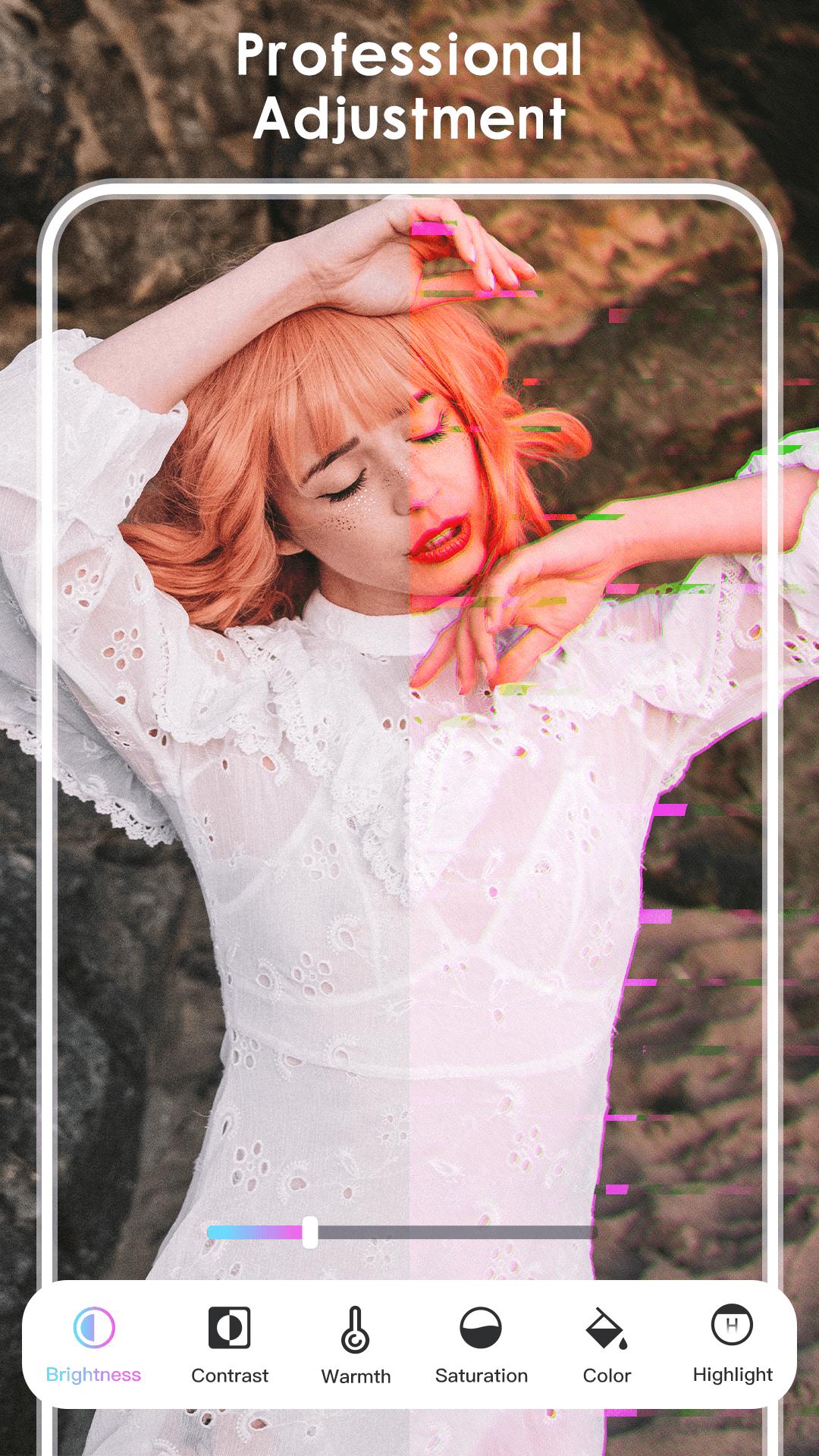
+ Adjust photo with brightness, contrast, warmth and saturation etc.
+ Square pic & No Crop and no watermark for Instagram.
+ Very easy to share photos on social network, include Instagram, Twitter, Facebook, WhatsApp and Snapchat etc.
+ Combine photos with amazing layouts into beautiful collages
+ Remix up to 22 photos to create cool layouts and collages
+ Insta square photo with blur background and other beautiful image background for Instagram
❤️AI Cut & Background Changer
Photo Editor Pro - Pic Show remove unwanted background from any photos with our advanced eraser equipped with our AI Cut Out.
❤️ Amazing background
Photo Editor Pro - Pic Show have most special cool materials to produce very amazing effects, include fire theme, magic video theme, nature theme, love theme, scenery theme, drip theme, fashion theme, modern theme. It’ll make your photo very beautiful.
❤️ No Crop Photo Editor
Post photo on Instagram with no crop. You can square photo in seconds!
❤️ Blur Background
Set blur background, black background, white background and many colors.
❤️ So many funny Sticker
Add many stickers to the square photo, include Emoji stickers, animal stickers, glitch stickers, love stickers, text stickers, hair stickers, Merry Christmas stickers etc.
❤️ Filter
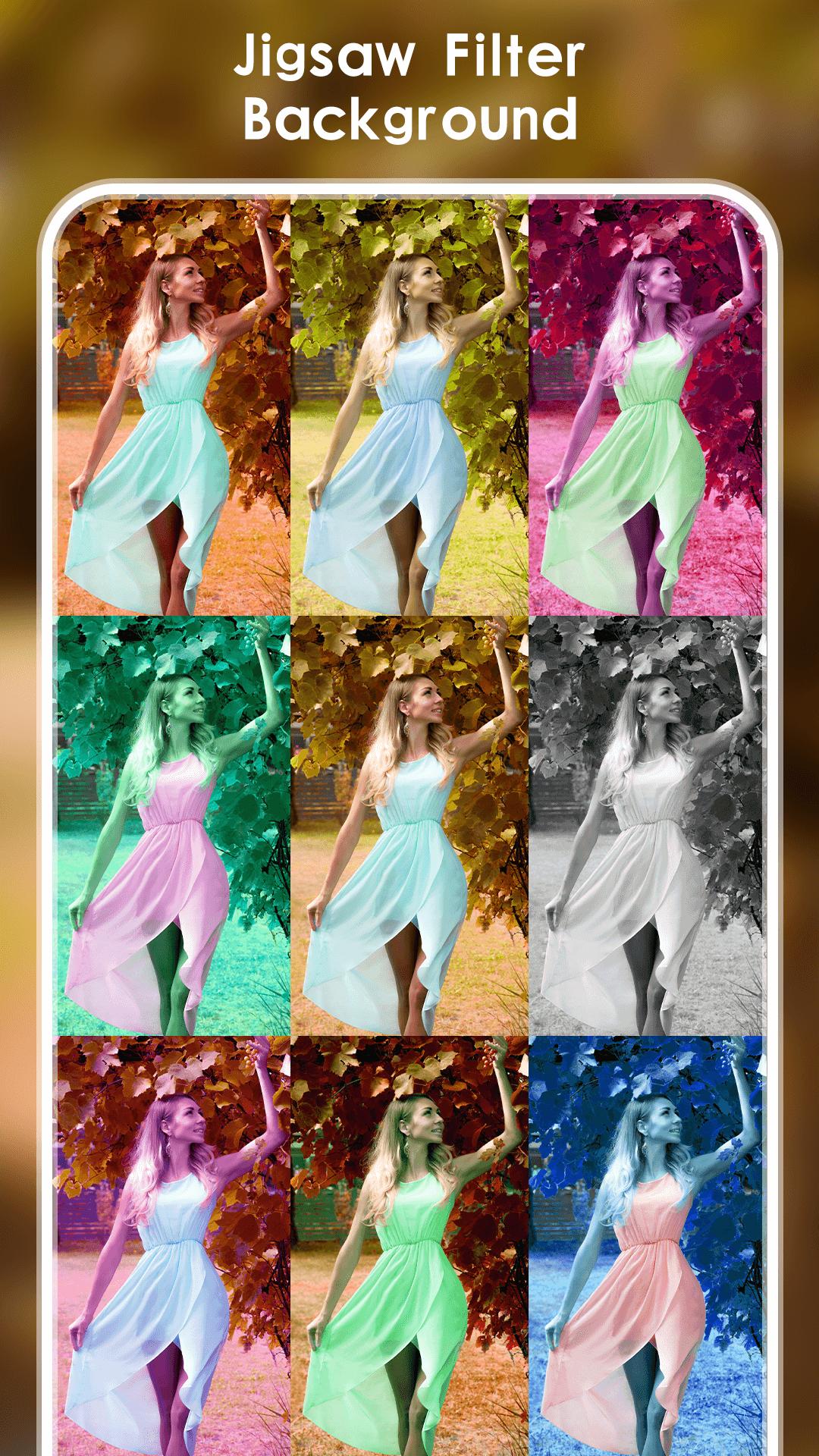
100+ beautiful filters to no crop photo.
❤️ Glitch Effects
Amazing Glitch Effects to your square photo.
❤️ Color Splash
Add very beautiful splash effects to your picture.
❤️ Powerful Editing Tools
Crop, blur effect and mirror feature.
Adjust sharpen, vignette, brightness, contrast, saturation, hue, warmth etc.
Pinch to crop the photo, rotate and move to customize.
❤️ Photo Grid Maker
So many of Layouts for you to choose and fascinating pic collage tools
You can design your own layout to your satisfaction by customizing the photo grid size, border and background
Square Fit - Photo Editor Pro Blur Photo Background is a powerful and easy photo editor for social network apps. Please try to use, If you have any suggestions, Please send an email to wongbruce0816@gmail.com, we will try our best to improve the functions of our app and make you more satisfied with your use.
Preview
Tags
PhotographyInformation
Developer
Video Maker & Video Editor Pro Studio
Latest Version
1.07
Last Updated
2023-10-27
Category
Photography
Available on
Google Play
Show More
How to play Photo Editor Pro - Square Fit with GameLoop on PC
1. Download GameLoop from the official website, then run the exe file to install GameLoop
2. Open GameLoop and search for “Photo Editor Pro - Square Fit” , find Photo Editor Pro - Square Fit in the search results and click “Install”
3. Enjoy playing Photo Editor Pro - Square Fit on GameLoop
Minimum requirements
OS
Windows 8.1 64-bit or Windows 10 64-bit
GPU
GTX 1050
CPU
i3-8300
Memory
8GB RAM
Storage
1GB available space
Recommended requirements
OS
Windows 8.1 64-bit or Windows 10 64-bit
GPU
GTX 1050
CPU
i3-9320
Memory
16GB RAM
Storage
1GB available space