Live Photo - Iphone Camera PC
Raphteal : Status Saver Nor QR Code
Download Live Photo - Iphone Camera on PC With GameLoop Emulator
Live Photo - Iphone Camera sa PC
Ang Live Photo - Iphone Camera, na nagmumula sa developer na Raphteal : Status Saver Nor QR Code, ay tumatakbo sa Android systerm sa nakaraan.
Ngayon, maaari mong laruin ang Live Photo - Iphone Camera sa PC gamit ang GameLoop nang maayos.
I-download ito sa GameLoop library o mga resulta ng paghahanap. Hindi na tumitingin sa baterya o nakakadismaya na mga tawag sa maling oras.
I-enjoy lang ang Live Photo - Iphone Camera PC sa malaking screen nang libre!
Live Photo - Iphone Camera Panimula
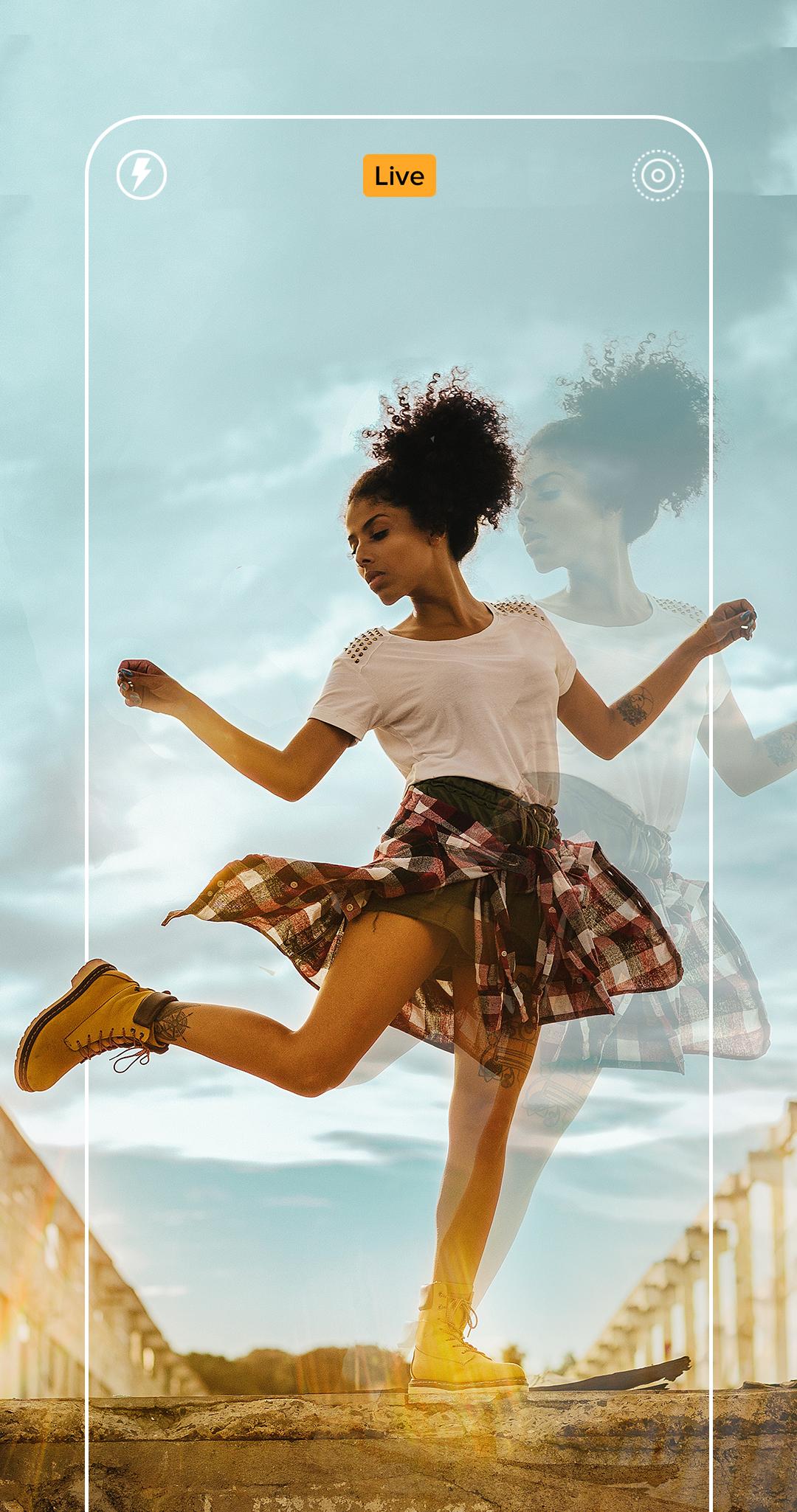
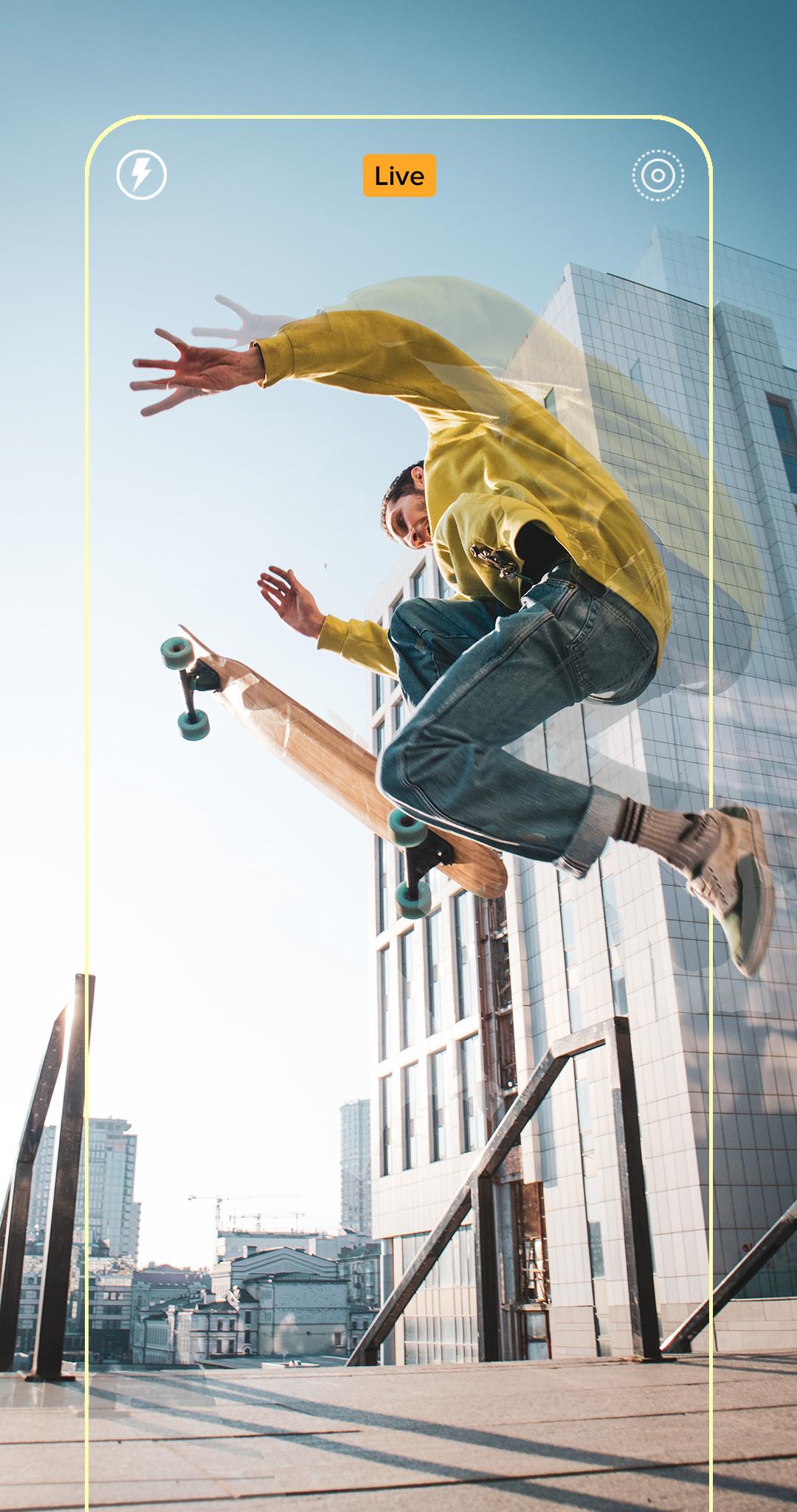
Live Photo IPhone Camera with many features. You may get many fantastic camera features with inspired by Iphone Live Photo.
Live Photo IOS Camera allows a single photo to both be a still image and a short video with motion and sound. Imagine an animated GIF with audio, automatically created from your pictures, and you'll have a decent idea of what Live Photos are.
IPhone Live Photo - IOS Camera features:
- Front (Selfie) camera and back camera
- Support HDR mode, help you take better photos
- Pinch to zoom
- Auto-focus
- Auto flash on/off
- Support resolution adjustment
- Efficient album manager
- Default camera setting & reset
- Grid line
Notice:
# iPhone Live Photo Camera - is inspired by IOS Live Photo camera feature, it is NOT official iPhone (IOS) App
# Camera permission: take photos and record videos
# Access Storage permission: manage photos, album
Please rate us, you make IOS Live Photo camera better and better, thanks!
Preview
Tags
PhotographyInformation
Developer
Raphteal : Status Saver Nor QR Code
Latest Version
1.1.2
Last Updated
2022-08-28
Category
Photography
Available on
Google Play
Show More
How to play Live Photo - Iphone Camera with GameLoop on PC
1. Download GameLoop from the official website, then run the exe file to install GameLoop
2. Open GameLoop and search for “Live Photo - Iphone Camera” , find Live Photo - Iphone Camera in the search results and click “Install”
3. Enjoy playing Live Photo - Iphone Camera on GameLoop
Minimum requirements
OS
Windows 8.1 64-bit or Windows 10 64-bit
GPU
GTX 1050
CPU
i3-8300
Memory
8GB RAM
Storage
1GB available space
Recommended requirements
OS
Windows 8.1 64-bit or Windows 10 64-bit
GPU
GTX 1050
CPU
i3-9320
Memory
16GB RAM
Storage
1GB available space