Light Meter - Lite PC
WBPhoto
Download Light Meter - Lite on PC With GameLoop Emulator
Light Meter - Lite sa PC
Ang Light Meter - Lite, na nagmumula sa developer na WBPhoto, ay tumatakbo sa Android systerm sa nakaraan.
Ngayon, maaari mong laruin ang Light Meter - Lite sa PC gamit ang GameLoop nang maayos.
I-download ito sa GameLoop library o mga resulta ng paghahanap. Hindi na tumitingin sa baterya o nakakadismaya na mga tawag sa maling oras.
I-enjoy lang ang Light Meter - Lite PC sa malaking screen nang libre!
Light Meter - Lite Panimula
The essential light meter app for film and digital photography. Turn your phone into a precision spot meter trusted by 400,000+ photographers worldwide.
PRECISION EXPOSURE METERING
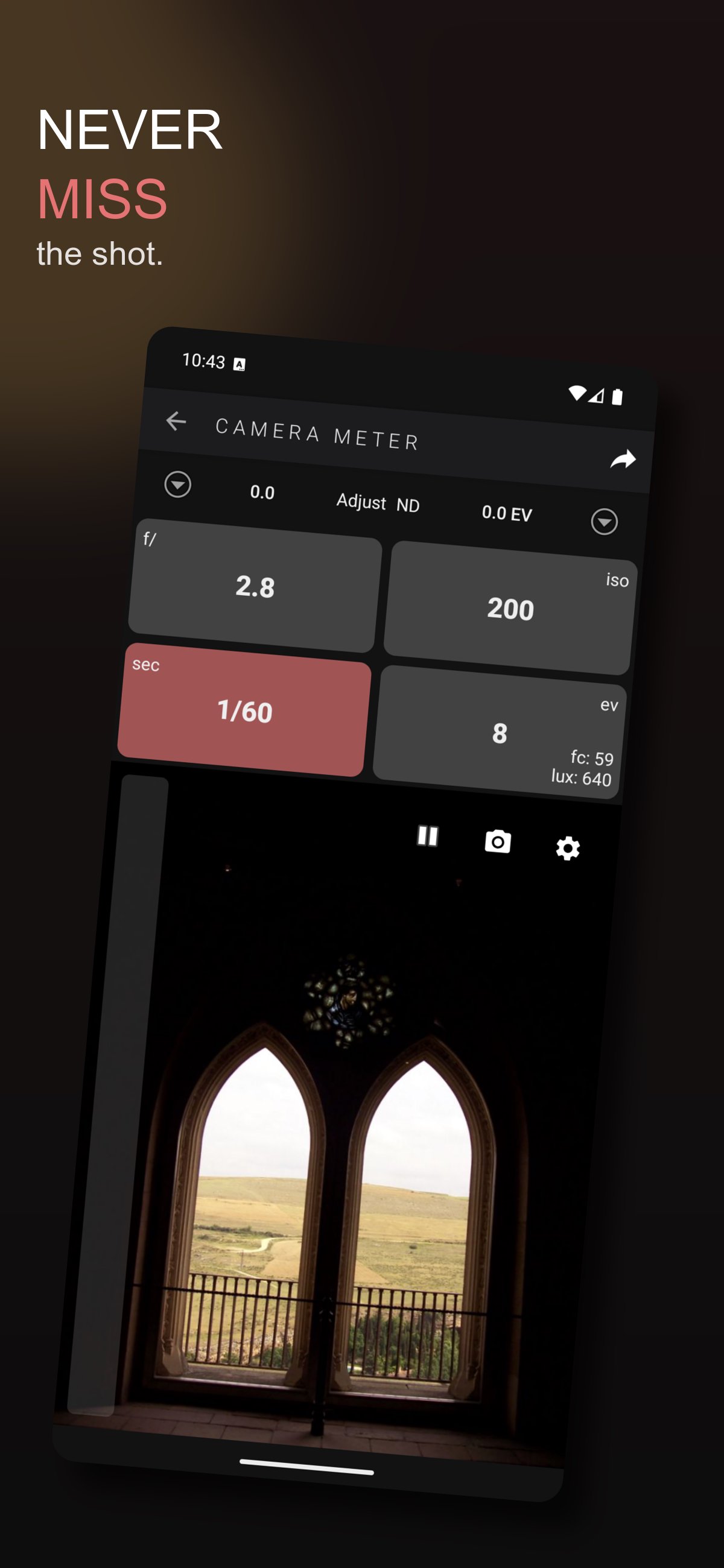
• Spot meter with tap-to-focus exposure points
• Multi-point spot metering — pin and compare dynamic range
• Zone System metering — assign zones (0–X) to readings
• Exposure preview for compensation and ND offsets
• Incident light meter via device sensor
• Volume button to start/stop metering
• Calibrated against professional Gossen and Sekonic meters
ZONE PLACEMENT CALCULATOR
• Place readings on zones, see target exposure instantly
• Grayscale swatches show how each reading renders
• Dynamic range warnings for high-contrast scenes
• Send directly to Bracket Calculator
YOUR COMPLETE PHOTOGRAPHY TOOLKIT — 12 CALCULATORS
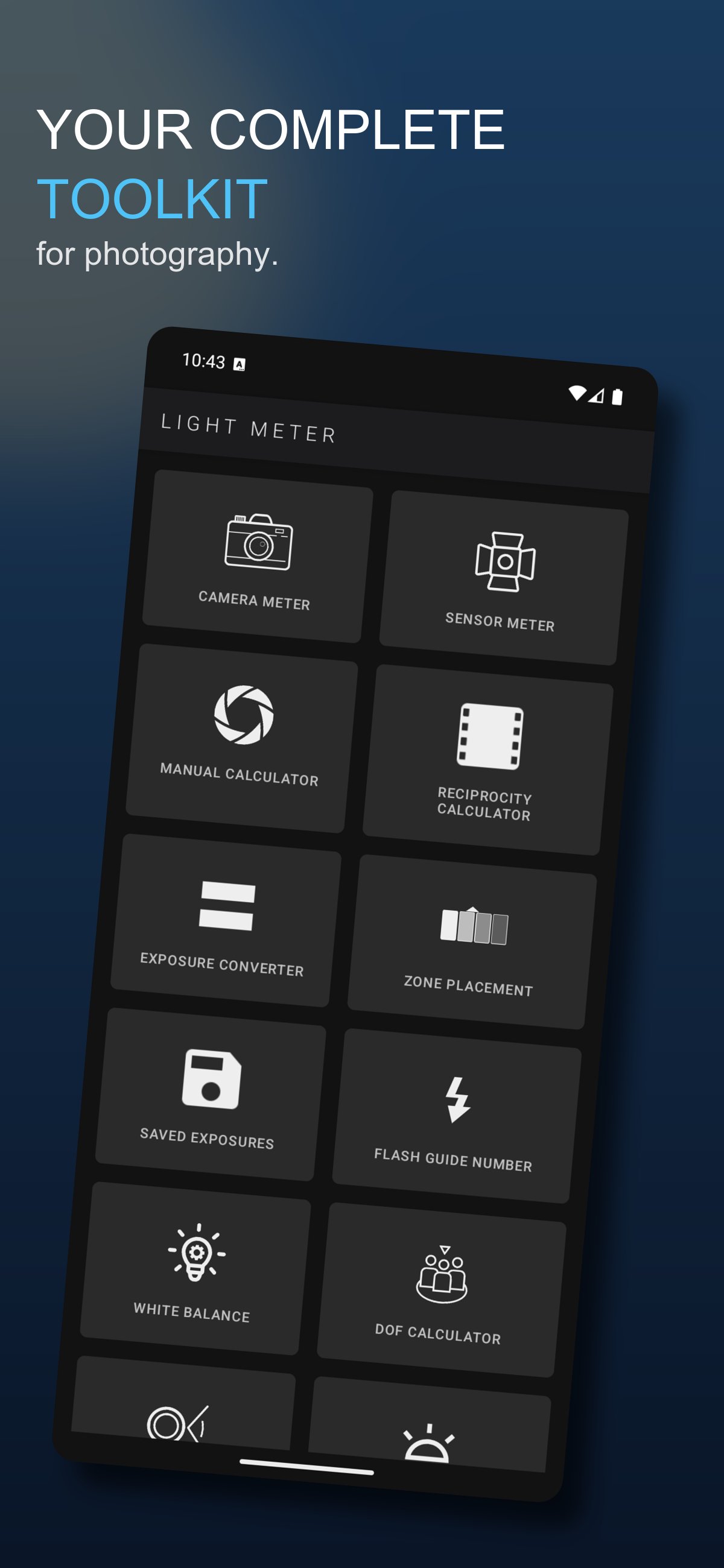
• DOF — Hyperfocal distance, near/far focus limits
• Reciprocity — 40+ film stocks (Portra, Tri-X, HP5, CineStill, and more)
• Bracket Calculator — Exposure bracketing with custom steps
• Pinhole Calculator — Effective f-stop for pinhole cameras
• EV/LV Converter • White Balance • Bellows Factor
• Flash Guide Number • EXIF Reader • Angle of View
• Zone Placement • Sunny 16
GOLDEN HOUR & BLUE HOUR
• Sunrise, sunset, golden hour, and blue hour times
PROFESSIONAL FEATURES
• Custom ISO, shutter, f-stop ranges
• Half-stop and third-stop increments
• Shutter angle mode for cinematographers
• Live histogram • ND filter display
• Foot-candles and Lux • Exposure timer
• Screen lock to keep display awake
SAVE & ORGANIZE
• Log exposures with GPS and notes
• Hardware profiles for your gear
• Export and reference past readings
Film SLR • Medium format • Large format • Pinhole • Digital mirrorless
50+ languages • No internet required for metering
Preview
Tags
PhotographyInformation
Developer
WBPhoto
Latest Version
3.9-2026-05-27T23:46Z - Free
Last Updated
2026-05-27
Category
Photography
Available on
Google Play
Show More
How to play Light Meter - Lite with GameLoop on PC
1. Download GameLoop from the official website, then run the exe file to install GameLoop
2. Open GameLoop and search for “Light Meter - Lite” , find Light Meter - Lite in the search results and click “Install”
3. Enjoy playing Light Meter - Lite on GameLoop
Minimum requirements
OS
Windows 8.1 64-bit or Windows 10 64-bit
GPU
GTX 1050
CPU
i3-8300
Memory
8GB RAM
Storage
1GB available space
Recommended requirements
OS
Windows 8.1 64-bit or Windows 10 64-bit
GPU
GTX 1050
CPU
i3-9320
Memory
16GB RAM
Storage
1GB available space