Horror photo editor PC
VictoryTech Studio
Download Horror photo editor on PC With GameLoop Emulator
Horror photo editor sa PC
Ang Horror photo editor, na nagmumula sa developer na VictoryTech Studio, ay tumatakbo sa Android systerm sa nakaraan.
Ngayon, maaari mong laruin ang Horror photo editor sa PC gamit ang GameLoop nang maayos.
I-download ito sa GameLoop library o mga resulta ng paghahanap. Hindi na tumitingin sa baterya o nakakadismaya na mga tawag sa maling oras.
I-enjoy lang ang Horror photo editor PC sa malaking screen nang libre!
Horror photo editor Panimula
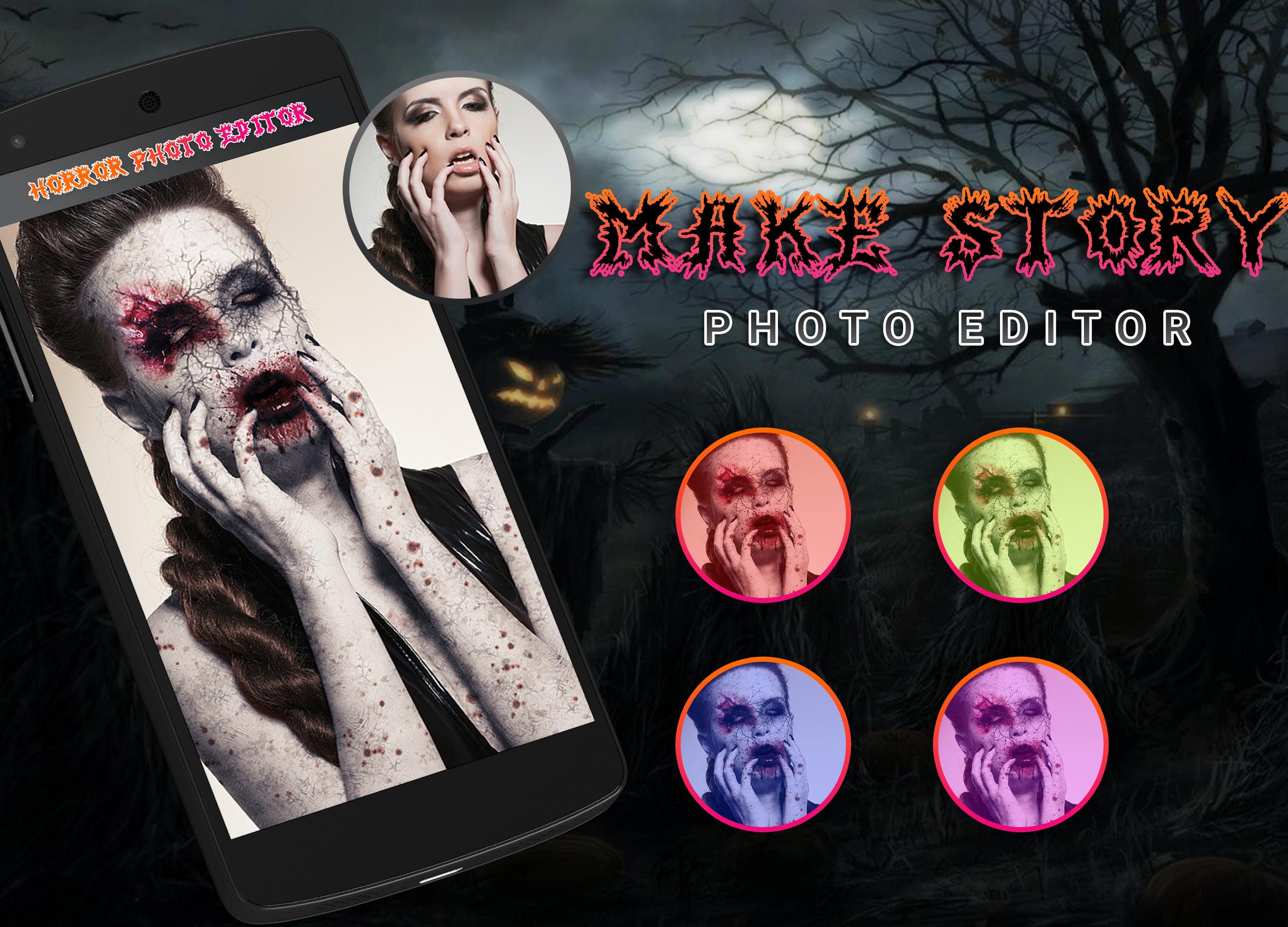
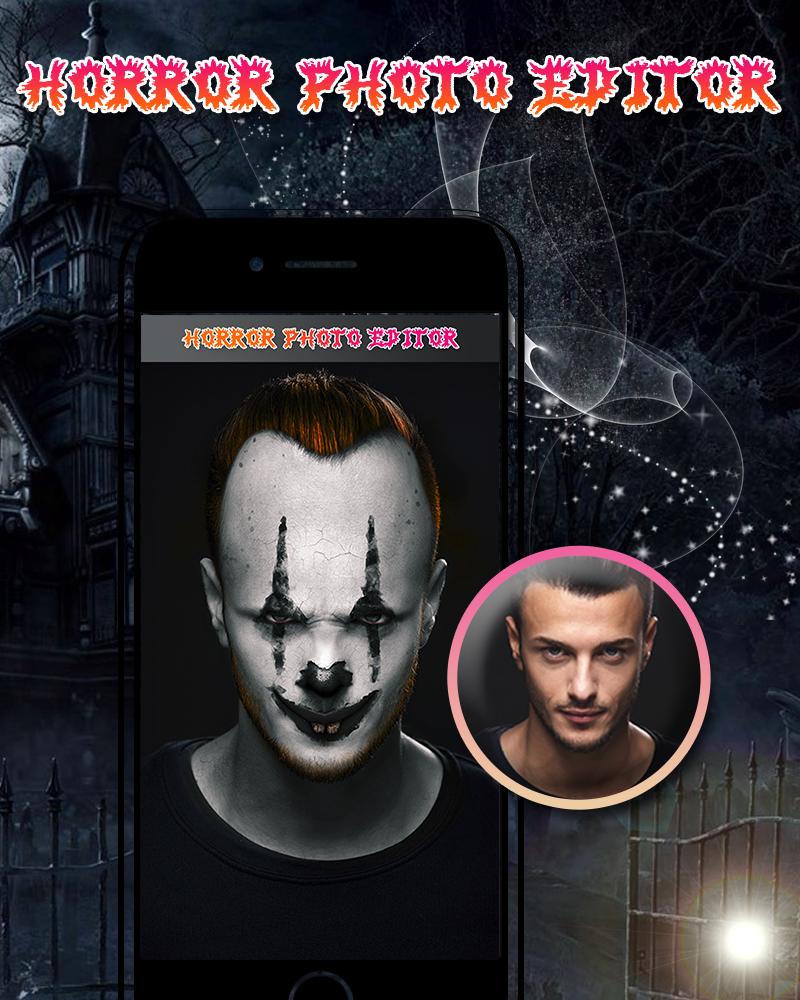
Make the scariest Horror pictures using horror photo editor and scare your friends! ,
This cool app is a free photo editor, which will help you make incredible Horror photo to scare your friends and family members
and You can also apply a photo editing filter effects and all.
Features:
--- Photo Editing Filters.
--- Create horror pranks to scare your friends with Amazing Cropping functionalities!
--- Select a pic from the gallery!
--- Cool stickers to turn yourself into a Horror!
--- Adjust the Horror sticker to fit your image, change the size with your fingers!
--- Add Text that you want, Also Apply more than 20+ Font style, different types of colors and size.
---Share your photo art on Facebook, Twitter, Instagram and any other social media!!
INSTALL This horror photo editor app and share with your friends and Look Scary.
More from Developers:
• DSLR Blur HD Camera 2018
• Beauty Photo Editor
• 3D Classic Photo
• Funny Face Changer
• Glory Photo Lab
• Pixel Art Studio Editor
• PhotoVideo.ly
• Visual FX Photo
• Instant Lomo Effects Photo Lab
• DSLR Camera 2018
Thank you for your support…
Preview
Information
Developer
VictoryTech Studio
Latest Version
1.1
Last Updated
2019-10-24
Category
Photography
Available on
Google Play
Show More
How to play Horror photo editor with GameLoop on PC
1. Download GameLoop from the official website, then run the exe file to install GameLoop
2. Open GameLoop and search for “Horror photo editor” , find Horror photo editor in the search results and click “Install”
3. Enjoy playing Horror photo editor on GameLoop
Minimum requirements
OS
Windows 8.1 64-bit or Windows 10 64-bit
GPU
GTX 1050
CPU
i3-8300
Memory
8GB RAM
Storage
1GB available space
Recommended requirements
OS
Windows 8.1 64-bit or Windows 10 64-bit
GPU
GTX 1050
CPU
i3-9320
Memory
16GB RAM
Storage
1GB available space