Ultra Zoom Microscope Camera PC
Delta Applications
Download Ultra Zoom Microscope Camera on PC With GameLoop Emulator
Ultra Zoom Microscope Camera sa PC
Ang Ultra Zoom Microscope Camera, na nagmumula sa developer na Delta Applications, ay tumatakbo sa Android systerm sa nakaraan.
Ngayon, maaari mong laruin ang Ultra Zoom Microscope Camera sa PC gamit ang GameLoop nang maayos.
I-download ito sa GameLoop library o mga resulta ng paghahanap. Hindi na tumitingin sa baterya o nakakadismaya na mga tawag sa maling oras.
I-enjoy lang ang Ultra Zoom Microscope Camera PC sa malaking screen nang libre!
Ultra Zoom Microscope Camera Panimula
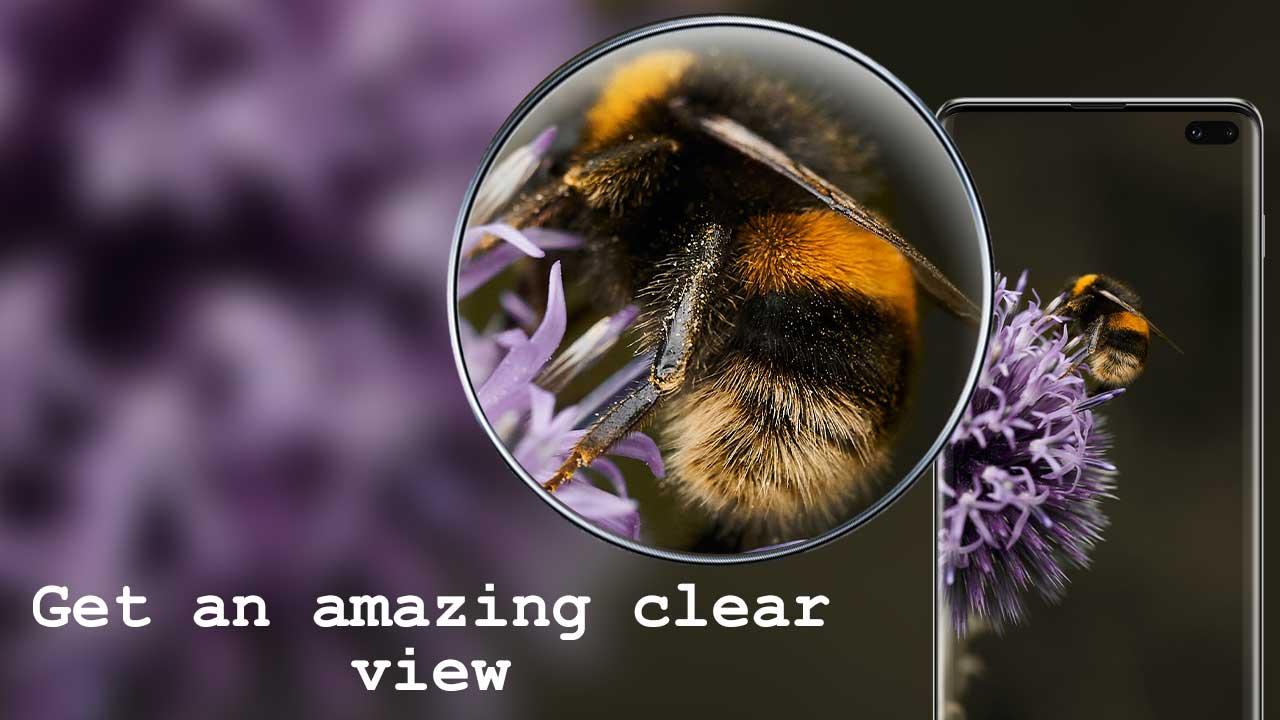
Have this easy to use and powerful Ultra Zoom Microscope Camera application for capturing zoomed up photos and videos in amazing quality.
The application has a very cool design and amazing features such as dedicated zoom scroller, color adjuster and flashlight support for having the best photo-taking experience.
Use the application for focusing on distant objects and small things thanks to the advanced screen magnification algorithm that enlarges and enhances everything.
The camera can be used for zooming in on small text, use the flashlight for capturing media in dark and capture great landscape shots of nature by press the shutter button to save the perfect shot.
Features:
• Turn your device into useful photo taking gadget
• Cool and advanced digital interface of a magnifying zoom microscope
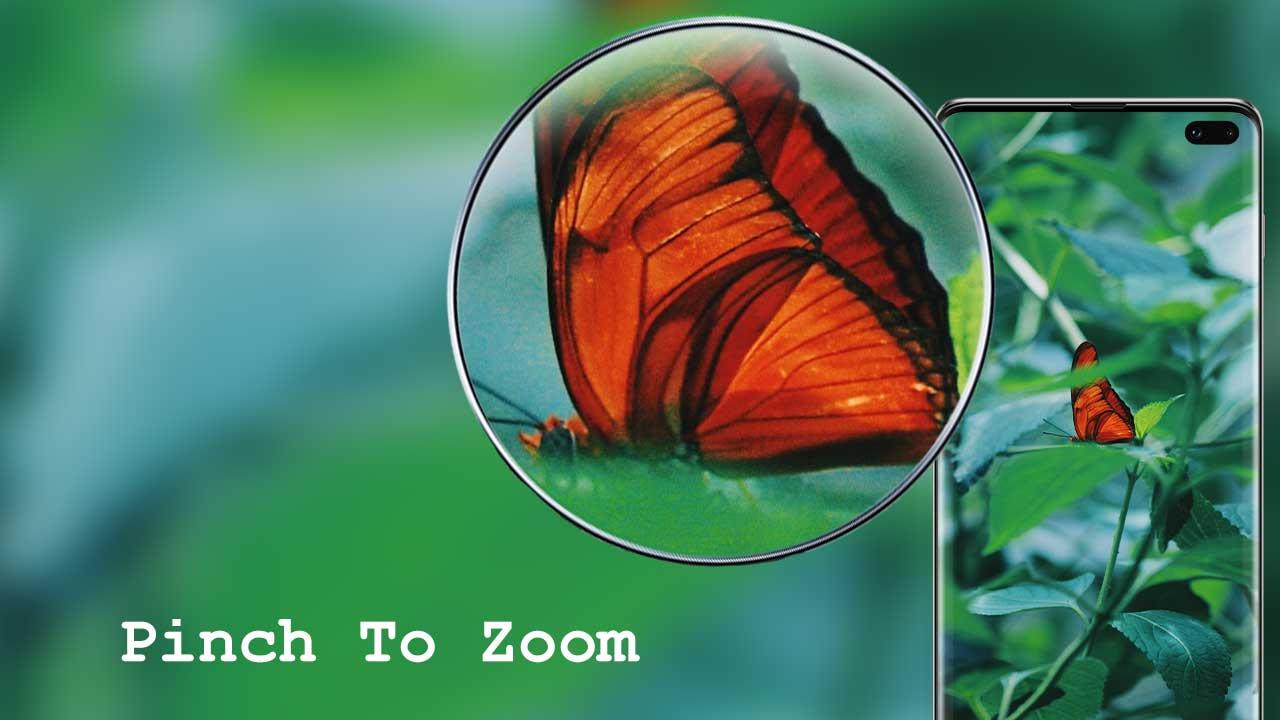
• Zoom-in or zoom-out instantly with dedicated scroller or pinch in or out on screen for magnification
• Flashlight support to capture images dark
• Timer (optional audio countdown timer) and automatic repeat mode (with configurable delay)
• Auto-focus or manual focus on objects
• Multi-touch gesture support
• Lock the portrait or landscape orientation
• Photo effects and color effects
- Free and super easy to operate
- Powerful image processing for taking quick photos
- Supports front camera
- Supports Flashlight
App Permissions explained:
• Camera: To take photos
• Write Internal Storage: To save photos
• Microphone: To support voice activation (optional)
Preview
Tags
PhotographyInformation
Developer
Delta Applications
Latest Version
1.0
Last Updated
2022-09-21
Category
Photography
Available on
Google Play
Show More
How to play Ultra Zoom Microscope Camera with GameLoop on PC
1. Download GameLoop from the official website, then run the exe file to install GameLoop
2. Open GameLoop and search for “Ultra Zoom Microscope Camera” , find Ultra Zoom Microscope Camera in the search results and click “Install”
3. Enjoy playing Ultra Zoom Microscope Camera on GameLoop
Minimum requirements
OS
Windows 8.1 64-bit or Windows 10 64-bit
GPU
GTX 1050
CPU
i3-8300
Memory
8GB RAM
Storage
1GB available space
Recommended requirements
OS
Windows 8.1 64-bit or Windows 10 64-bit
GPU
GTX 1050
CPU
i3-9320
Memory
16GB RAM
Storage
1GB available space