Cartoonize – Photo to Cartoon PC
Vertexshare Software Ltd
Download Cartoonize – Photo to Cartoon on PC With GameLoop Emulator
Cartoonize – Photo to Cartoon sa PC
Ang Cartoonize – Photo to Cartoon, na nagmumula sa developer na Vertexshare Software Ltd, ay tumatakbo sa Android systerm sa nakaraan.
Ngayon, maaari mong laruin ang Cartoonize – Photo to Cartoon sa PC gamit ang GameLoop nang maayos.
I-download ito sa GameLoop library o mga resulta ng paghahanap. Hindi na tumitingin sa baterya o nakakadismaya na mga tawag sa maling oras.
I-enjoy lang ang Cartoonize – Photo to Cartoon PC sa malaking screen nang libre!
Cartoonize – Photo to Cartoon Panimula
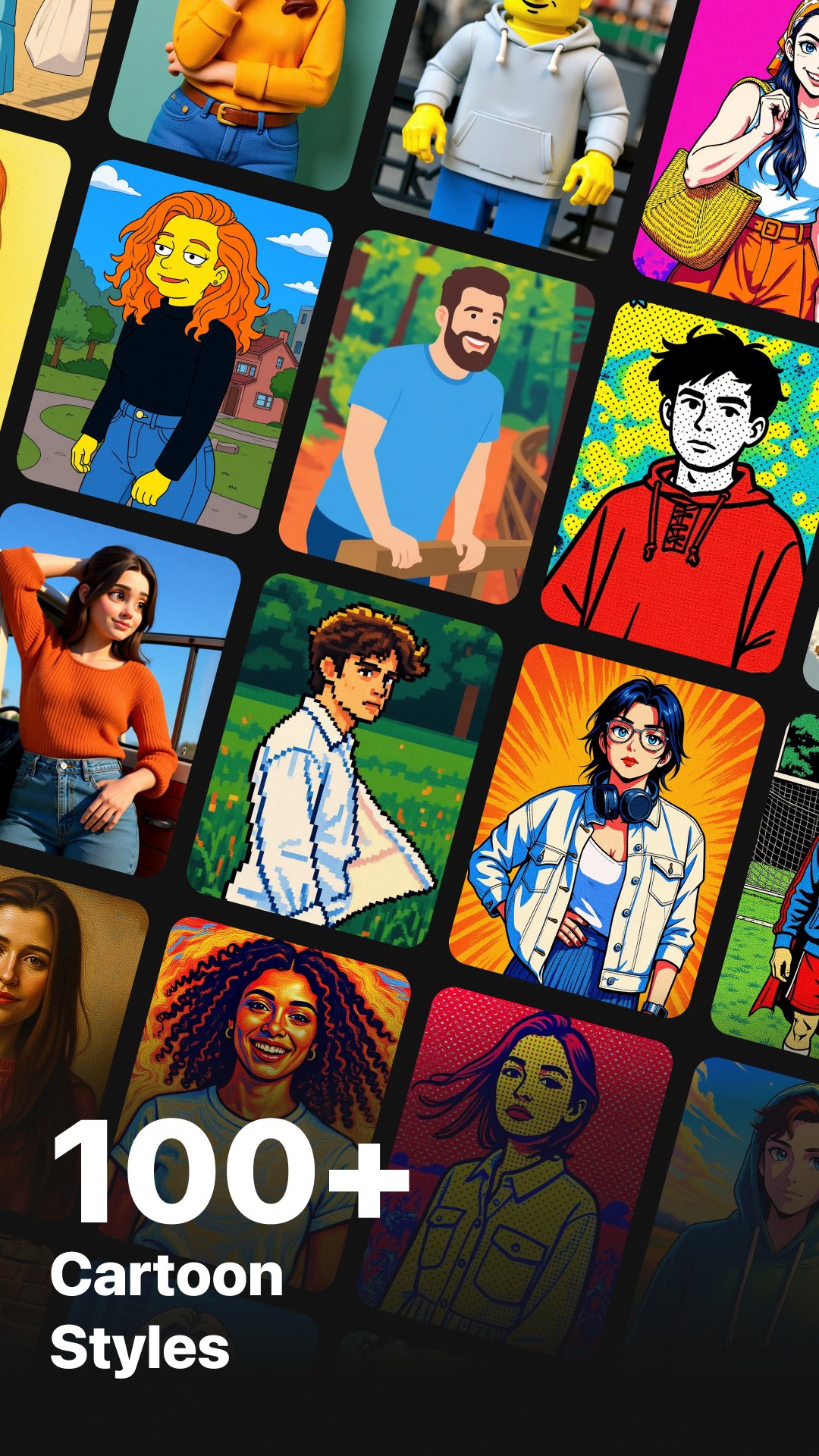
Cartoonize offers 80+ AI-powered styles inspired by anime, cartoons, comics, illustration, fine art, and modern design. Simply upload your photo, choose a style, and get a beautiful transformation in seconds.
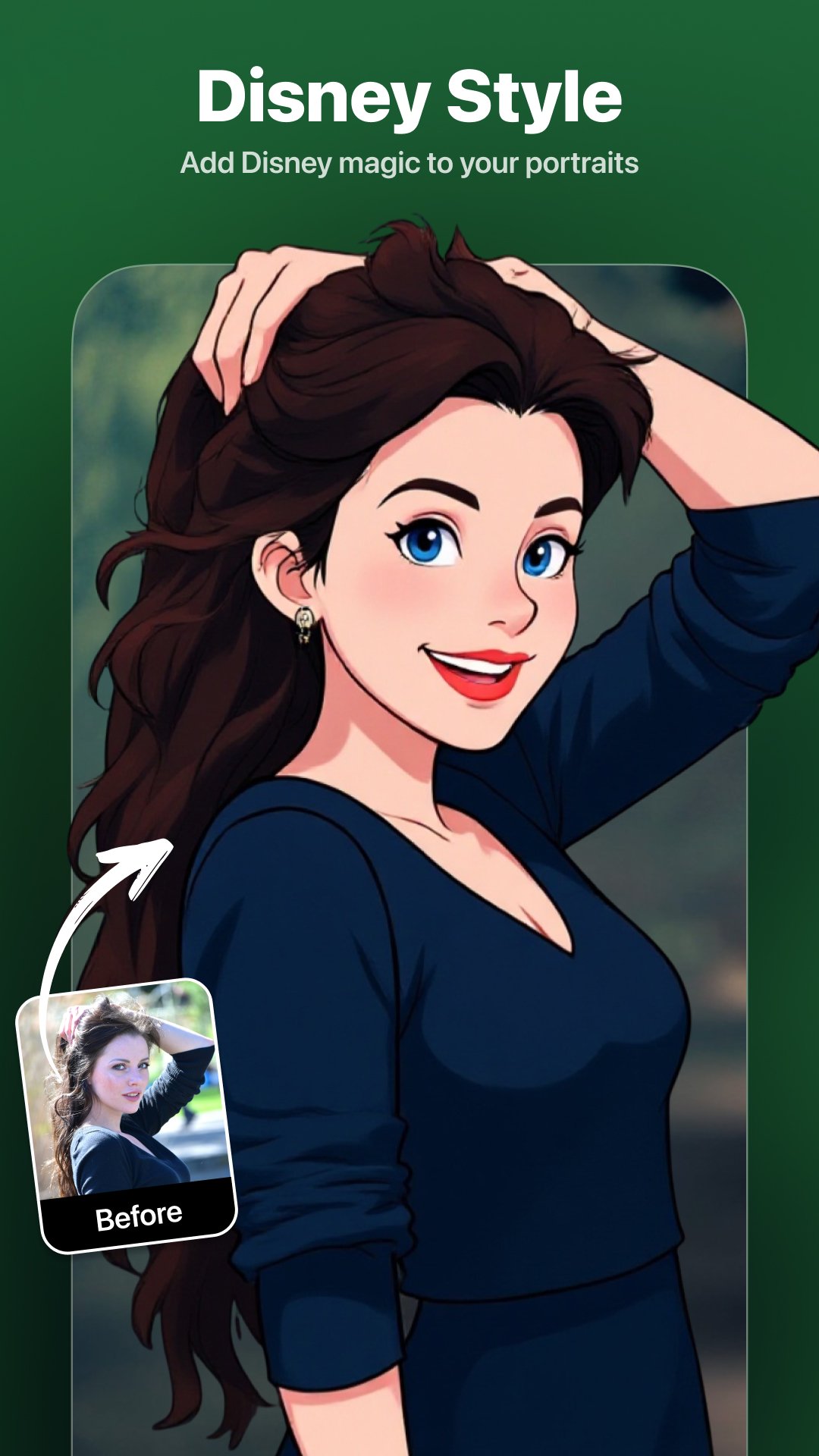
Whether you want Ghibli-style portraits, Disney or Pixar-like characters, Manga illustrations, watercolor paintings, Lego-style figures, pixel-art avatars, cyberpunk anime, retro illustrations, or something totally unique — Cartoonize gives you everything in one powerful Android app.
Key Features
>> 80+ AI Cartoon, Anime & Art Filters. (Ghibli, Disney, Pixar, Manga, Retro, Cyberpunk, and more)
>> Online AI Image Upscaler (4×). Enhance image resolution online with clear details and smooth textures
>> Fast Processing. Get cartoon results in about 10–20 seconds
>> One-Tap Cartoon Conversion. Simple workflow, no editing skills required
>> High-Resolution Output. Perfect for avatars, wallpapers, posters, and social sharing
>> Safe & Private. Processing history saved locally; server images are automatically deleted within 2 hours
How It Works
>> Import any photo (portrait, pet, landscape, product, etc.)
>> Select a cartoon, anime, or art style from 80+ options
>> Tap Upload and let AI transform your photo
>> Preview and download your artwork in high quality
Highlighted Cartoon & Anime Styles
>> Classic Animation Styles
Studio Ghibli, Disney, Pixar, DreamWorks, Makoto Shinkai, Kyoto Animation, Princess Mononoke, Evangelion, Demon Slayer, Genshin-style Anime, VTuber Anime, Magical Girl Anime, Shonen Anime, Shoujo Anime
>> Japanese Anime & Manga
Japanese Anime, Manga, Manga Panel, One Piece, JoJo’s Bizarre Adventure, Tezuka Osamu Style, Chibi / SD, Japanese Ukiyo-e
>> Western Cartoon Styles
Simpsons, American Cartoons, Adventure Time, South Park, Rick and Morty, Snoopy Comic
…and many more styles to explore
Subscription Plans
Unlock unlimited access and premium AI features:
>> Monthly Plan: $6.99 – Unlimited access
>> Yearly Plan: $24.99 – Best value
>> Lifetime Plan: $49.99 – One-time purchase, permanent access
Contact
Have questions or feedback?
support@imagetocartoon.com
https://imagetocartoon.com
Privacy Policy: https://imagetocartoon.com/privacy
Terms: https://imagetocartoon.com/terms
Preview
Tags
PhotographyInformation
Developer
Vertexshare Software Ltd
Latest Version
4.0.2
Last Updated
2026-04-17
Category
Photography
Available on
Google Play
Show More
How to play Cartoonize – Photo to Cartoon with GameLoop on PC
1. Download GameLoop from the official website, then run the exe file to install GameLoop
2. Open GameLoop and search for “Cartoonize – Photo to Cartoon” , find Cartoonize – Photo to Cartoon in the search results and click “Install”
3. Enjoy playing Cartoonize – Photo to Cartoon on GameLoop
Minimum requirements
OS
Windows 8.1 64-bit or Windows 10 64-bit
GPU
GTX 1050
CPU
i3-8300
Memory
8GB RAM
Storage
1GB available space
Recommended requirements
OS
Windows 8.1 64-bit or Windows 10 64-bit
GPU
GTX 1050
CPU
i3-9320
Memory
16GB RAM
Storage
1GB available space