
Camera for Dazz Cam Vintage PC
HELLALA
Download Camera for Dazz Cam Vintage on PC With GameLoop Emulator
Camera for Dazz Cam Vintage sa PC
Ang Camera for Dazz Cam Vintage, na nagmumula sa developer na HELLALA, ay tumatakbo sa Android systerm sa nakaraan.
Ngayon, maaari mong laruin ang Camera for Dazz Cam Vintage sa PC gamit ang GameLoop nang maayos.
I-download ito sa GameLoop library o mga resulta ng paghahanap. Hindi na tumitingin sa baterya o nakakadismaya na mga tawag sa maling oras.
I-enjoy lang ang Camera for Dazz Cam Vintage PC sa malaking screen nang libre!
Camera for Dazz Cam Vintage Panimula
Dazz Cam Vintage : image creator – amazing Dazz Cam Vintage creating program with fantastic results. Just make your imagination and the rest is ours Dazz Cam Vintage .😍
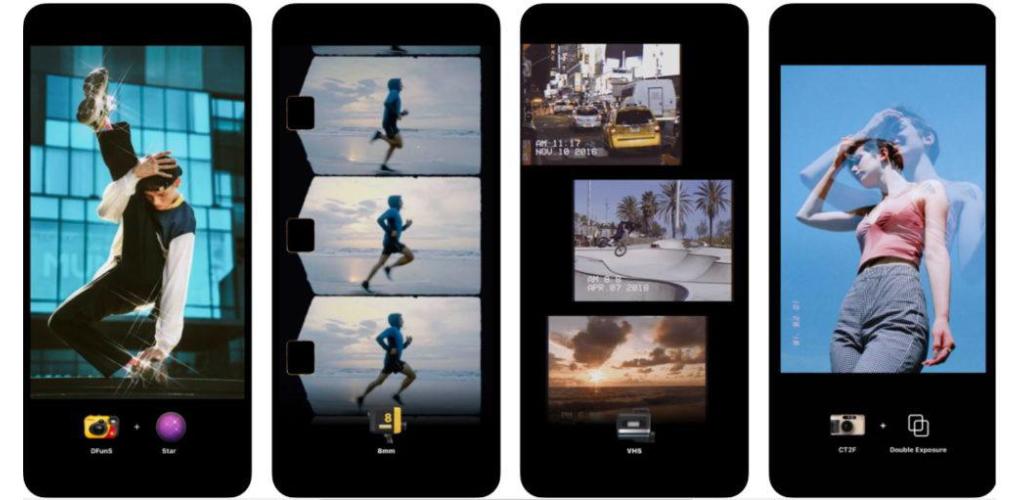
A camera app features a collection of retro-style filters and powerful photo editing tools.
Dazz camera, your pocket photographer.
No need for post-editing, the most realistic film photography or video is instantly presented with a single click.
The user experience is immaculate, and the Dazz Cam Vintage includes a number of unparalleled features that enable the user to take photos that are totally pixel perfect.
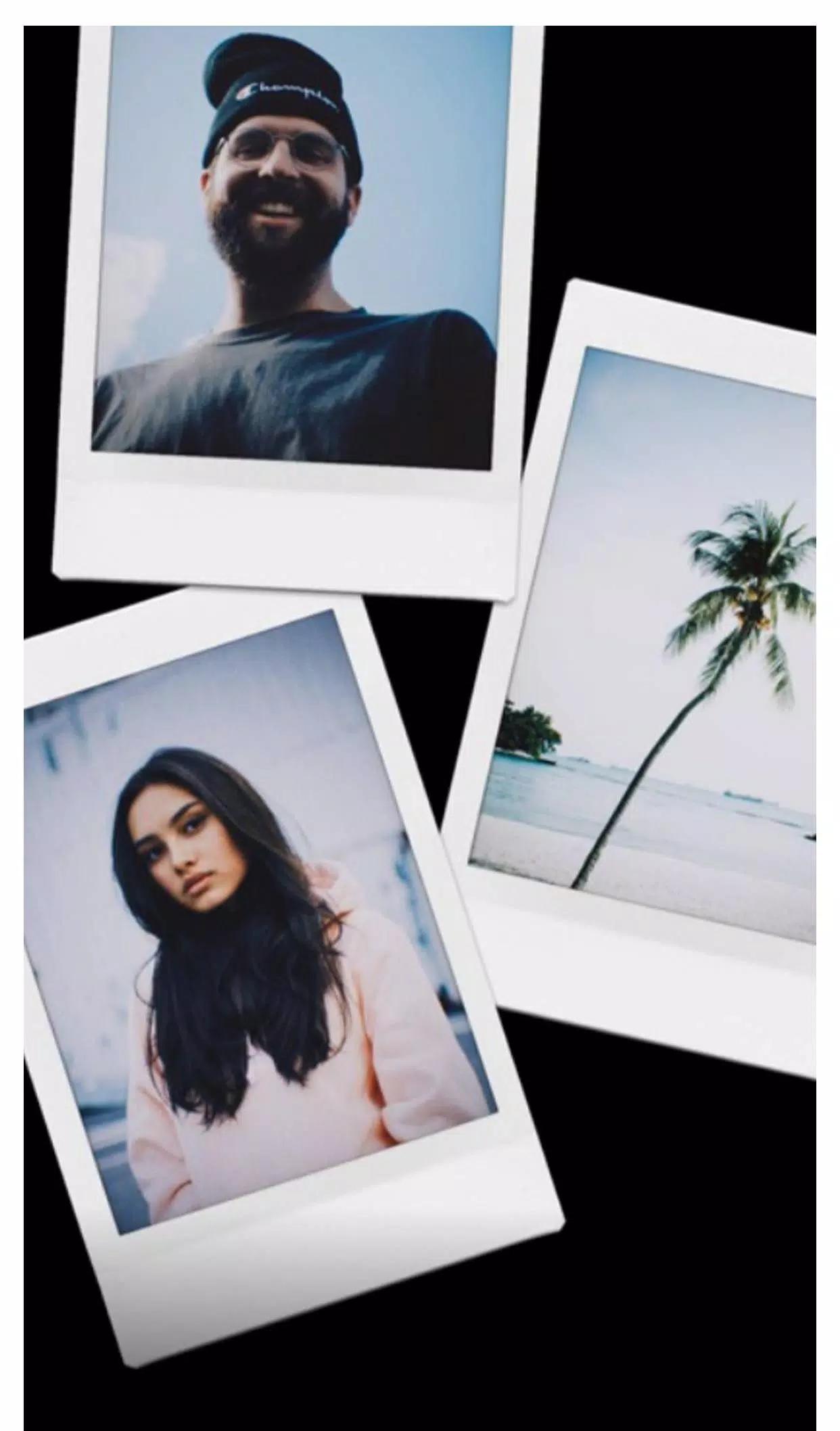
The Dazz camera is inspired by the retro film camera of the 80s. Based on the film proofs, we 100% restore the color, texture and noise of the film. There will also be interesting light leakage effects.
The Dazz camera will launch new cameras from time to time, let’s look forward to it .
፠ App Key Features ፠
ᕲ Auto facial beauty
ᕲ a wide range of filter collections to make the image stand out
ᕲ Scene Mode
ᕲ Exposure Mode
ᕲ Professional camera mode Supported
ᕲ Camera's shutter sound can be muted
ᕲ Take pictures in the iCamera OS 15, OS 13, or OS 14 style.
ᕲ Utilize the back camera to create HD videos and take beautiful photos.
ᕲ Use the front camera to capture a magical selfie with style camera OS 13, OS 12, or OS 11.
ᕲ provide HD photo and video quality
ᕲ Offer on/off option for auto flash
ᕲ three modes: video, photo, and square
ᕲ Save HD photo and video in your Gallery
ᕲ enables the camera to take a sequence of multiple photos.
ᕲ Continuous shooting
Other function items
- Take two photos to superimpose the double exposure effect.
- Timed self-timer function.
- With a flash in the dark, you can take a more film texture.
- camera assistant grid.
- Fisheye lens.
- Flash Colors.
- Exposure adjustment.
- Photo with square frame, convenient to share to Instagram
The Best Free Professional Photo App is Dazz Cam Vintage Selfie for Camera not only offers a tonne of functions, but it also has lovely filters that can help you take images that are both remarkable and expert-looking. You can click and record your happiest moments using Dazz Cam Vintage
The Dazz cam editing app is simple and easy to use. You can edit not only photos, but also videos. To edit dazz cam video, edit existing videos📹 and trim them, adjust speed and apply filters of your choice. Restore video color, sound from movies and classic pattern making and much more with this great app. Classic scenes are easy to use but give the user the ability to change each part to look different in each photo🖼️. With a few clicks dazz cam app takes you back to the era of 90s photography and romance, vintage style, vintage film filter.
So, go and download the dazz cam vintage camera app📷 and make your life fun, capture every good moment of your life, and make it more lovely.
Preview
Information
Developer
HELLALA
Latest Version
1.0
Last Updated
2023-05-15
Category
Photography
Available on
Google Play
Show More
How to play Camera for Dazz Cam Vintage with GameLoop on PC
1. Download GameLoop from the official website, then run the exe file to install GameLoop
2. Open GameLoop and search for “Camera for Dazz Cam Vintage” , find Camera for Dazz Cam Vintage in the search results and click “Install”
3. Enjoy playing Camera for Dazz Cam Vintage on GameLoop
Minimum requirements
OS
Windows 8.1 64-bit or Windows 10 64-bit
GPU
GTX 1050
CPU
i3-8300
Memory
8GB RAM
Storage
1GB available space
Recommended requirements
OS
Windows 8.1 64-bit or Windows 10 64-bit
GPU
GTX 1050
CPU
i3-9320
Memory
16GB RAM
Storage
1GB available space