
Terminal - Classic Green Theme PC
Nate Wren Design
Download Terminal - Classic Green Theme on PC With GameLoop Emulator
Terminal - Classic Green Theme sa PC
Ang Terminal - Classic Green Theme, na nagmumula sa developer na Nate Wren Design, ay tumatakbo sa Android systerm sa nakaraan.
Ngayon, maaari mong laruin ang Terminal - Classic Green Theme sa PC gamit ang GameLoop nang maayos.
I-download ito sa GameLoop library o mga resulta ng paghahanap. Hindi na tumitingin sa baterya o nakakadismaya na mga tawag sa maling oras.
I-enjoy lang ang Terminal - Classic Green Theme PC sa malaking screen nang libre!
Terminal - Classic Green Theme Panimula
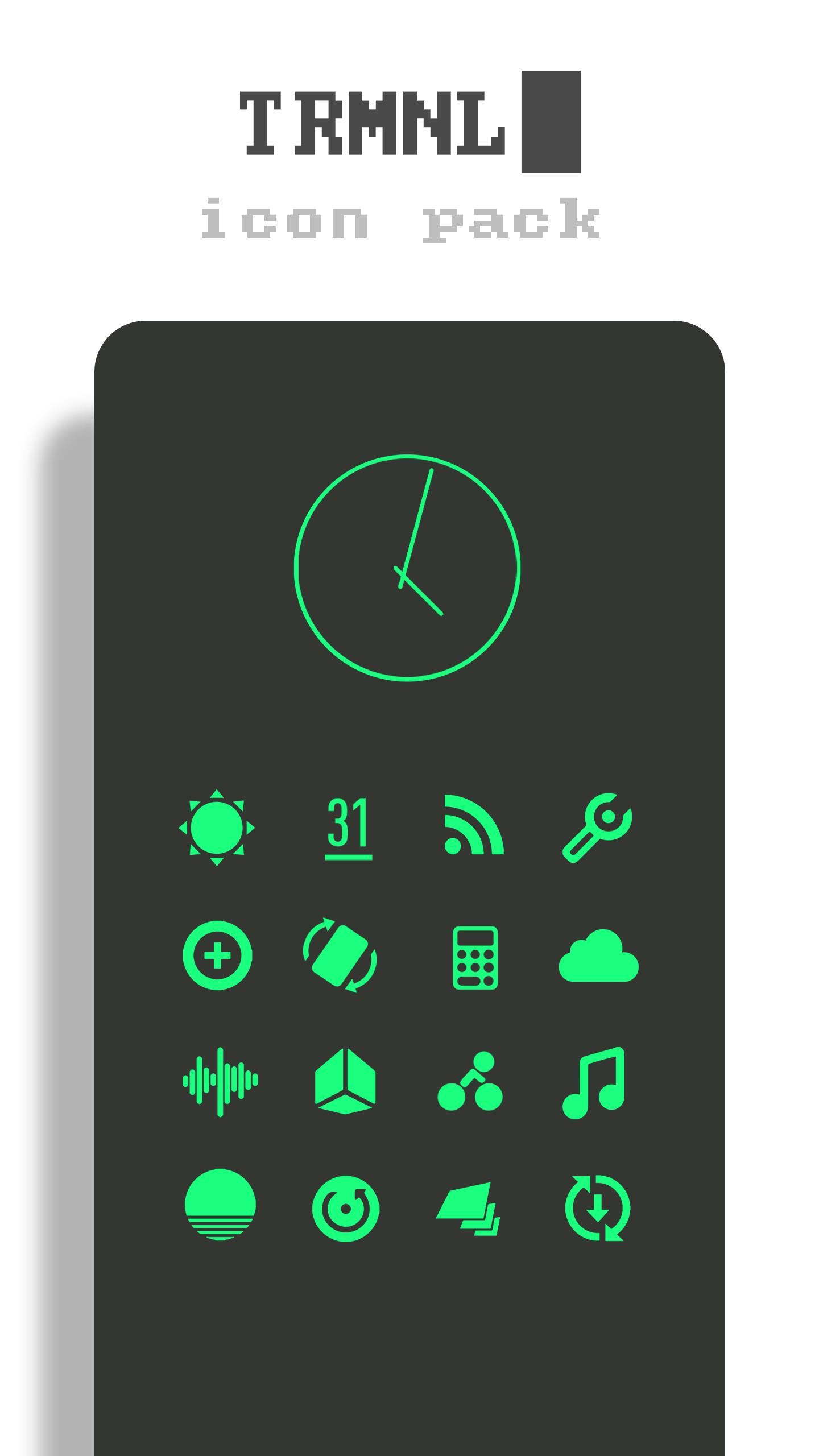
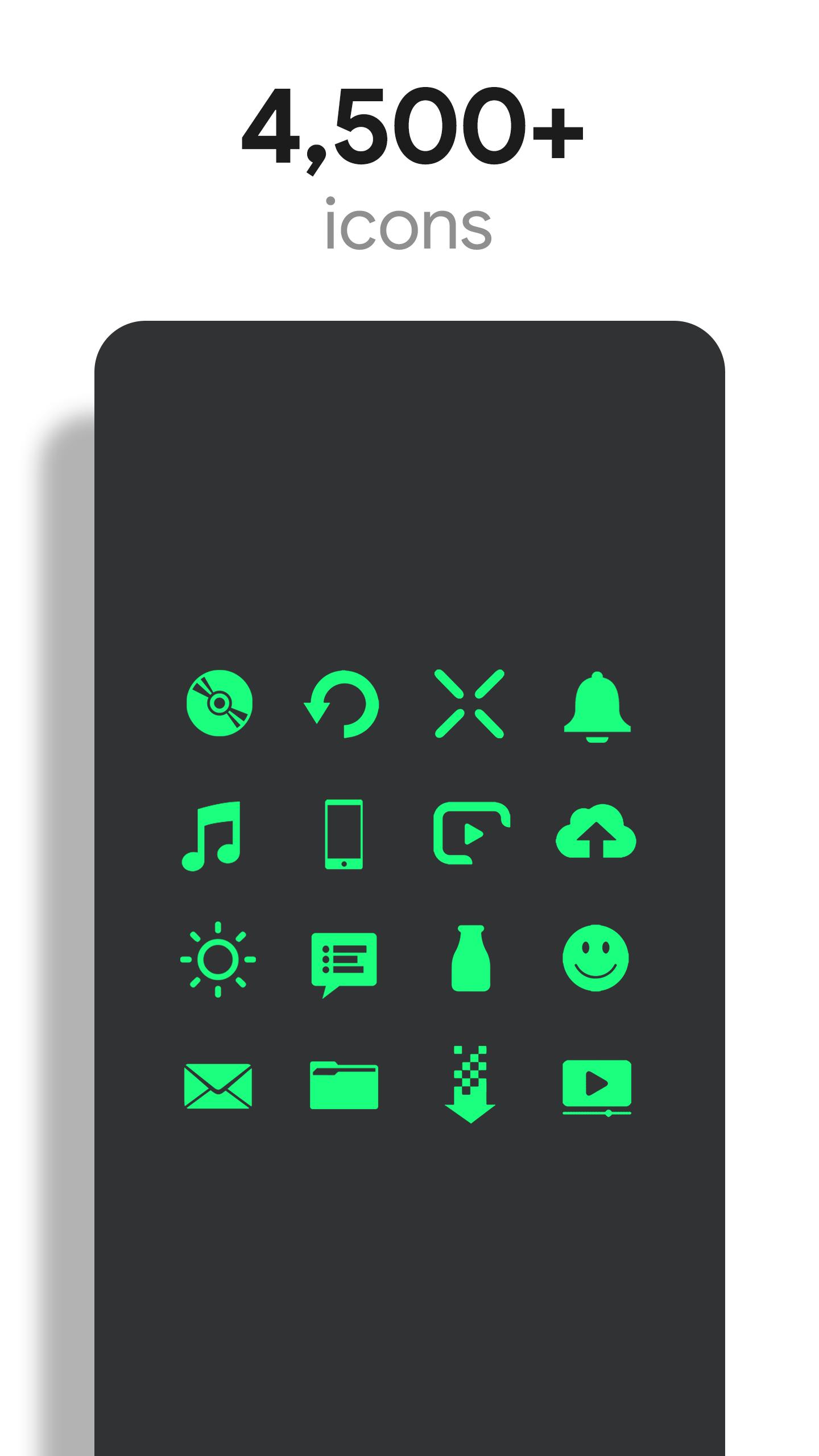
Terminal is a theme that applies new icons to the most popular apps through a launcher of your choice. Each icon was hand crafted with simplicity in mind. The 5,100+ green icons and wallpapers are inspired by old CRT terminal monitors The icons are xxxhdpi which means they're HD or high enough resolution to get cool looking green icons on any device out there.
QUICK TIPS
You can manually edit icons in most launchers by long-pressing the icon you'd like to edit.
DISCLAIMER
You may need a 3rd party launcher to apply the icon pack. Please download a launcher before installing.
Nova is recommended for the best experience and supports icon name search when manually applying icons. For more info on searching while manually applying icons please visit https://natewren.com/manually-edit-icons/.
HOW-TO GUIDE
FEATURES
• 5,100+ Hand-crafted HD green icons
• HD Terminal wallpapers
• Muzei support for rotating wallpapers
• New icons added regularly
• XXXHDPI high definition modern, green icons included for super large HD screens. All Icons are 192x192.
• Some parts of the green icons are transparent letting each show the provided scenic/landscape backgrounds or to your own backgrounds.
• Wallpaper chooser comes installed to replicate an old CRT monitor on your device..
• Easy link to request more outline icons.
• Clean icons work best with dark wallpapers.
HOW TO APPLY ICONS VIA ICON PACK
1. Open the app after installing
2. Navigate to "Apply" tab
3. Select your Launcher
HOW TO APPLY ICONS VIA LAUNCHER
1. Open Launcher settings by tapping + holding on an empty area of home screen
2. Select personalization options
3. Select icon pack
HEX CODEg
Green: #1aff7e
FOLLOW ME
Twitter: https://twitter.com/natewren
QUESTIONS/COMMENTS
natewren@gmail.com
Preview
Tags
PersonalizationInformation
Developer
Nate Wren Design
Latest Version
3.6.9
Last Updated
2025-07-09
Category
Personalization
Available on
Google Play
Show More
How to play Terminal - Classic Green Theme with GameLoop on PC
1. Download GameLoop from the official website, then run the exe file to install GameLoop
2. Open GameLoop and search for “Terminal - Classic Green Theme” , find Terminal - Classic Green Theme in the search results and click “Install”
3. Enjoy playing Terminal - Classic Green Theme on GameLoop
Minimum requirements
OS
Windows 8.1 64-bit or Windows 10 64-bit
GPU
GTX 1050
CPU
i3-8300
Memory
8GB RAM
Storage
1GB available space
Recommended requirements
OS
Windows 8.1 64-bit or Windows 10 64-bit
GPU
GTX 1050
CPU
i3-9320
Memory
16GB RAM
Storage
1GB available space