Moonshine - Icon Pack PC
Nate Wren Design
Download Moonshine - Icon Pack on PC With GameLoop Emulator
Moonshine - Icon Pack sa PC
Ang Moonshine - Icon Pack, na nagmumula sa developer na Nate Wren Design, ay tumatakbo sa Android systerm sa nakaraan.
Ngayon, maaari mong laruin ang Moonshine - Icon Pack sa PC gamit ang GameLoop nang maayos.
I-download ito sa GameLoop library o mga resulta ng paghahanap. Hindi na tumitingin sa baterya o nakakadismaya na mga tawag sa maling oras.
I-enjoy lang ang Moonshine - Icon Pack PC sa malaking screen nang libre!
Moonshine - Icon Pack Panimula
A CUSTOM LAUNCHER IS REQUIRED TO USE ICONS. PLEASE DOWNLOAD ONE (NOVA, APEX, ACTION, ETC) BEFORE INSTALLING
FREE VERSION
This is the free version of the app. Get the pro version here: https://play.google.com/store/apps/details?id=com.natewren.moonshinepro
It is officially time for a new look. Introducing Moonshine.
Inspired by leaks and rumors, we decided to make a full pack following these new guidelines
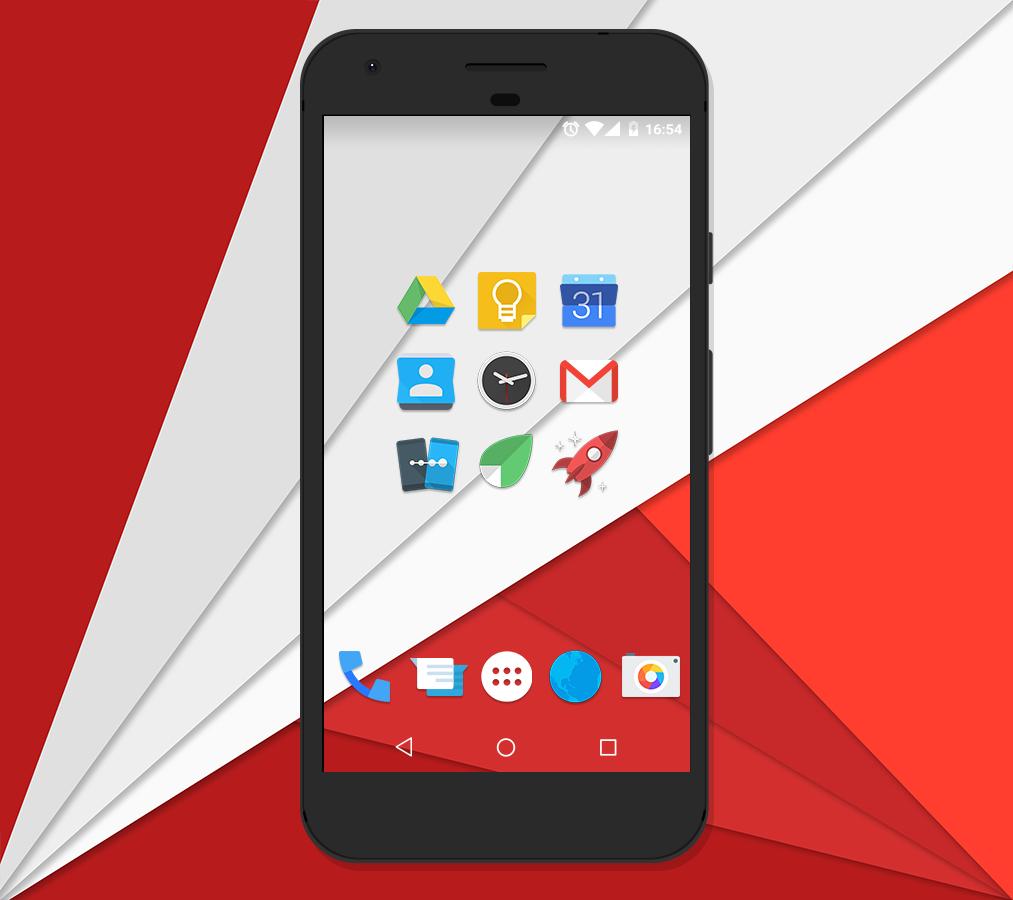
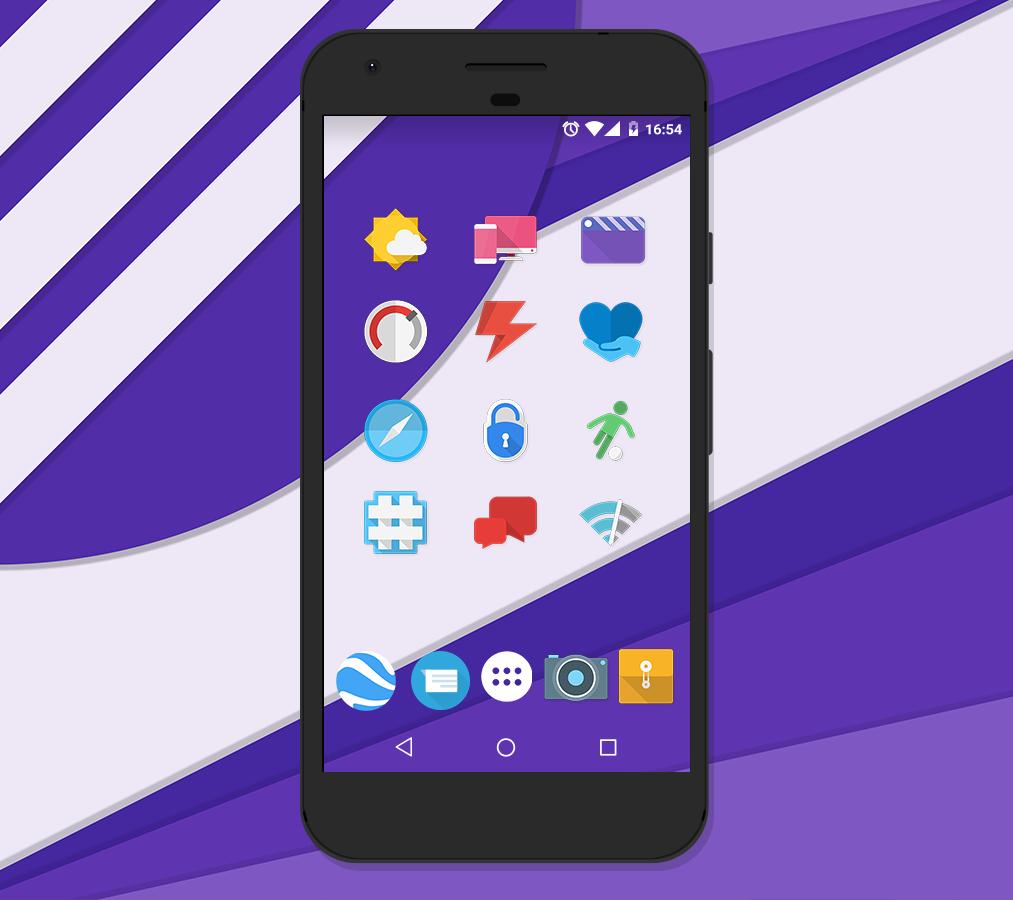
With the previous leaks of an apparent redesign of the core Android apps, we decided to explore more into the new guidelines, and experiment with them! Some have long shadows, most are flat, and almost all have a pop of color! We are taking Google's guidelines, and applying our own creative touch to them! This icon pack doesn't aim for "consistency"; instead, it aims for a "free form" type of look. Not every icon is supposed to look the same or mimic each other.
"If you’re anything like me, after seeing Android’s upcoming Moonshine UI icons, you’ve been drooling to get that sexy, flat design on your Android devices. Thanks to talented Android designers, you can now rock those new icons." - phandroid.com
FEATURES:
★ Material Design Dashboard App!
★ Muzei Wallpaper Support!
★ 925+ vector designed icons (Made in XXX-HDPI - 192x192 - THIS VARIES GREATLY ON YOUR DEVICES SCREEN RESOLUTION!)
★ 28 homemade wallpapers!
★ Supports Nova, Apex, ADW, Smart, Unicon, Action Launcher, Aviate, Go Launcher, Next, Holo launcher, Solo Launcher, KK Launcher, Atom Launcher, and Inspire Launcher! (As well as Flow Home Beta)
★ Icon Picker that shows the latest added icons!
_________________________________
HOW TO APPLY:
1. Download a custom launcher from above (Nova, Yandex, Apex, ADW, Smart, Action, Unicon, Go, etc)
2. Open the Moonshine application and navigate to the "Apply" tab.
3. Select your dedicated launcher and you are set to go!
4. To access the wallpapers, simply go into the app, select the "Wallpapers" tab, and pick from over a dozen homemade walls!
__________________________________
Visit my website:
http://www.natewren.com
Follow me on Twitter!
https://twitter.com/natewren
Follow me on Google+!
https://plus.google.com/+NateWren
Preview
Tags
PersonalizationInformation
Developer
Nate Wren Design
Latest Version
3.6.7
Last Updated
2025-05-26
Category
Personalization
Available on
Google Play
Show More
How to play Moonshine - Icon Pack with GameLoop on PC
1. Download GameLoop from the official website, then run the exe file to install GameLoop
2. Open GameLoop and search for “Moonshine - Icon Pack” , find Moonshine - Icon Pack in the search results and click “Install”
3. Enjoy playing Moonshine - Icon Pack on GameLoop
Minimum requirements
OS
Windows 8.1 64-bit or Windows 10 64-bit
GPU
GTX 1050
CPU
i3-8300
Memory
8GB RAM
Storage
1GB available space
Recommended requirements
OS
Windows 8.1 64-bit or Windows 10 64-bit
GPU
GTX 1050
CPU
i3-9320
Memory
16GB RAM
Storage
1GB available space