sFilter - Blue Light Filter PC
Siso Mobile
Download sFilter - Blue Light Filter on PC With GameLoop Emulator
sFilter - Blue Light Filter sa PC
Ang sFilter - Blue Light Filter, na nagmumula sa developer na Siso Mobile, ay tumatakbo sa Android systerm sa nakaraan.
Ngayon, maaari mong laruin ang sFilter - Blue Light Filter sa PC gamit ang GameLoop nang maayos.
I-download ito sa GameLoop library o mga resulta ng paghahanap. Hindi na tumitingin sa baterya o nakakadismaya na mga tawag sa maling oras.
I-enjoy lang ang sFilter - Blue Light Filter PC sa malaking screen nang libre!
sFilter - Blue Light Filter Panimula
Please blocking Blue Light and protect your precious eyes!
Status bar, Widget, Schedule and all convenient functions are free.
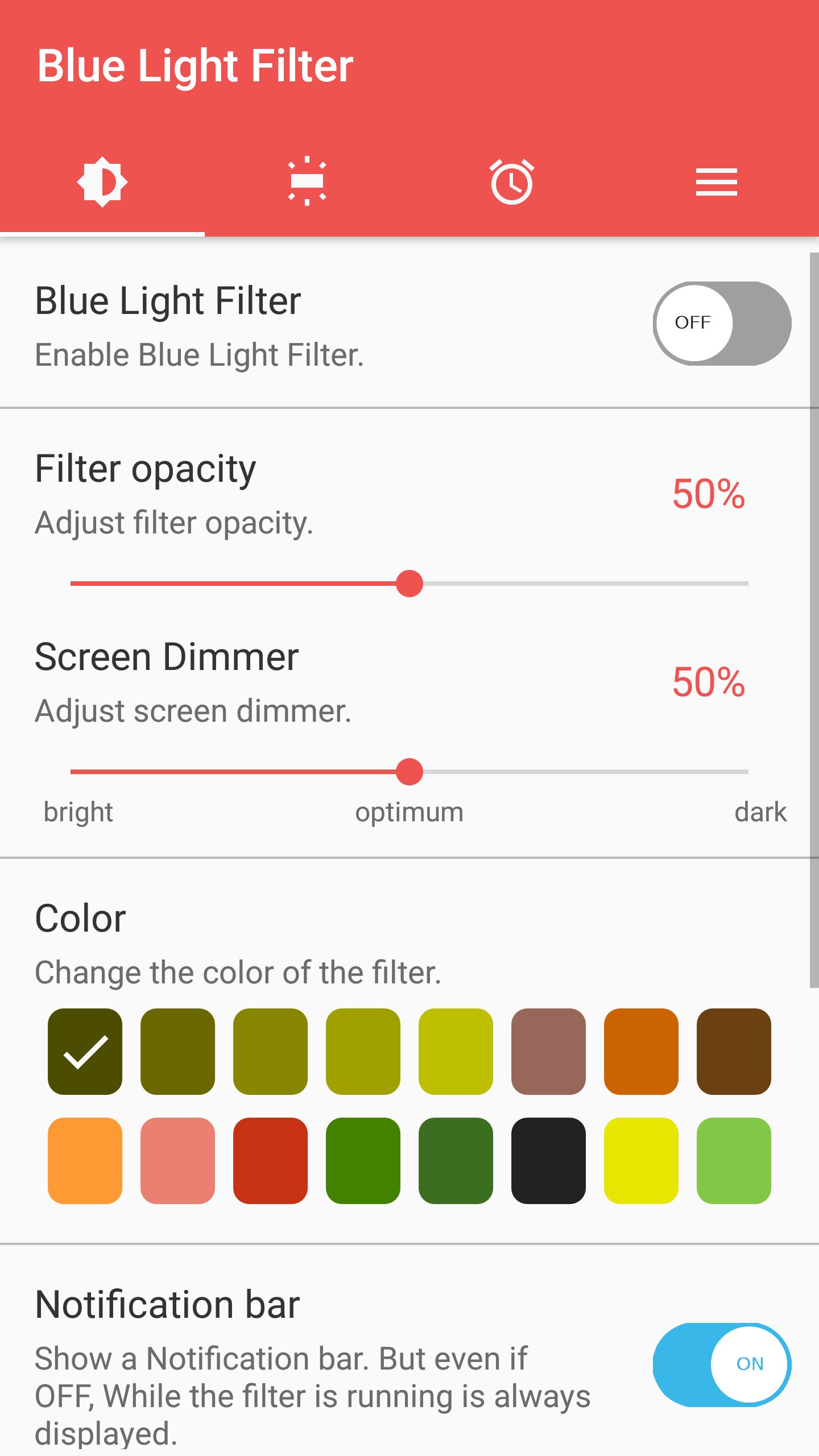
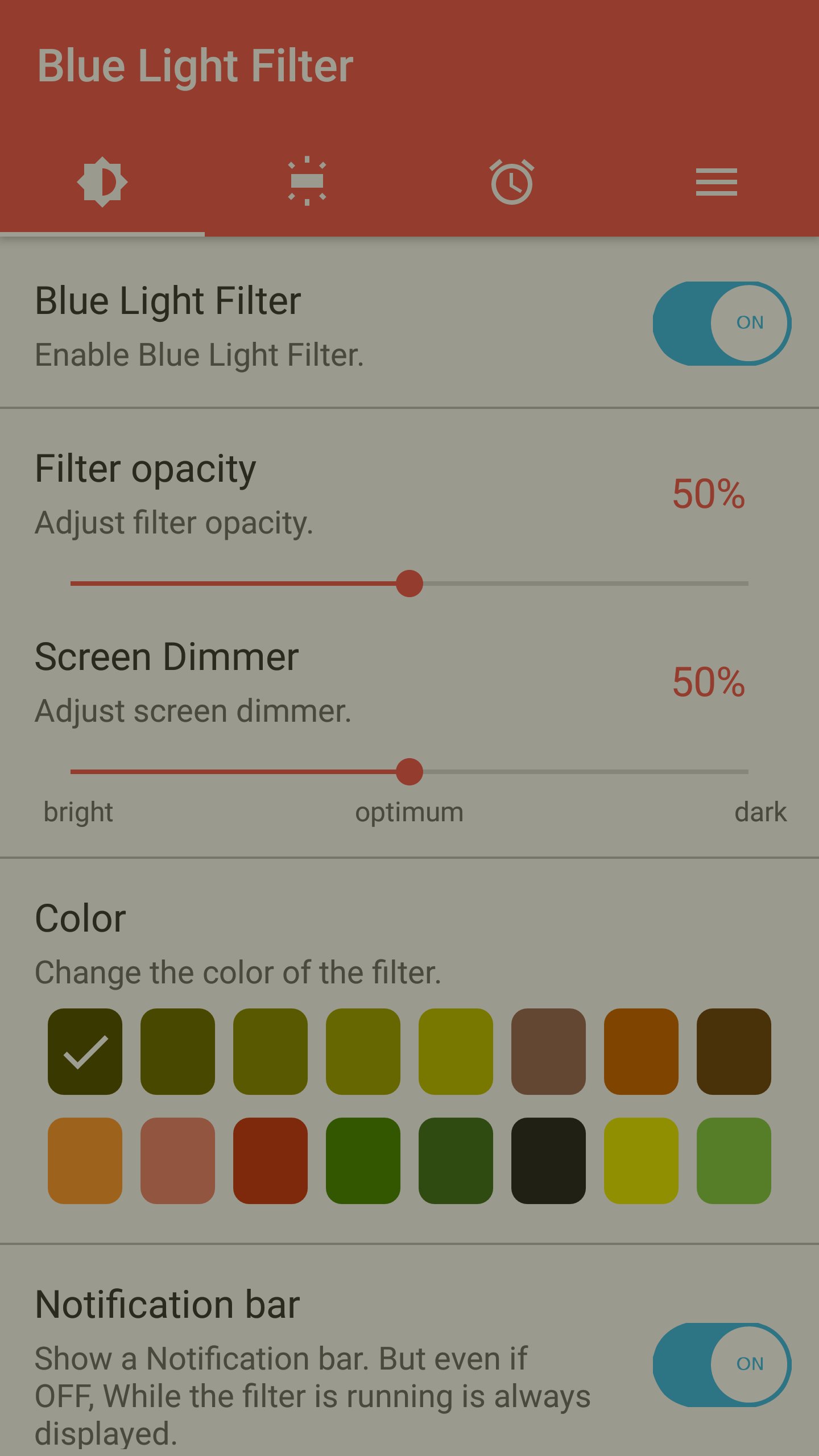
Blue Light Filter function.
18-color blue light filter for protect eyes.
When adjusting the screen dimmer automatically apply blue light filter.
Blue light filter is faster speed because I only put essential function.
This app is free.
🌟 Key Function
- Blocking the blue light that reduces eye fatigue
- Blue Light Filter adjustment function
- 18 kinds of colors to choose from an optimized filter
- quickly change the filter settings in the status bar
- With the widget, while the game features a simple filter function to On, Off available.
- Widget icon resizing and Opacity adjustment
- Move freely moveable widgets functionality
- The filter can be executed at a specified time using the scheduling function
- Screen filter adjustment limit function.
- Blue light filter function automatically applied when adjusting screen brightness.
- All Process Exit function - Filter Off and Memory Clear
- All functions available to choose whether or not to use
- Shortcut creation function
- Filter opacity adjust unit setting Function
🌟 Features
- it will not use the extra memory and batteries.
- Low memory consumption is Blue Light Filter.
- Low battery consumption because essential function only put
- By adjusting the screen dimmer reduces battery consumption.
🌟 blue light filter
- blue light blocked causing sleep disorders and blurred vision
- I used the natural color of the filter that reduces eye fatigue.
- You can select a filter of 18 colors and adjust the dimmer of the screen.
※ Accessibility Permissions
This app requires accessibility permission to filter the notification bar and status bar.
The app uses this privilege only to better filter the screen, and does not collect personal information.
Preview
Tags
Health-&Information
Developer
Siso Mobile
Latest Version
2.4.2
Last Updated
2025-09-21
Category
Health-fitness
Available on
Google Play
Show More
How to play sFilter - Blue Light Filter with GameLoop on PC
1. Download GameLoop from the official website, then run the exe file to install GameLoop
2. Open GameLoop and search for “sFilter - Blue Light Filter” , find sFilter - Blue Light Filter in the search results and click “Install”
3. Enjoy playing sFilter - Blue Light Filter on GameLoop
Minimum requirements
OS
Windows 8.1 64-bit or Windows 10 64-bit
GPU
GTX 1050
CPU
i3-8300
Memory
8GB RAM
Storage
1GB available space
Recommended requirements
OS
Windows 8.1 64-bit or Windows 10 64-bit
GPU
GTX 1050
CPU
i3-9320
Memory
16GB RAM
Storage
1GB available space