
Omron Wellness PC
Omron Healthcare Inc
Download Omron Wellness on PC With GameLoop Emulator
Omron Wellness sa PC
Ang Omron Wellness, na nagmumula sa developer na Omron Healthcare Inc, ay tumatakbo sa Android systerm sa nakaraan.
Ngayon, maaari mong laruin ang Omron Wellness sa PC gamit ang GameLoop nang maayos.
I-download ito sa GameLoop library o mga resulta ng paghahanap. Hindi na tumitingin sa baterya o nakakadismaya na mga tawag sa maling oras.
I-enjoy lang ang Omron Wellness PC sa malaking screen nang libre!
Omron Wellness Panimula
The following Blood Pressure Monitors can connect to this app.
BP786N, BP761N, BP653, BP654,BP786, BP761
If you are using Evolv (BP7000), please install the OMRON connect US app.
To install OMRON connect US app press the link below
https://play.google.com/store/apps/details?id=com.omronhealthcare.omronconnect
For a complete list of compatible devices, please visit
https://www.OmronHealthcare.com/connected
BE MORE CONNECTED TO YOUR HEALTH
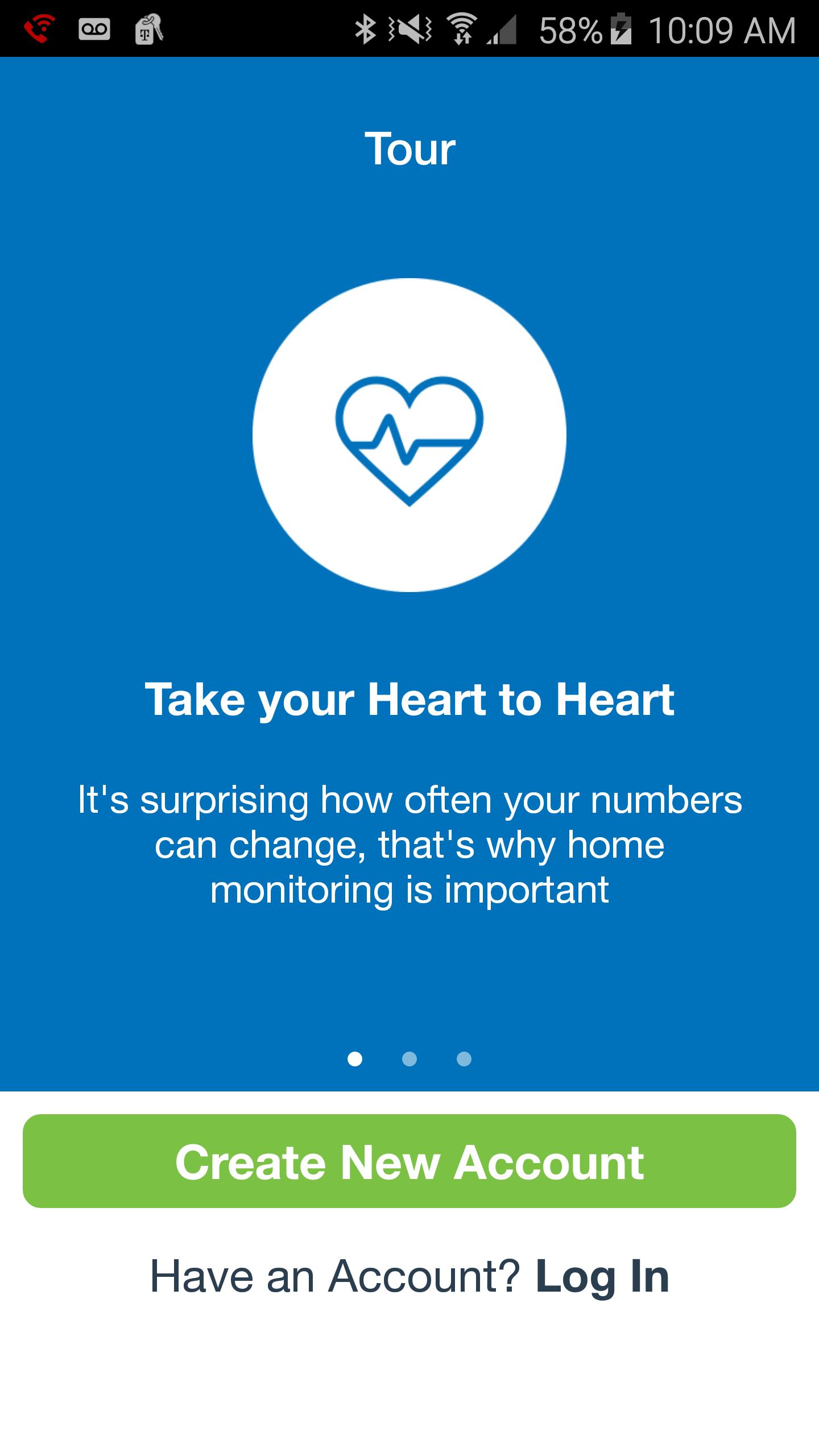
Your well-being is a numbers game. To stay ahead, you need to know your stats, chart your progress and set goals. That's just what the Omron Wellness app and compatible Omron blood pressure monitor can help you do.
Leading a more fulfilling life begins with having a clearer picture of your health. Sign up for FREE—it’s a smart way to track your blood pressure.
With the Omron Wellness app and companion website, you can:
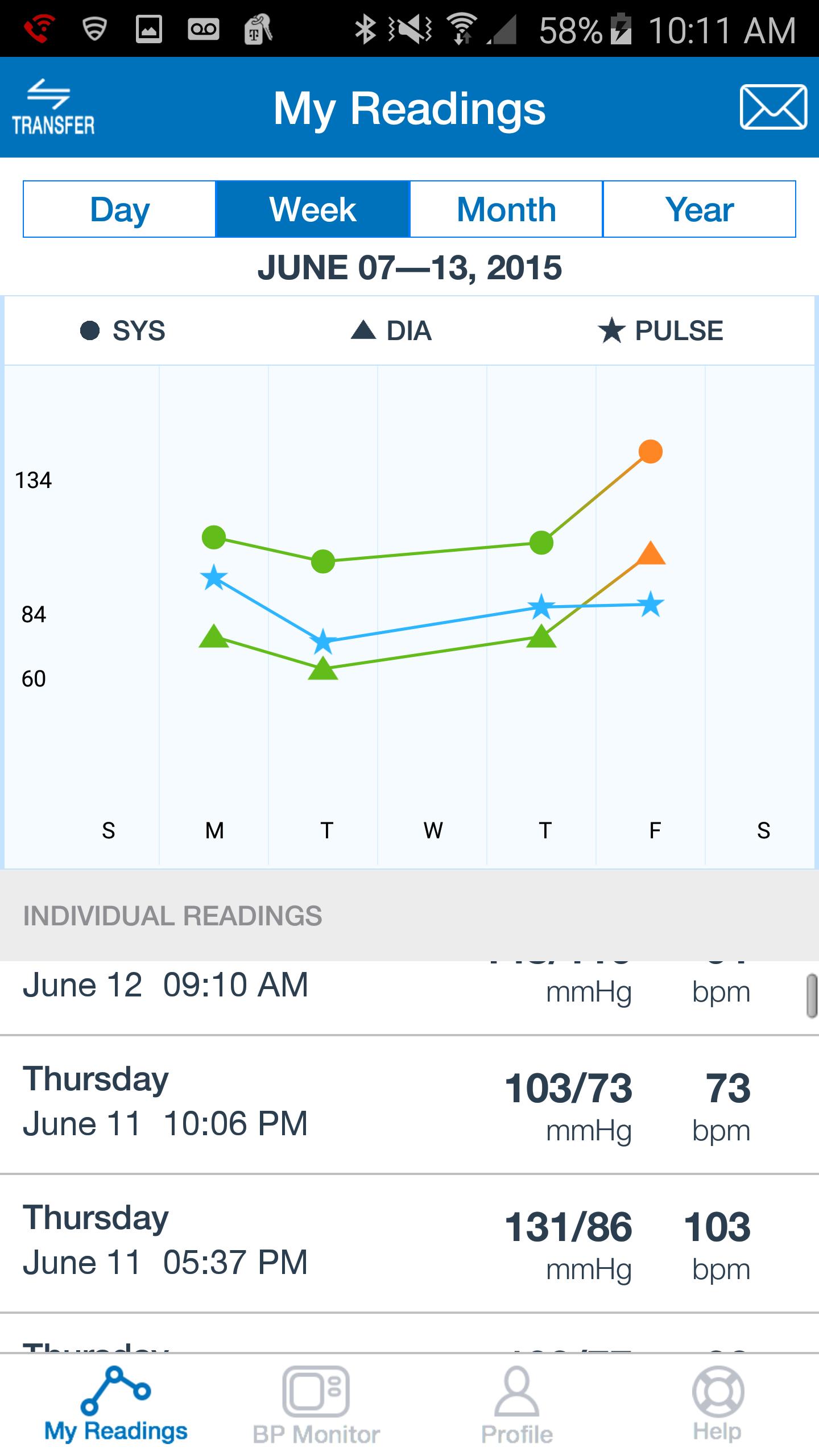
· Track your systolic, diastolic and pulse readings on the go.
· View your current and prior readings at a glance in graph or list view.
· Share your readings with a family member, caregiver or healthcare provider.
· Securely upload your readings to the Omron Wellness cloud.
· Analyze your data, set goals and track your progress over time.
· Set reminders so you won't miss a reading.
Preview
Information
Developer
Omron Healthcare Inc
Latest Version
2.5.4
Last Updated
2018-07-18
Category
Health-fitness
Available on
Google Play
Show More
How to play Omron Wellness with GameLoop on PC
1. Download GameLoop from the official website, then run the exe file to install GameLoop
2. Open GameLoop and search for “Omron Wellness” , find Omron Wellness in the search results and click “Install”
3. Enjoy playing Omron Wellness on GameLoop
Minimum requirements
OS
Windows 8.1 64-bit or Windows 10 64-bit
GPU
GTX 1050
CPU
i3-8300
Memory
8GB RAM
Storage
1GB available space
Recommended requirements
OS
Windows 8.1 64-bit or Windows 10 64-bit
GPU
GTX 1050
CPU
i3-9320
Memory
16GB RAM
Storage
1GB available space