OMRON connect PC
Omron Healthcare Inc
Download OMRON connect on PC With GameLoop Emulator
OMRON connect sa PC
Ang OMRON connect, na nagmumula sa developer na Omron Healthcare Inc, ay tumatakbo sa Android systerm sa nakaraan.
Ngayon, maaari mong laruin ang OMRON connect sa PC gamit ang GameLoop nang maayos.
I-download ito sa GameLoop library o mga resulta ng paghahanap. Hindi na tumitingin sa baterya o nakakadismaya na mga tawag sa maling oras.
I-enjoy lang ang OMRON connect PC sa malaking screen nang libre!
OMRON connect Panimula
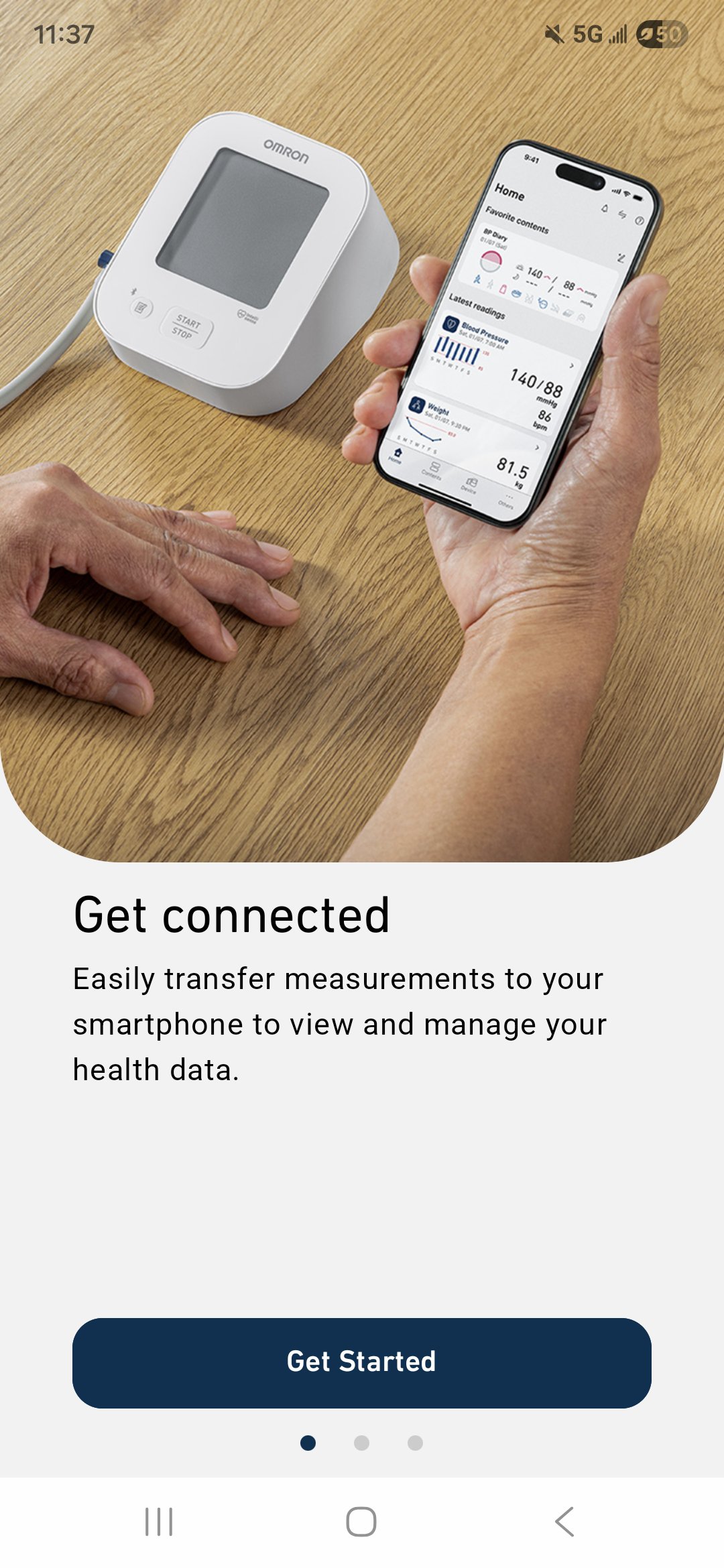
OMRON connect helps you manage high blood pressure and track your overall health—all in one simple app.
Designed for people living with hypertension, the app works seamlessly with a range of OMRON devices, including blood pressure monitors, weight scales, thermometers, and EKG devices. Your readings are automatically synced and stored securely, giving you a clear view of your health over time.
One app for all your OMRON devices:
- Automatically sync readings via Bluetooth®
- Store unlimited health data in one place
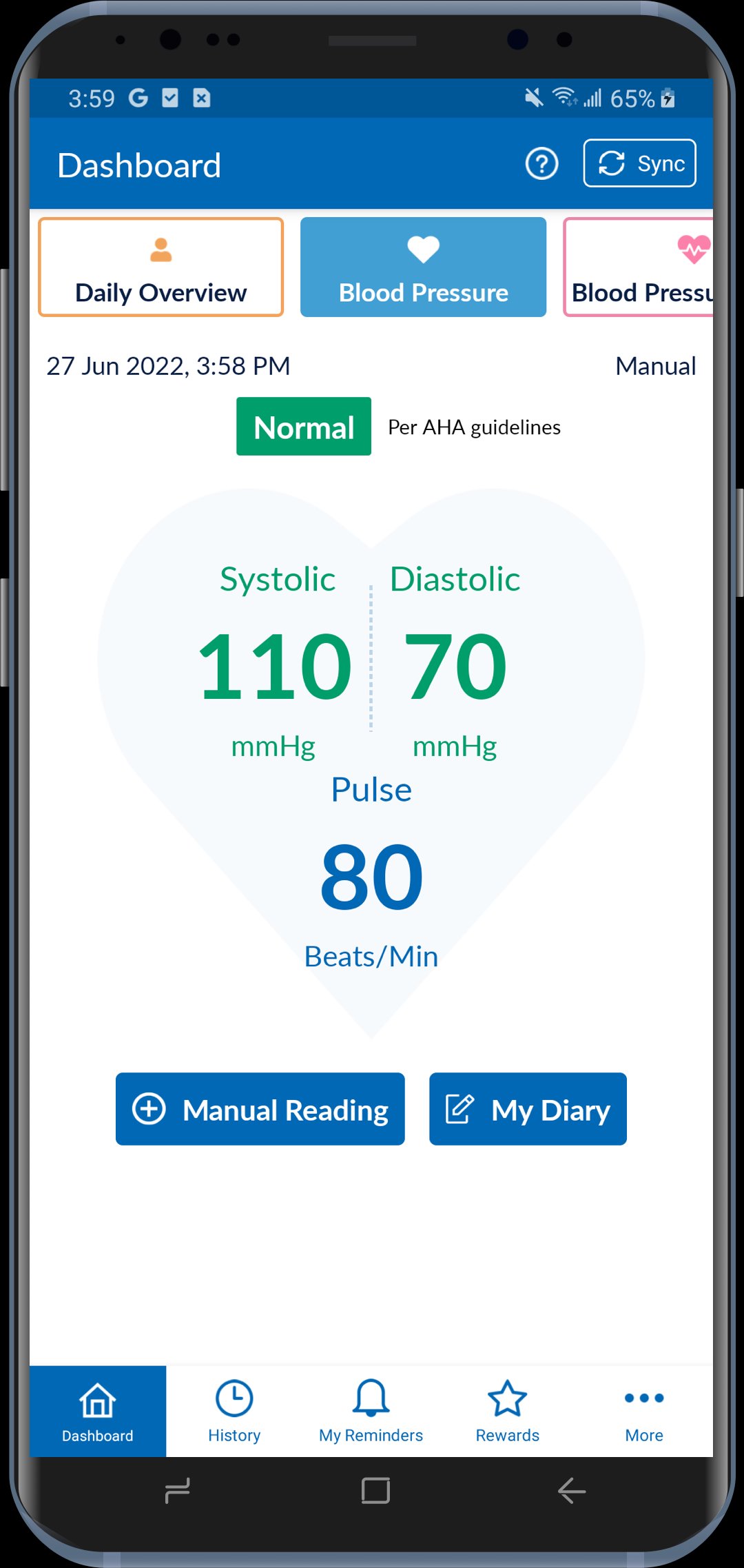
- View blood pressure, weight, activity, and other trends easily
- Receive alerts for notable changes
- Share readings with your doctor, caregiver, or family
- Track daily activity & sleep - Monitor steps, activity, and set achievable goals
- Track sleep duration and quality
- Monitor weight and BMI
Premium features for deeper insights:
- Understand how blood pressure, sleep, activity, and weight are connected
- Track medications and stay on schedule
- Generate detailed premium reports to share with your healthcare provider
- Earn rewards for consistent tracking
OMRON connect supports informed conversations with your healthcare provider. Always consult your physician—do not diagnose or treat medical conditions based solely on app data.
Take control of your health today—download OMRON connect!
Compatible devices for the US, Canada, and Caribbean South America can be found here:
https://omronhealthcare.com/compatible-devices-operating-systems
Compatible devices for EMEA can be found here: https://www.omron-healthcare.com/omronconnect-support
Please visit https://www.omron-healthcare.com/notice-for-data-act to view Notice for Data Act.
Preview
Tags
Health-&Information
Developer
Omron Healthcare Inc
Latest Version
8.4.2
Last Updated
2026-03-19
Category
Health-fitness
Available on
Google Play
Show More
How to play OMRON connect with GameLoop on PC
1. Download GameLoop from the official website, then run the exe file to install GameLoop
2. Open GameLoop and search for “OMRON connect” , find OMRON connect in the search results and click “Install”
3. Enjoy playing OMRON connect on GameLoop
Minimum requirements
OS
Windows 8.1 64-bit or Windows 10 64-bit
GPU
GTX 1050
CPU
i3-8300
Memory
8GB RAM
Storage
1GB available space
Recommended requirements
OS
Windows 8.1 64-bit or Windows 10 64-bit
GPU
GTX 1050
CPU
i3-9320
Memory
16GB RAM
Storage
1GB available space