
Microlife Connected Health+ PC
Microlife
Download Microlife Connected Health+ on PC With GameLoop Emulator
Microlife Connected Health+ sa PC
Ang Microlife Connected Health+, na nagmumula sa developer na Microlife, ay tumatakbo sa Android systerm sa nakaraan.
Ngayon, maaari mong laruin ang Microlife Connected Health+ sa PC gamit ang GameLoop nang maayos.
I-download ito sa GameLoop library o mga resulta ng paghahanap. Hindi na tumitingin sa baterya o nakakadismaya na mga tawag sa maling oras.
I-enjoy lang ang Microlife Connected Health+ PC sa malaking screen nang libre!
Microlife Connected Health+ Panimula
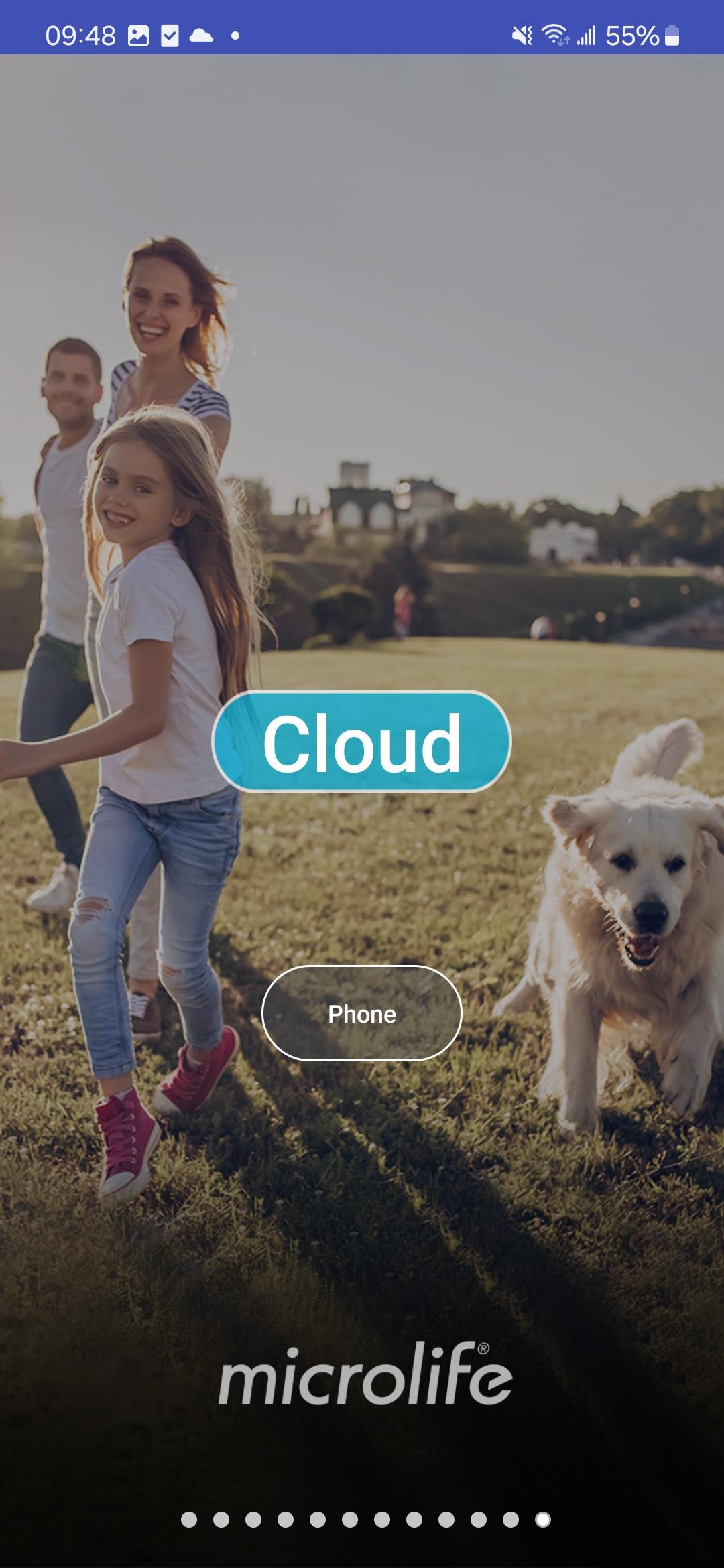
Microlife Connected Health+ is a useful app for managing your personal health.
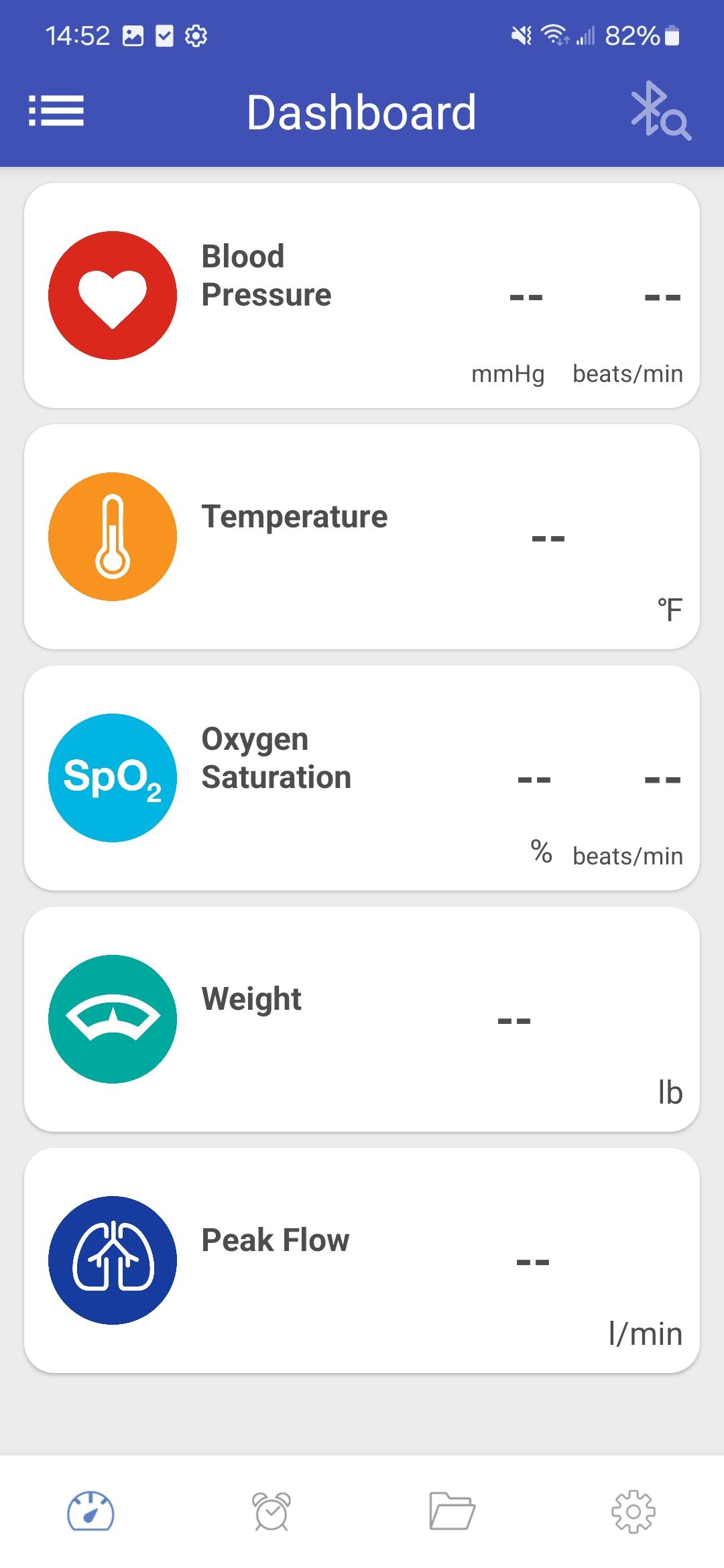
Download your measurement readings from blood pressure monitors, thermometers, body composition scale, and pulseoximeters of Microlife's Bluetooth® product portfolio to Microlife Connected Health+ app and keep track of your readings with ease, anytime, anywhere.
Use features like personal targets, reminders and data summary reports, to help you stay on top of your health status and live a healthier lifestyle.
Features:
- Transfer your measurement data from device to smartphone via Bluetooth® for review and backup.
- Review the trends and individual entries of your measurements.
- Comment and note your measurement value with text, photo, or audio recording.
- Customizable personal targets (blood pressure, body composition, oxygen saturation, best value of PEF)
- Set reminders for your daily health routines
- Supports manual addition of measurement readings
- Supports multiple patient logs in body temperature mode (e.g. family members)
- Export and share your data with your family or doctors.
Microlife – Empower people for a healthy today and a better tomorrow.
Preview
Tags
Health-&Information
Developer
Microlife
Latest Version
3.3.3
Last Updated
2025-08-19
Category
Health-fitness
Available on
Google Play
Show More
How to play Microlife Connected Health+ with GameLoop on PC
1. Download GameLoop from the official website, then run the exe file to install GameLoop
2. Open GameLoop and search for “Microlife Connected Health+” , find Microlife Connected Health+ in the search results and click “Install”
3. Enjoy playing Microlife Connected Health+ on GameLoop
Minimum requirements
OS
Windows 8.1 64-bit or Windows 10 64-bit
GPU
GTX 1050
CPU
i3-8300
Memory
8GB RAM
Storage
1GB available space
Recommended requirements
OS
Windows 8.1 64-bit or Windows 10 64-bit
GPU
GTX 1050
CPU
i3-9320
Memory
16GB RAM
Storage
1GB available space