Foam Roller PC
Fitify Apps
Download Foam Roller on PC With GameLoop Emulator
Foam Roller sa PC
Ang Foam Roller, na nagmumula sa developer na Fitify Apps, ay tumatakbo sa Android systerm sa nakaraan.
Ngayon, maaari mong laruin ang Foam Roller sa PC gamit ang GameLoop nang maayos.
I-download ito sa GameLoop library o mga resulta ng paghahanap. Hindi na tumitingin sa baterya o nakakadismaya na mga tawag sa maling oras.
I-enjoy lang ang Foam Roller PC sa malaking screen nang libre!
Foam Roller Panimula
Foam rolling will loosen muscles and accelerate recovery, but only if you do it properly. The app is compatible with all foam roller brands (TPTherapy grid, Blackroll, Hyperice…)
• Muscle tension relief.
• Correcting muscle imbalances.
• Increased range of motion.
• Injury prevention.
• Reduction of pain.
• Get rid of trigger points.
• Prevent from new trigger points.
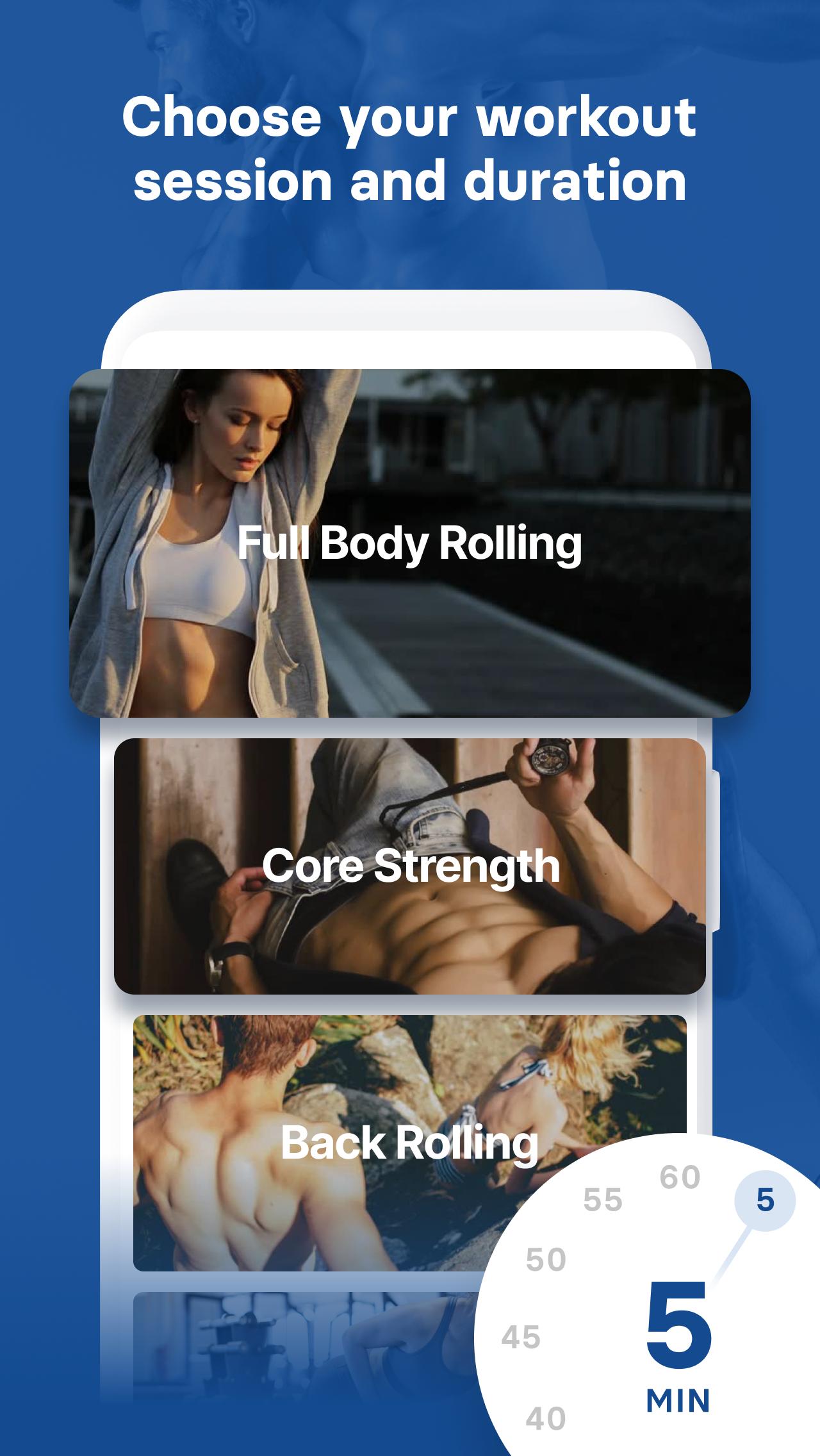
Foam Roller Massages is a complete guide with special fascia trainings for all your muscle groups.
• Basic rolling
• Leg rolling
• Back rolling
• Neck rolling
• Full Body Strength
• Core strength
Fitify Apps
Be stronger, leaner, healthier with Fitify – your very own personal trainer.
Check out other Fitify apps with fitness tools (such as TRX, Kettlebell, Swiss Ball or Foam Roller).
Preview

Tags
Health-&Information
Developer
Fitify Apps
Latest Version
1.8.0
Last Updated
2024-05-19
Category
Health-fitness
Available on
Google Play
Show More
How to play Foam Roller with GameLoop on PC
1. Download GameLoop from the official website, then run the exe file to install GameLoop
2. Open GameLoop and search for “Foam Roller” , find Foam Roller in the search results and click “Install”
3. Enjoy playing Foam Roller on GameLoop
Minimum requirements
OS
Windows 8.1 64-bit or Windows 10 64-bit
GPU
GTX 1050
CPU
i3-8300
Memory
8GB RAM
Storage
1GB available space
Recommended requirements
OS
Windows 8.1 64-bit or Windows 10 64-bit
GPU
GTX 1050
CPU
i3-9320
Memory
16GB RAM
Storage
1GB available space