
Blue Light Filter for Eye Care PC
Troll Wall Developers
Download Blue Light Filter for Eye Care on PC With GameLoop Emulator
Blue Light Filter for Eye Care sa PC
Ang Blue Light Filter for Eye Care, na nagmumula sa developer na Troll Wall Developers, ay tumatakbo sa Android systerm sa nakaraan.
Ngayon, maaari mong laruin ang Blue Light Filter for Eye Care sa PC gamit ang GameLoop nang maayos.
I-download ito sa GameLoop library o mga resulta ng paghahanap. Hindi na tumitingin sa baterya o nakakadismaya na mga tawag sa maling oras.
I-enjoy lang ang Blue Light Filter for Eye Care PC sa malaking screen nang libre!
Blue Light Filter for Eye Care Panimula
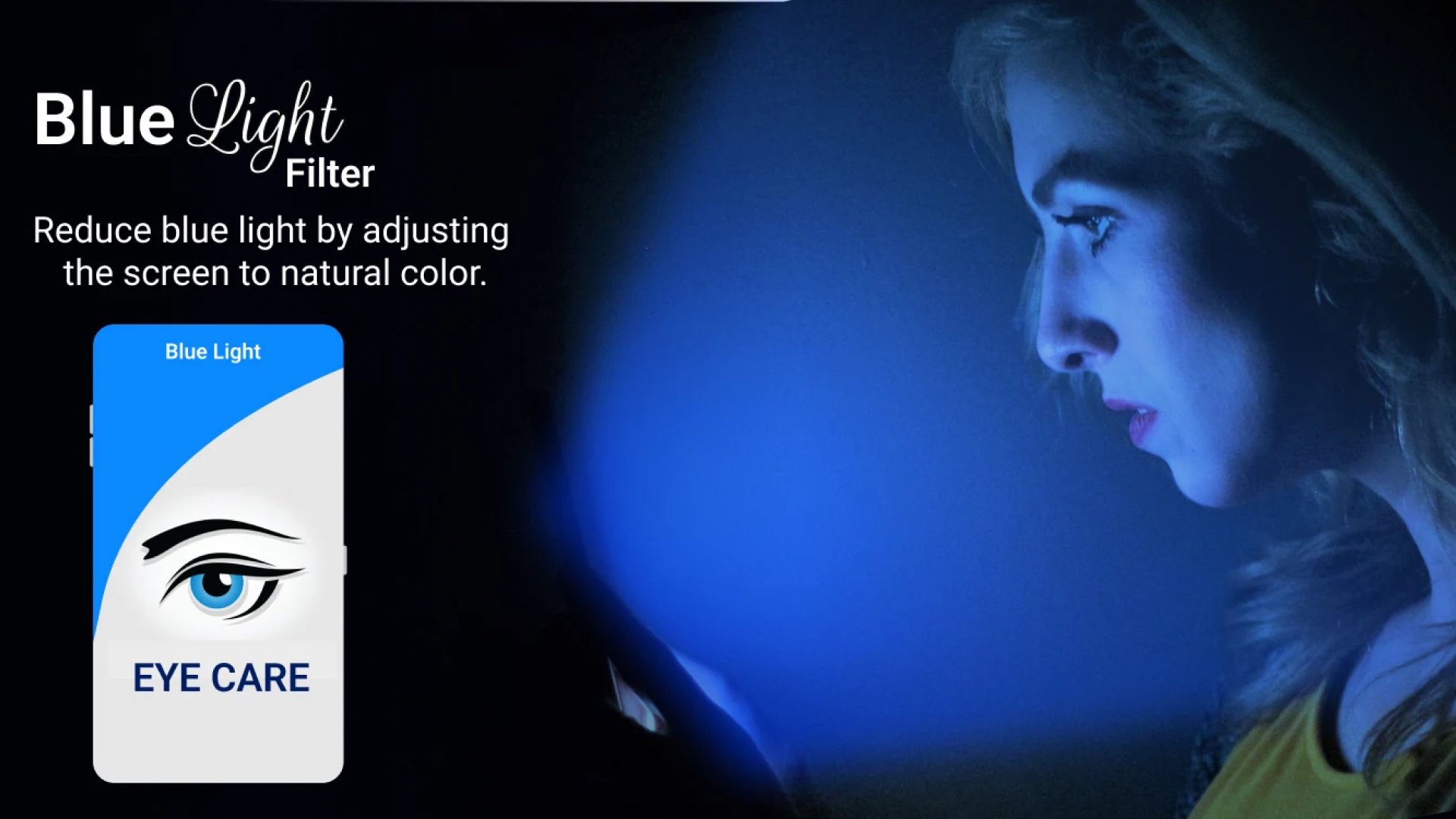
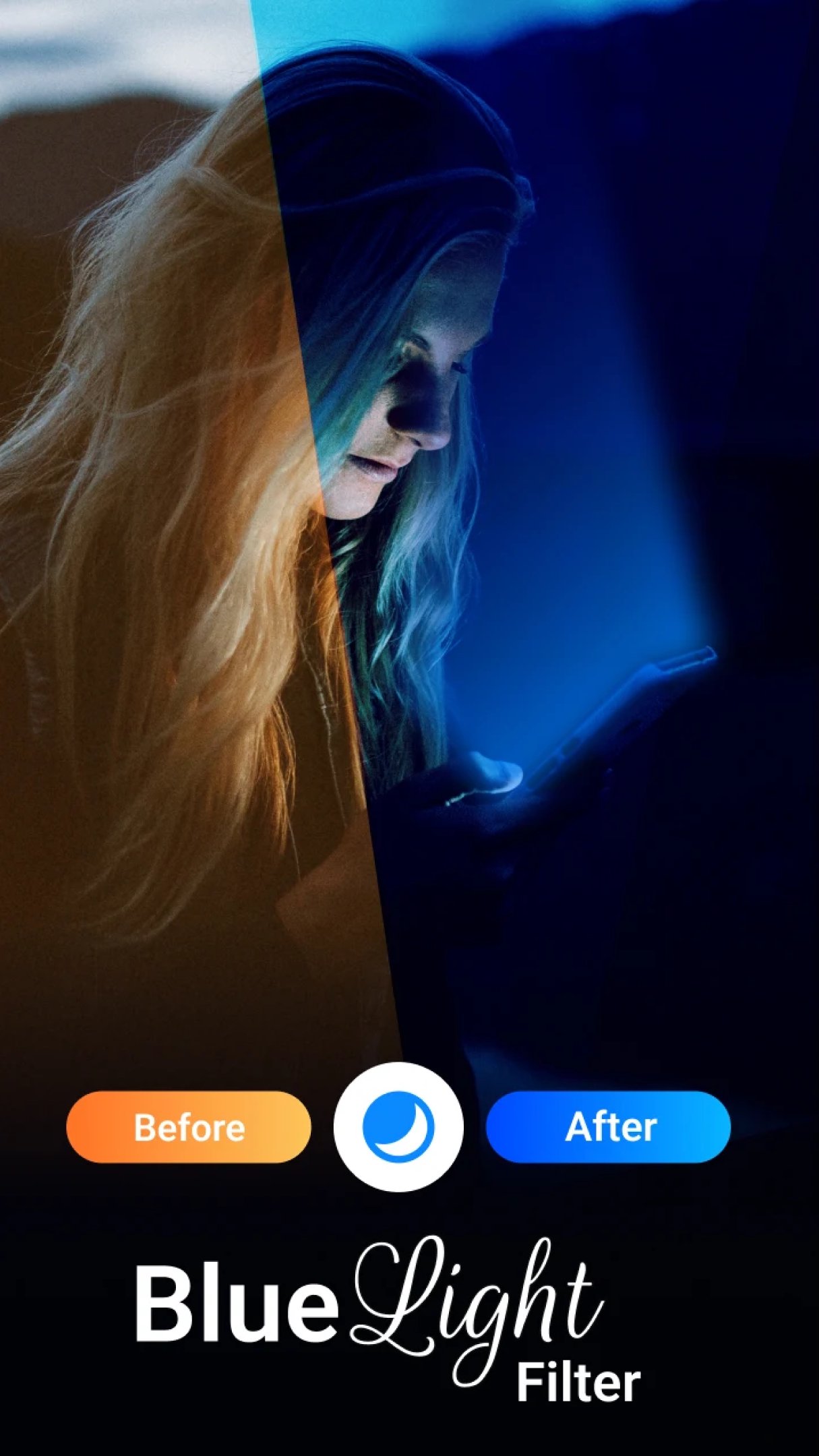
🌙 Protect Your Eyes with the Blue Light Filter App - The Ultimate Night Mode and Eye Care Solution 🌙
In today’s digital age, where screen time is ever-increasing, safeguarding your eyes from the harmful effects of blue light is crucial. Introducing the Blue Light Filter app—an all-in-one solution for reducing blue light exposure and promoting healthier screen habits. Whether you’re using your device during the day or winding down with some late-night browsing, this app provides the perfect night mode to ensure your eyes are always protected, helping you avoid eye strain, disrupted sleep, and potential long-term health issues.
✨ Key Features of the Blue Light Filter App ✨
✅ Customizable Filter Settings: With Blue Light Filter, you can easily adjust the intensity and color temperature of the filter to suit your needs. Tailor your screen's settings to provide the ideal blue light filter for eye care, ensuring maximum comfort and protection.
✅ Scheduled Filtering: Take advantage of automatic scheduling to activate the blue light filter at specific times. Whether it's day or night, this app offers a reliable night mode that kicks in when you need it most, safeguarding your eyes without any hassle.
✅ Adjustable Transparency: Customize the transparency level of the filter to strike the perfect balance between screen visibility and eye protection. Whether you prefer a subtle dimmer effect or a more noticeable tint, Blue Light Filter has you covered.
✅ Quick On/Off Toggle: Instantly enable or disable the blue light filter with a single tap using the convenient toggle in the notification panel or quick settings menu. Enjoy immediate relief from eye strain whenever you need it with this easy-to-use feature.
✅ Low Battery Consumption: Optimized for efficiency, the Blue Light Filter app ensures that your device’s battery life is preserved while providing top-notch blue light filter for eye care. You can enjoy all the benefits without worrying about battery drain.
✅ User-Friendly Interface: Designed with simplicity in mind, the app offers an intuitive interface that makes navigating and customizing the filter settings a breeze. Whether you're tech-savvy or a beginner, Blue Light Filter offers a seamless experience for everyone.
✅ Regular Updates and Support: The team behind Blue Light Filter is dedicated to delivering regular updates and timely support. With continuous improvements and enhancements, you can trust that this app will remain a reliable tool for your night mode and eye care needs.
🌟 Why Choose the Blue Light Filter App? 🌟
Whether you’re a casual user or someone who spends long hours on their device, the Blue Light Filter app offers essential protection for your eyes. It’s not just a dimmer; it’s a comprehensive solution designed to improve your overall screen experience. Say goodbye to eye strain and hello to better sleep and comfort.
📲 Download the Blue Light Filter App Now & Prioritize Your Eye Health! 📲
Don’t wait for eye strain or sleep disruption to take its toll. Download the Blue Light Filter app today and experience the best in night mode and blue light protection. Ensure your eyes stay healthy and comfortable, no matter how much screen time you have.
Preview
Tags
Health-&Information
Developer
Troll Wall Developers
Latest Version
36.1.0
Last Updated
2025-11-02
Category
Health-fitness
Available on
Google Play
Show More
How to play Blue Light Filter for Eye Care with GameLoop on PC
1. Download GameLoop from the official website, then run the exe file to install GameLoop
2. Open GameLoop and search for “Blue Light Filter for Eye Care” , find Blue Light Filter for Eye Care in the search results and click “Install”
3. Enjoy playing Blue Light Filter for Eye Care on GameLoop
Minimum requirements
OS
Windows 8.1 64-bit or Windows 10 64-bit
GPU
GTX 1050
CPU
i3-8300
Memory
8GB RAM
Storage
1GB available space
Recommended requirements
OS
Windows 8.1 64-bit or Windows 10 64-bit
GPU
GTX 1050
CPU
i3-9320
Memory
16GB RAM
Storage
1GB available space