Menu QR Restaurant PC
David Serrano Canales
Download Menu QR Restaurant on PC With GameLoop Emulator
Menu QR Restaurant sa PC
Ang Menu QR Restaurant, na nagmumula sa developer na David Serrano Canales, ay tumatakbo sa Android systerm sa nakaraan.
Ngayon, maaari mong laruin ang Menu QR Restaurant sa PC gamit ang GameLoop nang maayos.
I-download ito sa GameLoop library o mga resulta ng paghahanap. Hindi na tumitingin sa baterya o nakakadismaya na mga tawag sa maling oras.
I-enjoy lang ang Menu QR Restaurant PC sa malaking screen nang libre!
Menu QR Restaurant Panimula
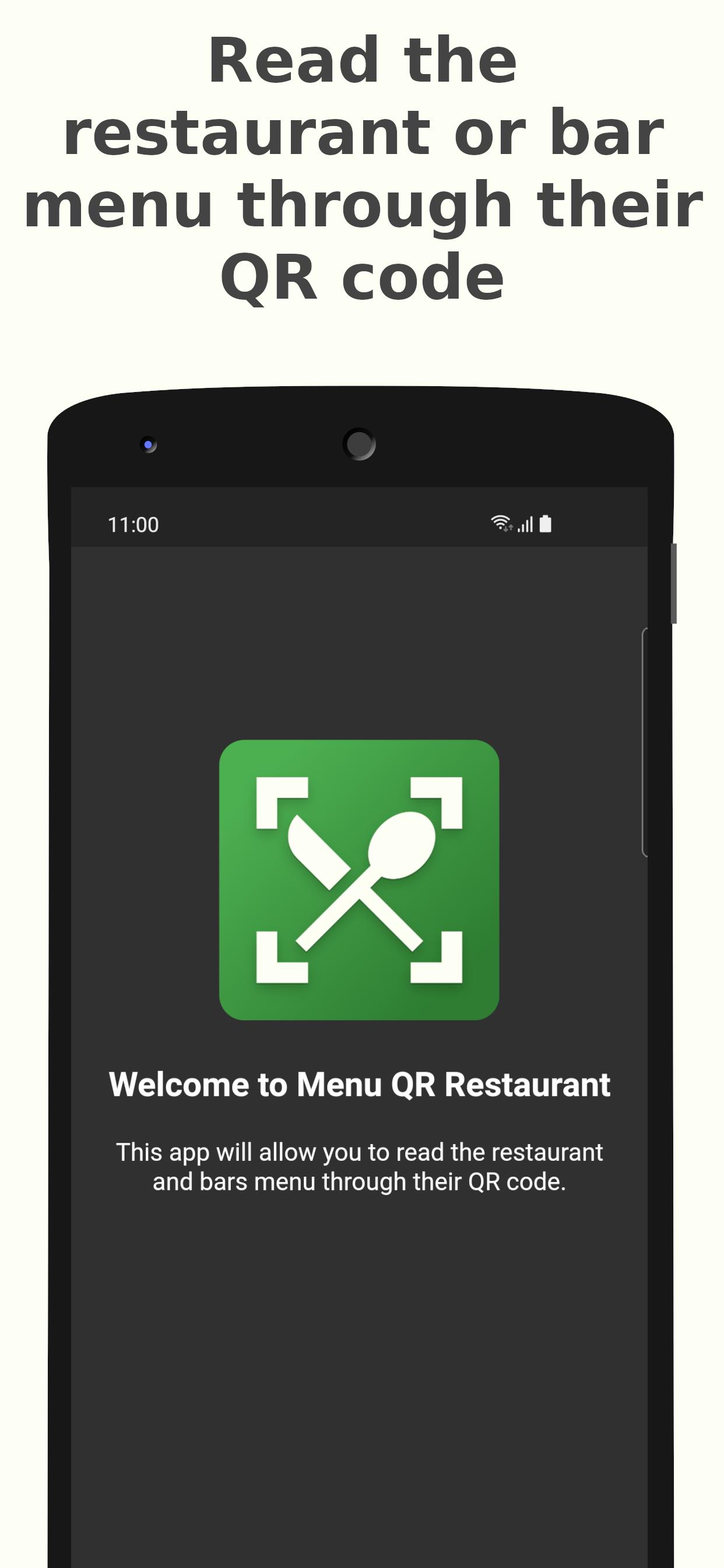
Menu QR Restaurant allows you to read the digital menu of a restaurant through their QR code.
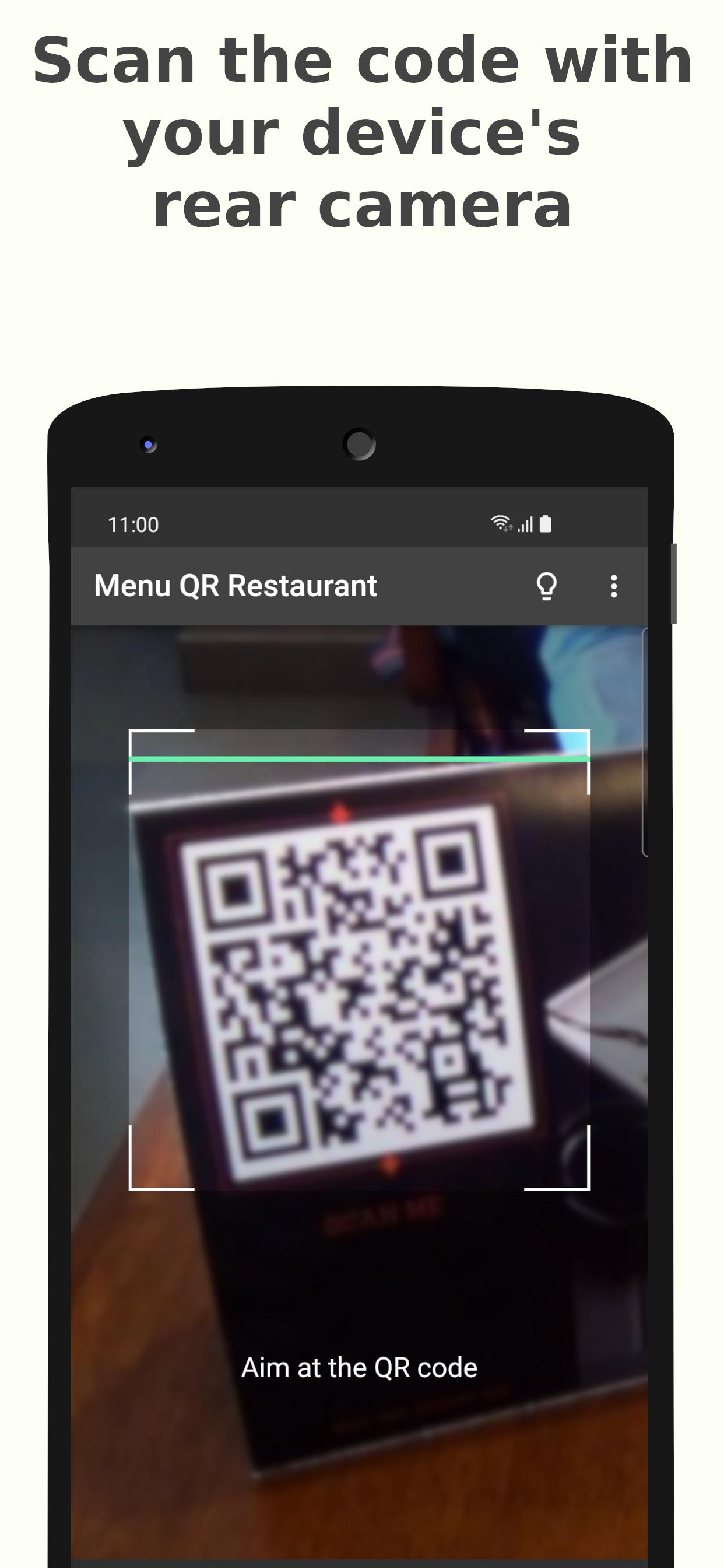
First, locate the QR code (it is usually on top of the table), then scan it with the app to access their menu.
Features:
✔️ Point your device rear camera towards a QR code menu to open it
✔️ All scanned menus are saved so you can visit them later
✔️ Share the scanned menu with anyone
✔️ Customize the app with a light or dark theme
This app is a restaurant QR code scanner, it’s specialized in reading QR codes in restaurants or bars. It is designed to provide safety in the modern world, where most establishments opt for providing a digital menu through their restaurant code, instead of the traditional printed menu.
Once a QR code menu is scanned, you will see the internet direction that points to, and then you will be able to visit it with a simple click. All of the scanned QR menus are stored in the History section, where you can re-visit them at any time.
This QR menu app has been created with customization in mind, you will be able to set its appearance to a light theme or dark theme, or set automatic selection that will match your operating system preference.
Preview
Tags
Food-&Information
Developer
David Serrano Canales
Latest Version
0.7.0
Last Updated
2023-06-08
Category
Food-drink
Available on
Google Play
Show More
How to play Menu QR Restaurant with GameLoop on PC
1. Download GameLoop from the official website, then run the exe file to install GameLoop
2. Open GameLoop and search for “Menu QR Restaurant” , find Menu QR Restaurant in the search results and click “Install”
3. Enjoy playing Menu QR Restaurant on GameLoop
Minimum requirements
OS
Windows 8.1 64-bit or Windows 10 64-bit
GPU
GTX 1050
CPU
i3-8300
Memory
8GB RAM
Storage
1GB available space
Recommended requirements
OS
Windows 8.1 64-bit or Windows 10 64-bit
GPU
GTX 1050
CPU
i3-9320
Memory
16GB RAM
Storage
1GB available space