Notification History PC
David Serrano Canales
Download Notification History on PC With GameLoop Emulator
Notification History sa PC
Ang Notification History, na nagmumula sa developer na David Serrano Canales, ay tumatakbo sa Android systerm sa nakaraan.
Ngayon, maaari mong laruin ang Notification History sa PC gamit ang GameLoop nang maayos.
I-download ito sa GameLoop library o mga resulta ng paghahanap. Hindi na tumitingin sa baterya o nakakadismaya na mga tawag sa maling oras.
I-enjoy lang ang Notification History PC sa malaking screen nang libre!
Notification History Panimula
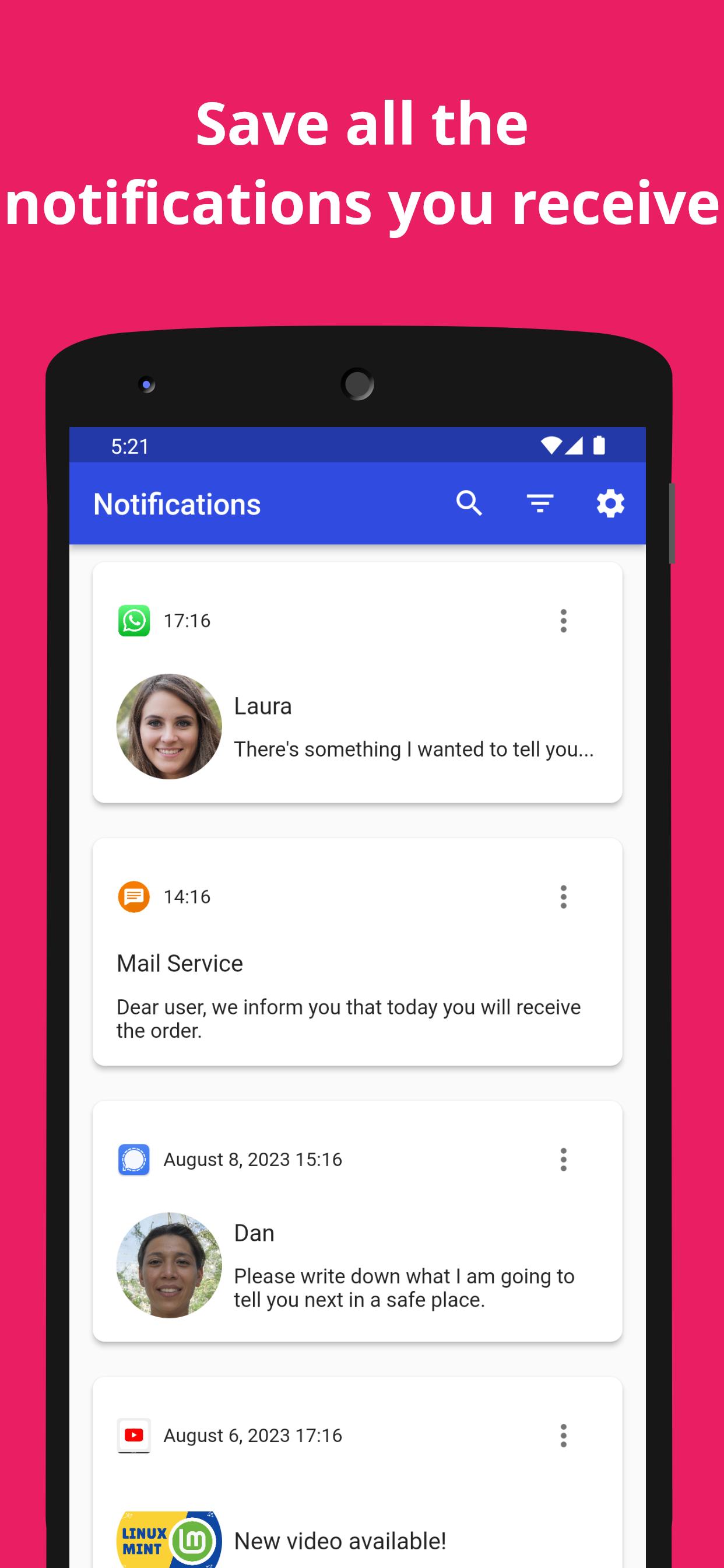
Notification History allows you to keep a comprehensive record of all recent notifications you receive on your device. This app is a notification center where you can view each notification you have received. You can review them, see their details, and of course, recover those notifications that have been lost, deleted, or closed by mistake.
Features:
- Automatically save all recent notifications.
- Recover notifications & read deleted or missed messages.
- Filter your notification log by app or time range.
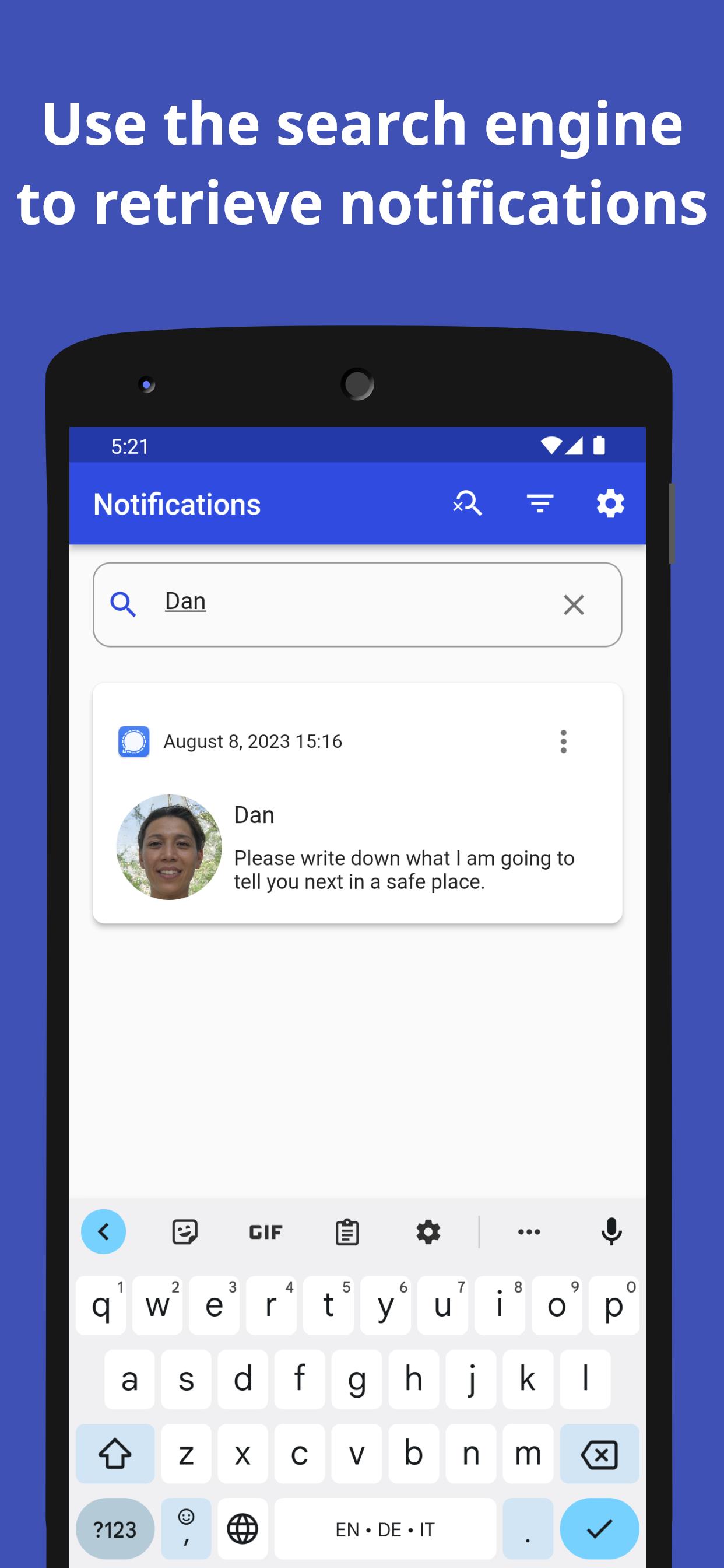
- Search for any notification using the search bar.
> How can I automatically store received notifications?
To start having a complete notification center for all past notifications you receive on your device, just install Notification History. Once the app is opened, you will be asked for permission to access your notifications. Once this permission is granted, the app will automatically start recording all incoming notifications.
> Is it possible to read deleted messages?
Yes, you can recover notifications and view deleted messages as long as they appear as a notification. Even if the notification was automatically withdrawn or if you dismissed it by mistake, it will appear in the notification log that you can consult when opening the app. Keep in mind that you can only read deleted messages from the moment you give the app permission to access your past notifications.
> What options do I have to filter and search for the notification I'm interested in?
The app includes two types of filters in the notification center: one to view only notifications from a specific app and another to select notifications within a specific date range. You can combine both filters.
In addition, it features a search bar to quickly find the desired notification, which is compatible with the mentioned filters.
> Does this app take up a lot of space?
Notification History itself takes up little space, but the notification log can increase in size over time. To avoid excessive space usage, the app includes an auto-deletion function that automatically deletes the oldest notifications. The default period is one month, but you can modify this setting in the configuration.
> Is the notification log data sent anywhere?
Never. Your notification data is saved in a local database and only you have access. Under no circumstances does this data leave your device or be shared with anyone.
---
In summary, Notification History is your ideal notification tracker tool for keeping a record of all recent notifications on your device, including those deleted. With its intuitive interface and search tools, you'll be aware of everything happening on your smartphone or tablet. Download it now and keep a complete record of your notifications!
Preview
Tags
ToolsInformation
Developer
David Serrano Canales
Latest Version
2.21.0
Last Updated
2025-07-20
Category
Tools
Available on
Google Play
Show More
How to play Notification History with GameLoop on PC
1. Download GameLoop from the official website, then run the exe file to install GameLoop
2. Open GameLoop and search for “Notification History” , find Notification History in the search results and click “Install”
3. Enjoy playing Notification History on GameLoop
Minimum requirements
OS
Windows 8.1 64-bit or Windows 10 64-bit
GPU
GTX 1050
CPU
i3-8300
Memory
8GB RAM
Storage
1GB available space
Recommended requirements
OS
Windows 8.1 64-bit or Windows 10 64-bit
GPU
GTX 1050
CPU
i3-9320
Memory
16GB RAM
Storage
1GB available space