Mikode for Miko 2 PC
Emotix
Download Mikode for Miko 2 on PC With GameLoop Emulator
Mikode for Miko 2 sa PC
Ang Mikode for Miko 2, na nagmumula sa developer na Emotix, ay tumatakbo sa Android systerm sa nakaraan.
Ngayon, maaari mong laruin ang Mikode for Miko 2 sa PC gamit ang GameLoop nang maayos.
I-download ito sa GameLoop library o mga resulta ng paghahanap. Hindi na tumitingin sa baterya o nakakadismaya na mga tawag sa maling oras.
I-enjoy lang ang Mikode for Miko 2 PC sa malaking screen nang libre!
Mikode for Miko 2 Panimula
Mikode brings code alive, right in front of your children's eyes. Immersive by design to hold children's attention, unlike any coding terminal can! An all-important skill that school doesn't teach. Gift your child coding prodigy a head start with Mikode!
Early childhood education needs to better inculcate coding in the curriculum. Mikode is a path-breaking attempt at bringing coding to the real-world from consoles.
• Visual & Colorful
• Real-world coding experience
• Code the Miko robot
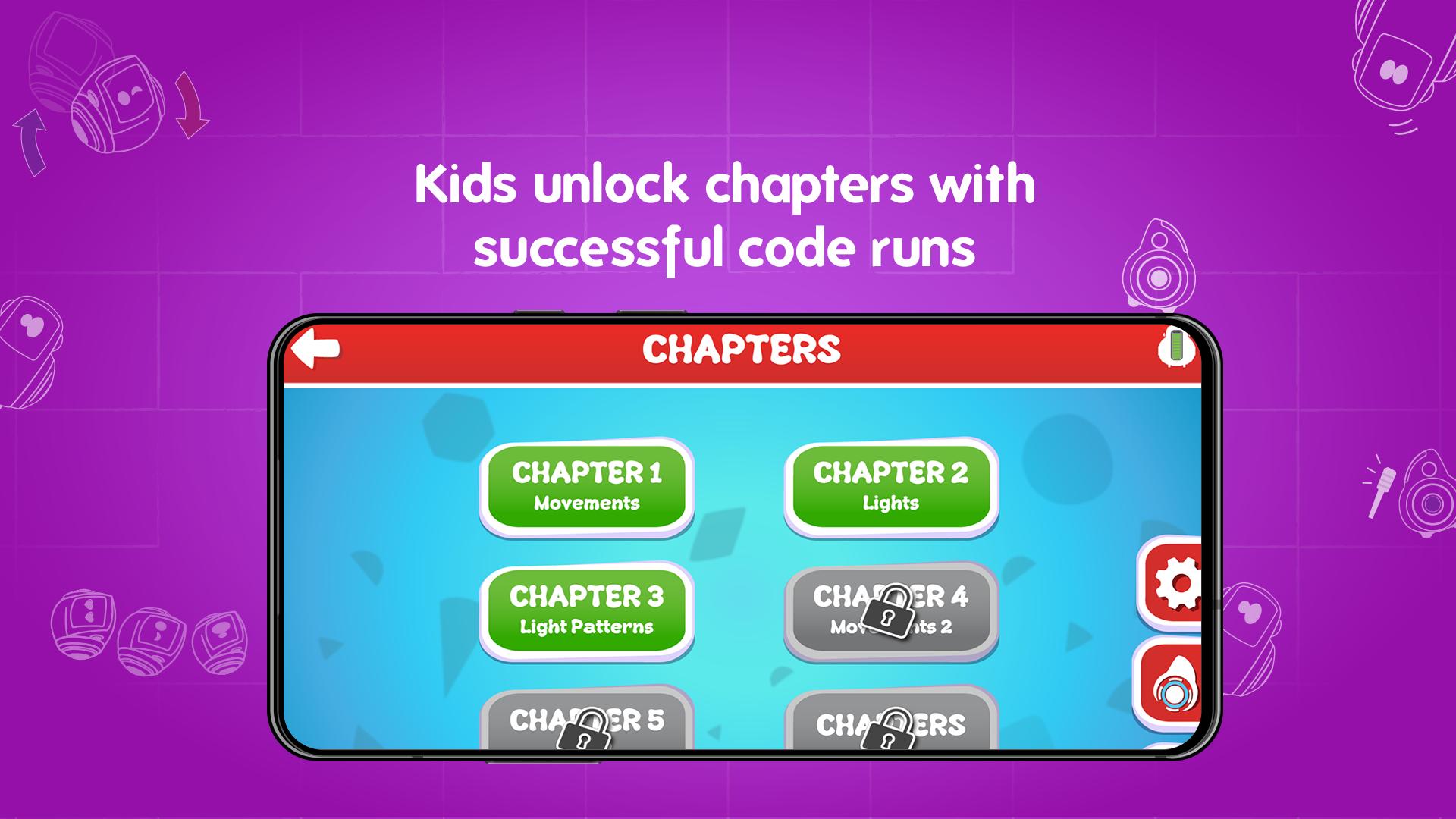
• Comprehensive curriculum
Children are good with shapes, objects, and colors. Not so much with syntax and dull, boring terminals. If it's teaching them coding, it's got to be bright, cheerful, and never out of the reach of their tiny fingers. Your 6-10-year-old can run their code and watch it burst to life on a Miko: moving, dancing, coding!
Grab Mikode's innovative curriculum that lays the groundwork for the up and coming coder in your child!
Preview
Information
Developer
Emotix
Latest Version
1.6
Last Updated
2020-10-15
Category
Educational
Available on
Google Play
Show More
How to play Mikode for Miko 2 with GameLoop on PC
1. Download GameLoop from the official website, then run the exe file to install GameLoop
2. Open GameLoop and search for “Mikode for Miko 2” , find Mikode for Miko 2 in the search results and click “Install”
3. Enjoy playing Mikode for Miko 2 on GameLoop
Minimum requirements
OS
Windows 8.1 64-bit or Windows 10 64-bit
GPU
GTX 1050
CPU
i3-8300
Memory
8GB RAM
Storage
1GB available space
Recommended requirements
OS
Windows 8.1 64-bit or Windows 10 64-bit
GPU
GTX 1050
CPU
i3-9320
Memory
16GB RAM
Storage
1GB available space