SQL Code Play: Learn Practice! PC
Code Play
Download SQL Code Play: Learn Practice! on PC With GameLoop Emulator
SQL Code Play: Learn Practice! sa PC
Ang SQL Code Play: Learn Practice!, na nagmumula sa developer na Code Play, ay tumatakbo sa Android systerm sa nakaraan.
Ngayon, maaari mong laruin ang SQL Code Play: Learn Practice! sa PC gamit ang GameLoop nang maayos.
I-download ito sa GameLoop library o mga resulta ng paghahanap. Hindi na tumitingin sa baterya o nakakadismaya na mga tawag sa maling oras.
I-enjoy lang ang SQL Code Play: Learn Practice! PC sa malaking screen nang libre!
SQL Code Play: Learn Practice! Panimula
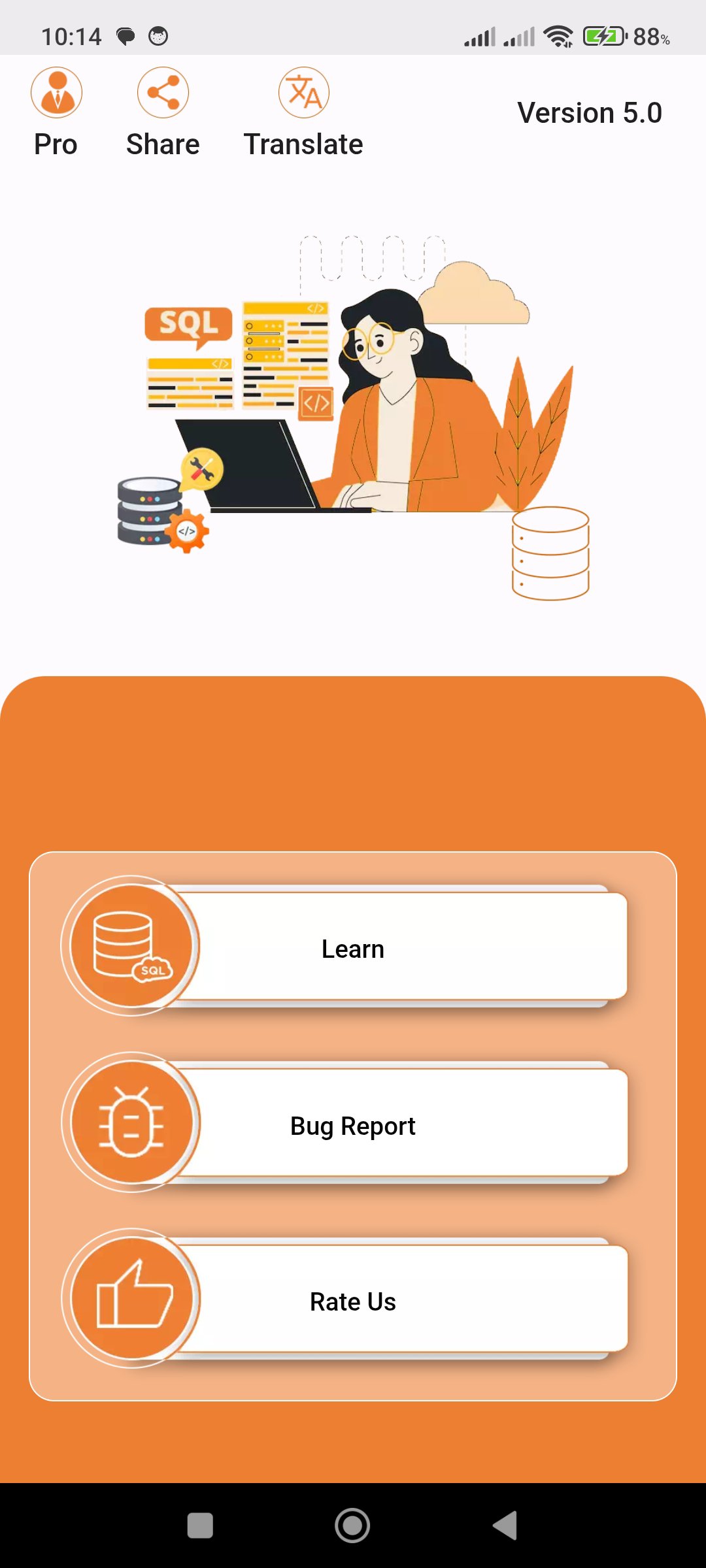
Learn SQL, practice SQL queries, and run SQLite code directly on your mobile device with SQL Code Play. Explore guided lessons, solve interactive practice challenges, and test real queries in an offline workspace built for learning on the go.
Whether you are a beginner learning SQL basics or a developer refreshing database skills, SQL Code Play gives you a practical way to study, practice, and experiment without needing a cloud connection.
Learn SQL with Guided Tutorials
Browse 103 guided lessons that explain real SQL ideas step by step. The tutorial catalog includes searchable topics with progress tracking, so you can reopen lessons, follow the explanation, and move through the course at your own pace. Tap any lesson to read a clear breakdown of the query, understand what each part does, and see practical tips for trying your own variation.
The lesson library covers core SQL and SQLite topics from fundamentals through advanced patterns, including filtering, sorting, aggregation, joins, subqueries, CASE, transactions, views, indexes, constraints, recursive CTEs, window functions, JSON functions, PRAGMA queries, EXPLAIN QUERY PLAN, and SQLite date and time functions.
Practice in a Local SQL Workspace
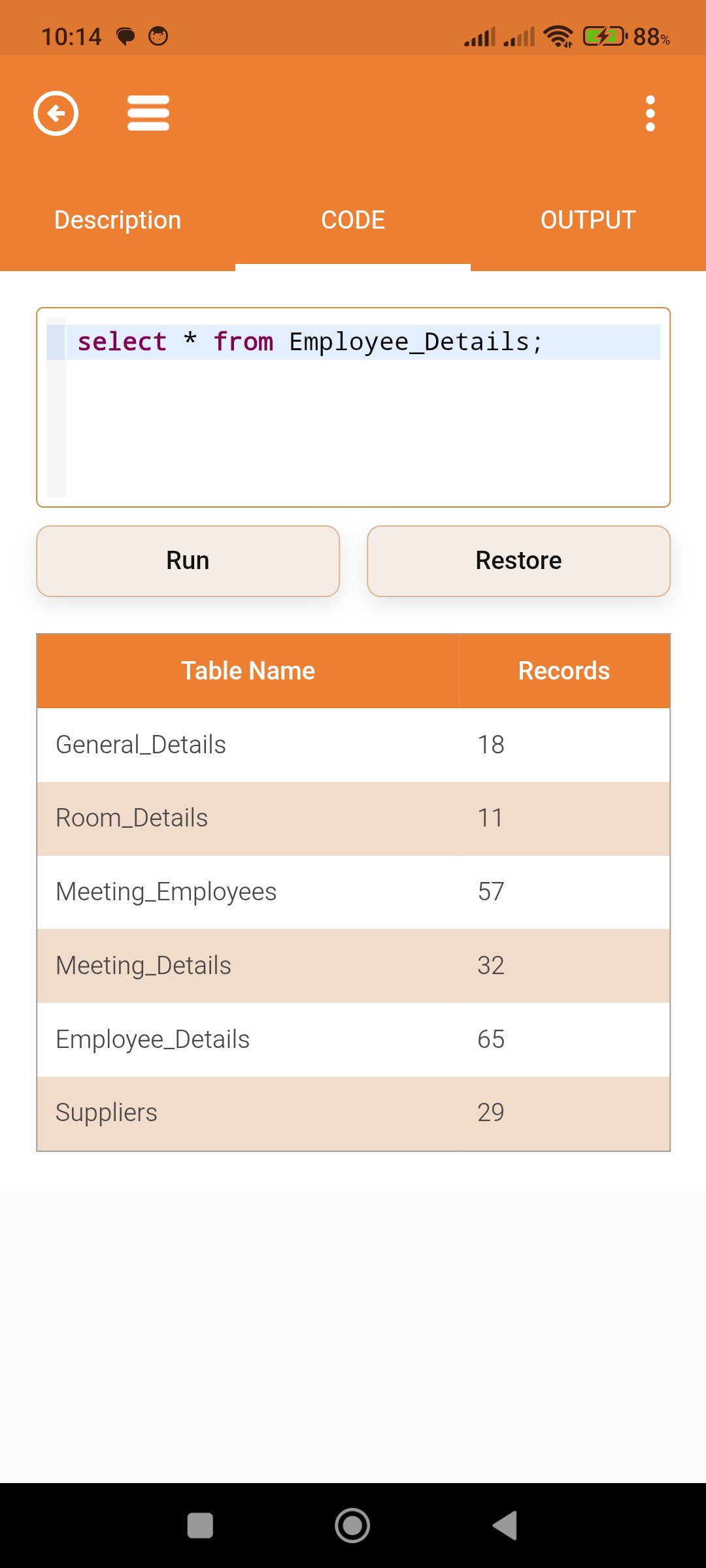
Open the SQL Workspace and run queries inside a local SQLite session. Write, edit, undo, redo, find text, jump to a line, open saved files, save your work, and save as a new file when you want to keep a version. The workspace also includes a database schema view, a restore option, and a two-tab layout for code and output, making it easy to test a query and review the result in one place.
The app is designed for real hands-on practice. You can load lesson code into the editor, edit an existing query, run it, and see the output immediately. That makes SQL Code Play useful for both reading and doing, which is a strong way to build confidence with database commands.
Interactive Learning Modes
Go beyond reading with hands-on practice modes designed to build confidence:
- SQL Lab roadmap with unlockable missions
- Choose the Best Answer challenges for SQL syntax and clause order
- Fill in the Blanks exercises for keywords, operators, and query structure
- Output Detective games that train you to predict result shape
- Syntax Builder questions for forming valid statements
These activities help you practice SELECT, WHERE, ORDER BY, LIMIT, GROUP BY, HAVING, JOIN, UNION, INSERT, UPDATE, DELETE, DISTINCT, IN, LIKE, BETWEEN, NULL checks, and more.
Explore SQL Concepts in Context
SQL Code Play includes a strong mix of beginner and intermediate learning material, with realistic sample tables so you can see how each query behaves with data. Learn how result sets change when you adjust filters, how aggregates summarize rows, and how joins combine related tables. The app also includes lesson progress and practice progress, helping you keep track of what you have already studied.
Helpful Features for Everyday Use
- Offline SQL tutorial content
- Search and filter tutorials by topic
- Progress tracking for lessons and practice modes
- Light and dark theme support
- Multiple languages and localization
- Share the app with others
- In-app feedback and bug reporting
- Optional ad-free Pro upgrade
Built for Learning by Doing
If you want to learn SQL offline, practice SQLite queries, or study database concepts with examples and immediate feedback, SQL Code Play makes the process simple and focused. Read a lesson, try the query, inspect the output, and keep improving one topic at a time.
Use SQL Code Play to learn SQL, practice SQL queries, and build confidence with SQLite in a structured mobile workspace that fits beginners, students, and anyone preparing for interviews or refreshing database fundamentals.
Practice with the app’s learning hubs.
Preview
Tags
EducationInformation
Developer
Code Play
Latest Version
6.1
Last Updated
2026-08-31
Category
Education
Available on
Google Play
Show More
How to play SQL Code Play: Learn Practice! with GameLoop on PC
1. Download GameLoop from the official website, then run the exe file to install GameLoop
2. Open GameLoop and search for “SQL Code Play: Learn Practice!” , find SQL Code Play: Learn Practice! in the search results and click “Install”
3. Enjoy playing SQL Code Play: Learn Practice! on GameLoop
Minimum requirements
OS
Windows 8.1 64-bit or Windows 10 64-bit
GPU
GTX 1050
CPU
i3-8300
Memory
8GB RAM
Storage
1GB available space
Recommended requirements
OS
Windows 8.1 64-bit or Windows 10 64-bit
GPU
GTX 1050
CPU
i3-9320
Memory
16GB RAM
Storage
1GB available space