
php Code Play: Learn PHP PC
Code Play
Download php Code Play: Learn PHP on PC With GameLoop Emulator
php Code Play: Learn PHP sa PC
Ang php Code Play: Learn PHP, na nagmumula sa developer na Code Play, ay tumatakbo sa Android systerm sa nakaraan.
Ngayon, maaari mong laruin ang php Code Play: Learn PHP sa PC gamit ang GameLoop nang maayos.
I-download ito sa GameLoop library o mga resulta ng paghahanap. Hindi na tumitingin sa baterya o nakakadismaya na mga tawag sa maling oras.
I-enjoy lang ang php Code Play: Learn PHP PC sa malaking screen nang libre!
php Code Play: Learn PHP Panimula
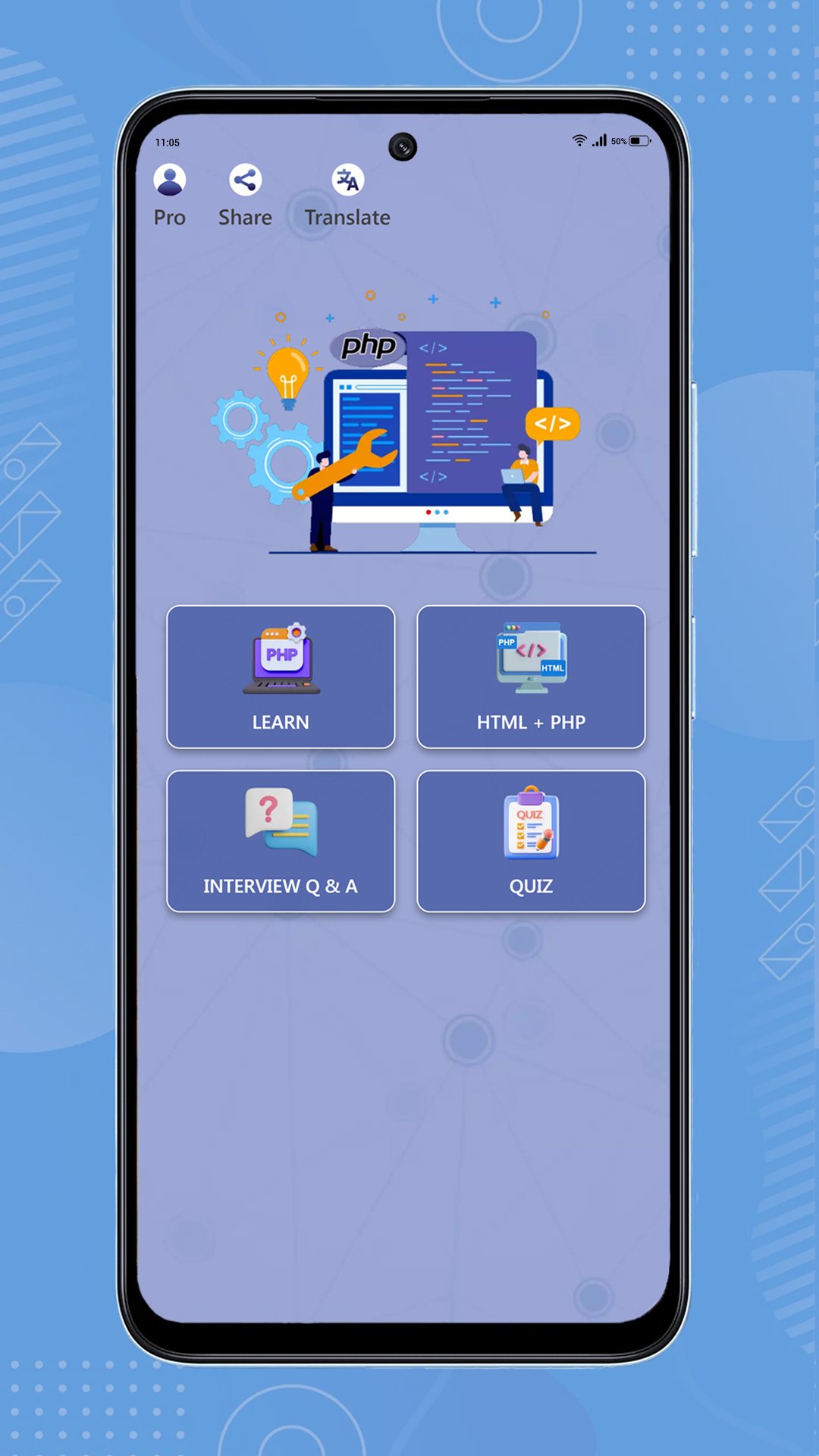
Build practical PHP skills in a focused learning studio for beginners and developing web programmers. Read guided lessons, practice code in the workspace, and track the progress that keeps you moving.
Learn and practice
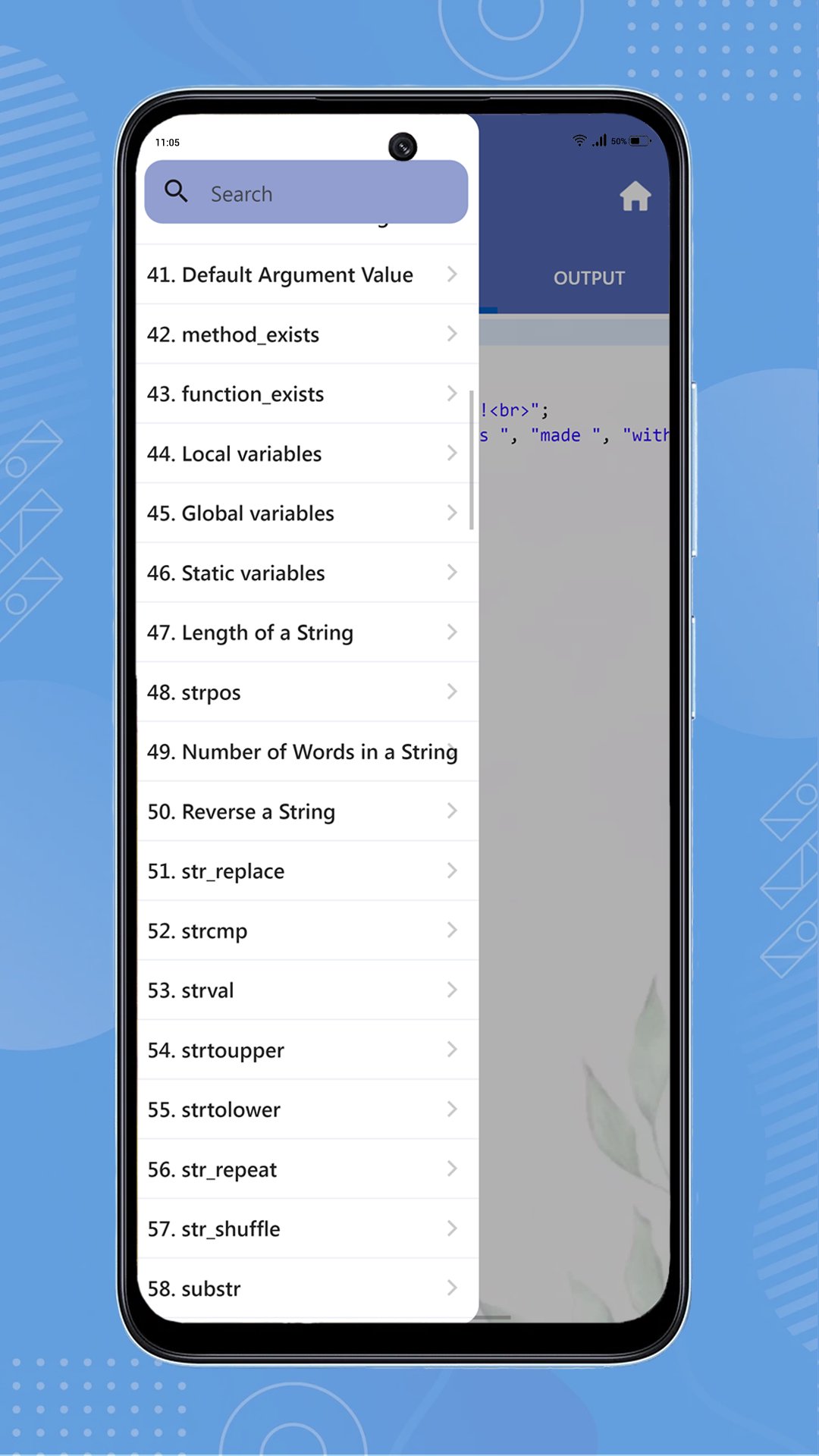
• Follow structured PHP lessons covering syntax, arrays, strings, functions, object-oriented programming, core utilities, and more.
• Write and run supported PHP examples in the in-app PHP 8.4 workspace.
• Use the HTML + PHP workbench to explore examples, edit code, preview results, and work with project files.
• Reset examples, find text, go to a line, and continue from your last workspace activity.
Prepare for real goals
• Browse PHP interview questions by topic and save questions for review.
• Run an interview mock session and review your results.
• Test your knowledge with PHP quizzes and certificate flows.
• Build guided PHP projects one step at a time, with beginner and intermediate paths.
Make practice consistent
• Complete a daily PHP challenge and revisit mistakes with Smart Review.
• Set a daily practice goal, view streaks, see activity across the last 30 days, and review lesson, quiz, project, and interview progress.
• Schedule learning reminders to return at a time that suits you.
You can also choose light, dark, or system themes, select the app language, share the app, and ask the online PHP Assistant for help with PHP questions. Remove passwords, API keys, and private data before sending questions.
Whether you are starting with PHP syntax, strengthening fundamentals, practicing code, or preparing for an interview, php Code Play gives you a clear place to learn by doing.
Preview
Tags
EducationInformation
Developer
Code Play
Latest Version
4.0
Last Updated
Yesterday
Category
Education
Available on
Google Play
Show More
How to play php Code Play: Learn PHP with GameLoop on PC
1. Download GameLoop from the official website, then run the exe file to install GameLoop
2. Open GameLoop and search for “php Code Play: Learn PHP” , find php Code Play: Learn PHP in the search results and click “Install”
3. Enjoy playing php Code Play: Learn PHP on GameLoop
Minimum requirements
OS
Windows 8.1 64-bit or Windows 10 64-bit
GPU
GTX 1050
CPU
i3-8300
Memory
8GB RAM
Storage
1GB available space
Recommended requirements
OS
Windows 8.1 64-bit or Windows 10 64-bit
GPU
GTX 1050
CPU
i3-9320
Memory
16GB RAM
Storage
1GB available space