Arabic English Translator PC
Epic Apps Studio
Download Arabic English Translator on PC With GameLoop Emulator
Arabic English Translator sa PC
Ang Arabic English Translator, na nagmumula sa developer na Epic Apps Studio, ay tumatakbo sa Android systerm sa nakaraan.
Ngayon, maaari mong laruin ang Arabic English Translator sa PC gamit ang GameLoop nang maayos.
I-download ito sa GameLoop library o mga resulta ng paghahanap. Hindi na tumitingin sa baterya o nakakadismaya na mga tawag sa maling oras.
I-enjoy lang ang Arabic English Translator PC sa malaking screen nang libre!
Arabic English Translator Panimula
Arabic English Translator, Arabic Dictionary & Arabic Keyboard is your go-to app for seamless communication, learning, and typing. It features powerful tools like Arabic to English translator, English to Arabic translator, Voice chat, Smart keyboards, and full dictionaries — all in one smooth experience.
Whether you're a student, traveler, or professional, this app makes switching between Arabic and English feel effortless.
Arabic English Translator & Keyboard is the ultimate all-in-one tool for Arabic ↔ English communication. Whether you're chatting, traveling, studying, or working—this app has you covered!
🔑FEATURES :-
🔁 Arabic to English Translator
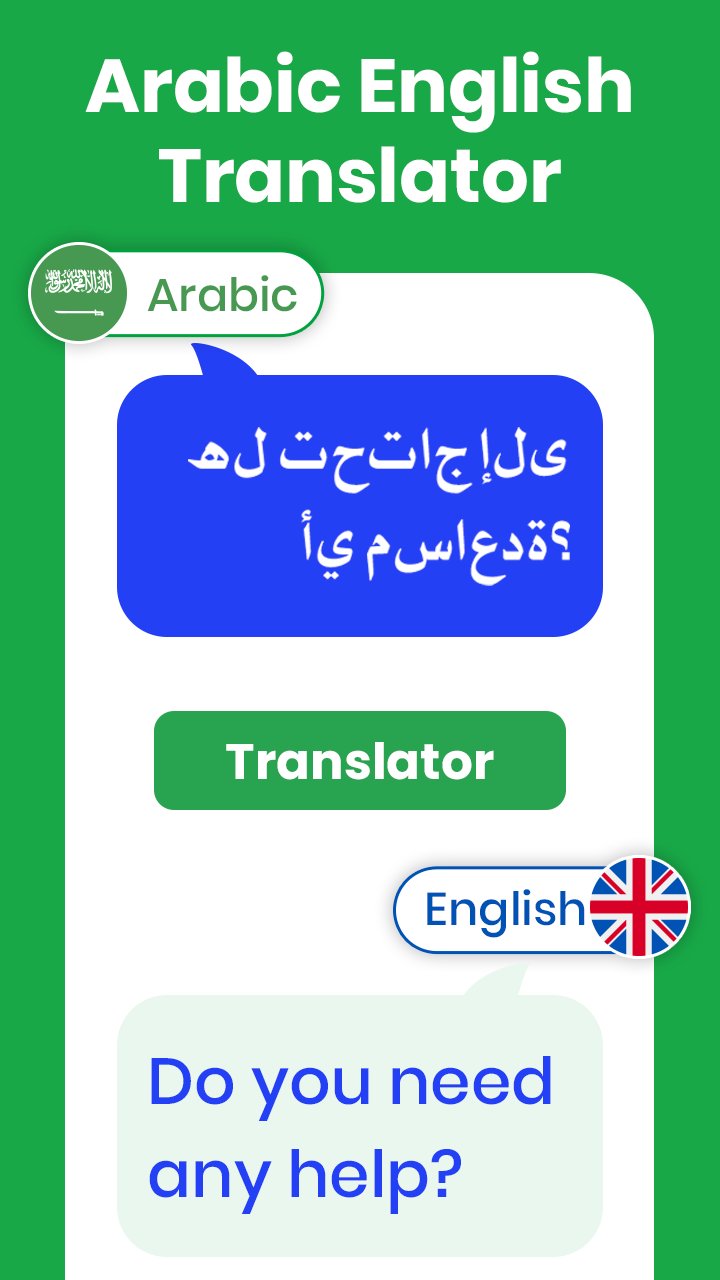
Use our fast and accurate Arabic to English translator to convert words, phrases, or full sentences instantly. Perfect for travelers, learners, and anyone needing quick and reliable translation. Whether typing or speaking, our Arabic to English translator ensures clarity every time.
🔄 English to Arabic Translator
With our advanced English to Arabic translator, you can translate everyday text, emails, or chats smoothly. The English to Arabic translator understands both formal and casual language, making it ideal for study or business. Enjoy natural, real-time translations using the English to Arabic translator feature.
📚 Arabic Dictionary & English Dictionary
Get complete meaning and usage of words using the built-in Arabic dictionary & English dictionary. Explore pronunciation, definitions, and examples from both the Arabic dictionary & English dictionary. Whether you’re expanding vocabulary or checking spelling, the Arabic dictionary & English dictionary is just a tap away.
🎙️ Voice Translator Chat
Speak freely with our voice translator chat. Just talk, and the app will convert your voice into Arabic or English instantly. Voice translator chat works in real time, offering both written and spoken results. With voice translator chat, conversations become smooth and multilingual.
⌨️ Arabic Keyboard
Type easily with the intelligent Arabic keyboard designed for accuracy and comfort. The Arabic keyboard supports harakats (diacritics) for precise writing. Personalize your typing experience with themes, sounds, and emoji support—all on your Arabic keyboard.
⌨️ English Keyboard
Switch to the smart English keyboard when writing in English. The English keyboard offers word suggestions, auto-correct, and a clean layout. With the English keyboard, fast and error-free typing is effortless.
🎨 Keyboard Themes
Give your app a personal touch using keyboard themes. Choose from modern, classic, or fun keyboard themes to style your Arabic and English keyboards. New keyboard themes are added regularly to match your mood and style.
🕓 Translation & Dictionary History
Your past searches are saved automatically in the translation & dictionary history. Revisit any word or phrase from the translation & dictionary history with one tap. You can even favorite or delete items from the translation & dictionary history anytime.
Why This App?
We designed this app to be your personal Arabic-English language assistant with features tailored for everyday use. Whether you're typing, translating, or learning—everything is in one app.
Download Arabic English Translator, Arabic Dictionary & Arabic Keyboard NOW to enjoy smart translation, effortless typing, and full access to voice and dictionary tools. Everything you need to communicate clearly—in both Arabic and English—is just a tap away.
Preview

Tags
EducationInformation
Developer
Epic Apps Studio
Latest Version
8.5
Last Updated
2026-09-11
Category
Education
Available on
Google Play
Show More
How to play Arabic English Translator with GameLoop on PC
1. Download GameLoop from the official website, then run the exe file to install GameLoop
2. Open GameLoop and search for “Arabic English Translator” , find Arabic English Translator in the search results and click “Install”
3. Enjoy playing Arabic English Translator on GameLoop
Minimum requirements
OS
Windows 8.1 64-bit or Windows 10 64-bit
GPU
GTX 1050
CPU
i3-8300
Memory
8GB RAM
Storage
1GB available space
Recommended requirements
OS
Windows 8.1 64-bit or Windows 10 64-bit
GPU
GTX 1050
CPU
i3-9320
Memory
16GB RAM
Storage
1GB available space