
Ace Early Learning Chinese PC
LingoAce
Download Ace Early Learning Chinese on PC With GameLoop Emulator
Ace Early Learning Chinese sa PC
Ang Ace Early Learning Chinese, na nagmumula sa developer na LingoAce, ay tumatakbo sa Android systerm sa nakaraan.
Ngayon, maaari mong laruin ang Ace Early Learning Chinese sa PC gamit ang GameLoop nang maayos.
I-download ito sa GameLoop library o mga resulta ng paghahanap. Hindi na tumitingin sa baterya o nakakadismaya na mga tawag sa maling oras.
I-enjoy lang ang Ace Early Learning Chinese PC sa malaking screen nang libre!
Ace Early Learning Chinese Panimula
"Ace Early Learning Chinese is the ideal project for children to learn Chinese. Its features and design allow children to explore and learn independently. The Ace Early Learning Chinese app is developed by LingoAce, the leading EdTech platform for online Chinese learning, with learners from across 100+ countries and regions. By creating innovative, efficient, professional, and high-quality educational experiences, LingoAce enables children around the world to learn authentic Chinese in an effective and fun way.
GOOD FOR STARTERS
Learning Chinese is great for starters! Featuring tons of different activities like animated videos, interactive games, nursery rhymes, it allows all learners to learn everyday vocabulary in a fun and engaging way.
STUDENT-CENTERED LEARNING
Ace Early Learning Chinese allows self-paced learning and encourages independent exploration through convenient app design.
DEVELOP CROSS-CULTURAL UNDERSTANDING
The program enhances 5C core literacy competencies for the 21st century through a series of creative activities and stories that feature cultural elements.
EFFICIENT & EFFECTIVE METHOD
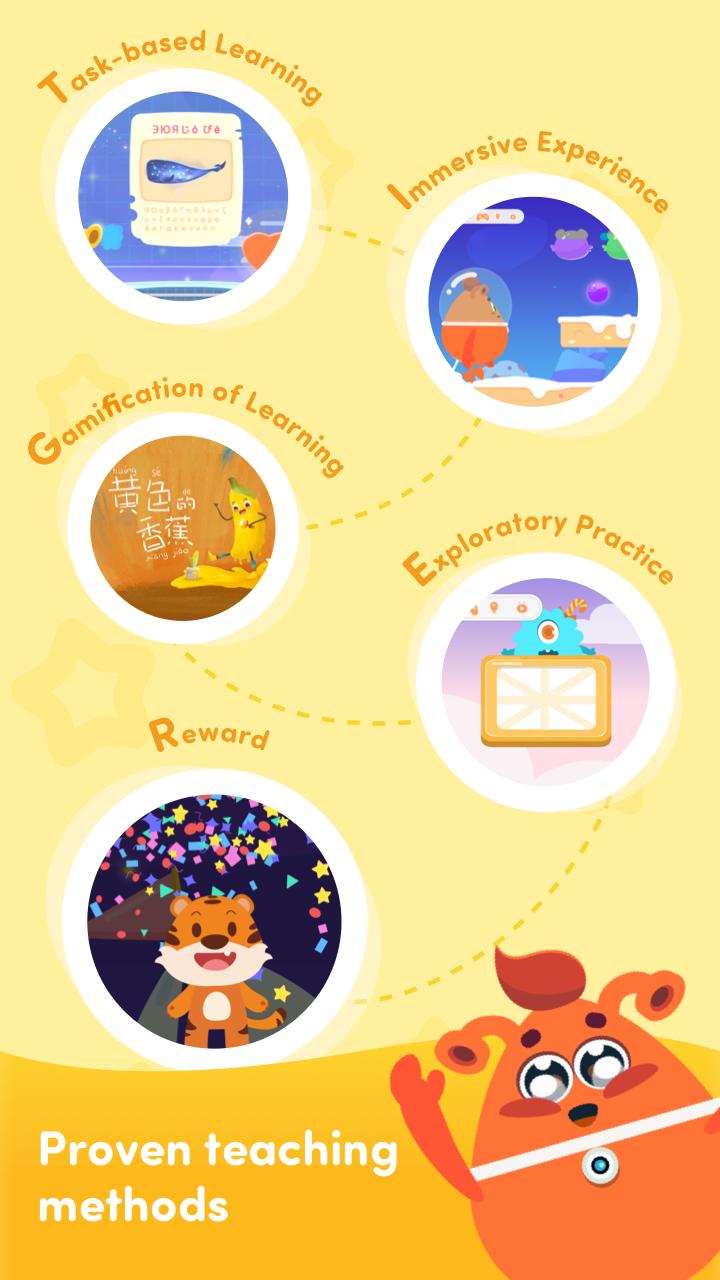
Our unique teaching method is based on PBL (Project-based Learning), Gamification, CBI (Content-based Instruction), as well as cognitive rules of early childhood development. 10 minutes in each class can help learners stay focused and study effectively.
More activities coming soon."
Preview

Information
Developer
LingoAce
Latest Version
1.2.0
Last Updated
2021-12-20
Category
Education
Available on
Google Play
Show More
How to play Ace Early Learning Chinese with GameLoop on PC
1. Download GameLoop from the official website, then run the exe file to install GameLoop
2. Open GameLoop and search for “Ace Early Learning Chinese” , find Ace Early Learning Chinese in the search results and click “Install”
3. Enjoy playing Ace Early Learning Chinese on GameLoop
Minimum requirements
OS
Windows 8.1 64-bit or Windows 10 64-bit
GPU
GTX 1050
CPU
i3-8300
Memory
8GB RAM
Storage
1GB available space
Recommended requirements
OS
Windows 8.1 64-bit or Windows 10 64-bit
GPU
GTX 1050
CPU
i3-9320
Memory
16GB RAM
Storage
1GB available space