Ace Chinese Books PC
LingoAce
Download Ace Chinese Books on PC With GameLoop Emulator
Ace Chinese Books sa PC
Ang Ace Chinese Books, na nagmumula sa developer na LingoAce, ay tumatakbo sa Android systerm sa nakaraan.
Ngayon, maaari mong laruin ang Ace Chinese Books sa PC gamit ang GameLoop nang maayos.
I-download ito sa GameLoop library o mga resulta ng paghahanap. Hindi na tumitingin sa baterya o nakakadismaya na mga tawag sa maling oras.
I-enjoy lang ang Ace Chinese Books PC sa malaking screen nang libre!
Ace Chinese Books Panimula
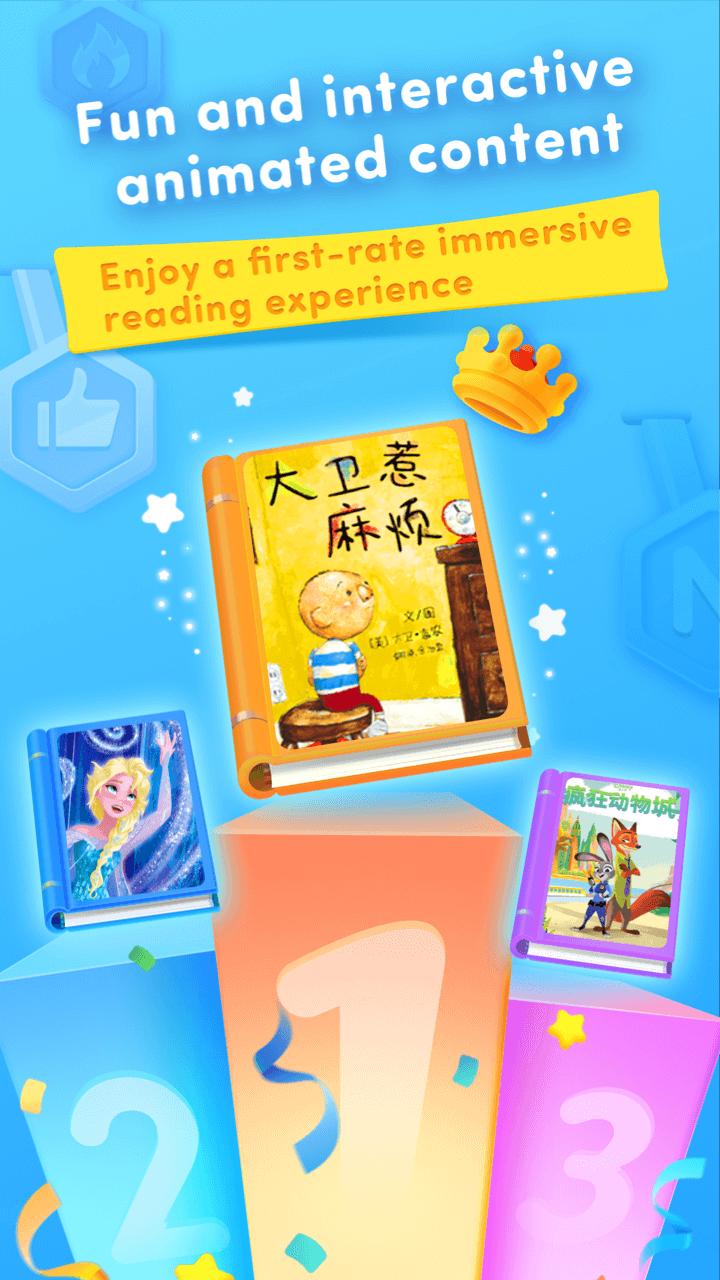
"Ace Chinese Books makes Chinese reading fun and engaging — it's the best way to begin your Chinese reading journey. You can freely explore your interests with convenient access to a library of fun, interactive, and animated picture books. Our reading system takes you on a step by step process, which inspires curiosity and helps you build reading confidence.
AMAZING BOOKS
Interactive and animated picture books assist you with your reading comprehension skills, improve your focus, and broaden your knowledge through a variety of topics. Books are narrated with music and sound effects. You could even play with the characters in the books!
SMART NARRATION MODES
Different Narration modes encourage independent reading and parent-child reading. We provide two reading modes: ""Read for Me"" (automatica page-turning), and ""I Can Read"" (manual page-turning). In ""Read for Me"" mode, you'll spend a good parent-child time. In ""I Can Read"" mode, you could self-pace your reading and develop comprehensive skills at your ease.
PERSONALIZED RECOMMENDATIONS
A variety of reading topics and categories are recommended for you based on your age, interest & reading level. You can add your favorite books in MY BOOKS where you could access them anytime.
EXCITING READING EXPERIENCE
Interactive and engaging books, a safe environment, and personalized reports where you can save and see your reading progress, all create an exciting Chinese reading experience for young minds.
More new books are on the way, stay tuned!"
Preview

Tags
Books-&Information
Developer
LingoAce
Latest Version
1.6.6
Last Updated
2024-11-08
Category
Books-reference
Available on
Google Play
Show More
How to play Ace Chinese Books with GameLoop on PC
1. Download GameLoop from the official website, then run the exe file to install GameLoop
2. Open GameLoop and search for “Ace Chinese Books” , find Ace Chinese Books in the search results and click “Install”
3. Enjoy playing Ace Chinese Books on GameLoop
Minimum requirements
OS
Windows 8.1 64-bit or Windows 10 64-bit
GPU
GTX 1050
CPU
i3-8300
Memory
8GB RAM
Storage
1GB available space
Recommended requirements
OS
Windows 8.1 64-bit or Windows 10 64-bit
GPU
GTX 1050
CPU
i3-9320
Memory
16GB RAM
Storage
1GB available space