
Talking Pablo : Fake call PC
Studio Calling
Download Talking Pablo : Fake call on PC With GameLoop Emulator
Talking Pablo : Fake call sa PC
Ang Talking Pablo : Fake call, na nagmumula sa developer na Studio Calling, ay tumatakbo sa Android systerm sa nakaraan.
Ngayon, maaari mong laruin ang Talking Pablo : Fake call sa PC gamit ang GameLoop nang maayos.
I-download ito sa GameLoop library o mga resulta ng paghahanap. Hindi na tumitingin sa baterya o nakakadismaya na mga tawag sa maling oras.
I-enjoy lang ang Talking Pablo : Fake call PC sa malaking screen nang libre!
Talking Pablo : Fake call Panimula
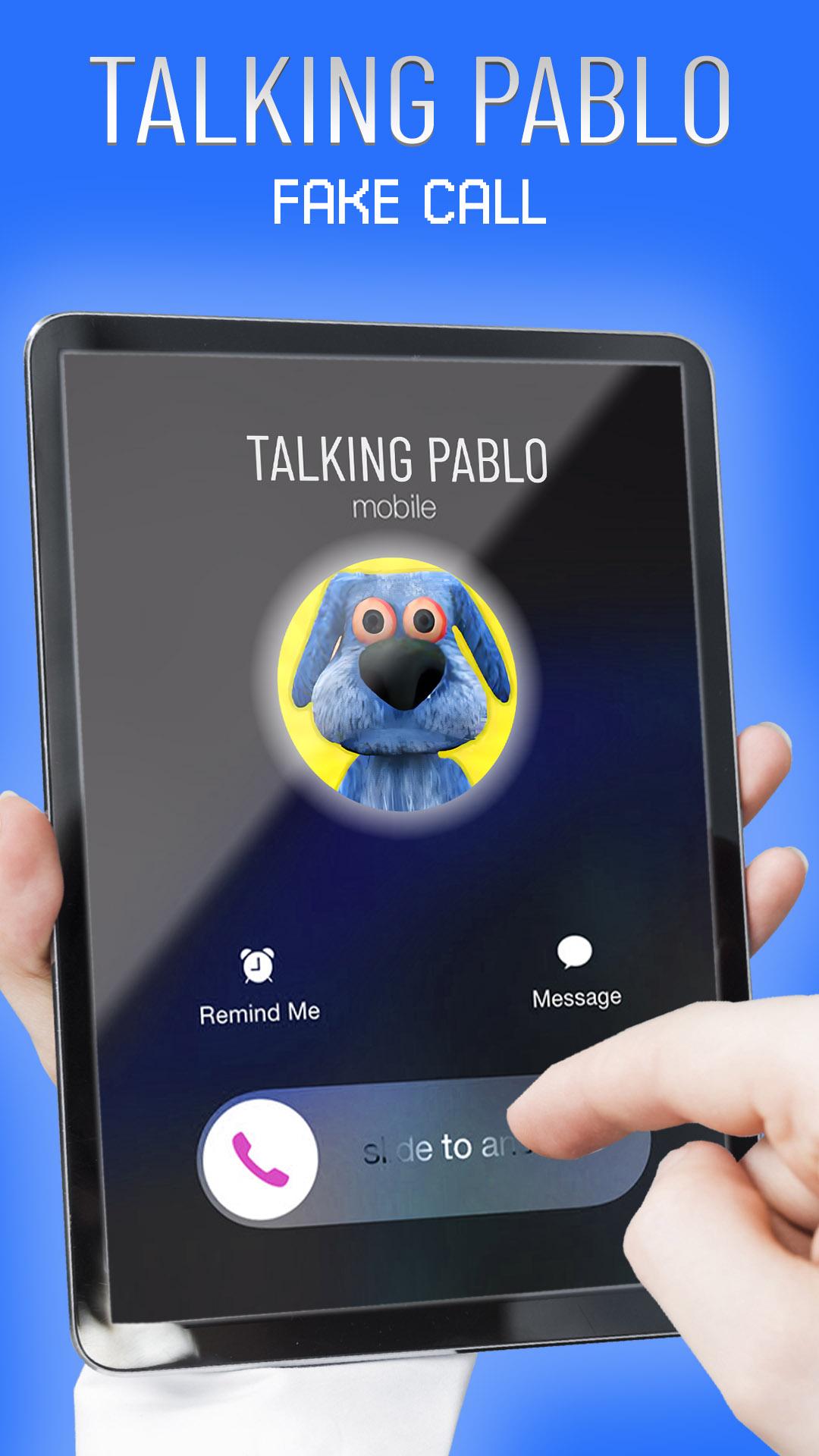
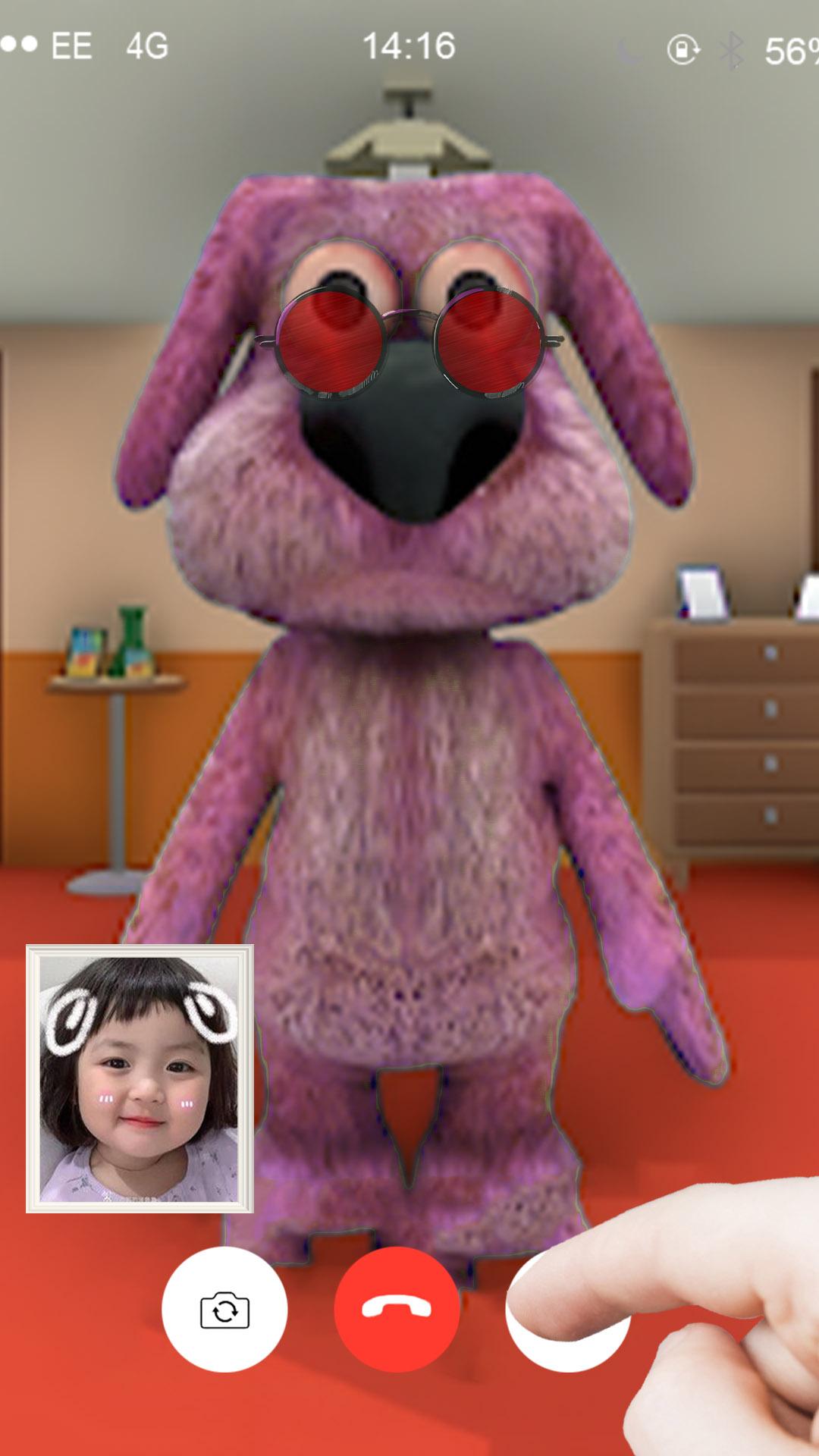
Making fictitious phone calls with Pablo, a virtual assistant, is made possible through the engaging and amusing software Talking Pablo Fake Call.
This app's goal is to make your daily life more enjoyable and humorous. Talking Pablo Fake Call is ideal for individuals wishing to have fun and prank their friends and family because of its user-friendly UI and lifelike call simulation.
Cool design and Juan voice are two of Talking Pablo Fake Call's standout qualities. By doing this, users will have an easier time finding the app while looking for a fake call app and the app will be optimized for search engines.
You can tailor your fake call experience with Talking Pablo Fake Call thanks to its many configurable features. You can customize Pablo and Juan's voices and tones, as well as the name and phone number that will appear on the recipient's phone.
The call's duration and kind, such as an incoming or departing call, are also options. With this degree of personalization, you may adjust your fake call experience to meet your unique requirements.
Talking Pablo Fake Call is made to be user-friendly and simple to use in addition to its amusing and interesting features. Even individuals without much digital experience may easily utilize the app thanks to its straightforward and user-friendly user interface.
This makes it possible for users of all ages to have fun and enjoy the software.
Call my Pablo Talking App Features:
✅ Voice Call From Tom Talking.
✅ fake chat with Angela.
✅ Runner and chase cat on a video call
✅ Friendly Design.
✅ Having fun with a Video call.
✅ Easy To Use.
Overall, Talking Pablo Fake Call is the ideal software for people wishing to spice up their regular lives with some fun and excitement.
Talking Pablo Fake Call is sure to make you grin with Juan talking Character and angela.
Make phony calls right away by downloading Talking Pablo Fake Call and talk with juan the sacry cat.
Preview
Tags
CommunicationsInformation
Developer
Studio Calling
Latest Version
1
Last Updated
2023-02-23
Category
Communications
Available on
Google Play
Show More
How to play Talking Pablo : Fake call with GameLoop on PC
1. Download GameLoop from the official website, then run the exe file to install GameLoop
2. Open GameLoop and search for “Talking Pablo : Fake call” , find Talking Pablo : Fake call in the search results and click “Install”
3. Enjoy playing Talking Pablo : Fake call on GameLoop
Minimum requirements
OS
Windows 8.1 64-bit or Windows 10 64-bit
GPU
GTX 1050
CPU
i3-8300
Memory
8GB RAM
Storage
1GB available space
Recommended requirements
OS
Windows 8.1 64-bit or Windows 10 64-bit
GPU
GTX 1050
CPU
i3-9320
Memory
16GB RAM
Storage
1GB available space