
JEXCA PC
Cloudly Infotech LTD
Download JEXCA on PC With GameLoop Emulator
JEXCA sa PC
Ang JEXCA, na nagmumula sa developer na Cloudly Infotech LTD, ay tumatakbo sa Android systerm sa nakaraan.
Ngayon, maaari mong laruin ang JEXCA sa PC gamit ang GameLoop nang maayos.
I-download ito sa GameLoop library o mga resulta ng paghahanap. Hindi na tumitingin sa baterya o nakakadismaya na mga tawag sa maling oras.
I-enjoy lang ang JEXCA PC sa malaking screen nang libre!
JEXCA Panimula
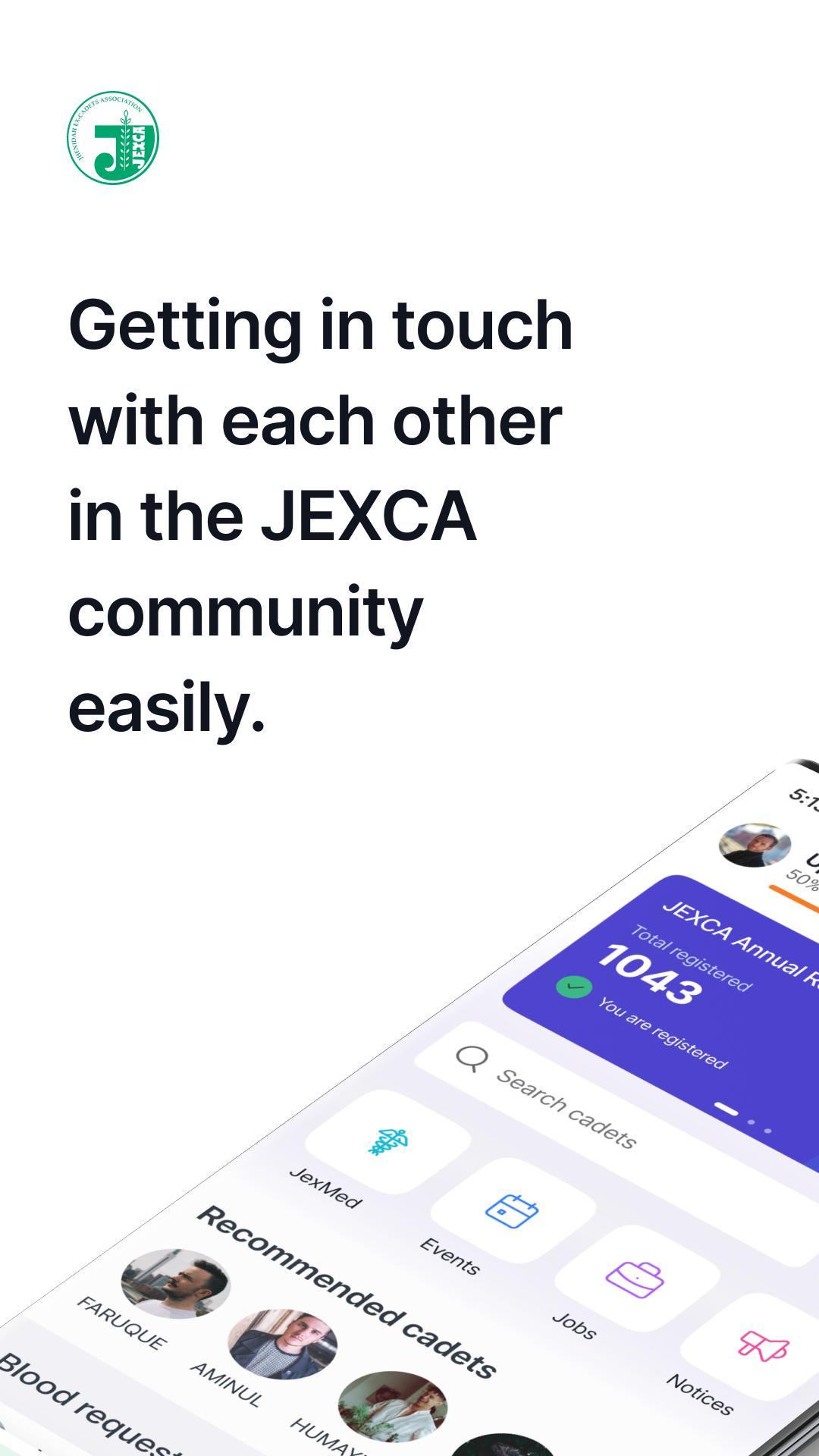
Jhenidah Ex-Cadets Association (JEXCA) is an alumni Association of the Ex-Cadets (students) of Jhenidah Cadet College (JCC).
There are currently more than 2,500 members of JEXCA all over the world. All cadets (students) passed from Jhenidah Cadet College are by default a member of this organization.
Goals:
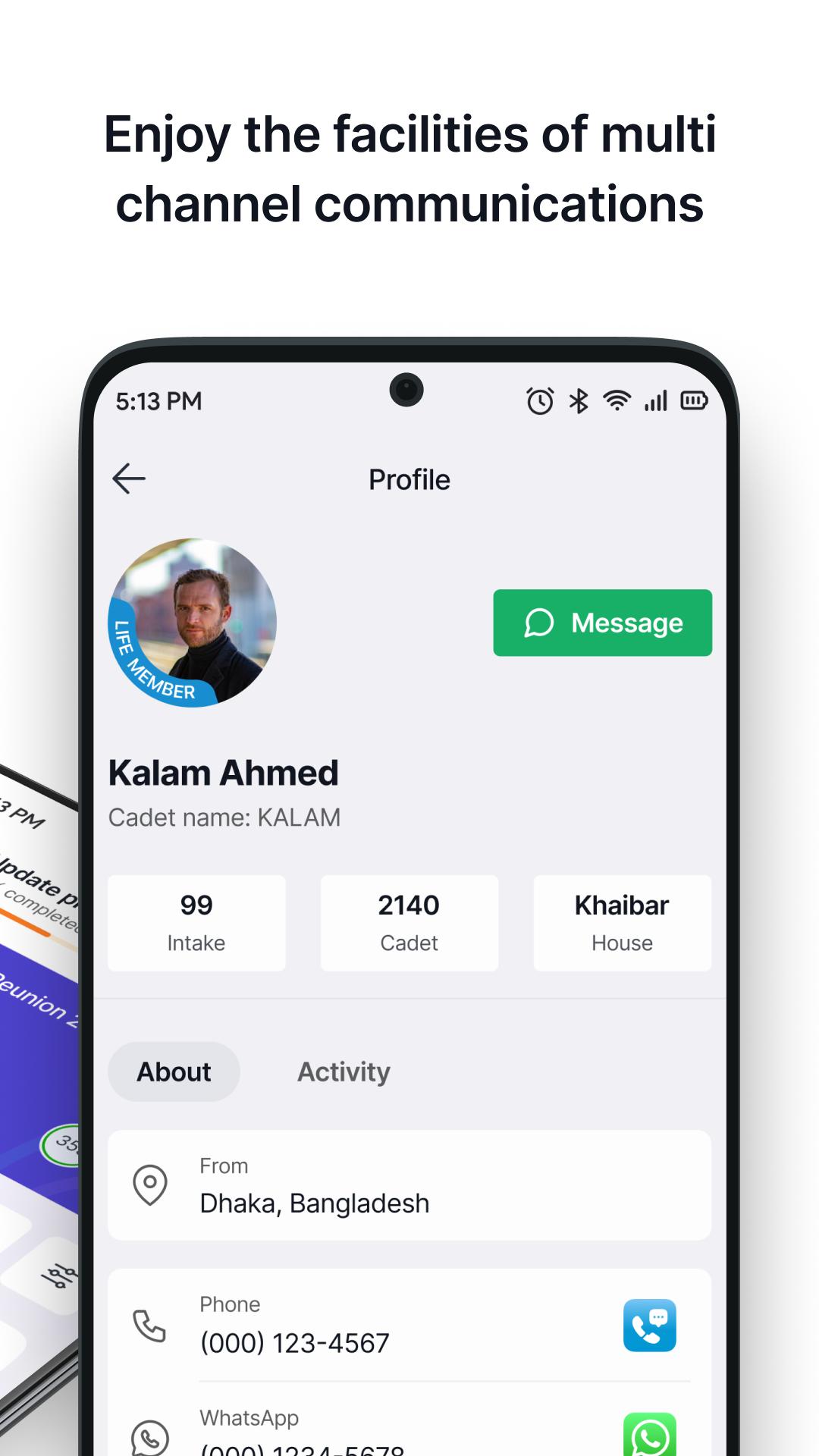
-To prepare and maintain a complete record of all members of JEXCA
-Instant blood request by sms and directly contact with donor through phone call.
-Stay up-to-date and search events and notices about the association.
-To help unemployed ex-cadets, finding suitable careers as and when necessary through Career.
-To keep a close contact between former students by messenger.
JEXCA as an organization is registered with the Social Welfare Department of Bangladesh. It has voluntary activities like relief works following disasters, scholarship to needy students, welfare to needy JCC employees, etc. It runs Free Friday Clinic (FFC) which gives free medication to poor people in Dhaka and Khulna. JEXCA gives treatment and medicine free of cost to the slum and poor people. Many of the JEXCA members donate monthly to run the FFCs.
Preview
Tags
CommunicationsInformation
Developer
Cloudly Infotech LTD
Latest Version
3.2.048
Last Updated
2023-04-06
Category
Communications
Available on
Google Play
Show More
How to play JEXCA with GameLoop on PC
1. Download GameLoop from the official website, then run the exe file to install GameLoop
2. Open GameLoop and search for “JEXCA” , find JEXCA in the search results and click “Install”
3. Enjoy playing JEXCA on GameLoop
Minimum requirements
OS
Windows 8.1 64-bit or Windows 10 64-bit
GPU
GTX 1050
CPU
i3-8300
Memory
8GB RAM
Storage
1GB available space
Recommended requirements
OS
Windows 8.1 64-bit or Windows 10 64-bit
GPU
GTX 1050
CPU
i3-9320
Memory
16GB RAM
Storage
1GB available space