
HD video call Tips conference PC
T Granhara
Download HD video call Tips conference on PC With GameLoop Emulator
HD video call Tips conference sa PC
Ang HD video call Tips conference, na nagmumula sa developer na T Granhara, ay tumatakbo sa Android systerm sa nakaraan.
Ngayon, maaari mong laruin ang HD video call Tips conference sa PC gamit ang GameLoop nang maayos.
I-download ito sa GameLoop library o mga resulta ng paghahanap. Hindi na tumitingin sa baterya o nakakadismaya na mga tawag sa maling oras.
I-enjoy lang ang HD video call Tips conference PC sa malaking screen nang libre!
HD video call Tips conference Panimula
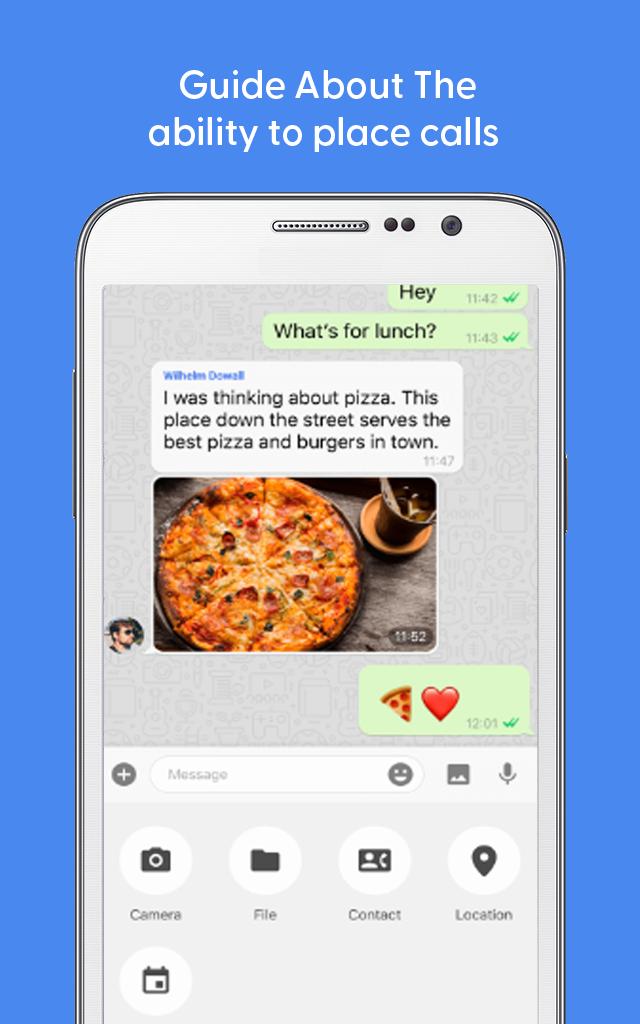
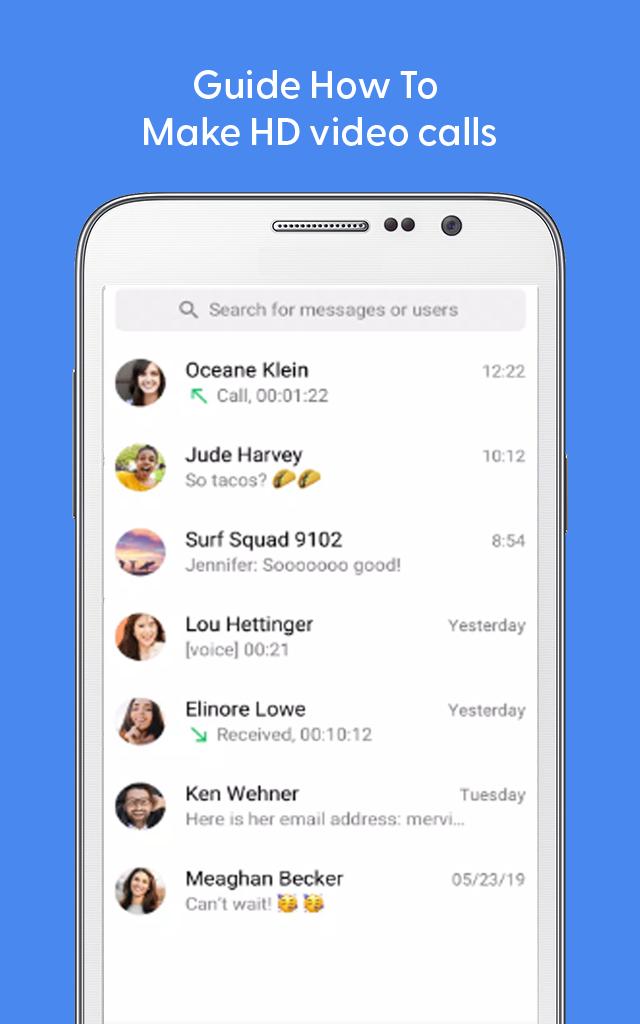
Totok free app offers free messaging, voice calls and video calls. Totok messaging app is super easy to use, and all you need is an internet connection. Just open ToTok - Free HD Video Calls & Voice Chats and start talking to your friends and family wherever they are.
Totok chat app 🗫 comes with following main features:
1)Make totok audio and video calls.
2)Hold important meetings, conferences👨💼 involving up to 20 people.
3)Send totok voice🗣️ messages instead of typing.
4)Retouch filter for video call.
5)Customize your chat with various totok wallpapers.
6)Express yourself with totok stickers, emojis.
There also exist totok Other Party's Time features, which allows you to avoid disturbing your family and friends living abroad by checking out their local time on the one on one chat.
Totok application is a simple and secure application for all your social needs. If you need an app that is secure, fast, requires less data, provides more features, then ToTok can be your new favorite app. So, download totok for android now and send messages to anyone on your contact list with ease.
Disclaimer:❗
This app is not an official app. Just be aware of the app and in case of any questions, give us feedback.
Preview
Tags
CommunicationsInformation
Developer
T Granhara
Latest Version
1.0.1
Last Updated
2022-11-21
Category
Communications
Available on
Google Play
Show More
How to play HD video call Tips conference with GameLoop on PC
1. Download GameLoop from the official website, then run the exe file to install GameLoop
2. Open GameLoop and search for “HD video call Tips conference” , find HD video call Tips conference in the search results and click “Install”
3. Enjoy playing HD video call Tips conference on GameLoop
Minimum requirements
OS
Windows 8.1 64-bit or Windows 10 64-bit
GPU
GTX 1050
CPU
i3-8300
Memory
8GB RAM
Storage
1GB available space
Recommended requirements
OS
Windows 8.1 64-bit or Windows 10 64-bit
GPU
GTX 1050
CPU
i3-9320
Memory
16GB RAM
Storage
1GB available space