
Puma Browser: private local Ai PC
Puma Technologies
Download Puma Browser: private local Ai on PC With GameLoop Emulator
Puma Browser: private local Ai sa PC
Ang Puma Browser: private local Ai, na nagmumula sa developer na Puma Technologies, ay tumatakbo sa Android systerm sa nakaraan.
Ngayon, maaari mong laruin ang Puma Browser: private local Ai sa PC gamit ang GameLoop nang maayos.
I-download ito sa GameLoop library o mga resulta ng paghahanap. Hindi na tumitingin sa baterya o nakakadismaya na mga tawag sa maling oras.
I-enjoy lang ang Puma Browser: private local Ai PC sa malaking screen nang libre!
Puma Browser: private local Ai Panimula
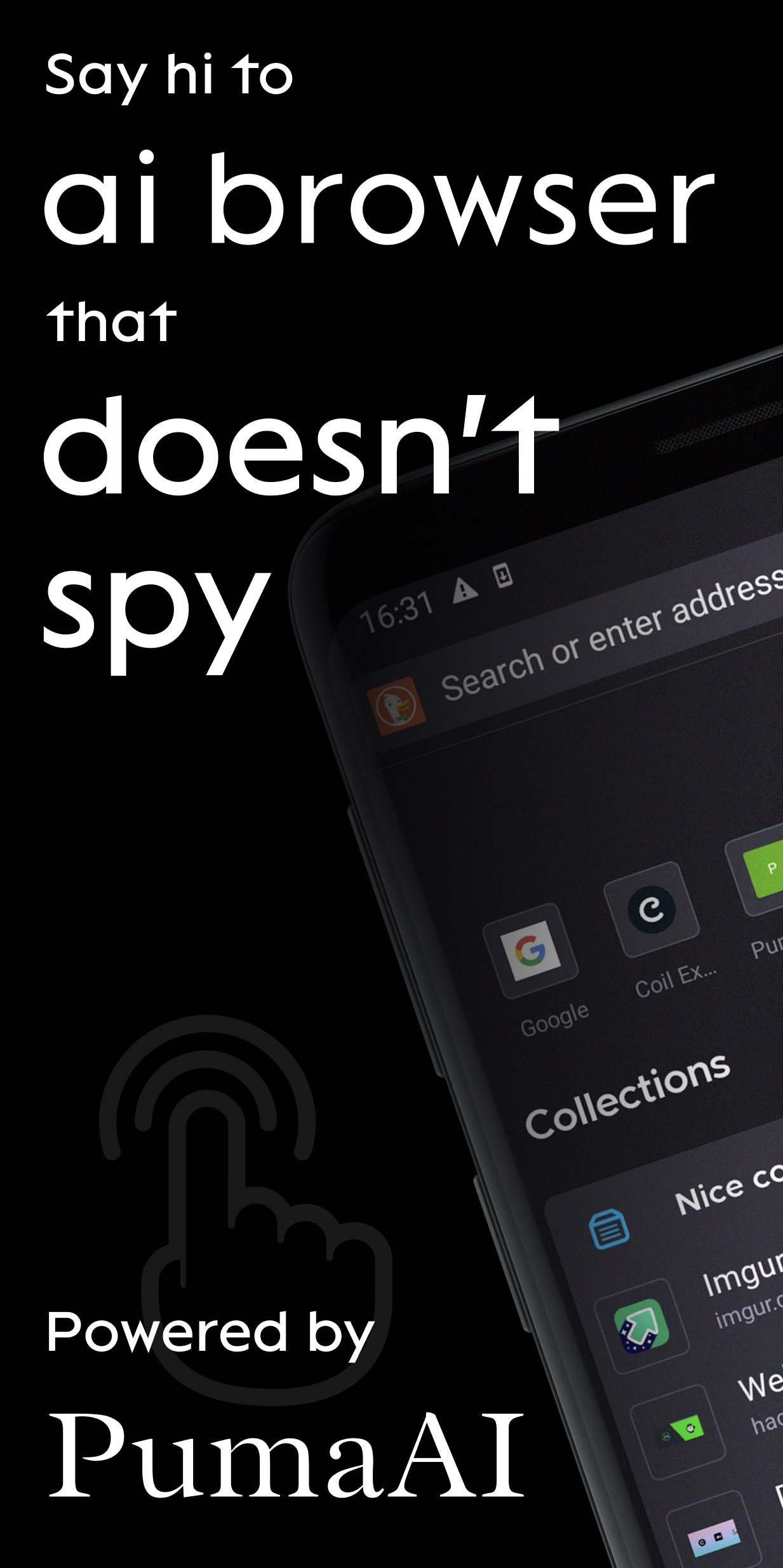
Puma is a mobile browser for Ai agents. Private by design.
Today with Puma you can:
1. Chat with Gemma, Qwen, Ministral and other LLMs locally and never have your conversations leave your device
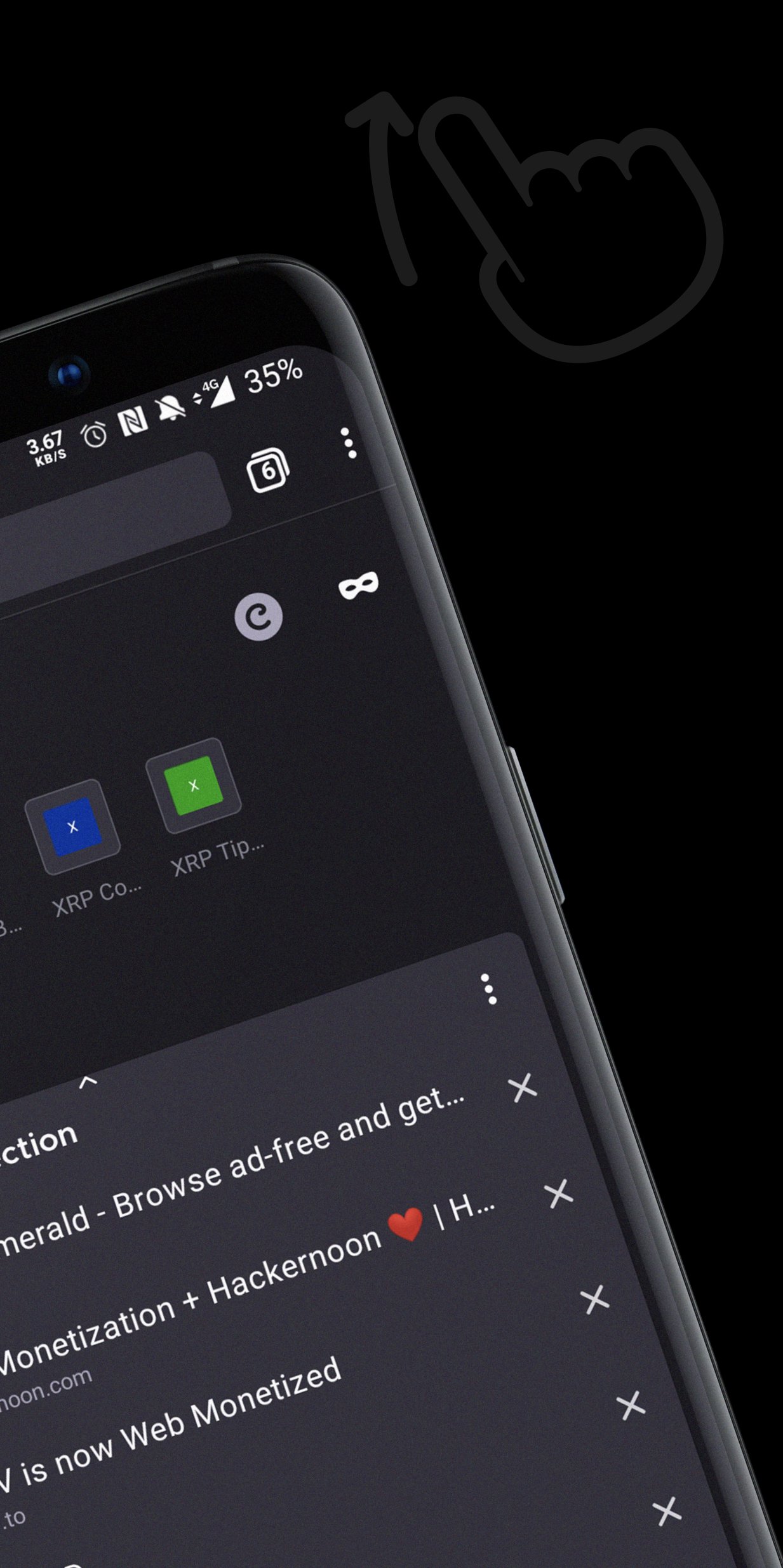
2. Summarize content and have follow-up chat via OpenAI, Anthropic and Gemini APIs
3. Access ENS, IPFS websites
BETTER SEARCH
Take ownership of your online activity from big corporations. Select a default search engine you love most and perform à la carte searches from today’s top sites:
- DuckDuckGo: simple, private search with contextual rather than personalized ads. Puma Browser’s default.
- Ecosia: go green while you surf! One tree gets planted for about every 45 searches.
- Google: available for those who want it.
- Twitter: search trends, hashtags, and topics that are happening and being discussed by the world right now.
- Wikipedia: the free online encyclopedia built and nurtured by volunteers around the world and hosted by the Wikimedia Foundation.
BETTER COMMUNITY
Help us guide the web to a better future with your ideas, feedback, and questions. Tweet at: @PumaBrowser | Join the conversation on Discord: chat.puma.tech | Email: support@pumabrowser.com.
Made with love by the Puma Browser Team.
Preview
Tags
CommunicationsInformation
Developer
Puma Technologies
Latest Version
3.9.15
Last Updated
2026-07-28
Category
Communications
Available on
Google Play
Show More
How to play Puma Browser: private local Ai with GameLoop on PC
1. Download GameLoop from the official website, then run the exe file to install GameLoop
2. Open GameLoop and search for “Puma Browser: private local Ai” , find Puma Browser: private local Ai in the search results and click “Install”
3. Enjoy playing Puma Browser: private local Ai on GameLoop
Minimum requirements
OS
Windows 8.1 64-bit or Windows 10 64-bit
GPU
GTX 1050
CPU
i3-8300
Memory
8GB RAM
Storage
1GB available space
Recommended requirements
OS
Windows 8.1 64-bit or Windows 10 64-bit
GPU
GTX 1050
CPU
i3-9320
Memory
16GB RAM
Storage
1GB available space