
BIG SMS for Seniors PC
BIG Launcher
Download BIG SMS for Seniors on PC With GameLoop Emulator
BIG SMS for Seniors sa PC
Ang BIG SMS for Seniors, na nagmumula sa developer na BIG Launcher, ay tumatakbo sa Android systerm sa nakaraan.
Ngayon, maaari mong laruin ang BIG SMS for Seniors sa PC gamit ang GameLoop nang maayos.
I-download ito sa GameLoop library o mga resulta ng paghahanap. Hindi na tumitingin sa baterya o nakakadismaya na mga tawag sa maling oras.
I-enjoy lang ang BIG SMS for Seniors PC sa malaking screen nang libre!
BIG SMS for Seniors Panimula
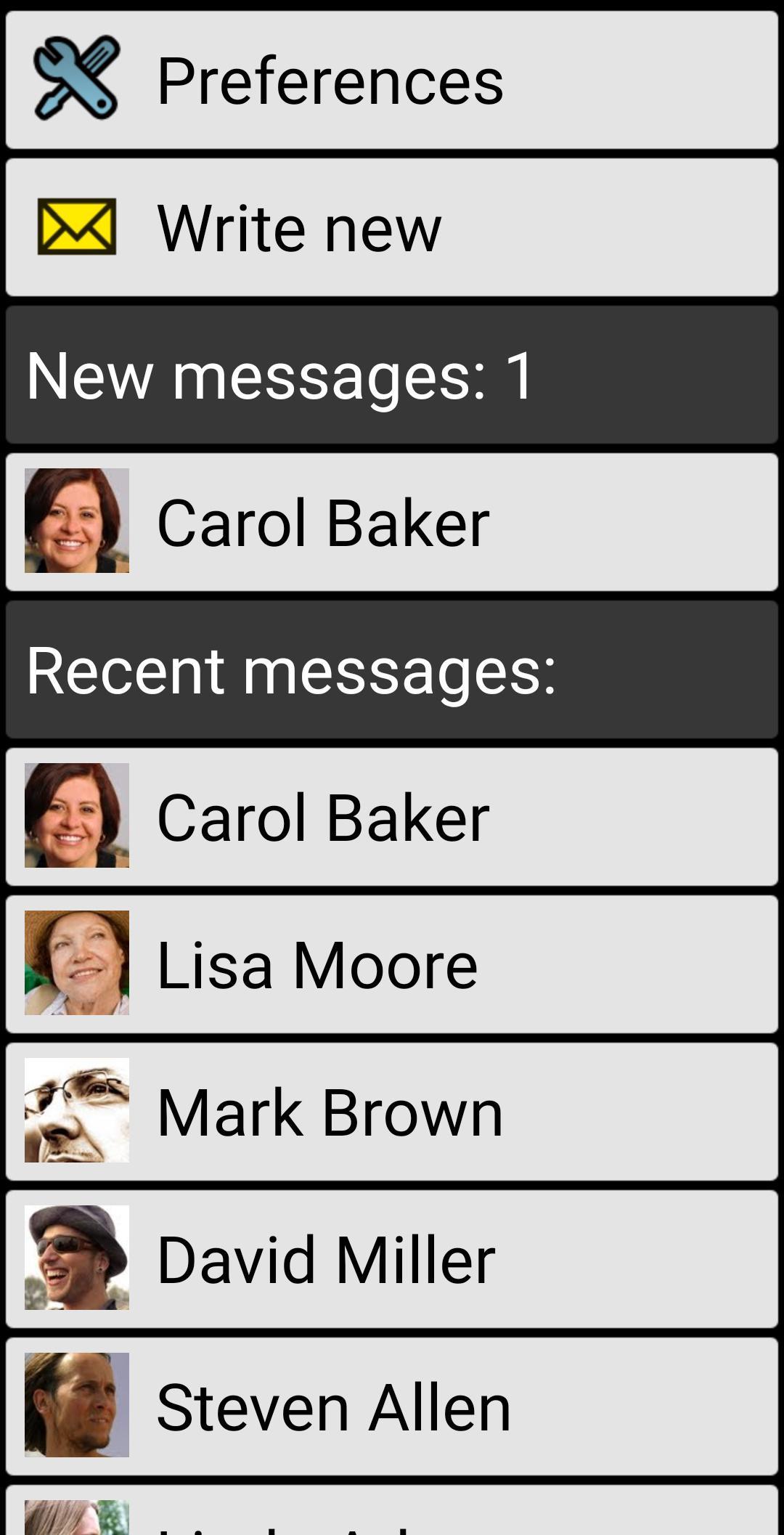
Messaging editor with large fonts
💬 large font and different colors used to display the message thread.
✉️ reply easily to any message with the easy to use SMS editor.
🔔 optional full-screen SMS notifications allow you to rapidly call back or reply to the message (not available on Android 10 or higher)
🚫 please note that multimedia messages (MMS) are not supported
📦 BIG Apps Suite
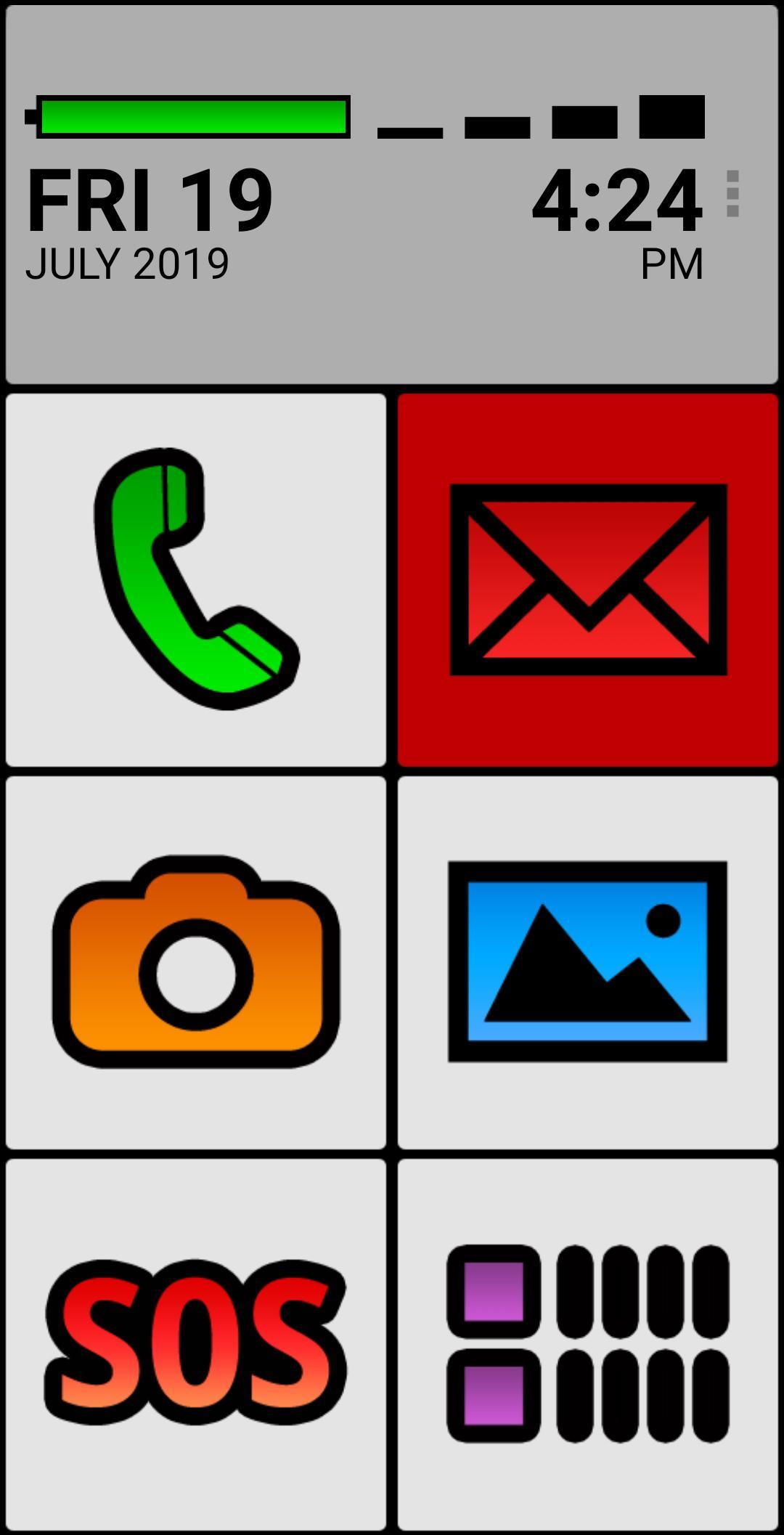
Simple apps for seniors and people with vision problems.
🔹 Android 10 and Android Go compatible
🔹 100% accessible
🔹 high contrast color schemes and three different font sizes allow you to use your phone without glasses.
🔹 additional color themes and icon packs are available for download
🔹 extended support for Talkback screen reader allows legally blind users to use their phone with ease and confidence
🔹 all the apps can also be controlled by a hardware keyboard or via the Tecla wheelchair interface, enabling users with paralysis to have full and precise control of the smartphone without touching the screen.
🔹 compatible with Android 2.2 or higher. BIG SMS requires Android 4.4 or higher
🔸 BIG Launcher - Your new home screen
🔸 BIG Phone - Easy to use phone and contacts
🔸 BIG SMS - Messaging editor with large fonts
🔸 BIG Alarm - Alarm as simple as possible
🔸 BIG Notifications - Make all the Android notifications really big
🆓 BIG SMS free version limitations
- only 5 most recent message threads are visible
- after 20 SMS sent a link to biglauncher.com is appended to every SMS
🤔 Questions? Problems?
See the help and video tutorials.
Visit www.biglauncher.com
🌟 Winner of the Vodafone Smart Accesibility Awards
🌏 69 languages: Afrikaans, Shqip, አማርኛ, العربية, հայերէն, Azərbaycan dili, বাংলা, български, မြန်မာစာ, Català, 简体中文, 繁體中文, hrvatski, česky, dansk, nederlands, english, eesti, Filipino, suomi, français, Galego, ქართული, deutsch, ελληνικά, ગુજરાતી, halshen hausa, עברית, हिन्दी, magyar, bahasa indonesia, italiano, 日本語, basa jawa, ಕನ್ನಡ, 한국어, Kurdî, latviešu, lietuvių, मैथिली, bahasa melayu, मराठी, norsk, ଓଡ଼ିଆ, فارسی, polski, português, português brasileiro, ਪੰਜਾਬੀ, پن٘جابی, română, русский, српски, srpski, سنڌي, slovenčina, slovenščina, español, svenska, Tagalog, தமிழ், తెలుగు, ภาษาไทย, türkçe, українська мова, اُردُو, Oʻzbekcha, tiếng việt, Yorùbá
Preview
Tags
CommunicationsInformation
Developer
BIG Launcher
Latest Version
5.6.1
Last Updated
2024-12-01
Category
Communications
Available on
Google Play
Show More
How to play BIG SMS for Seniors with GameLoop on PC
1. Download GameLoop from the official website, then run the exe file to install GameLoop
2. Open GameLoop and search for “BIG SMS for Seniors” , find BIG SMS for Seniors in the search results and click “Install”
3. Enjoy playing BIG SMS for Seniors on GameLoop
Minimum requirements
OS
Windows 8.1 64-bit or Windows 10 64-bit
GPU
GTX 1050
CPU
i3-8300
Memory
8GB RAM
Storage
1GB available space
Recommended requirements
OS
Windows 8.1 64-bit or Windows 10 64-bit
GPU
GTX 1050
CPU
i3-9320
Memory
16GB RAM
Storage
1GB available space