
Mobogram Messenger PC
Pro Tools Developer
Download Mobogram Messenger on PC With GameLoop Emulator
Mobogram Messenger sa PC
Ang Mobogram Messenger, na nagmumula sa developer na Pro Tools Developer, ay tumatakbo sa Android systerm sa nakaraan.
Ngayon, maaari mong laruin ang Mobogram Messenger sa PC gamit ang GameLoop nang maayos.
I-download ito sa GameLoop library o mga resulta ng paghahanap. Hindi na tumitingin sa baterya o nakakadismaya na mga tawag sa maling oras.
I-enjoy lang ang Mobogram Messenger PC sa malaking screen nang libre!
Mobogram Messenger Panimula
Mobogram Messenger is a super messenger app that has added the following features to Telegram Messenger.
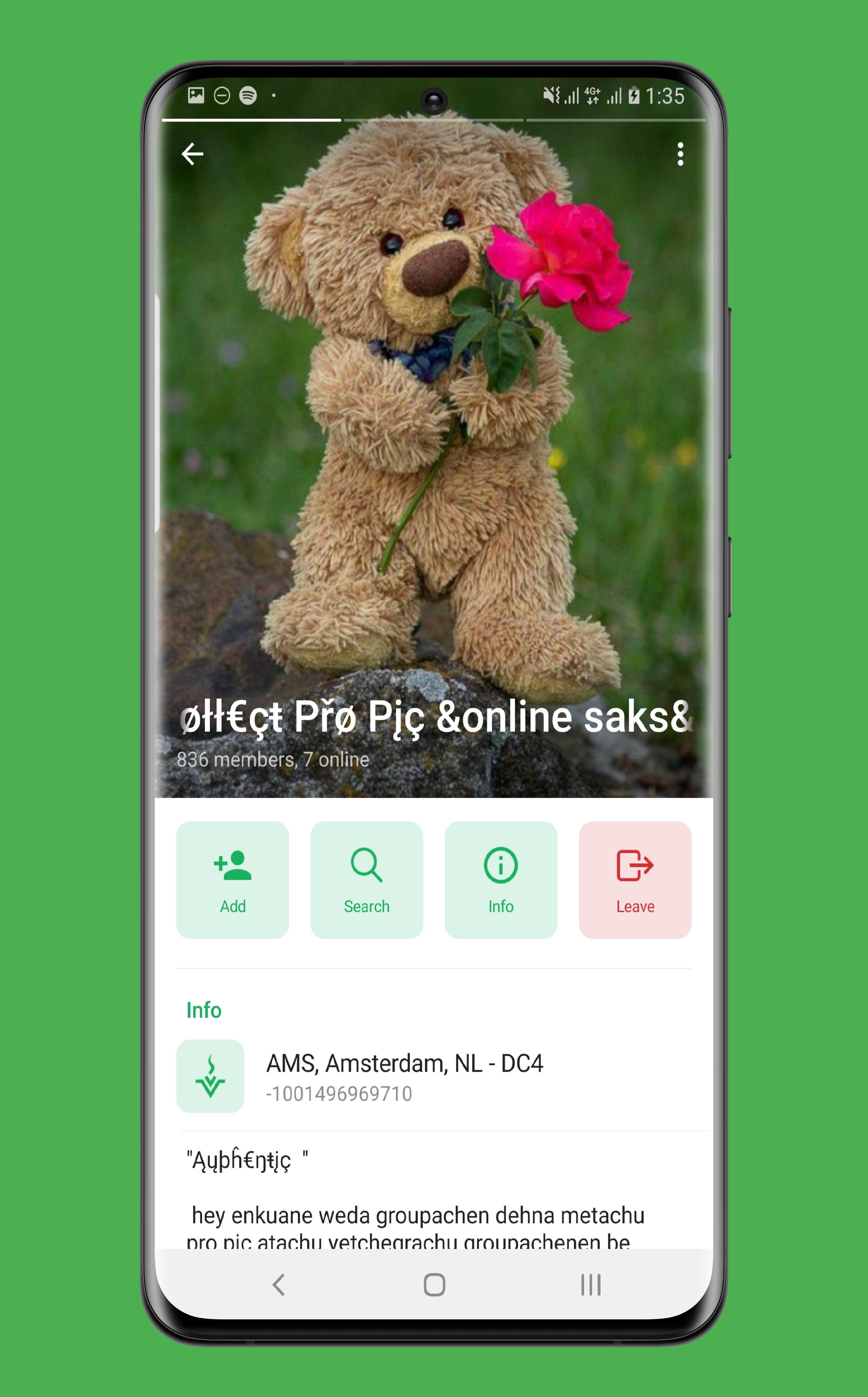
1. New UI for Profiles
2. View Admins, Admin Permissions and Group Permissions
3.Granular Permissions (Send Stickers, Send GIFs, Send Animated Games, Use Inline Bots)
4.View Users' join date in groups
5.Disable "Flip Media by tapping"
6.Disable Jump to Next Channel"
7.Play GIFs as Video
8.Start recording Video Messages with the rear camera
9.Confirm sending Voice/Video Messages
10.Select between two Messages
10.Copy Links and Callbacks from bot buttons
11.Hide Keyboard on Chat Scroll
12.Seek Voice Messages from Player Alert
13.Translate Messages/Bios/Descriptions
13.Hide pinned messages by long pressing the pinned icon
14.Go to the first messages in any chat
15.Message Details
16.Show folders when forwarding
17.Mark as all read for folders
18.Use System fonts/Emojis
19.Time format with seconds
20.Disable rounding numbers
21.Prompt before calling
22.In-App Updates
23.Test Backend
24.Playback Speed for Audio files shorter than 20 minutes
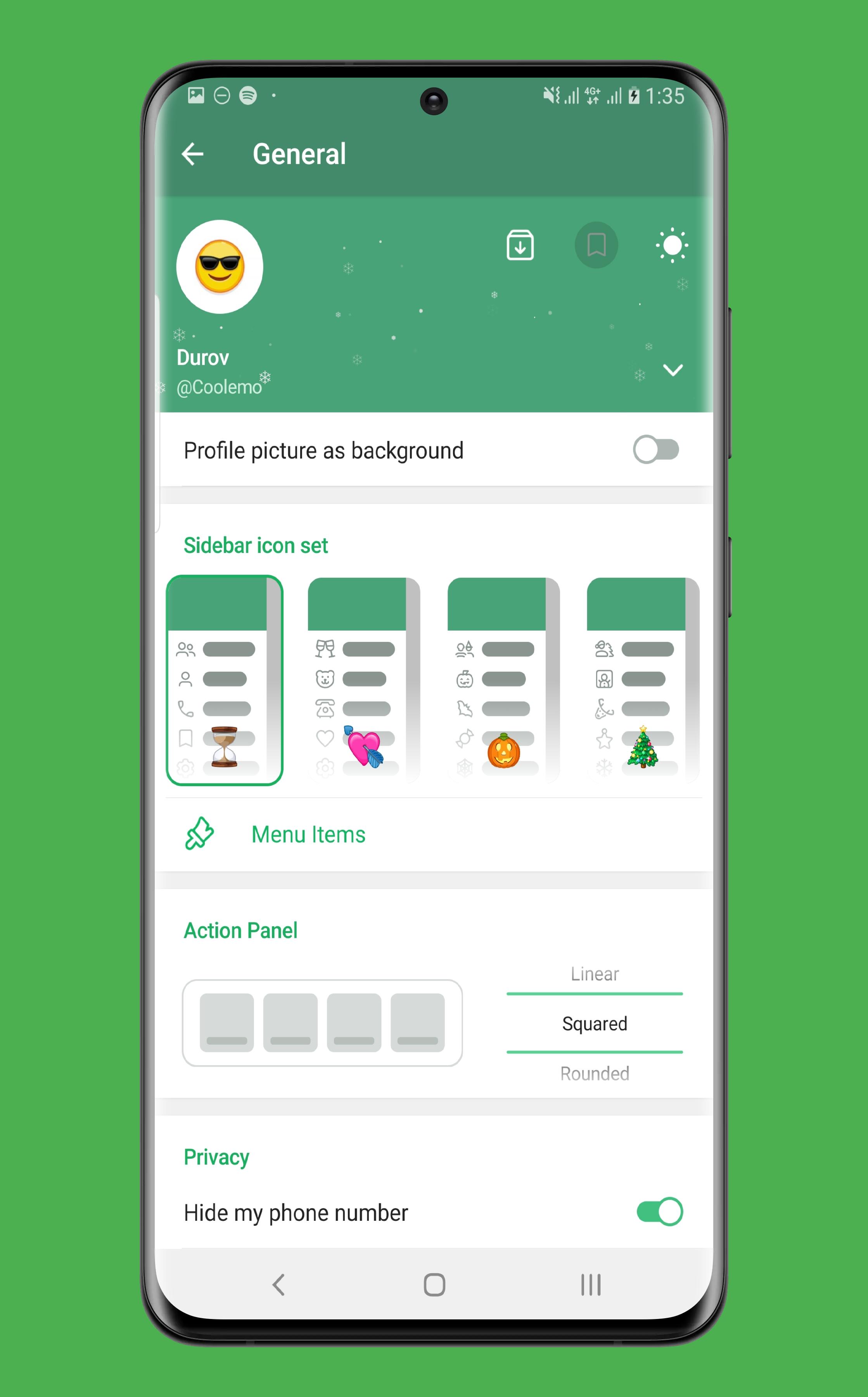
25.Side Menu Customization
26. Sperate tab for Chat, Groups, Super Group, Channel, Bot, Favourite and Admin
27. Play Music from Phone
This and More.
Preview
Tags
CommunicationsInformation
Developer
Pro Tools Developer
Latest Version
2.3.0
Last Updated
2022-10-14
Category
Communications
Available on
Google Play
Show More
How to play Mobogram Messenger with GameLoop on PC
1. Download GameLoop from the official website, then run the exe file to install GameLoop
2. Open GameLoop and search for “Mobogram Messenger” , find Mobogram Messenger in the search results and click “Install”
3. Enjoy playing Mobogram Messenger on GameLoop
Minimum requirements
OS
Windows 8.1 64-bit or Windows 10 64-bit
GPU
GTX 1050
CPU
i3-8300
Memory
8GB RAM
Storage
1GB available space
Recommended requirements
OS
Windows 8.1 64-bit or Windows 10 64-bit
GPU
GTX 1050
CPU
i3-9320
Memory
16GB RAM
Storage
1GB available space