
Timesheet - Work Hours Tracker PC
aadhk
Download Timesheet - Work Hours Tracker on PC With GameLoop Emulator
Timesheet - Work Hours Tracker sa PC
Ang Timesheet - Work Hours Tracker, na nagmumula sa developer na aadhk, ay tumatakbo sa Android systerm sa nakaraan.
Ngayon, maaari mong laruin ang Timesheet - Work Hours Tracker sa PC gamit ang GameLoop nang maayos.
I-download ito sa GameLoop library o mga resulta ng paghahanap. Hindi na tumitingin sa baterya o nakakadismaya na mga tawag sa maling oras.
I-enjoy lang ang Timesheet - Work Hours Tracker PC sa malaking screen nang libre!
Timesheet - Work Hours Tracker Panimula
Timesheet is easily to track work time and keep as a work log.
Timesheet is perfect for self-employed, freelancers, contractors, hourly workers and employees to use as time clock, know your working hours, automatically calculate salary, submit time sheet to managers or invoice to customers.
Key Features
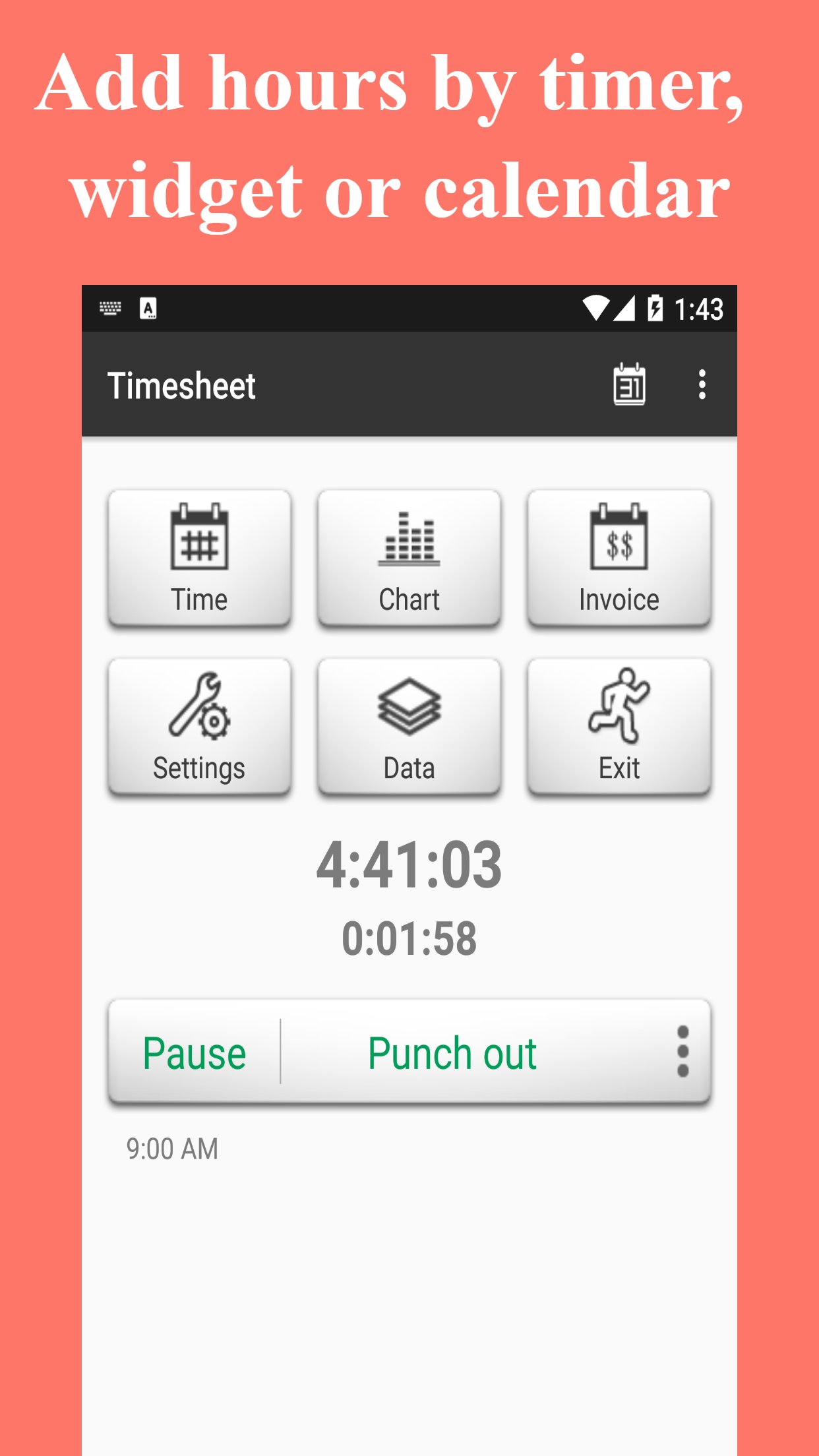
★ Add work hour by timer, widget or calendar
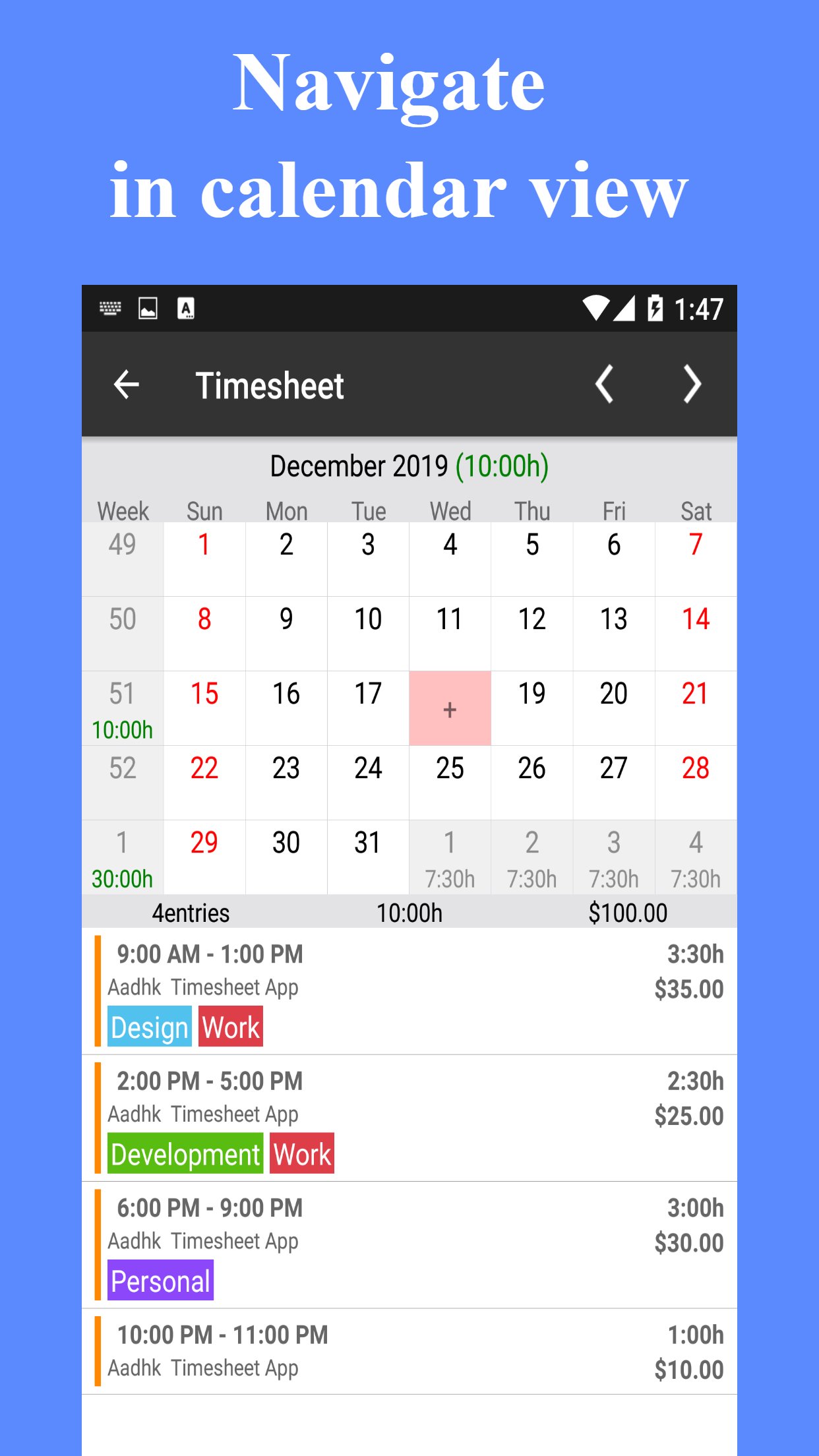
★ Navigate work hour by calendar view
★ Know your work hour and earning
★ Track multiple jobs and clients
★ Auto calculation on daily, weekly and monthly overtime
★ Round time to 3, 5, 6, 10, 15, 30 or 60 minutes
★ Pay period in monthly, semimonthly, biweekly and weekly
★ Support Tax, deduction, expense and mileage
★ Organize work hour by tag
★ Analyze work hour by chart
★ Share timesheet in Excel, CSV and HTML format
★ Send client pdf invoice
Have an idea or feature suggestion
https://timesheet.featurebase.app/
※ If you like the app, then please give us a good rating as the driving force behind our continued development.
※ Since it is not easy conversation in the market review, if you have any suggestions or questions please mail to our mailbox directly. For market reviews, please just leave your rating and cheers, thanks again.
Preview
Tags
BusinessInformation
Developer
aadhk
Latest Version
15.4.24-inApp
Last Updated
2026-04-24
Category
Business
Available on
Google Play
Show More
How to play Timesheet - Work Hours Tracker with GameLoop on PC
1. Download GameLoop from the official website, then run the exe file to install GameLoop
2. Open GameLoop and search for “Timesheet - Work Hours Tracker” , find Timesheet - Work Hours Tracker in the search results and click “Install”
3. Enjoy playing Timesheet - Work Hours Tracker on GameLoop
Minimum requirements
OS
Windows 8.1 64-bit or Windows 10 64-bit
GPU
GTX 1050
CPU
i3-8300
Memory
8GB RAM
Storage
1GB available space
Recommended requirements
OS
Windows 8.1 64-bit or Windows 10 64-bit
GPU
GTX 1050
CPU
i3-9320
Memory
16GB RAM
Storage
1GB available space