
W&O POS - Retail Point of Sale PC
aadhk
Download W&O POS - Retail Point of Sale on PC With GameLoop Emulator
W&O POS - Retail Point of Sale sa PC
Ang W&O POS - Retail Point of Sale, na nagmumula sa developer na aadhk, ay tumatakbo sa Android systerm sa nakaraan.
Ngayon, maaari mong laruin ang W&O POS - Retail Point of Sale sa PC gamit ang GameLoop nang maayos.
I-download ito sa GameLoop library o mga resulta ng paghahanap. Hindi na tumitingin sa baterya o nakakadismaya na mga tawag sa maling oras.
I-enjoy lang ang W&O POS - Retail Point of Sale PC sa malaking screen nang libre!
W&O POS - Retail Point of Sale Panimula
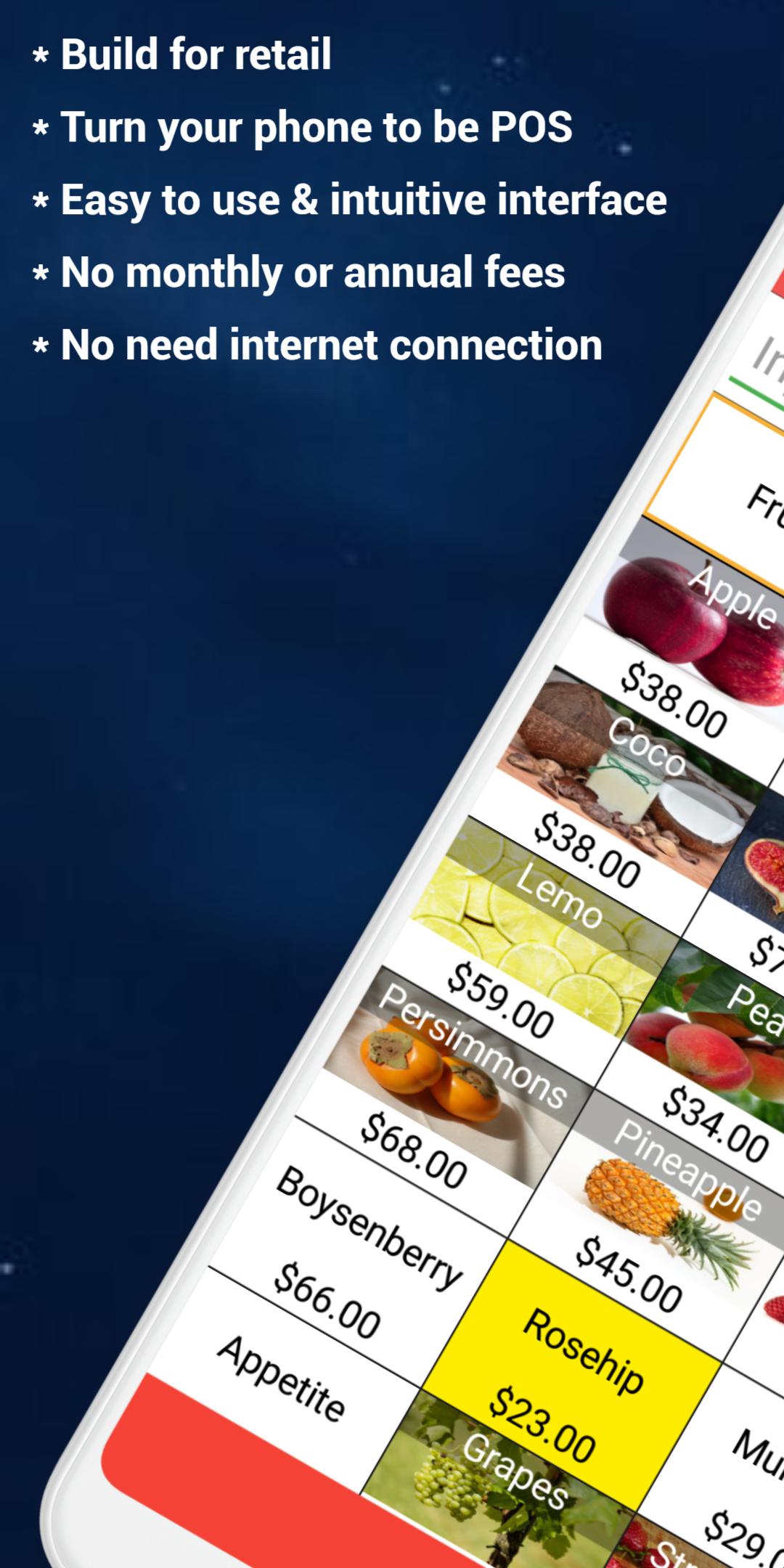
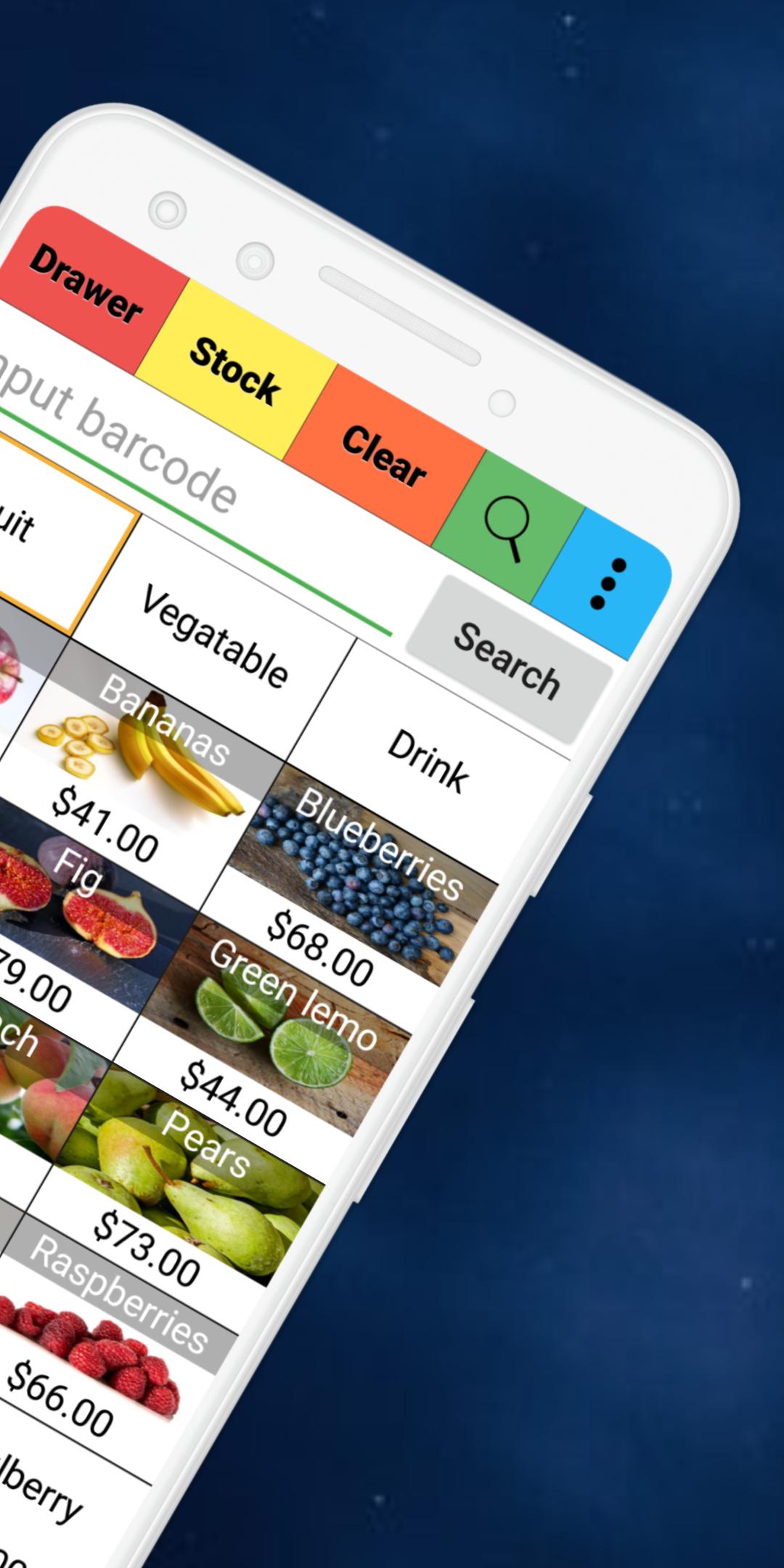
W&O POS - Retail Point of Sale is a full featured, easy to use and affordable POS for any small or medium business. W&O Retail POS - Point of Sale is perfect for stores offering electronics, clothing, toys, books, baby items, etc.
No monthly or annual fee. One time cost.
Key Features
★ Purchase order, payment
★ Print receipt, report
★ Various discount, surcharge and tax
★ Flexible permissions
★ Sales report
★ Pay in & pay out
★ Expense management
★ Customer membership
★ Inventory management
★ Customer display
Printer
Printer setup guide: https://wnopos.com/doc/Printer_Setup_Guide.pdf
Support following printers:
1. W&O POS Printer Adapter (Support all kind of printers)
Download PC-Printer Adapter http://www.wnopos.com/download/WnO-Printer-Adapter.zip
2. Wi-Fi/Lan or USB (Support most thermal printers with ESC/POS Command)
Best support printer: TSP143LAN(https://www.amazon.com/dp/B000FCP92C/ref=cm_sw_r_tw_dp_x_MOJqyb835K87B)
3. Bluetooth printer (Support specific printers with ESC/POS Command)
Best support printer: Star SM-L200(https://www.amazon.com/dp/B010AFD5VK/ref=cm_sw_r_tw_dp_x_jMJqybHY3XHK2)
W&O POS supports Fire Tablets
https://www.amazon.com/dp/B01J94SWWU/ref=fs_ods_tab_ds
More information about the hardware
http://wnopos.com/android-pos-hardware.html
Work with Customer Facing Display
https://wnopos.com/android-pos-customer-facing-display.html
Try our full version
https://wnopos.com/android-pos-retail.html
To support multiple devices taking order at same time, you will need server version, you can download the trial version from our website.
http://wnopos.com/android-pos-retail.html
To get user guide:
https://wnopos.com/android-pos-support.html
To report bugs or request features
https://support.androidappshk.com/pos-retail/
※ If you like the app, then please give us a good rating as the driving force behind our continued development, thank you.
※ If you have any suggestions or questions please mail to our mailbox directly. For market reviews, please just leave your rating and cheers, thanks again.
Available languages (more coming soon)
English, 中文, Español (Manuel Iraizos), Deutsch (SK.Aldein), Français (Jean-Marie), Italiano (Massimiliano), Ελληνικά (next.com), Magyar (Daniel Botka), Português do Brasil (Flávio Etrusco), Indonesia (Ricky Alamsyah), Dansk, Suomi, Svenska, Norsk, 日本語, 한국어, Thai, Türkçe (Omer), Czech (Petr Komin), Nederlands, Pусский, Indonesian, Yкраїнська, Tiếng Việt, Filipino(Max VA)
Retail POS - Point of Sale can be used as pet store POS (pet store point of sale), pharmacy POS (pharmacy point of sale), convenience store POS (convenience store point of sale), salons & spas POS (salons & spas point of sale), kiosk POS (kiosk point of sale), clothing store POS (clothing store point of sale) or any other point of sales.
Preview
Tags
BusinessInformation
Developer
aadhk
Latest Version
11.10.29
Last Updated
2025-10-29
Category
Business
Available on
Google Play
Show More
How to play W&O POS - Retail Point of Sale with GameLoop on PC
1. Download GameLoop from the official website, then run the exe file to install GameLoop
2. Open GameLoop and search for “W&O POS - Retail Point of Sale” , find W&O POS - Retail Point of Sale in the search results and click “Install”
3. Enjoy playing W&O POS - Retail Point of Sale on GameLoop
Minimum requirements
OS
Windows 8.1 64-bit or Windows 10 64-bit
GPU
GTX 1050
CPU
i3-8300
Memory
8GB RAM
Storage
1GB available space
Recommended requirements
OS
Windows 8.1 64-bit or Windows 10 64-bit
GPU
GTX 1050
CPU
i3-9320
Memory
16GB RAM
Storage
1GB available space