Digital Clock Live Wallpaper para PC
Xoxoi
Descarga Digital Clock Live Wallpaper en PC con GameLoop Emulator
Digital Clock Live Wallpaper en PC
Digital Clock Live Wallpaper, proveniente del desarrollador Xoxoi, se ejecuta en el sistema Android en el pasado.
Ahora, puedes jugar Digital Clock Live Wallpaper en PC con GameLoop sin problemas.
Descárgalo en la biblioteca de GameLoop o en los resultados de búsqueda. No más mirar la batería o llamadas frustrantes en el momento equivocado nunca más.
Simplemente disfrute de Digital Clock Live Wallpaper PC en la pantalla grande de forma gratuita!
Digital Clock Live Wallpaper Introducción
Digital Clock Live Wallpaper Show Your Time & Date an On Phone Screen
Digital Clock Live Wallpaper Show Your Time & Date an On Phone Screen and this application and free listing on play store and that show you currunt time, date and so much more on your mobile screen.
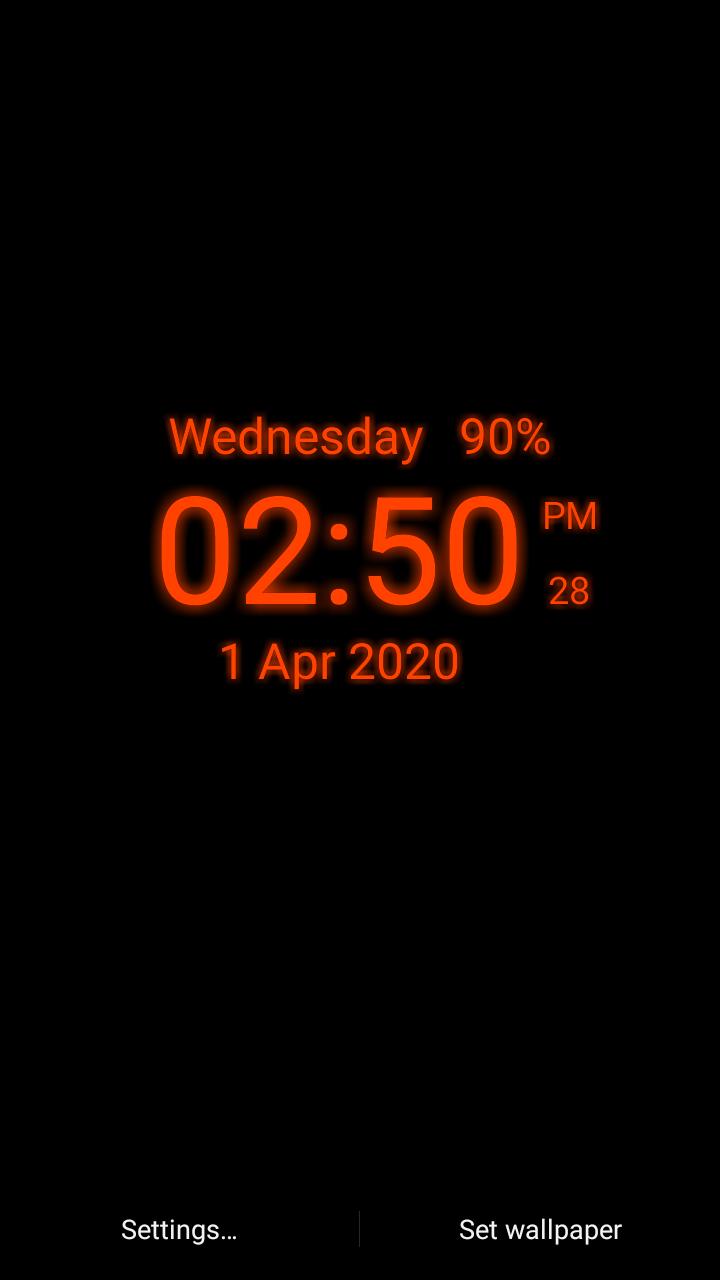
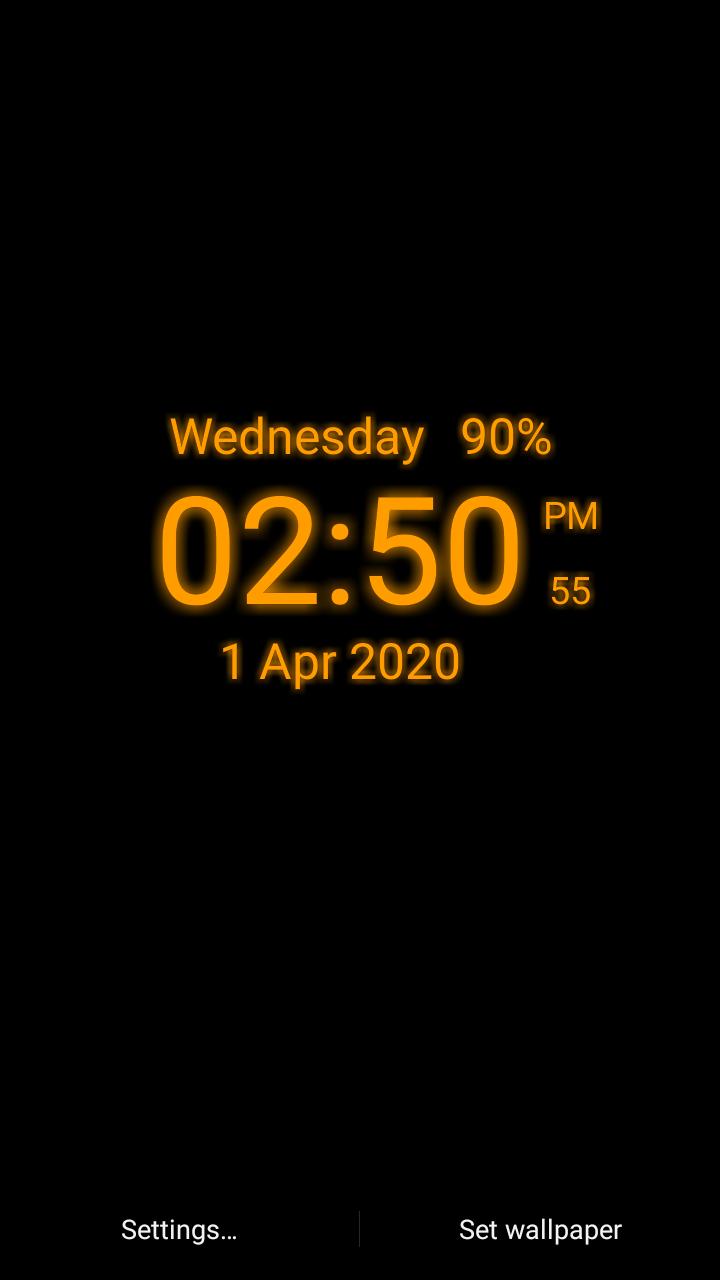
Digital clock Live Wallpaper is free application with digital style show date, time (12 Hr and 24 Hr), battery In percentage in percentage on phone screen with digital style with simple formate. time also show 12 Hr or 24 Hr formate as per your choice we also add so much date formate as you want to select if you does't need any indicator like secons, battery, date so just select hide and not show in screen. You can choose clock color with color piker and two style of clock just select clock style.
Digital Style Clock Using Make Led Digital Clock on screen using so much color selection and also select clock location on the mobile screen as you select with customization with so much function
Clock Function or Features:-
Clock Size - Select Clock Size With Simple Drag Seekbar
Clock Color - So Much Color Combination with Make Your Own Clock Color
Time Formate in 12 Hr or 24 Hr Formate - Time Formate Select As Your Choice Or Use
Clock Style - Two Type Of Clock Style
Battery percentage in clock - Your Can Also See or Add Battery Percentage in Clock Formate
date formate selection - So Much Date Formate Selection You Have In Clock
show or hide second - If you don't want to see second so just hide or unhide
show or hide date - If you don't want to see date so just hide or unhide
clock background selection - Here Two Type Of Background Choice and this base on your choice
Avance
Etiquetas
PersonalizaciónInformación
Desarrollador
Xoxoi
La última versión
1.4
Última actualización
2023-12-09
Categoría
Personalización
Disponible en
Google Play
Mostrar más
Cómo jugar Digital Clock Live Wallpaper con GameLoop en PC
1. Descargue GameLoop desde el sitio web oficial, luego ejecute el archivo exe para instalar GameLoop.
2. Abra GameLoop y busque "Digital Clock Live Wallpaper", busque Digital Clock Live Wallpaper en los resultados de búsqueda y haga clic en "Instalar".
3. Disfruta jugando Digital Clock Live Wallpaper en GameLoop.
Minimum requirements
OS
Windows 8.1 64-bit or Windows 10 64-bit
GPU
GTX 1050
CPU
i3-8300
Memory
8GB RAM
Storage
1GB available space
Recommended requirements
OS
Windows 8.1 64-bit or Windows 10 64-bit
GPU
GTX 1050
CPU
i3-9320
Memory
16GB RAM
Storage
1GB available space