
LED Scroller/LED Display para PC
zhOngTIan
Descarga LED Scroller/LED Display en PC con GameLoop Emulator
LED Scroller/LED Display en PC
LED Scroller/LED Display, proveniente del desarrollador zhOngTIan, se ejecuta en el sistema Android en el pasado.
Ahora, puedes jugar LED Scroller/LED Display en PC con GameLoop sin problemas.
Descárgalo en la biblioteca de GameLoop o en los resultados de búsqueda. No más mirar la batería o llamadas frustrantes en el momento equivocado nunca más.
Simplemente disfrute de LED Scroller/LED Display PC en la pantalla grande de forma gratuita!
LED Scroller/LED Display Introducción
E-sports competition site with this APP as a favorite opponent cheer.
A flat panel display consisting of a small LED module panel
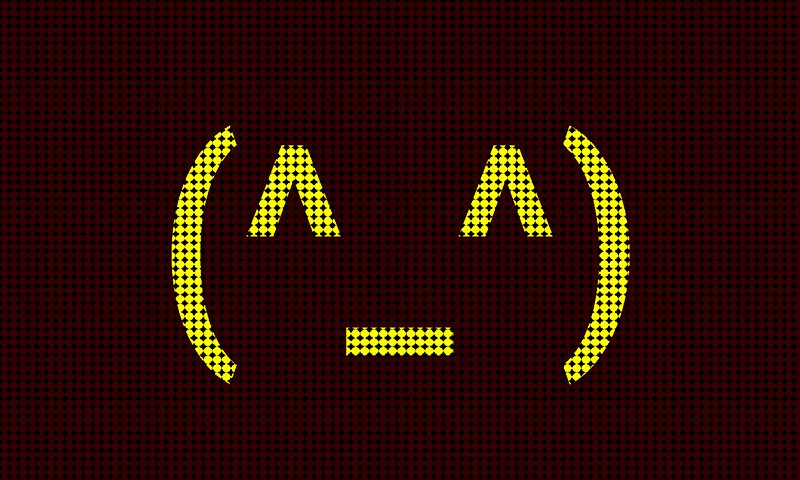
A mini LED sign, LED display, LED display board, rolling LED display, you can simulate the electronic board simulation LED screen and electronic bulletin board, display all kinds of banner advertising and logo
In the outdoor square, gymnasium, bar, concert, confession romance, refueling occasions, PARTY party, advertising billboards, apology forgiveness and other occasions, all can come in handy.
You can enter any message, any language, any font, support the choice of speed, background color, text color, flashing effect, the direction of the rolling effect and text Marquee effect.
Bring the concert, disco dance party, and another fun place to you with this LED ticker display application!
Avance

Información
Desarrollador
zhOngTIan
La última versión
3.7.2
Última actualización
2017-05-16
Categoría
Personalización
Disponible en
Google Play
Mostrar más
Cómo jugar LED Scroller/LED Display con GameLoop en PC
1. Descargue GameLoop desde el sitio web oficial, luego ejecute el archivo exe para instalar GameLoop.
2. Abra GameLoop y busque "LED Scroller/LED Display", busque LED Scroller/LED Display en los resultados de búsqueda y haga clic en "Instalar".
3. Disfruta jugando LED Scroller/LED Display en GameLoop.
Minimum requirements
OS
Windows 8.1 64-bit or Windows 10 64-bit
GPU
GTX 1050
CPU
i3-8300
Memory
8GB RAM
Storage
1GB available space
Recommended requirements
OS
Windows 8.1 64-bit or Windows 10 64-bit
GPU
GTX 1050
CPU
i3-9320
Memory
16GB RAM
Storage
1GB available space