
Light Void - Flat White Icons para PC
Nate Wren Design
Descarga Light Void - Flat White Icons en PC con GameLoop Emulator
Light Void - Flat White Icons en PC
Light Void - Flat White Icons, proveniente del desarrollador Nate Wren Design, se ejecuta en el sistema Android en el pasado.
Ahora, puedes jugar Light Void - Flat White Icons en PC con GameLoop sin problemas.
Descárgalo en la biblioteca de GameLoop o en los resultados de búsqueda. No más mirar la batería o llamadas frustrantes en el momento equivocado nunca más.
Simplemente disfrute de Light Void - Flat White Icons PC en la pantalla grande de forma gratuita!
Light Void - Flat White Icons Introducción
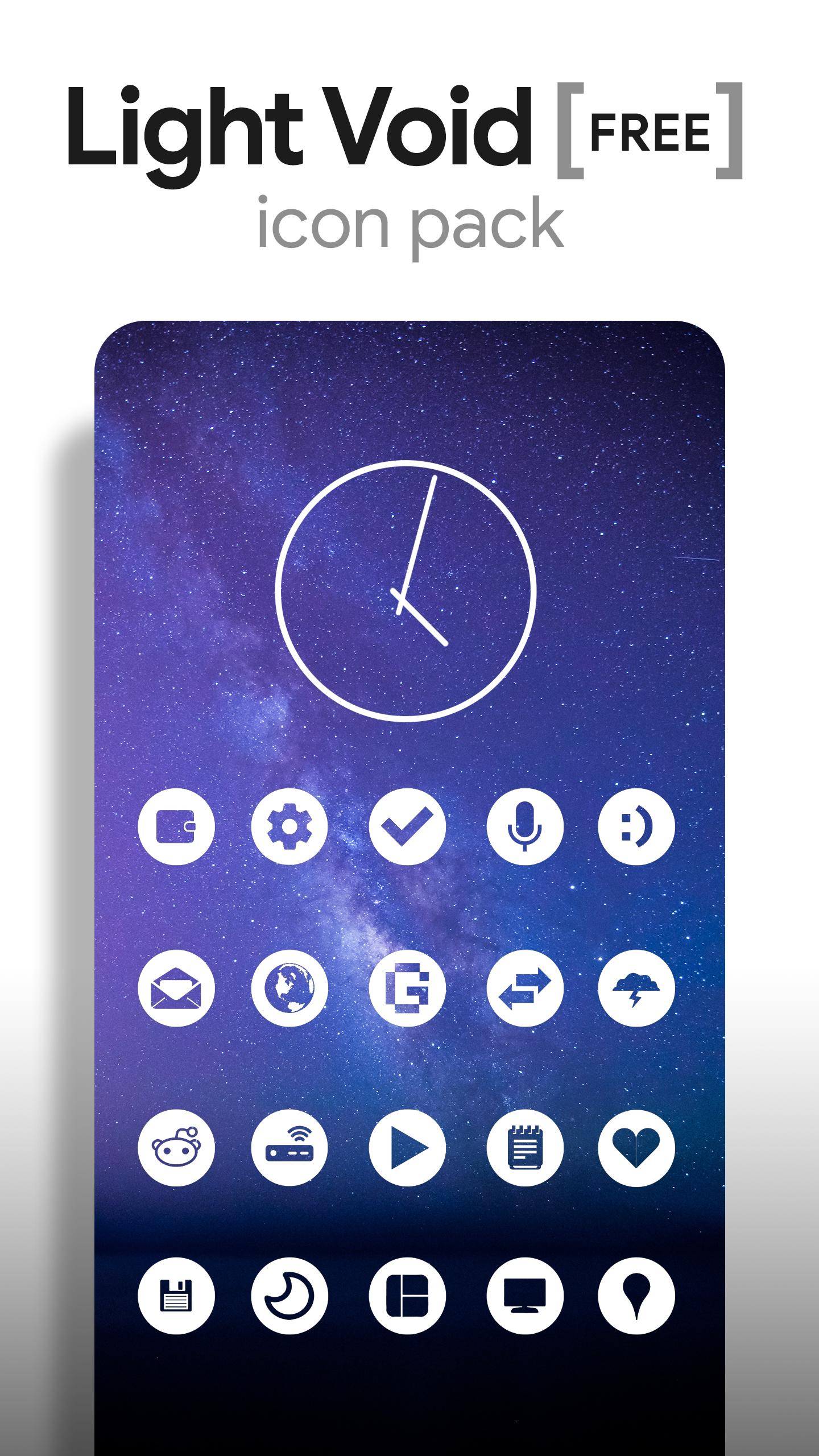
Light Void (Free Version) is a simple, clean, minimal and flat icon pack with matching wallpapers, and matching clock widget. Icon centers are transparent creating a window to the background behind them. The hollow icon center changes with whatever is behind it making the entire display blend together very well. Over 200 hand-picked wallpapers of skies, landscapes, and abstract designs are included.
QUICK TIPS
You may need a 3rd party launcher to apply the icon pack. If your stock launcher doesn't support icon packs, you can use apps like Awesome Icons or Unicon to change your icons without using a 3rd party launcher. You can manually edit icons in most launchers by long-pressing the icon you'd like to edit.
FREE VERSION
This is the free version of the app. Get the pro version here: https://play.google.com/store/apps/details?id=com.natewren.lightvoid
HOW-TO GUIDE
FEATURES
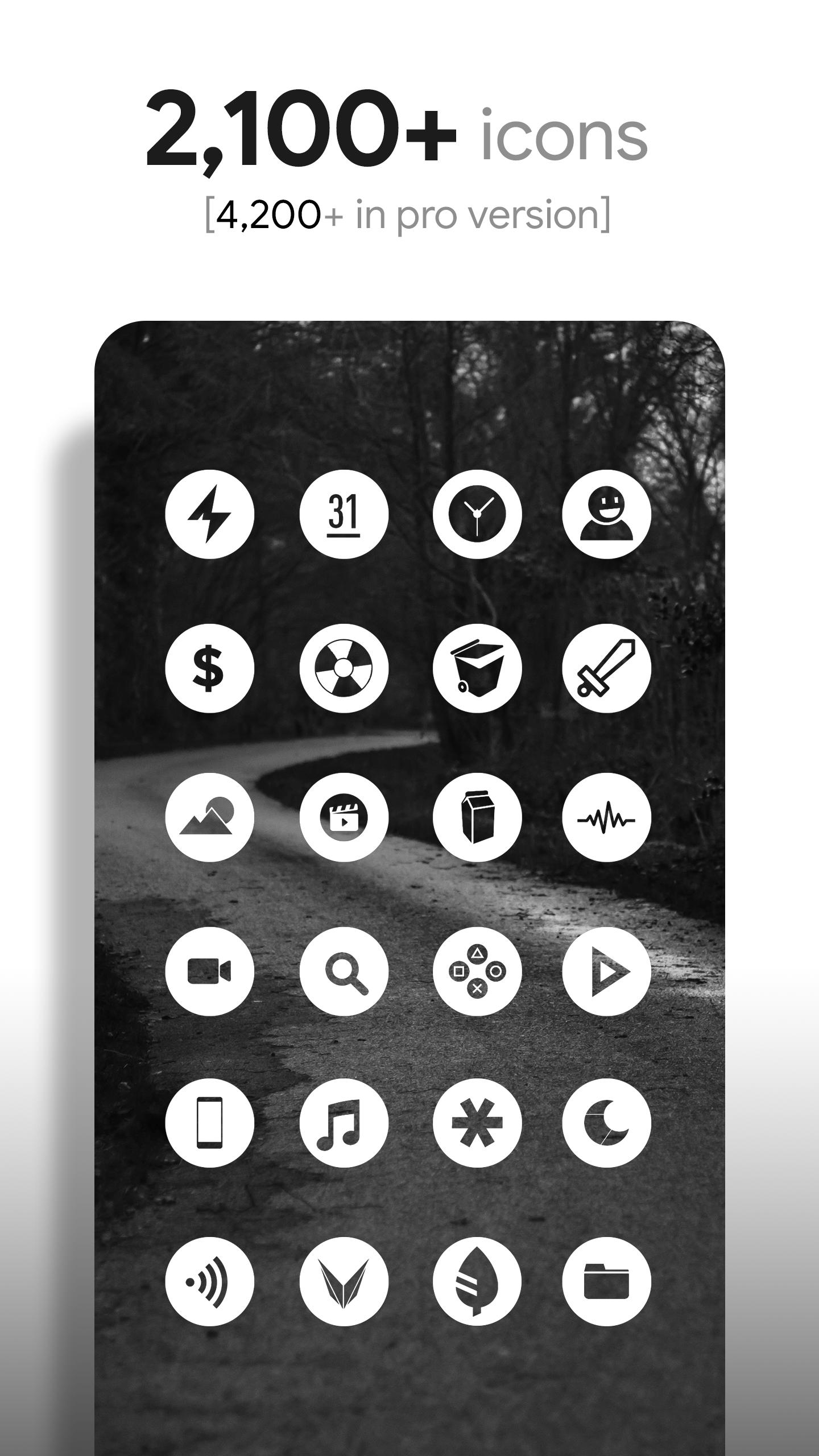
• 2,500+ hand crafted flat, clean & simple white flat HD Icons. Full version has 3,700 icons
• 200+ wallpapers included. Downloadable from the cloud. Browse and save the ones you want. All wallpapers shown are included!
• XXXHDPI high definition icons included for super large HD screens. All icons are 192x192
• Analog Clock Widget
• Customized abstract/landscape wallpapers. Wallpapers have been edited to show off the white icons nicely
• Wallpaper picker comes installed
• Clean, white icons work best with dark wallpapers
• Muzei support for rotating wallpapers
• New icons added regularly
HOW TO APPLY ICONS VIA ICON PACK
1. Open the app after installing
2. Navigate to "Apply" tab
3. Select your Launcher
HOW TO APPLY ICONS VIA LAUNCHER
1. Open Launcher settings by tapping + holding on an empty area of home screen
2. Select theme/display options
3. Select icon pack
FOLLOW ME
Twitter: https://twitter.com/natewren
QUESTIONS/COMMENTS
natewren@gmail.com
Avance
Etiquetas
PersonalizaciónInformación
Desarrollador
Nate Wren Design
La última versión
3.5.5
Última actualización
2023-08-25
Categoría
Personalización
Disponible en
Google Play
Mostrar más
Cómo jugar Light Void - Flat White Icons con GameLoop en PC
1. Descargue GameLoop desde el sitio web oficial, luego ejecute el archivo exe para instalar GameLoop.
2. Abra GameLoop y busque "Light Void - Flat White Icons", busque Light Void - Flat White Icons en los resultados de búsqueda y haga clic en "Instalar".
3. Disfruta jugando Light Void - Flat White Icons en GameLoop.
Minimum requirements
OS
Windows 8.1 64-bit or Windows 10 64-bit
GPU
GTX 1050
CPU
i3-8300
Memory
8GB RAM
Storage
1GB available space
Recommended requirements
OS
Windows 8.1 64-bit or Windows 10 64-bit
GPU
GTX 1050
CPU
i3-9320
Memory
16GB RAM
Storage
1GB available space